@AstroPlaid_ @ElectricRaph Et surtout le fédéral, qui est la seule autorité compétente pour la reconnaissance mutuelle 😅
Français
Robin
419 posts

📢 Breaking Ik heb naar aanleiding van het Tesla FSD-testproject in Nederland aan @Tesla gevraagd hun dossier aan ons over te maken. Dat ligt nu bij mijn administratie, die ik de opdracht heb gegeven om tegen het einde van de week duidelijkheid te verschaffen over een mogelijke snelle homologatie. Want innovatie moet je niet afremmen, maar doordacht en veilig mogelijk maken. Zo houden we Vlaanderen op kop als vooruitstrevende regio. @elonmusk vrt.be/vrtnws/nl/2026…


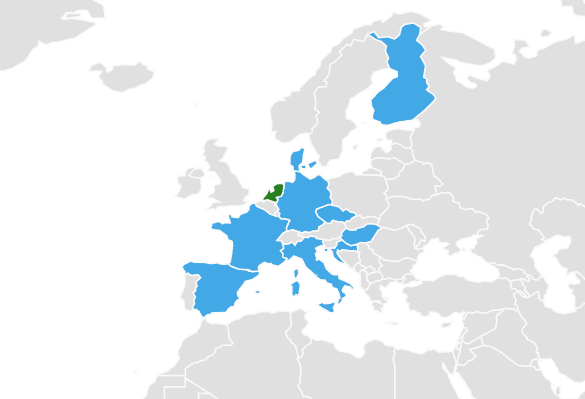


W nowym sofcie do Tesli ciężarówki sa wizualizowane po europejsku.



Just sent an email to the Belgian ministers and authorities (federal + Flemish/Brussels/Walloon) calling for the fast national recognition of the Dutch RDW approval for Tesla FSD Supervised. If we truly want to embrace innovation and better road safety, this is the logical next step. Hoping for a quick response! 🇧🇪

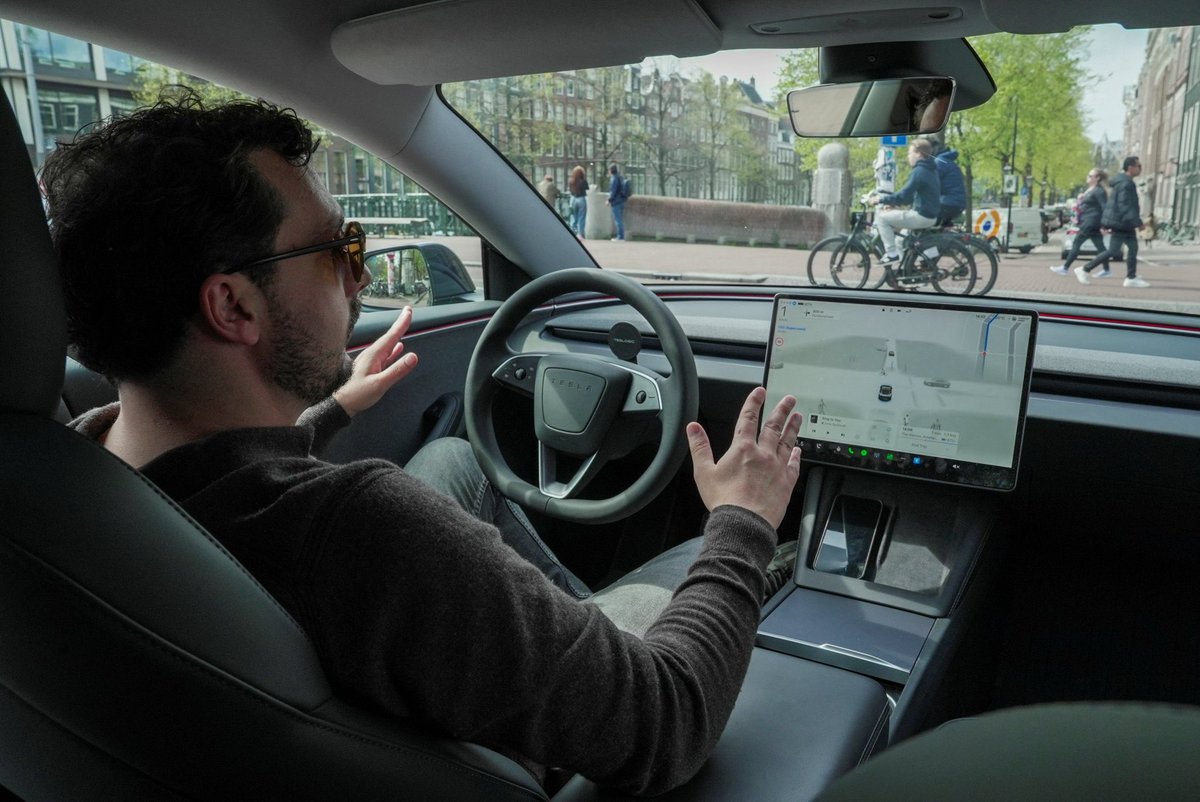
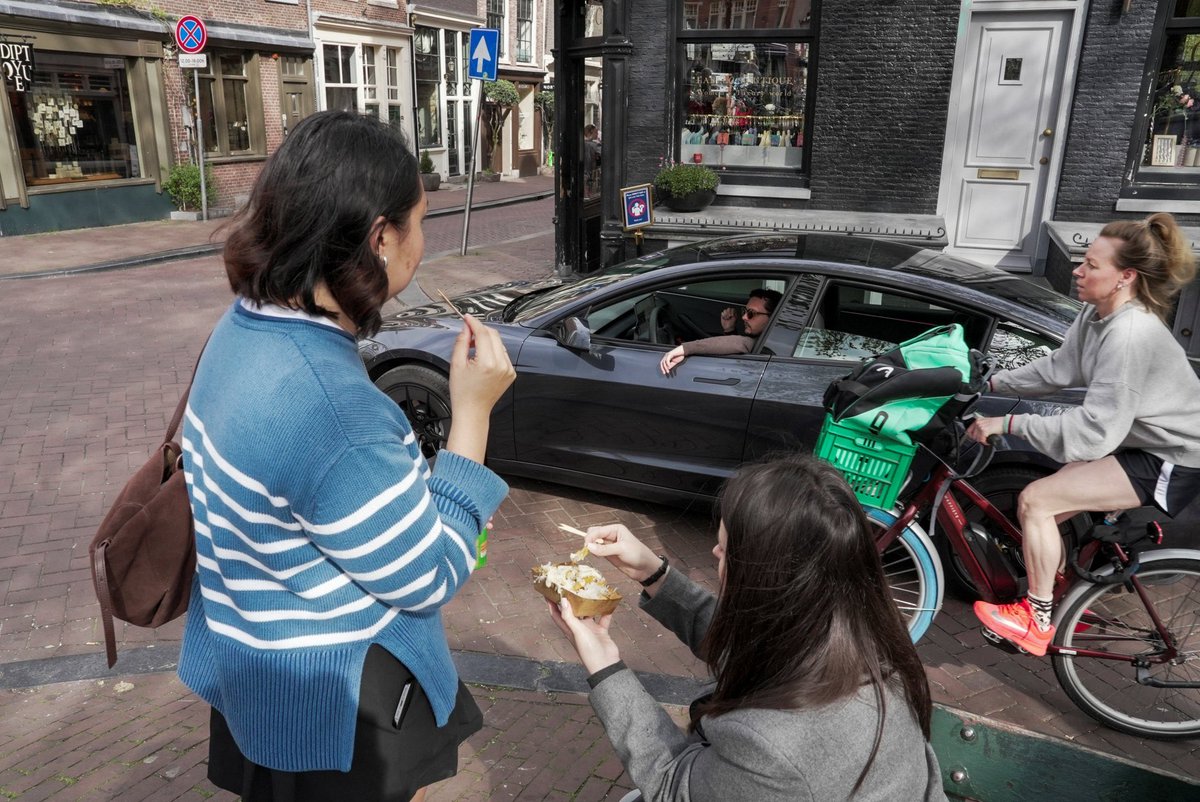
Tesla received approval in the Netherlands for its supervised full self-driving system, allowing hands-free navigation on Amsterdam's city streets, a first in Europe reut.rs/4cSkq9M


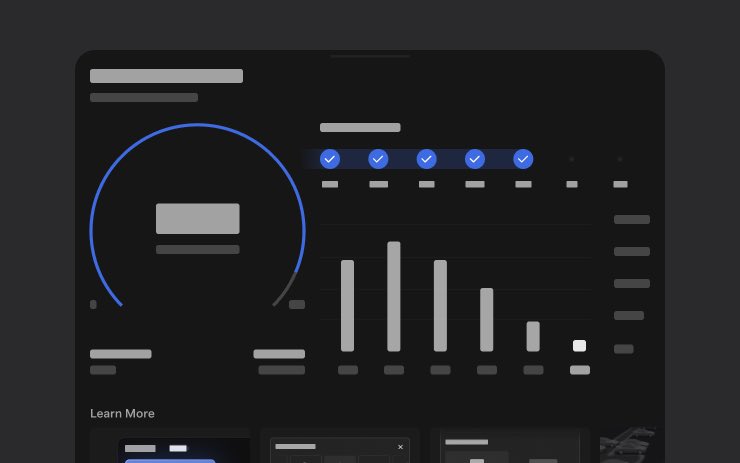
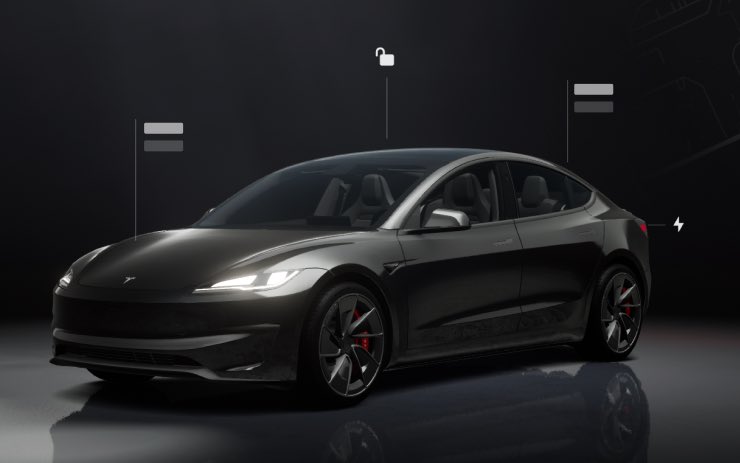
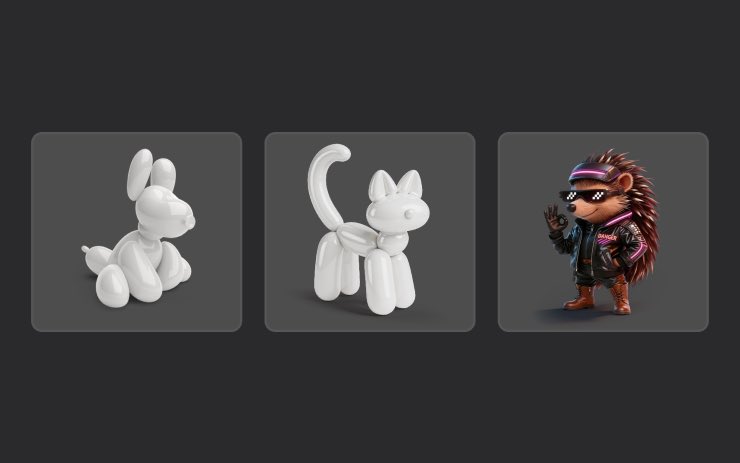
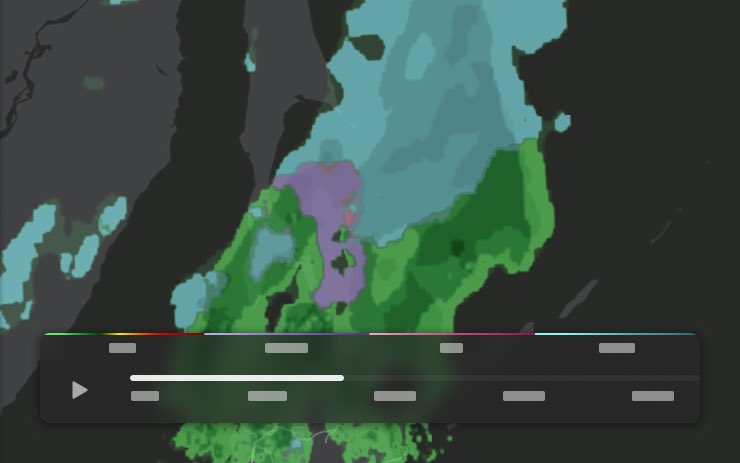
🔥🔥🚀 Tesla Spring Update 2026.14.1 has been detected and is now rolling out to the 1st batch of vehicles (<1% of the fleet)! ✅ Self-Driving App [AI4] With the new Self-Driving app, subscribe with a single tap, learn how to activate and use the feature, and view ongoing stats. To open, go to App Launcher > Self-Driving. ✅ "Hey Grok" Launch Grok by saying "Hey Grok." Go to Grok > Settings to enable. You can also set location based reminders, like "remind me to pick up milk when I'm near home." Say "goodbye" to dismiss. ✅ Pet Mode Choose and name your pet by going to Controls > Display > Customize Pet Mode. ✅ Visual Updates [New Model 3/Y] The center display now features higher quality images of your Tesla, and an enhanced park scene environment. ✅ Trips Trips are now in the Energy app, where you can create and manage multiple trips to track energy usage across different drives, routes, or conditions. Go to App Launcher > Energy > Trips. For quick access to the Trips Card, swipe left on the Media Card. ✅ Sketchpad Unleash your inner artist with the enhanced Sketchpad, now supporting stickers and emojis. Save your sketches to access them in the Mobile App and share. Requires Mobile App 4.55.6 or later. ✅ Custom Wraps and License Plates [S/X] Model S & X owners can now personalize their Tesla avatar with window tints, custom wraps & license plates. ✅ Blind Spot Warning Accent Lights Accent lights now turn red when an object is in your blind spot and your turn signal is engaged, or when an approaching object is detected while parked. To disable, go to Controls > Lights > Blind Spot Warning Accent Lights. ✅ Immersive Sound Upgrade [New Model 3 & Y w/ premium audio] Premium Immersive Sound uses advanced sound extraction to place the listener in front of a detailed soundstage within an Immersive space. This enhancement works with all streaming sources. Go to Settings > Audio > Tone > Immersive Sound to adjust. ✅ Music App Queuing Swipe right on tracks in Apple Music or Spotify to add them to the queue. In Apple Music, tap and hold on a track to add or remove from Favorites. In Spotify, swipe left to add or remove from Liked Songs. ✅ Automatic Software Updates Your Tesla can now automatically install downloaded software updates overnight. When enabled, updates will install while your Tesla is parked and not in use, ensuring you always have the latest features and improvements. To enable, go to Controls > Software > Automatically Install Updates. ✅ Dashcam Viewer Updates Recent Dashcam footage can now extend up to 24 hours, and you can save any clip for permanent storage on your Tesla or on your phone by going to App Launcher > Dashcam Viewer. Clips downloaded to your phone now include details such as speed, steering wheel angle, and Self-Driving state. Downloads require Premium Connectivity and Mobile App 4.55.6 or later. ✅ Weather Maps Improvements Weather maps now show snow and rain with improved colors that make it easier to distinguish between precipitation types. You can also view the past hour of weather data to see how conditions have been changing along your route. This feature requires Premium Connectivity. To view, tap the weather icon on the map. ✅ Supercharger Pricing Filter You can now choose to route only to Superchargers with Tesla pricing. When enabled, Trip Planner will avoid locations where Tesla does not set charging prices or accept Free Supercharging credits. Requires connectivity with Online Routing enabled. ✅ Keyboard Your selected keyboard language will also select the language used for dictation. Tap the international keyboard button to change keyboard and dictation language, without changing voice command language. Tap the mic icon in the keyboard to dictate. ✅ Rear Display Passengers in rear seats can now view and interact with maps on the rear display while your Tesla navigates a route. Tap the maps icon from the rear display to follow along. ✅ Security Improvements

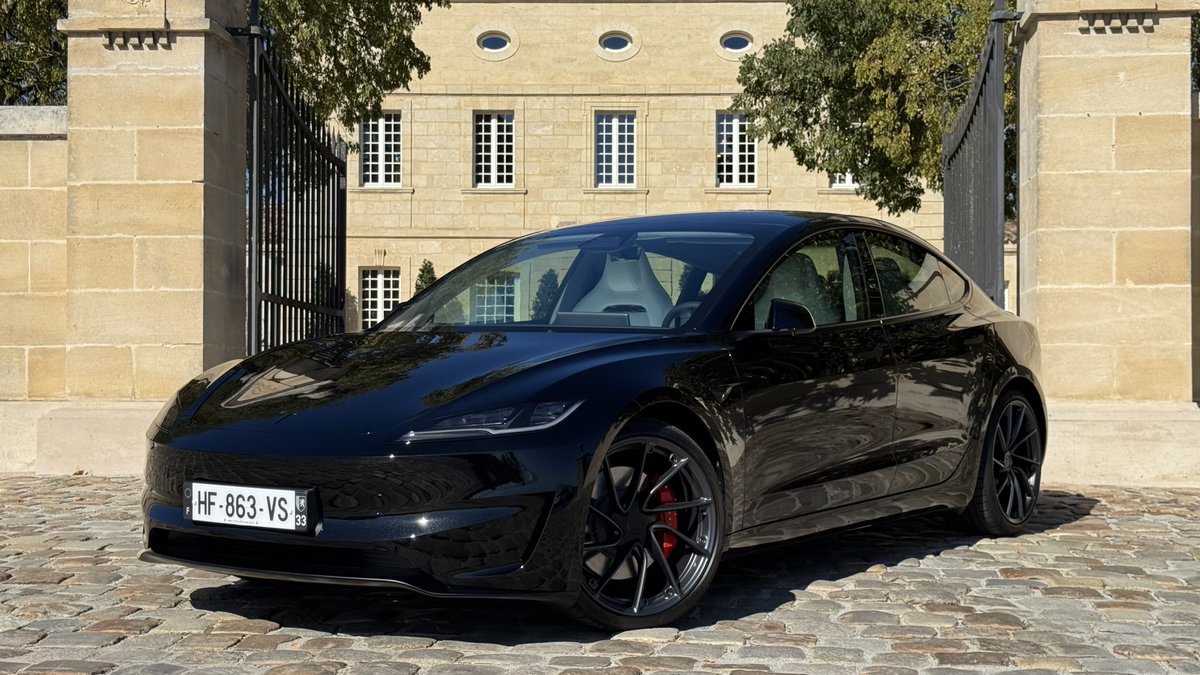
2026.14.1 ☑️ « Hey Grok » ☑️ Pet Mode ☑️ Visual Updates ☑️ Trips ☑️ Sketchpad ☑️ Blind Spot Warning Accent Lights ☑️ Immersive Sound Upgrade ☑️ Music App Queuing ☑️ Automatic Software Updates ☑️ Dashcam Viewer Updates ☑️ Weather Maps Improvements ☑️ Keyboard ☑️ Rear Display ☑️ Security Improvements

Breaking: Exceptional! This morning, there was a report of about 1’30 on the French news channel @LCI explaining that autonomous driving is now authorized in the Netherlands on certain cars from a certain manufacturer… And Tesla wasn’t mentioned even once (nor was the “FSD” system)! 🤔 French media are always the first to celebrate the slightest problem with Tesla or anything related to Musk, but when it comes to acknowledging a major technological breakthrough brought by Tesla, they absolutely must not mention it. Totally mind-blowing bad faith, but in this case, it’s blatantly obvious.