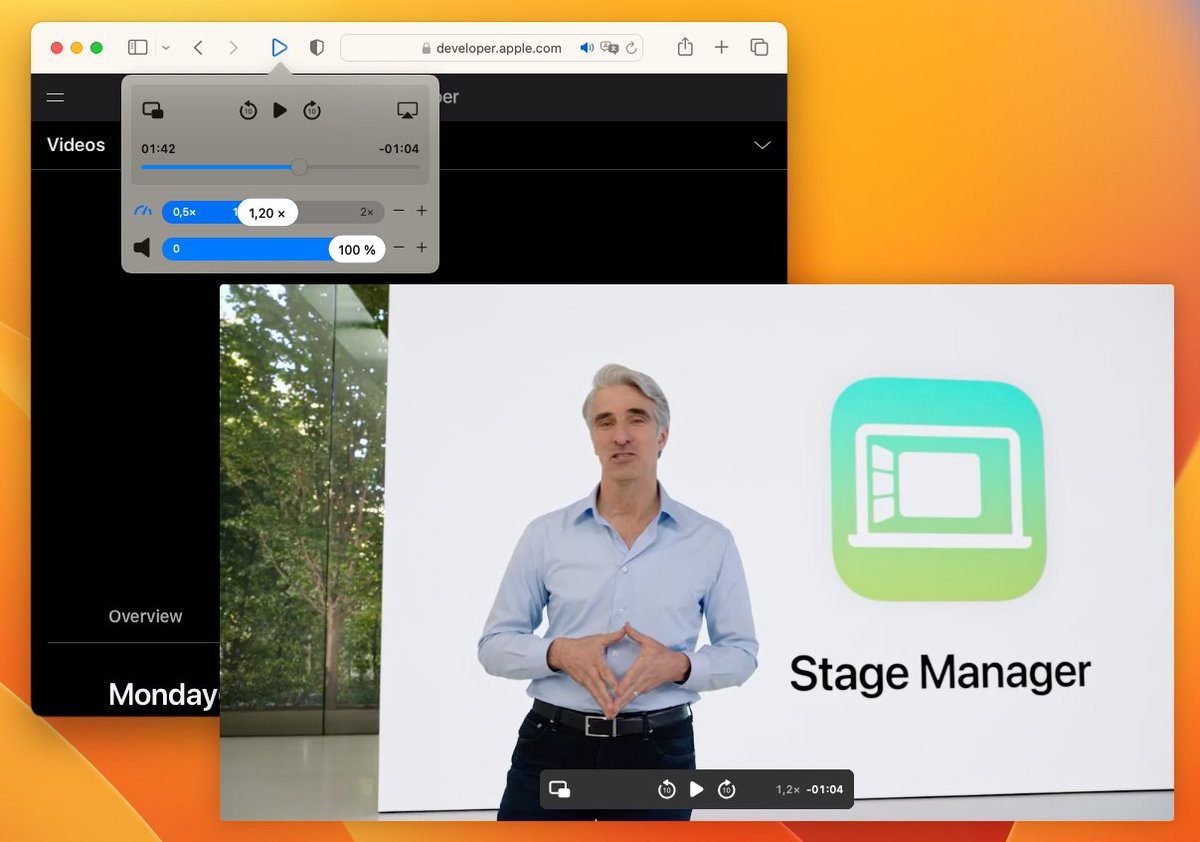
Speed and playback controls for web videos in Safari on Mac, iPhone & iPad! Made by @IOSPIRIT. Imprint: https://t.co/bqazsTefcn | Also https://t.co/0hDigERKiB.
🚀What's new in Vidimote 1.8 for #iOS & #macOS?
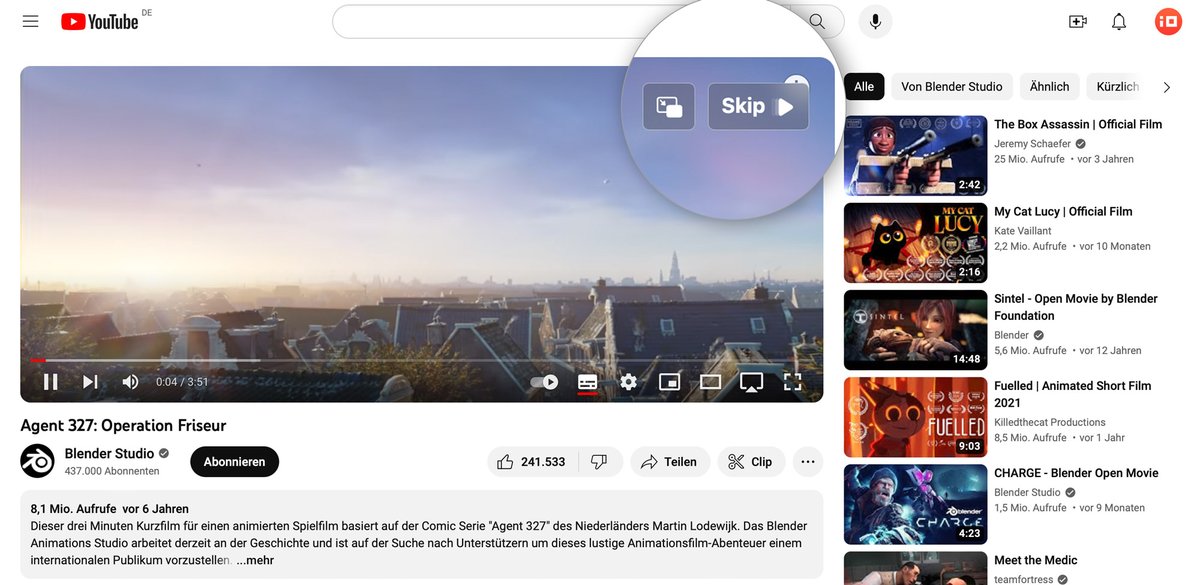
⏭️ Skip & PiP overlay actions on top of videos: skip unwanted videos or jump right into PiP
🔒Automatic Speed Lock prevents websites from resetting your playback speed to 1x without request
➡️Learn more: iospirit.com/blog/2023/09/V…
Vidimote is now just $2.99 for BOTH iOS & macOS.🤯
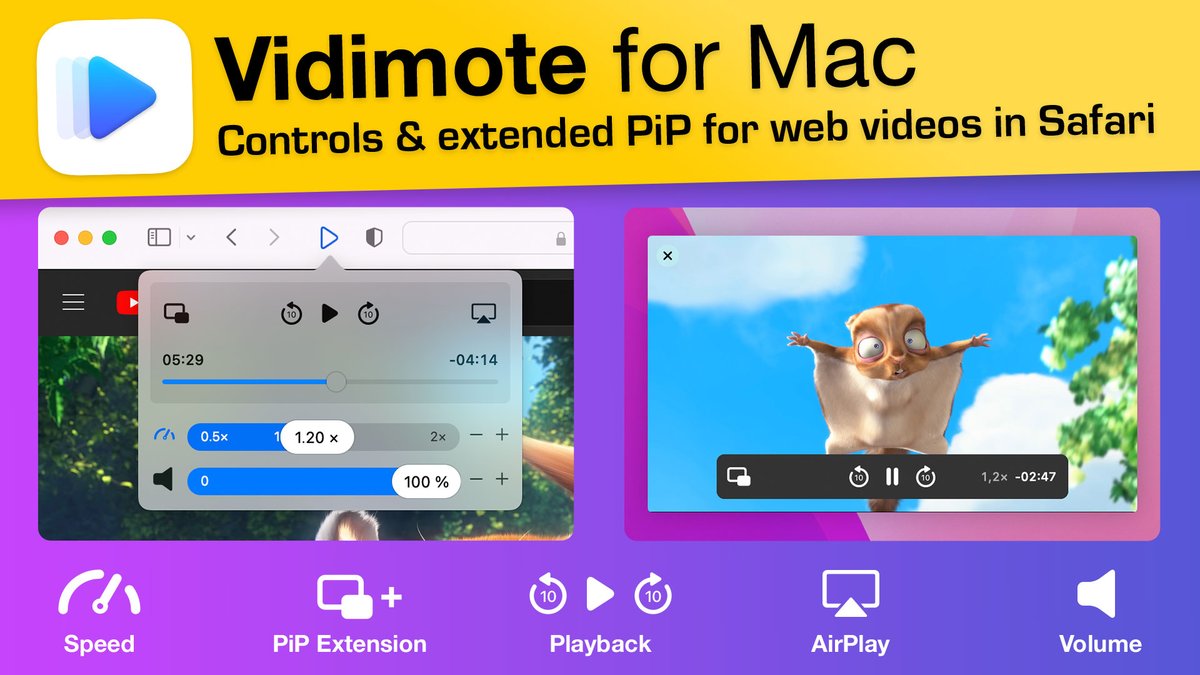
Get back control of videos in Safari:
🏃♂️ change speed
🍿 enter & EXTEND (on Mac) PiP
⏯ control playback
🔈 adjust volume
🎯 pick AirPlay target
+more
🆕Today's V1.7 release brings a new feature & a fix: iospirit.com/blog/2023/03/V…
@Vidimote Got it. I hope Apple allows more options for extensions in the future or you might decide to go for the web extension version on Mac.
Still, I’d like to express my appreciation for the ios app. It’s the first extension I install every time I’ve had to reset or change my phone.
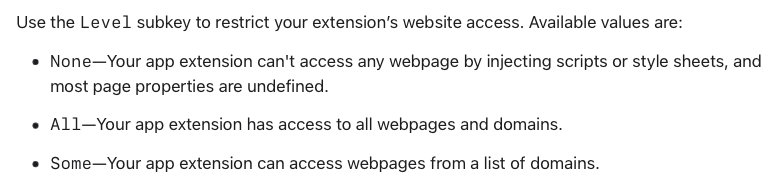
@Vidimote The Mac version asks for permissions to access Web page contents and Browsing History for "all web pages". Can this be changed to a per-site basis permission? A lot of extensions have now enabled this feature as it ensures greater privacy.
@u21d04 What that option effectively is meant for are extensions that target only specific sites. An extension that's meant to be usable and available on any website can't make use of that.
@u21d04 No, unfortunately not. That list can't be managed by the user.
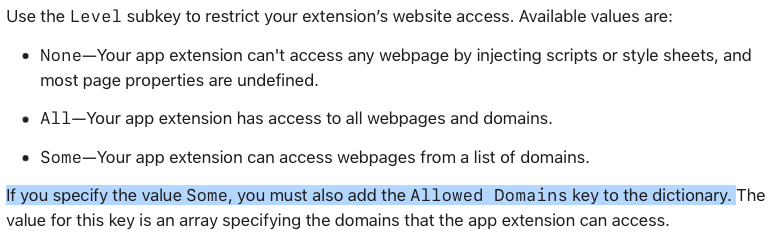
In the documentation, the next paragraph clarifies that that list of domains must be put into the Info.plist, which is guarded against changes by Apple's code signing and not meant to be touched after build time.
@u21d04 On macOS, Vidimote is implemented as a Safari App Extension. Vidimote's native UI and advanced features like additional PiP controls would otherwise not be possible. Other than Safari Web Extensions, Safari App Extensions can't offer "per website" permissions:
For one week, Vidimote for Safari is now just $1.99 (- 60%!) for BOTH iOS and macOS. 🤯
Get back control of videos in Safari:
🏃♂️ change speed
🍿 enter & EXTEND (on Mac) PiP
⏯ control playback
🔈 adjust volume
🎯 pick AirPlay target
➕ more
App Store: apps.apple.com/app/vidimote-f…
@xemkee Custom keyboard shortcuts aren't supported at this time. However, exploring - and if possible/feasible implementing - keyboard shortcuts is on the roadmap.
We just launched Vidimote for Mac! 🥳🚀
Vidimote puts you in control of videos in Safari:
🏃♂️ change speed
🍿 enter & EXTEND PiP
⏯ control playback
🔈 adjust volume
🎯 pick AirPlay target
➕ more
App Store: apps.apple.com/app/vidimote-f…
Web: #mac" target="_blank" rel="nofollow noopener">iospirit.com/products/vidim…
Take a tour: 1/🧵
#Protip if you're watching #WWDC22 videos in Safari on your Mac & would like better playback controls - especially in picture-in-picture:
@Vidimote adds missing PiP controls, so you can
- jump back/fwd
- change playback speed
right in PiP: iospirit.com/products/vidim…
@azerbarret Since Vinegar also targets YouTube videos, please try the following steps:
- temporarily turning off Vinegar
- reloading the YouTube page
- changing the speed on the YouTube video with Vidimote
Thanks.
@Vidimote The Mac is running the same extensions as my iOS and iPadOS. (Vinegar, Vidimote and Darkreader) Vidimote is working completely fine both on iOS and iPadOS.
@Vidimote Vidimote for Mac isn’t working properly, when clicking the speed control “+ or - icons” it doesn’t works most of the time. iOS version is working fine.
@azerbarret The extension script used on iOS and macOS are identical. I can control speed on all YouTube videos that I tried with the + and - buttons without any issue.
Are you using any other Safari extensions on macOS?
@Vidimote The ‘+ and -‘ buttons doesn’t work on all YouTube videos, so I think it is definitely a bugs on the MacOS version of Vidimote. iOS and iPadOS is working completely fine.
@azerbarret Thanks for the info. Since not all YouTube videos are created equal, please share the address of a YouTube video where this issue occurs. Also, which bandwidth does your internet connection have? Thanks in advance!
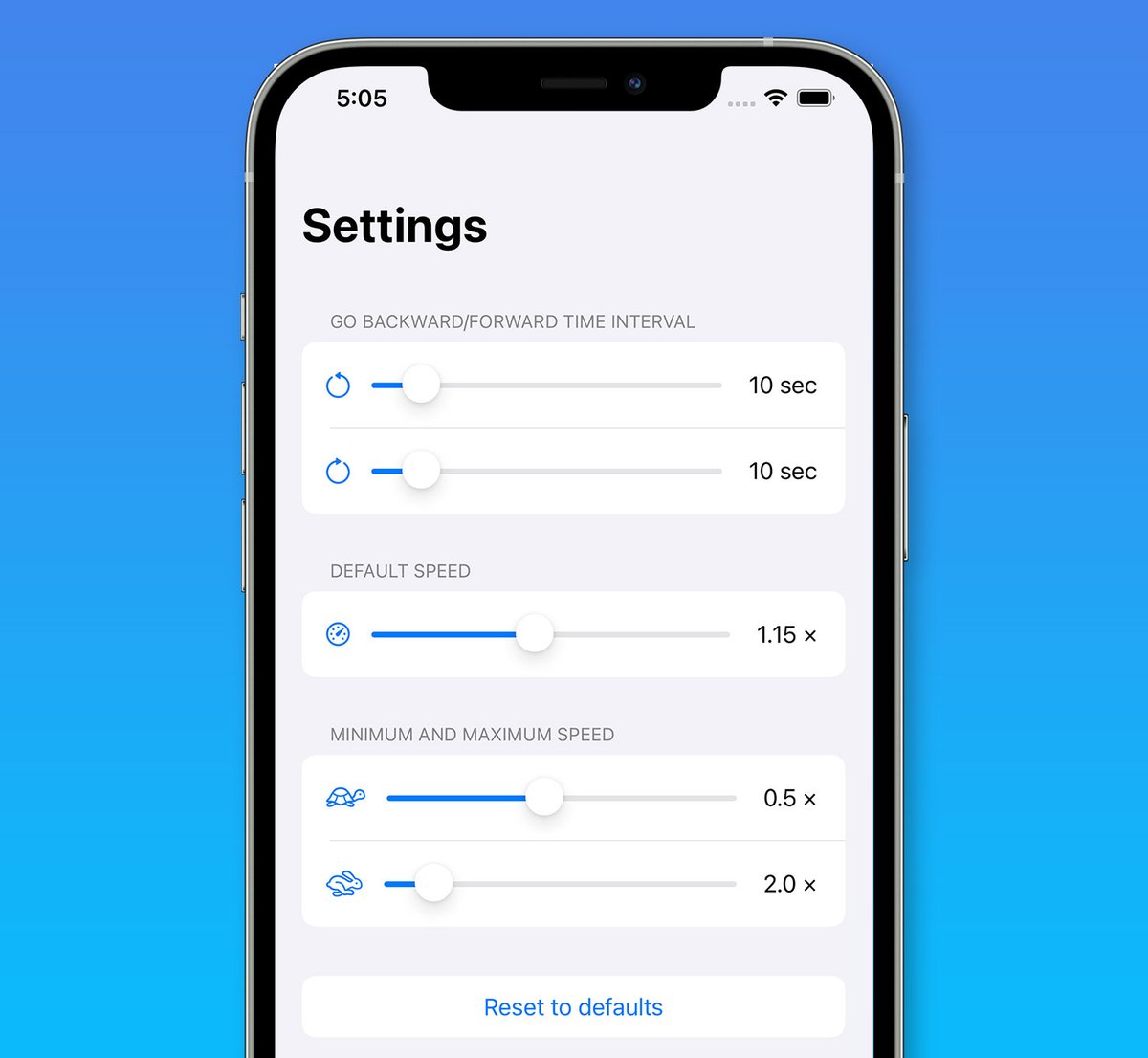
@daniel11olu In the Vidimote app, you can change the speed limits in 0.1 increments. So you could change the slowest speed to 0.2x or 0.3x, but not 0.25x exactly.
But if you choose 0.2x as slowest speed in the app, you can change speed to 0.25x in Vidimote's extension popup.
We also released a new version of Vidimote for iOS and iPadOS today, adding a new Default Speed setting. It lets you control with which speed web videos should start by default.
Now available on the App Store! apps.apple.com/app/vidimote-f…
@Eckhardsson Thanks for the suggestion! No promises, as such a feature would have to be site/service-specific, but this is now tracked by an issue.
Which sites would you like to use this with?
@Vidimote would be so cool if your app could manipulate the quality of videos and let you chose which quality you want the video to be played. is that possible?! love your app!