

SLVRMYP
4.3K posts

SLVRMYP
@WHTM3P
📱 Tech enthusiast. ⚡️ Tesla driver 🚘 . 🐭 Disney fanatic ❤️ 🎢 . Apple user. 🍎 | 👉🏼@disneyparks 👉🏼@apple 👉🏼 @tesla
chronically online Katılım Ekim 2020
521 Takip Edilen611 Takipçiler

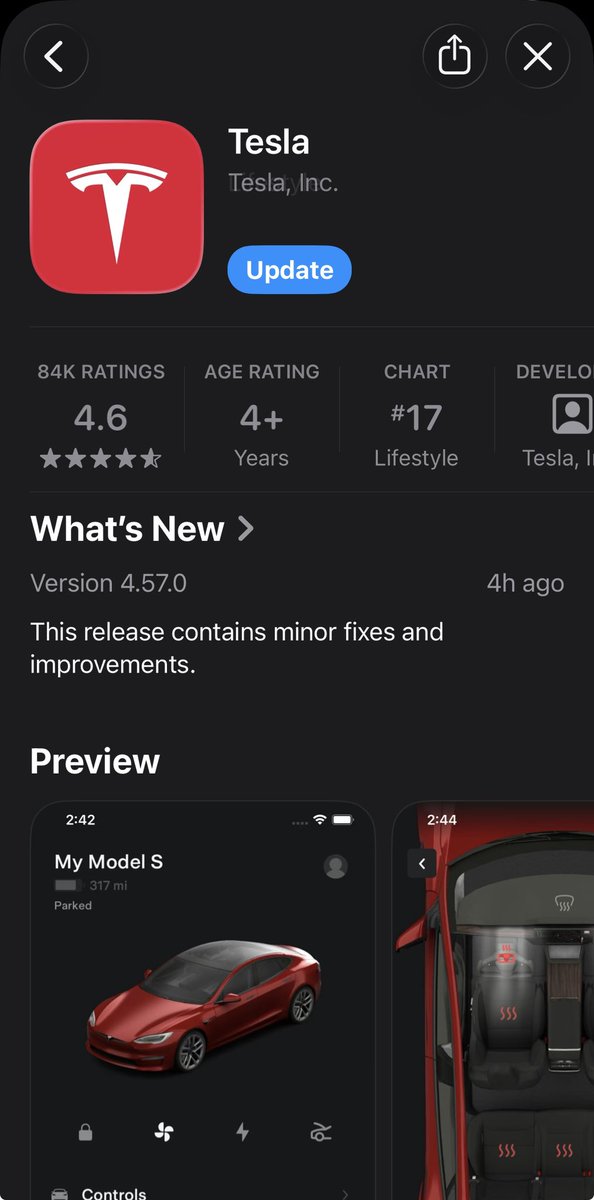
App updated. Ready for the Spring Update with Hey Grok and the new car display. 🤞
English

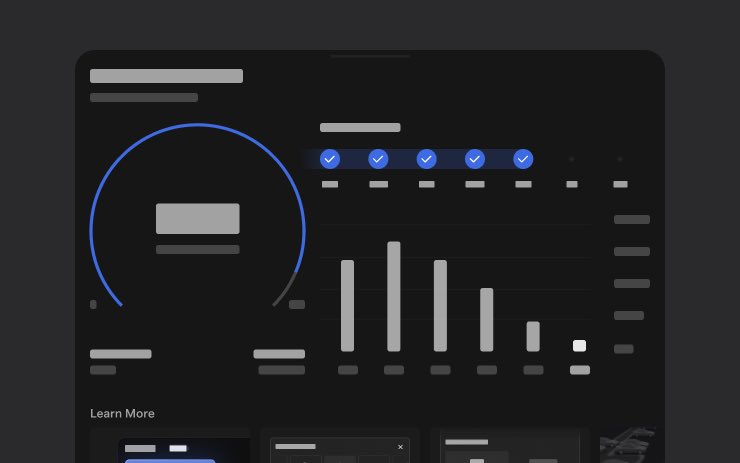
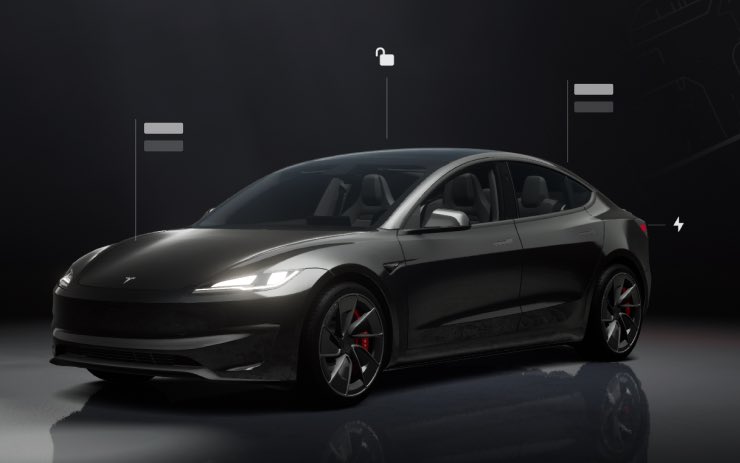
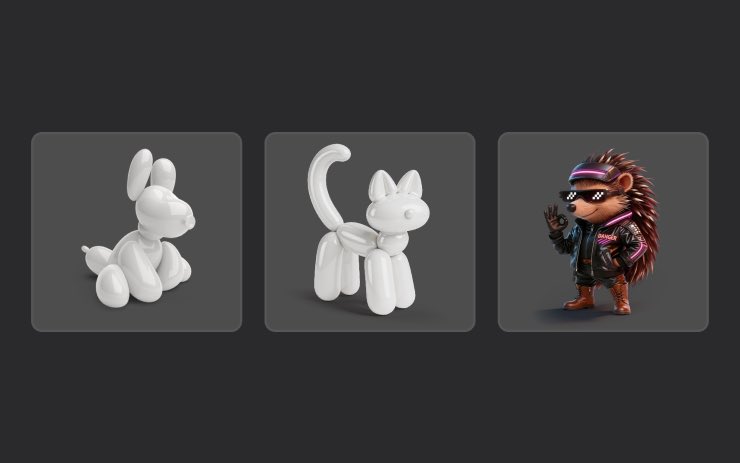
🆕 Tesla 2026.14.6 reaches ~33% of fleet
• The Spring Update is now in its 3rd rollout batch
• 2026.14.6 adds security improvements on top of 2026.14.3 bug fixes
• Delivering that patch with no new hardware and no service visit is still a structural Tesla advantage

English
@TeslaNewswire Nothing here yet. Feels like this rollout is taking forever. 🤷🏻♂️
English

🔥🚀 Tesla Spring Update 2026.14.6 is now rolling out to the 3rd batch of vehicles (reaching ~33% of the fleet)!
Changes:
✅ Security improvements
2026.14.3 changes
✅ Bug fixes
2026.14.1 changes:
✅ Self-Driving App [AI4]
With the new Self-Driving app, subscribe with a single tap, learn how to activate and use the feature, and view ongoing stats.
✅ "Hey Grok"
Launch Grok by saying "Hey Grok." Go to Grok > Settings to enable. You can also set location based reminders, like "remind me to pick up milk when I'm near home." Say "goodbye" to dismiss.
✅ Pet Mode
Choose and name your pet by going to Controls > Display > Customize Pet Mode.
✅ Visual Updates [New Model 3/Y]
The center display now features higher quality images of your Tesla, and an enhanced park scene environment.
✅ Trips
Trips are now in the Energy app, where you can create and manage multiple trips to track energy usage across different drives, routes, or conditions. Go to App Launcher > Energy > Trips. For quick access to the Trips Card, swipe left on the Media Card.
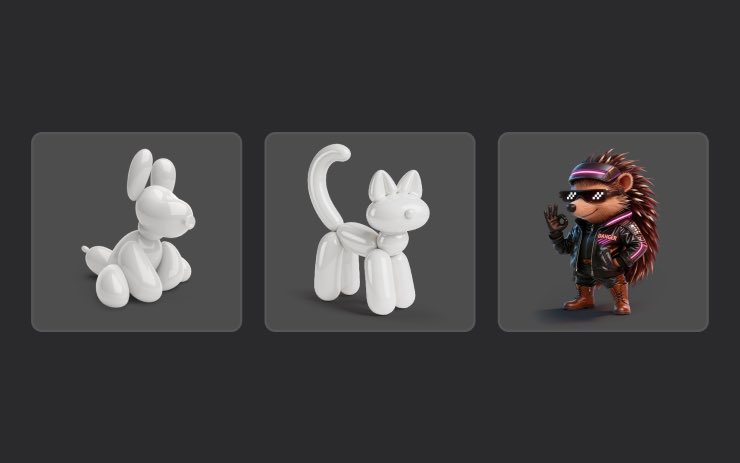
✅ Sketchpad
Unleash your inner artist with the enhanced Sketchpad, now supporting stickers and emojis. Save your sketches to access them in the Mobile App and share.
✅ Custom Wraps and License Plates [S/X]
Model S & X owners can now personalize their Tesla avatar with window tints, custom wraps & license plates.
✅ Blind Spot Warning Accent Lights
Accent lights now turn red when an object is in your blind spot and your turn signal is engaged, or when an approaching object is detected while parked. To disable, go to Controls > Lights > Blind Spot Warning Accent Lights.
✅ Immersive Sound Upgrade [New Model 3 & Y w/ premium audio]
Premium Immersive Sound uses advanced sound extraction to place the listener in front of a detailed soundstage within an Immersive space. This enhancement works with all streaming sources.
✅ Music App Queuing
Swipe right on tracks in Apple Music or Spotify to add them to the queue. In Apple Music, tap and hold on a track to add or remove from Favorites. In Spotify, swipe left to add or remove from Liked Songs.
✅ Automatic Software Updates
Your Tesla can now automatically install downloaded software updates overnight. When enabled, updates will install while your Tesla is parked and not in use, ensuring you always have the latest features and improvements.
To enable, go to Controls > Software > Automatically Install Updates.
✅ Dashcam Viewer Updates
Recent Dashcam footage can now extend up to 24 hours, and you can save any clip for permanent storage on your Tesla or on your phone by going to App Launcher > Dashcam Viewer.
Clips downloaded to your phone now include details such as speed, steering wheel angle, and Self-Driving state.
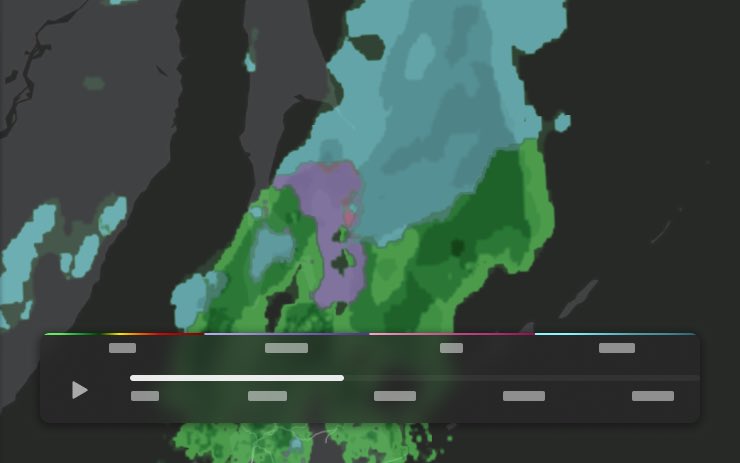
✅ Weather Maps Improvements
Weather maps now show snow and rain with improved colors that make it easier to distinguish between precipitation types. You can also view the past hour of weather data to see how conditions have been changing along your route.
✅ Supercharger Pricing Filter
You can now choose to route only to Superchargers with Tesla pricing. When enabled, Trip Planner will avoid locations where Tesla does not set charging prices or accept Free Supercharging credits.
✅ Keyboard
Your selected keyboard language will also select the language used for dictation. Tap the international keyboard button to change keyboard and dictation language, without changing voice command language. Tap the mic icon in the keyboard to dictate.
✅ Rear Display
Passengers in rear seats can now view and interact with maps on the rear display while your Tesla navigates a route. Tap the maps icon from the rear display to follow along.
✅ Security Improvements
✅ Larger icons on the bottom bar [undocumented]
✅ Animated badge in software menu [undocumented]
✅ Audio source icon next to the volume slider [undocumented]

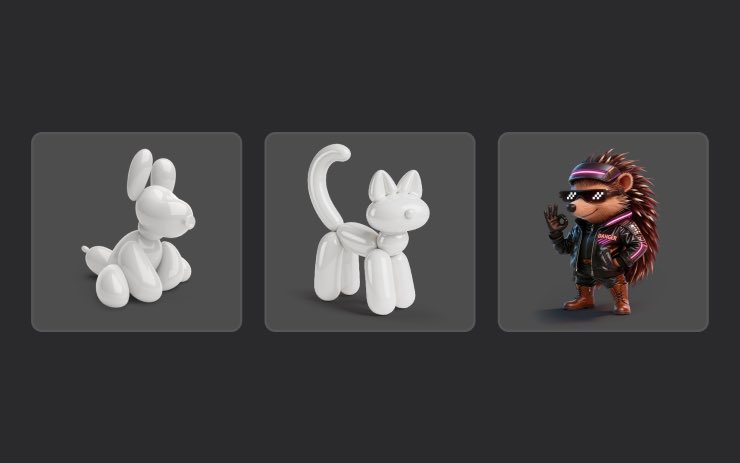

The Tesla Newswire@TeslaNewswire
🔥🚀 Tesla Spring Update 2026.14.6 has been detected and is now rolling out to the 1st batch of vehicles (reaching ~8% of the fleet)! Changes: ✅ Security improvements 2026.14.3 changes ✅ Bug fixes 2026.14.1 changes: ✅ Self-Driving App [AI4] With the new Self-Driving app, subscribe with a single tap, learn how to activate and use the feature, and view ongoing stats. ✅ "Hey Grok" Launch Grok by saying "Hey Grok." Go to Grok > Settings to enable. You can also set location based reminders, like "remind me to pick up milk when I'm near home." Say "goodbye" to dismiss. ✅ Pet Mode Choose and name your pet by going to Controls > Display > Customize Pet Mode. ✅ Visual Updates [New Model 3/Y] The center display now features higher quality images of your Tesla, and an enhanced park scene environment. ✅ Trips Trips are now in the Energy app, where you can create and manage multiple trips to track energy usage across different drives, routes, or conditions. Go to App Launcher > Energy > Trips. For quick access to the Trips Card, swipe left on the Media Card. ✅ Sketchpad Unleash your inner artist with the enhanced Sketchpad, now supporting stickers and emojis. Save your sketches to access them in the Mobile App and share. ✅ Custom Wraps and License Plates [S/X] Model S & X owners can now personalize their Tesla avatar with window tints, custom wraps & license plates. ✅ Blind Spot Warning Accent Lights Accent lights now turn red when an object is in your blind spot and your turn signal is engaged, or when an approaching object is detected while parked. To disable, go to Controls > Lights > Blind Spot Warning Accent Lights. ✅ Immersive Sound Upgrade [New Model 3 & Y w/ premium audio] Premium Immersive Sound uses advanced sound extraction to place the listener in front of a detailed soundstage within an Immersive space. This enhancement works with all streaming sources. ✅ Music App Queuing Swipe right on tracks in Apple Music or Spotify to add them to the queue. In Apple Music, tap and hold on a track to add or remove from Favorites. In Spotify, swipe left to add or remove from Liked Songs. ✅ Automatic Software Updates Your Tesla can now automatically install downloaded software updates overnight. When enabled, updates will install while your Tesla is parked and not in use, ensuring you always have the latest features and improvements. To enable, go to Controls > Software > Automatically Install Updates. ✅ Dashcam Viewer Updates Recent Dashcam footage can now extend up to 24 hours, and you can save any clip for permanent storage on your Tesla or on your phone by going to App Launcher > Dashcam Viewer. Clips downloaded to your phone now include details such as speed, steering wheel angle, and Self-Driving state. ✅ Weather Maps Improvements Weather maps now show snow and rain with improved colors that make it easier to distinguish between precipitation types. You can also view the past hour of weather data to see how conditions have been changing along your route. ✅ Supercharger Pricing Filter You can now choose to route only to Superchargers with Tesla pricing. When enabled, Trip Planner will avoid locations where Tesla does not set charging prices or accept Free Supercharging credits. ✅ Keyboard Your selected keyboard language will also select the language used for dictation. Tap the international keyboard button to change keyboard and dictation language, without changing voice command language. Tap the mic icon in the keyboard to dictate. ✅ Rear Display Passengers in rear seats can now view and interact with maps on the rear display while your Tesla navigates a route. Tap the maps icon from the rear display to follow along. ✅ Security Improvements ✅ Larger icons on the bottom bar [undocumented] ✅ Animated badge in software menu [undocumented] ✅ Audio source icon next to the volume slider [undocumented]
English
@disneytipsguy Yeah makes sense if you like fried seafood type fast food. I prefer to stick to the chicken tenders and burgers. 😂
English

@WHTM3P I'm not a seafood guy so I rarely if ever eat there, but I know many people like it
English
My wife says Prime Time because they have limited gluten free options that she likes.
English
@disneytipsguy Really? Not my cup of tea I guess. Found it to be very greasy and made me nauseous.
English


@NotATeslaApp I’d like to see this update! Still waiting for the spring update to come through. 🤦🏻♂️
English
Our guess is that we'll see other AMD vehicles get this in the next update.
What do you think of the improved lighting?
BarcelonaGeek@BarcelonaGeekYT
Tesla Spring Update Visualization: Old vs New on my Model 3 Ultra Red I love the new visuals! @Tesla
English
Tried out Adam’s Mega Foam today. Foamed up well and stayed on loosening up the pollen. Washed off streak free. Good recommendation from Grok.


English

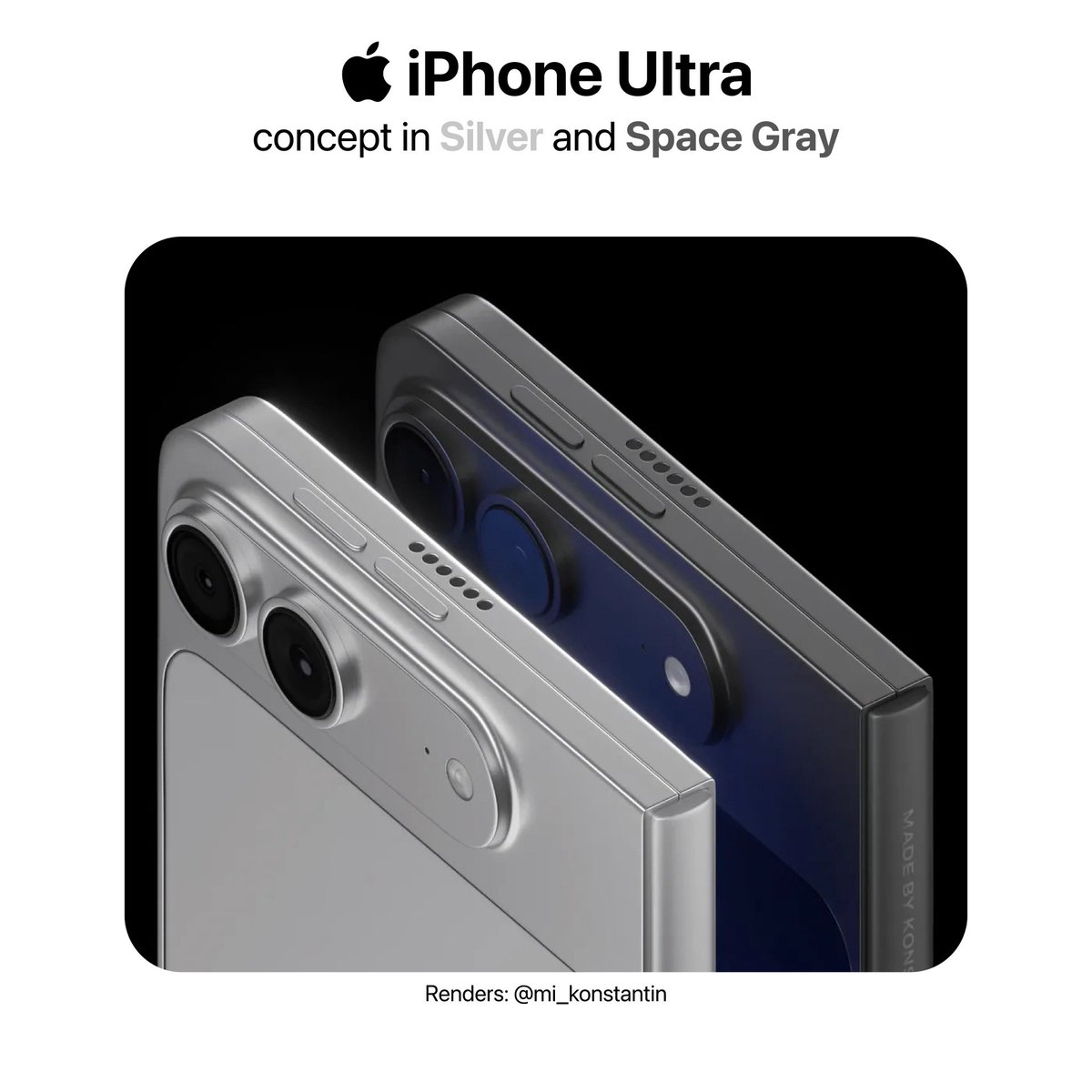
The iPhone Ultra will likely launch in two colors later this year:
• Silver
• Space Gray
Which one would you pick?
English

Tesla is sending out emails to give FSD to your mom for Mother’s Day. My mom already uses FSD everyday in her 26 Model Y 😉 she’s at about 90%


English
@teslaflexx Dang! I pay $550 a month for the same with full FSD purchase as well.
English



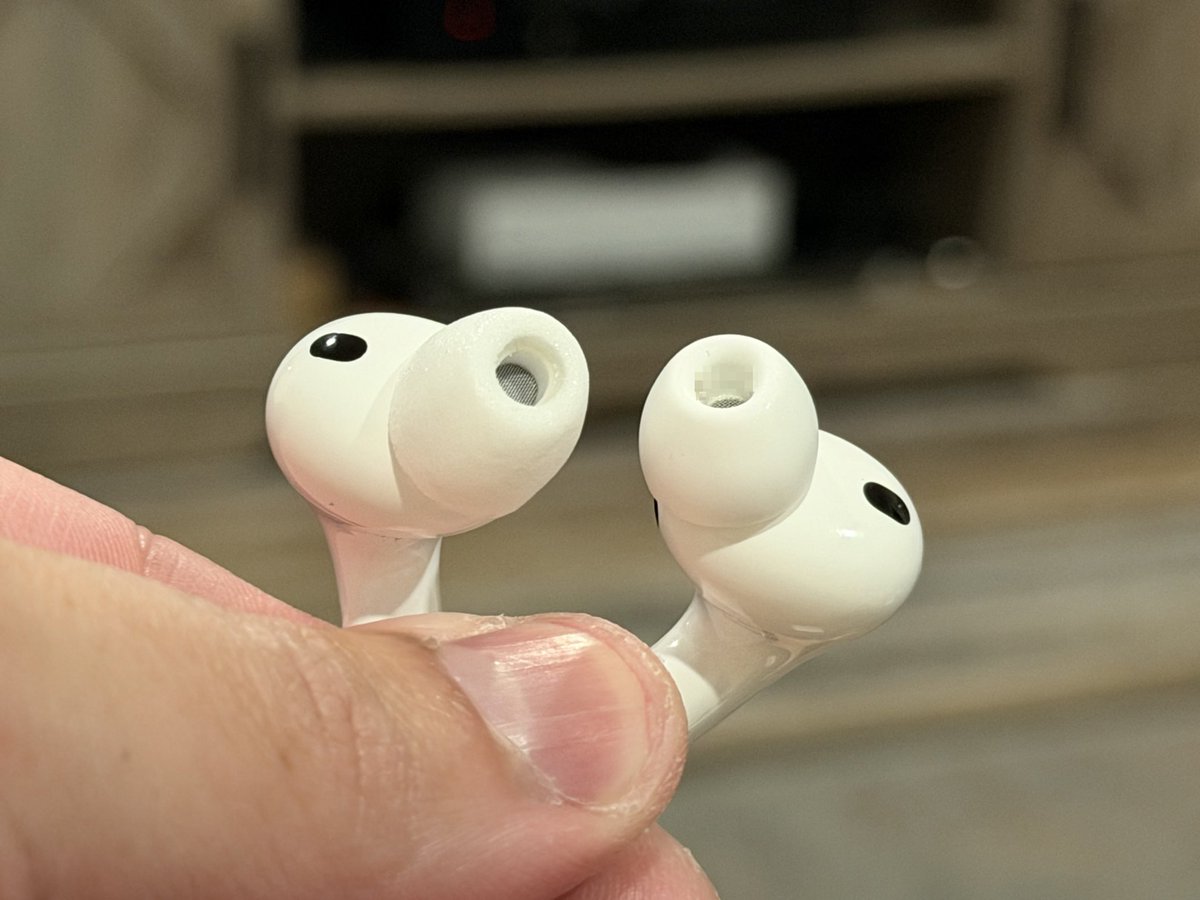
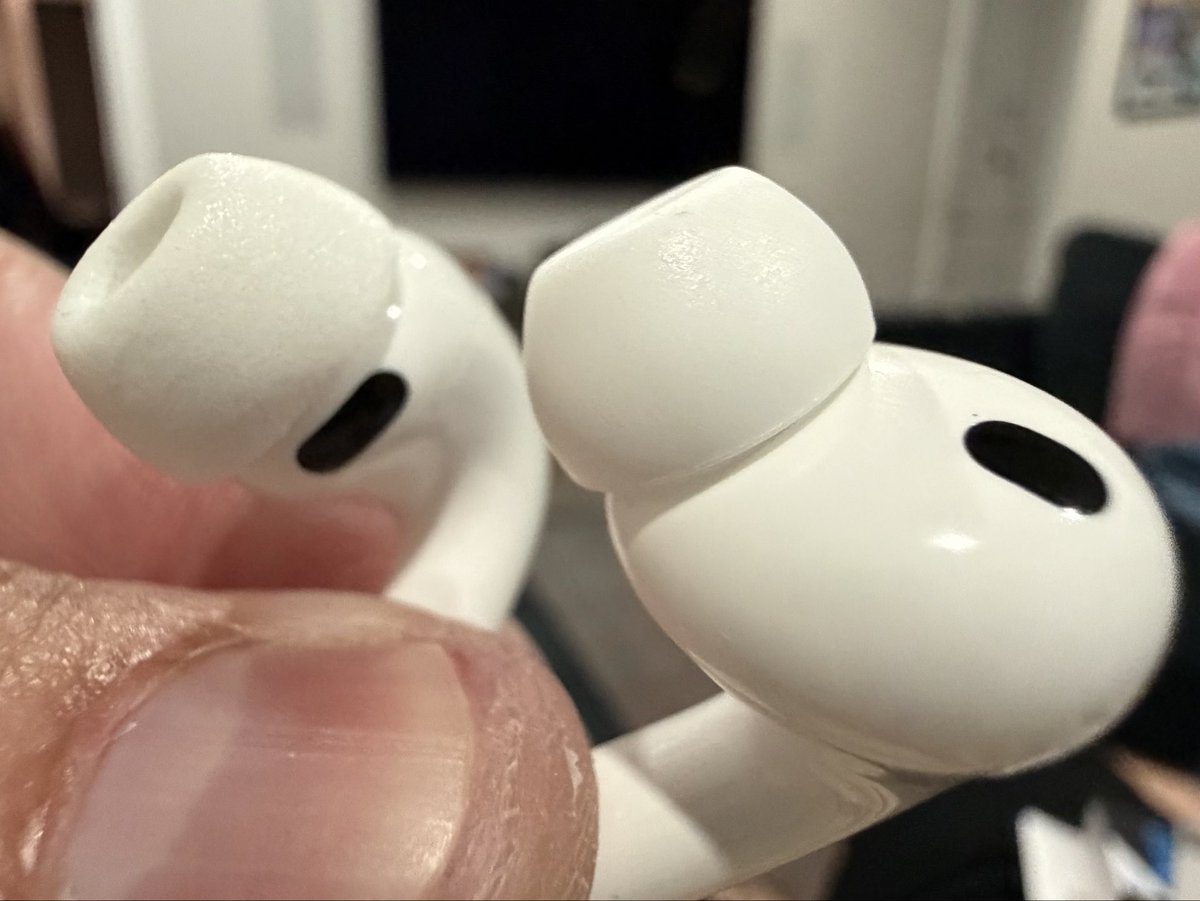
Finally got Comply tips for AirPods Pro 3 and while the stock tips are pretty good, Comply are still more secure and provides better ANC performance. Comply on left in both photos:

English

Oh No! 😭
Do I have the option to avoid updating from v14.2.2.5 to v14.3.2? If not, how long can I delay the update?

English
🔥🚀 Tesla Spring Update 2026.14.3 is now rolling out to the 10th batch of vehicles (reaching ~68% of the fleet)!
Only bug fixes are expected compared to 2026.14.1 and .2.
Notice anything new? Feel free to share!
2026.14.1 changes:
✅ Self-Driving App [AI4]
With the new Self-Driving app, subscribe with a single tap, learn how to activate and use the feature, and view ongoing stats.
✅ "Hey Grok"
Launch Grok by saying "Hey Grok." Go to Grok > Settings to enable. You can also set location based reminders, like "remind me to pick up milk when I'm near home." Say "goodbye" to dismiss.
✅ Pet Mode
Choose and name your pet by going to Controls > Display > Customize Pet Mode.
✅ Visual Updates [New Model 3/Y]
The center display now features higher quality images of your Tesla, and an enhanced park scene environment.
✅ Trips
Trips are now in the Energy app, where you can create and manage multiple trips to track energy usage across different drives, routes, or conditions. Go to App Launcher > Energy > Trips. For quick access to the Trips Card, swipe left on the Media Card.
✅ Sketchpad
Unleash your inner artist with the enhanced Sketchpad, now supporting stickers and emojis. Save your sketches to access them in the Mobile App and share.
✅ Custom Wraps and License Plates [S/X]
Model S & X owners can now personalize their Tesla avatar with window tints, custom wraps & license plates.
✅ Blind Spot Warning Accent Lights
Accent lights now turn red when an object is in your blind spot and your turn signal is engaged, or when an approaching object is detected while parked. To disable, go to Controls > Lights > Blind Spot Warning Accent Lights.
✅ Immersive Sound Upgrade [New Model 3 & Y w/ premium audio]
Premium Immersive Sound uses advanced sound extraction to place the listener in front of a detailed soundstage within an Immersive space. This enhancement works with all streaming sources.
✅ Music App Queuing
Swipe right on tracks in Apple Music or Spotify to add them to the queue. In Apple Music, tap and hold on a track to add or remove from Favorites. In Spotify, swipe left to add or remove from Liked Songs.
✅ Automatic Software Updates
Your Tesla can now automatically install downloaded software updates overnight. When enabled, updates will install while your Tesla is parked and not in use, ensuring you always have the latest features and improvements.
To enable, go to Controls > Software > Automatically Install Updates.
✅ Dashcam Viewer Updates
Recent Dashcam footage can now extend up to 24 hours, and you can save any clip for permanent storage on your Tesla or on your phone by going to App Launcher > Dashcam Viewer.
Clips downloaded to your phone now include details such as speed, steering wheel angle, and Self-Driving state.
✅ Weather Maps Improvements
Weather maps now show snow and rain with improved colors that make it easier to distinguish between precipitation types. You can also view the past hour of weather data to see how conditions have been changing along your route.
✅ Supercharger Pricing Filter
You can now choose to route only to Superchargers with Tesla pricing. When enabled, Trip Planner will avoid locations where Tesla does not set charging prices or accept Free Supercharging credits.
✅ Keyboard
Your selected keyboard language will also select the language used for dictation. Tap the international keyboard button to change keyboard and dictation language, without changing voice command language. Tap the mic icon in the keyboard to dictate.
✅ Rear Display
Passengers in rear seats can now view and interact with maps on the rear display while your Tesla navigates a route. Tap the maps icon from the rear display to follow along.
✅ Security Improvements
✅ Larger icons on the bottom bar [undocumented]
✅ Animated badge in software menu [undocumented]
✅ Audio source icon next to the volume slider [undocumented]

The Tesla Newswire@TeslaNewswire
🔥🚀 Tesla Spring Update 2026.14.3 has been detected and is now rolling out to the 1st batch of vehicles (reaching ~9% of the fleet)! Only bug fixes are expected compared to 2026.14.1 and .2. Notice anything new? Feel free to share! 2026.14.1 changes: ✅ Self-Driving App [AI4] With the new Self-Driving app, subscribe with a single tap, learn how to activate and use the feature, and view ongoing stats. ✅ "Hey Grok" Launch Grok by saying "Hey Grok." Go to Grok > Settings to enable. You can also set location based reminders, like "remind me to pick up milk when I'm near home." Say "goodbye" to dismiss. ✅ Pet Mode Choose and name your pet by going to Controls > Display > Customize Pet Mode. ✅ Visual Updates [New Model 3/Y] The center display now features higher quality images of your Tesla, and an enhanced park scene environment. ✅ Trips Trips are now in the Energy app, where you can create and manage multiple trips to track energy usage across different drives, routes, or conditions. Go to App Launcher > Energy > Trips. For quick access to the Trips Card, swipe left on the Media Card. ✅ Sketchpad Unleash your inner artist with the enhanced Sketchpad, now supporting stickers and emojis. Save your sketches to access them in the Mobile App and share. ✅ Custom Wraps and License Plates [S/X] Model S & X owners can now personalize their Tesla avatar with window tints, custom wraps & license plates. ✅ Blind Spot Warning Accent Lights Accent lights now turn red when an object is in your blind spot and your turn signal is engaged, or when an approaching object is detected while parked. To disable, go to Controls > Lights > Blind Spot Warning Accent Lights. ✅ Immersive Sound Upgrade [New Model 3 & Y w/ premium audio] Premium Immersive Sound uses advanced sound extraction to place the listener in front of a detailed soundstage within an Immersive space. This enhancement works with all streaming sources. ✅ Music App Queuing Swipe right on tracks in Apple Music or Spotify to add them to the queue. In Apple Music, tap and hold on a track to add or remove from Favorites. In Spotify, swipe left to add or remove from Liked Songs. ✅ Automatic Software Updates Your Tesla can now automatically install downloaded software updates overnight. When enabled, updates will install while your Tesla is parked and not in use, ensuring you always have the latest features and improvements. To enable, go to Controls > Software > Automatically Install Updates. ✅ Dashcam Viewer Updates Recent Dashcam footage can now extend up to 24 hours, and you can save any clip for permanent storage on your Tesla or on your phone by going to App Launcher > Dashcam Viewer. Clips downloaded to your phone now include details such as speed, steering wheel angle, and Self-Driving state. ✅ Weather Maps Improvements Weather maps now show snow and rain with improved colors that make it easier to distinguish between precipitation types. You can also view the past hour of weather data to see how conditions have been changing along your route. ✅ Supercharger Pricing Filter You can now choose to route only to Superchargers with Tesla pricing. When enabled, Trip Planner will avoid locations where Tesla does not set charging prices or accept Free Supercharging credits. ✅ Keyboard Your selected keyboard language will also select the language used for dictation. Tap the international keyboard button to change keyboard and dictation language, without changing voice command language. Tap the mic icon in the keyboard to dictate. ✅ Rear Display Passengers in rear seats can now view and interact with maps on the rear display while your Tesla navigates a route. Tap the maps icon from the rear display to follow along. ✅ Security Improvements ✅ Larger icons on the bottom bar [undocumented] ✅ Animated badge in software menu [undocumented] ✅ Audio source icon next to the volume slider [undocumented]
English
@TeslaNewswire @disneyspaces read this ⬆️
We don’t have this version yet. 🤦🏻♂️
English


@teslascope Did this include the spring update? I’m not seeing any of the updates after installing.
English
@teslascope That makes sense why I finally got it yesterday 😂 Took long enough!
Feels good to join the V14.3.2 club on HW4.
English

A new wave of Full Self-Driving V14.3.2 is now going out to additional AI4 vehicles via Tesla software update 2026.2.9.10.
This wave brings the total saturation to about ~85% of eligible vehicles, up from 60-65% in the prior wave.
Percy@ploew03
New wave! @wholemars @teslascope
English