alexa ✨

43 posts

alexa ✨

alexa ✨

@alexa_iqthink

Junior Marketer at @iqthink 🌈 Creativity, digital media, and a love for cats

Katılım Ocak 2026
24 Takip Edilen5 Takipçiler
alexa ✨
alexa ✨@alexa_iqthink·
With #BirthdayHello, birthdays have never been easier. Just go to www… and in a few simple steps you'll have an event for someone special. It's that easy! 👇🏻 And the best part? It's all in one tool!
English
0
0
0
57
alexa ✨
alexa ✨@alexa_iqthink·
Years ago, editing a birthday video for my brother-in-law was a never-ending task: reviewing messages, photos, and videos from the family took hours. Now everything is easier with BirthdayHello: everyone participates by uploading photos, videos, and messages from a link.
English
0
0
3
18
alexa ✨ retweetledi
iqthink
iqthink@iqthink·
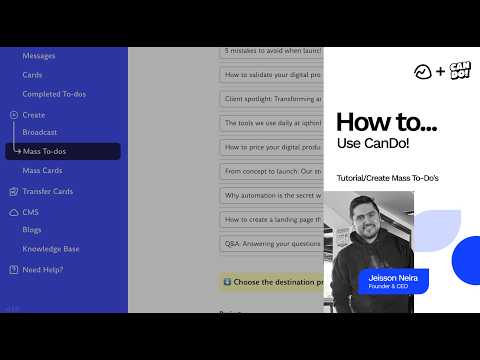
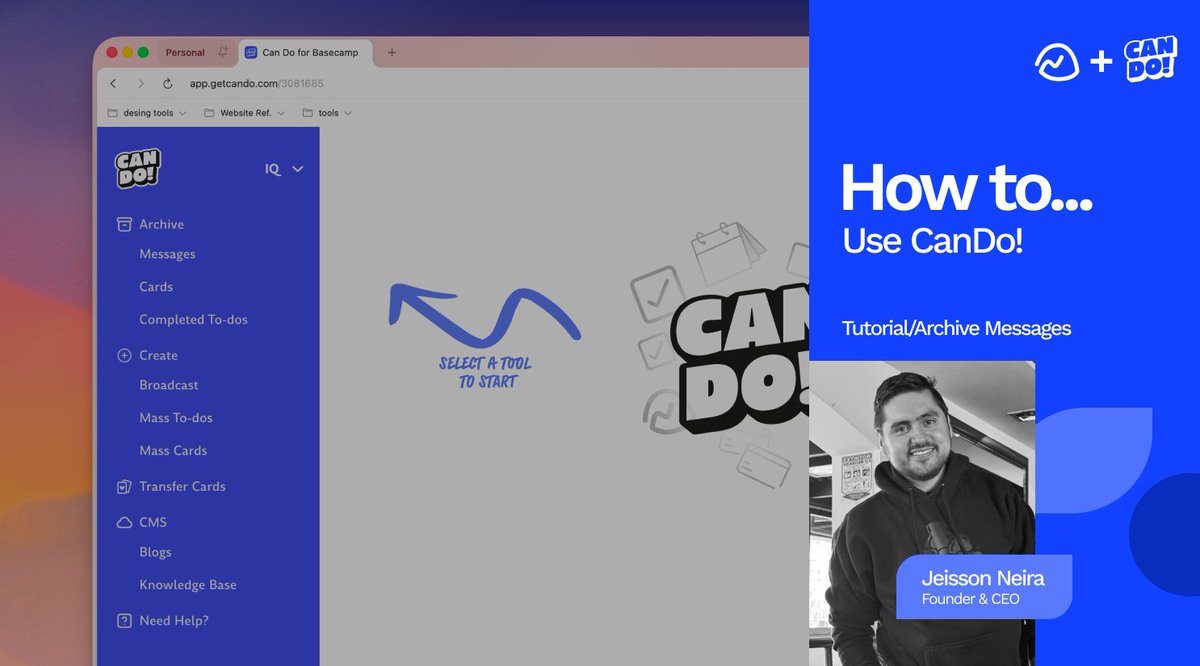
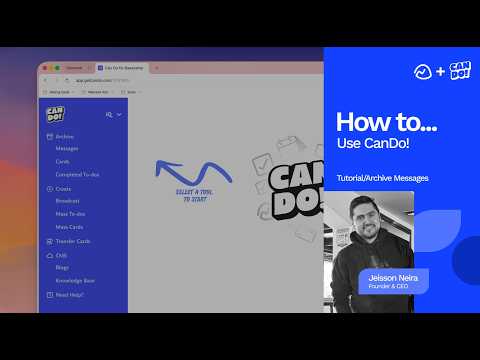
Big update! 📣 🆕 tutorials just dropped on our YouTube channel Meet CanDo! – the game-changing integration that gives your Basecamp account superpowers in minutes! Create a full blog, mass cards, to-dos, and unlock so much more… without the hassle.👇 youtube.com/watch?v=s80m9s… Stay tuned – more coming soon! #Basecamp #CanDo #Productivity #ProjectManagement
YouTube video
YouTube
iqthink tweet media
English
0
2
1
43
alexa ✨
alexa ✨@alexa_iqthink·
If you use #basecamp, this is for you! Now you can learn more about CanDo! I'm also sharing our YouTube channel where you'll find several tutorials! 💃🏻🕺🏻
English
0
0
1
13
alexa ✨
alexa ✨@alexa_iqthink·
Today while I was in #basecamp I created a to-dos, and instead of creating them one by one, I used CanDo! has a "Mass To-Dos" option. Once the to-dos is created, I can add as many items as I want, all within a single tool. Here's a tutorial 👇🏻 youtube.com/watch?v=s80m9s…
YouTube video
YouTube
English
1
0
2
19
alexa ✨
alexa ✨@alexa_iqthink·
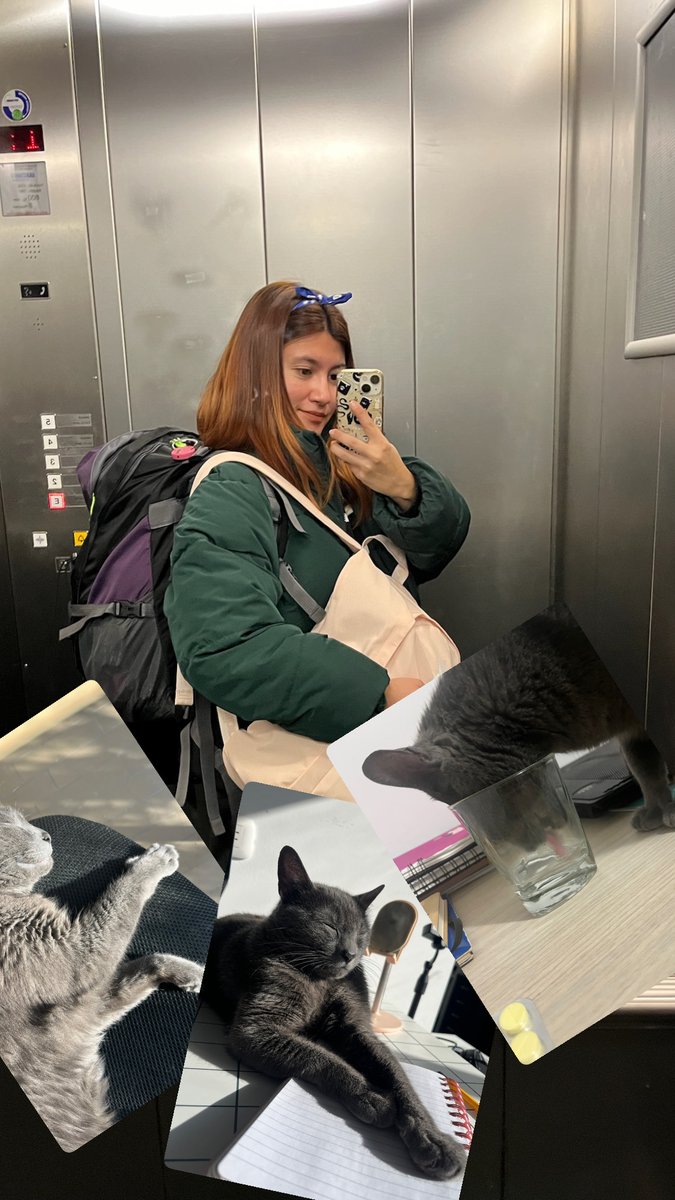
@ju_iqthink While you were in Europe, she was happy on your desk! Don't use it anymore and leave it there.😅😅 Keep traveling 🛫
English
0
0
0
6
juliette
juliette@ju_iqthink·
Digital nomad life? Been there, backpacked Europe thanks to remote work. Conclusion: Stunning views ≠ my cat walking on my keyboard ≠ my perfectly optimized home office. She prefers zero travel too. Team Homebody for the win 🐱#RemoteWork #CatLife
juliette tweet media
English
1
0
2
24
alexa ✨
alexa ✨@alexa_iqthink·
At @iqthink, we use @basecamp as our project management tool. It was totally new to me at first, but I picked it up quickly—it's easy, practical, and intuitive! Now I love it ❤️. For organization, it's the best! Highly recommend. #Basecamp
English
0
0
1
10
alexa ✨
alexa ✨@alexa_iqthink·
Since I work from home, sometimes I like to have a second office and get some fresh air. For example, shopping malls are a great alternative; you find a chair and you get a lot done during the day! And well, there's food everywhere.😅 #homeoffice
English
0
0
2
11
alexa ✨
alexa ✨@alexa_iqthink·
@ju_iqthink Yes! I think that's the correct use of words🤯
English
0
0
0
5
juliette
juliette@ju_iqthink·
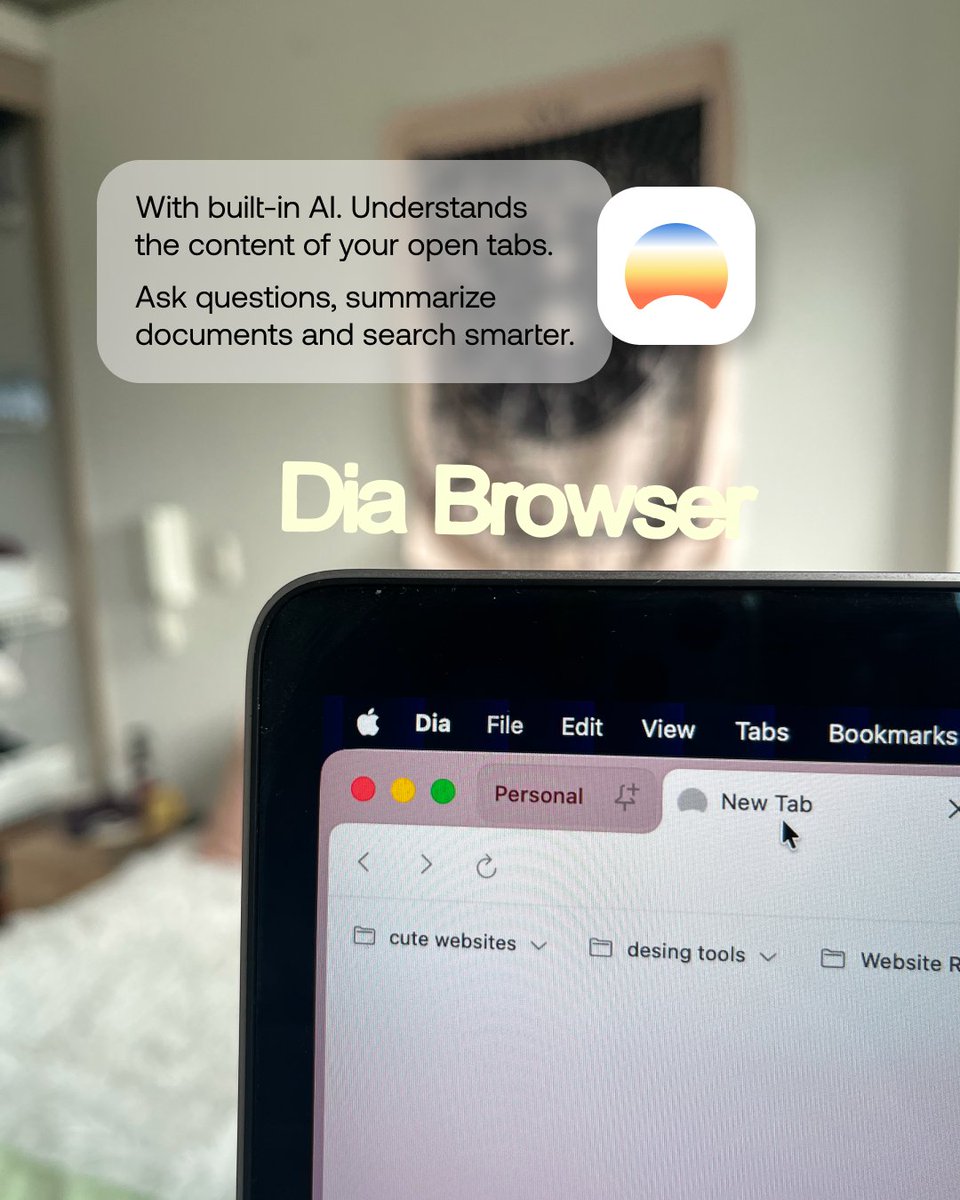
@alexa_iqthink In my case, as you know, with AI, you can create anything! and I mean anything; the hardest part is putting in words what you want, or building a propper prompt.
juliette tweet media
English
1
0
0
12
alexa ✨
alexa ✨@alexa_iqthink·
#questiontime What challenges has AI brought to the workplace?🤔
English
1
0
2
22
alexa ✨
alexa ✨@alexa_iqthink·
New videos on the @iqthink YouTube channel, go check them out! 👇🏻 There's a new section, Beyond the Fold 😎 @Iqthink" target="_blank" rel="nofollow noopener">youtube.com/@Iqthink
English
0
0
3
17
alexa ✨ retweetledi
juliette
juliette@ju_iqthink·
At @iqthink we built incredible products; seeing how much we grow, how far we've come —fills me with so much pride. Grateful every single day. #ProudIqthinker
English
0
3
5
36
alexa ✨
alexa ✨@alexa_iqthink·
At @iqthink, we challenge ourselves to innovate every day, we trust in our talent, and we have a leader who supports us 1000% @jeisson ✨. Being part of #iqthink fills me with pride and happiness.❤️
alexa ✨ tweet media
English
0
0
2
34
alexa ✨
alexa ✨@alexa_iqthink·
#Tip At @iqthink we use @CleanShot for screenshots, video, and more! My favorite: “Capture Text.”✨ When I can't copy text from a page, I copy it in seconds with cmd+shift+7. Use it, it's super handy! 🚀
English
1
1
5
28