Sabitlenmiş Tweet
𝖋𝖑𝖔𝖗𝖎𝖆𝖓 𝖙𝖍𝖆𝖒𝖊𝖗 ☀️🤖
2.8K posts
@der_flow_
creative systems design, generative mograph, working at the intersection of sausages and ketchup co-founder of https://t.co/9zgpslmHXV he/him

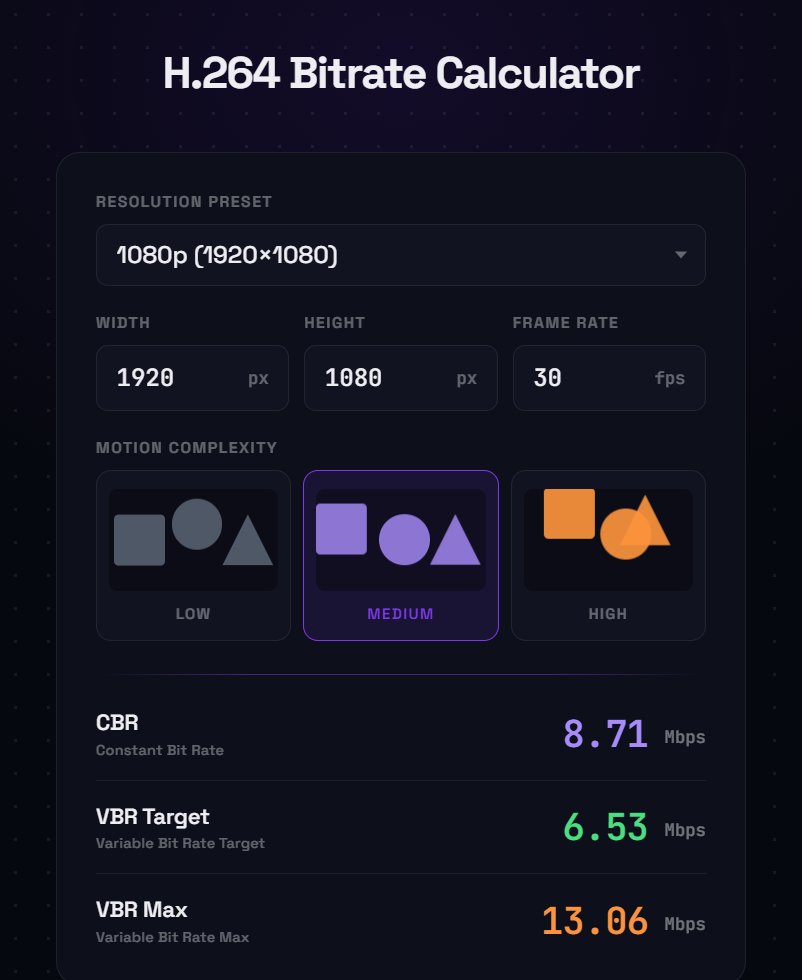
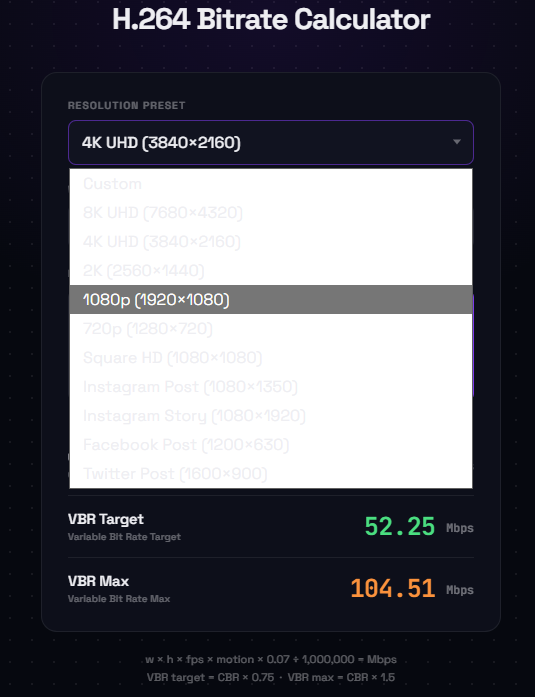
For the last few days I’ve been using an unreleased AI tool that has changed everything. It’s not video-gen AI. I’ve used this tool to build 2 After Effects plugins (with more on the way), do a big research project, and have made a few web-based apps to solve some small challenges - and the crazy part is, I did a ton of it from my phone. Last night as I was going to bed I started development on a different AE plugin. This morning I woke up and realized I needed a niche program, so I kicked it off before I got out of bed. By the time I got to my office it was built. Crazy times. More in this soon.




I remixed this old sound spectrum visualizer in a Möbius transformation like plane deformation and with the beat analyzer, and added an Aphex Twin remix by Wisp to it: shadertoy.com/view/wdfBRj #soundcloud #beatdetection #shadertoy declaring war on Twitter's video compression tho: