

Darren Neese, Microsoft Power Apps MVP
955 posts

Darren Neese, Microsoft Power Apps MVP
@developermct
#ai #PowerApps Enthusiast | Microsoft MVP 📺 https://t.co/6QiKTcxIVj ➡️ https://t.co/dmVENPWeSG 🎦 https://t.co/GgmqgaocfN
Orlando, FL Katılım Mayıs 2011
1.2K Takip Edilen1.3K Takipçiler
2030?! I'm just trying to get through the week!

English
Darren Neese, Microsoft Power Apps MVP retweetledi

Darren Neese, Microsoft Power Apps MVP retweetledi

Andrej Karpathy: "90% of your AI coding bill is paying for context you didn't need to send"
Here are 10 things senior AI engineers stopped wasting tokens on:
1. Auto-context loading 50 files for a 30-line fix: $1.20/turn for tokens you'll never read. 80% input waste, every session
2. Running Opus on lint, format, and rename tasks: $0.60 for what Haiku nails at $0.02. 30x overpay on the cleanup tier
3. Tool call loops that re-send the full repo on every retry: 5x context cost per agentic flow. fixing these alone cuts 30-50% of bills
4. Sonnet as the default model: Kimi 2.6 matches its quality on most coding tasks at 1/6 the cost. defaulting to Sonnet in 2026 is leaving 60-70% on the table
5. Streaming responses on stable-prefix workflows: kills your prompt cache. you pay 10x for tokens that should have cost cents
6. "Just in case" file includes: 80,000-token prompts that should be 3,000. context bloat is the silent budget killer
7. Per-session knowledge rebuilding: 10 min writing a SKILL.md once vs paying agents to re-figure out your environment every run. $4 vs $0.30 per execution
8. Single-model setups: premium tier on every task is the most expensive mistake in AI coding right now
9. Asking 10 small questions one at a time: 10 separate input prefix charges vs one batched call. 70-90% savings on routine workflows
10. Buying Claude Pro + ChatGPT Plus + Cursor Pro: you seriously use one. the other two are habit, not utility
what actually compounds instead:
- context discipline (grep before fetching, always)
- prompt caching on every stable prefix
- multi-model routing (Kimi 2.6 default, Opus for the 10%)
- graduated skills via SKILL.md files
- profiling tool calls before optimizing prompts
- the routing mindset (right model for right task)
in 12 months, the gap between developers shipping on $200/month and $4,000/month budgets won't be skill
it'll be how well they route
study this.
Ronin@DeRonin_
English



Darren Neese, Microsoft Power Apps MVP retweetledi

Imagine every pixel on your screen, streamed live directly from a model. No HTML, no layout engine, no code. Just exactly what you want to see.
@eddiejiao_obj, @drewocarr and I built a prototype to see how this could actually work, and set out to make it real. We're calling it Flipbook. (1/5)
English

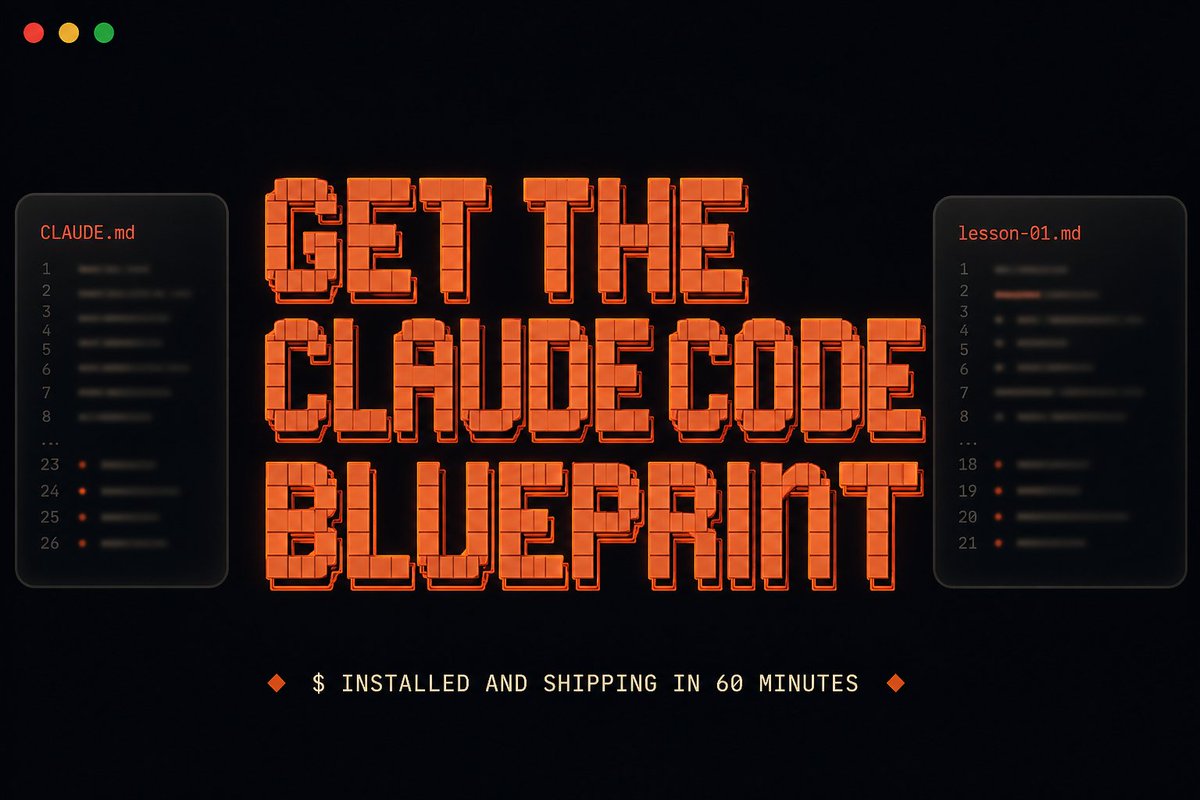
I made a free Claude Code Blueprint.
Most Claude Code courses are tutorials.
The Blueprint is interactive.
You install Claude Code, open the folder I send you, type "Start Lesson 1," and Claude teaches you while you use Claude Code itself.
60 minutes from start to finish. You end with a real tool deployed on the internet, all for free.
Watching tutorials doesn't teach you Claude Code. Using it does.
Whenever I talk to non-technical folks about using Claude Code, the same problem keeps coming up.
They install it, watch a few explainers, then quit when nothing they're seeing maps to what they actually want to build.
The fix isn't another explainer. It's putting your hands on the tool from minute one.
That's what the Blueprint is for. By the end of one short interactive session, you'll know:
- How a single slash command can research any company in 60 seconds, instead of 30 minutes by hand
- The trick to getting three Claude agents working in parallel inside one session
- The CLAUDE .md pattern that makes Claude predictable, not chaotic
- How to put your first Claude Code build on the internet, no terminal needed
The tool you build is yours. A public URL on the open internet, the kind you can text to a friend.
Comment "BLUEPRINT" below and I'll DM it to you (must be following)
English
Darren Neese, Microsoft Power Apps MVP retweetledi


I put the entire Claude Code GTM Engineering Playbook into ONE Notion doc.
8 sections. No fluff.
- How to get set up correctly from day one: Pro plan, terminal install across Mac, Linux, and Windows, GUI install via Antigravity or VS Code, and bypass permissions mode
- What to put in your project brain file, what to leave out, and how to get Claude to update it automatically when it keeps making the same mistake
- How to run plan mode step by step and when to skip it for simple tasks
- How to build a skill file from scratch, fix one that keeps failing, and install 5 GTM skills worth building first: lead scraping, email labeling, proposal generation, outbound sequence writing, and client onboarding
- MCP install process, token cost checks after every install, the best MCPs for GTM work, and how to cut token usage by 50 to 100x by converting MCPs into skills
- Sub-agents and agent teams: the 3 cases where they earn their cost, reliability math for parallel runs, and how to enable parallel variant exploration
- What is eating your context before you type anything, how to use /compact and /clear correctly, and model selection for parent vs sub-agents
- Modal deployment: any skill as a live URL in under 2 minutes, form interface setup, and connection to n8n, Make, or Zapier
This is the setup I would have KILLED for before spending months piecing together how to actually get productive in Claude Code from documentation, YouTube tutorials, and scattered GitHub threads.
Like + comment "CODE" and I'll send it over
(must be connected for priority access)

English

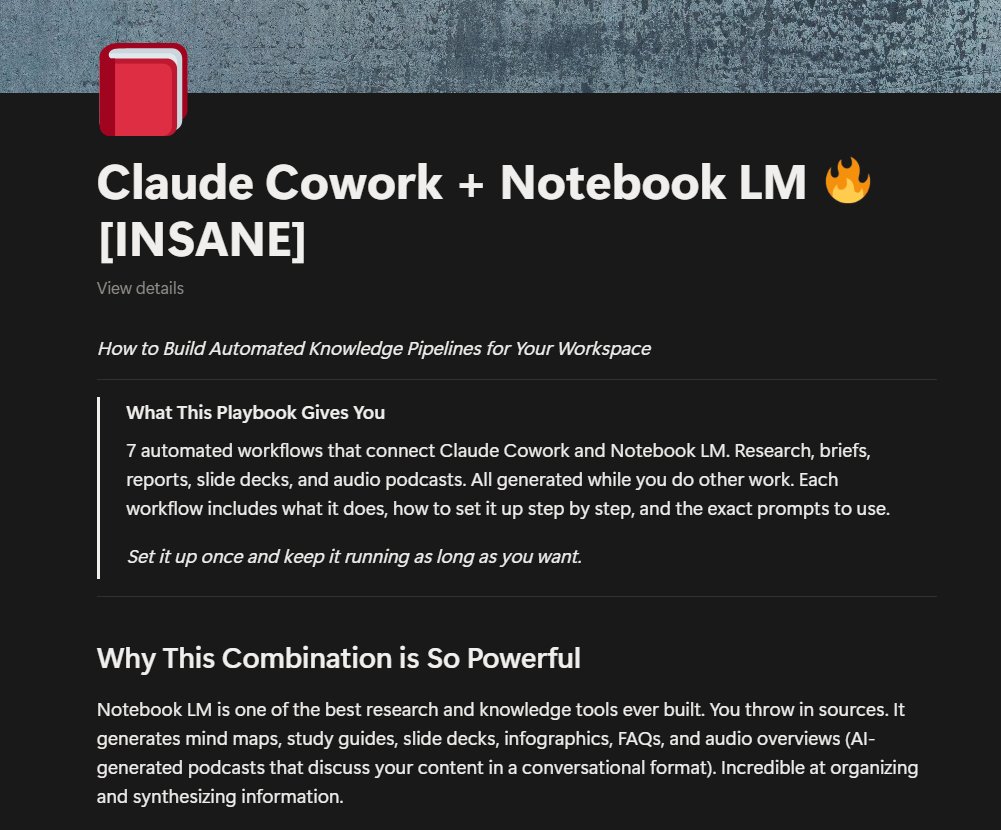
I've created a full guide on how to build automated knowledge pipelines for your workspace with Claude Cowork and Notebook LM
This covers 7 workflows that turn your emails, docs, and research into
meeting prep briefs, slide decks, weekly research & other work materials
It's yours for FREE
Like + Comment "WORKSPACE" and I'll DM you the full guide
No opt-in, no BS
English
@DavidOndrej1 What did you say? What a time to be alive... To be able to communicate with celebrities and online friends... And everything in between!
English
Darren Neese, Microsoft Power Apps MVP retweetledi

🚨BREAKING: The historian who sold 50 million books told Davos that AI is no longer a tool.
Yuval Noah Harari: "AI is a knife that can decide by itself whether to cut salad or to commit murder."
His warning: AI will outcompete humans in everything built on language.
Laws. Books. Religion. Finance. All of it.
His "Agent vs Tool" distinction is the most important mental model for understanding AI that 99% of people are ignoring.
Here are 9 Claude prompts built on Harari's framework that make AI think like an agent, not a parrot:

English
Darren Neese, Microsoft Power Apps MVP retweetledi

Someone built an open-source engine that runs 500 AI agents with different personalities to debate any news story in real time.
They post, argue, and change each other's minds. Hour by hour. On your laptop.
English
⚠️ Warning/Reminder! ⚠️ #april1
Tomorrow is April Fools’ Day and so here are 10 timely ways to prepare so you do not get tricked.
🎯 Method 1:
...see more
English