engineers@work

186 posts

engineers@work banner
engineers@work

engineers@work

@engineerswork1

Website: https://t.co/fXslcuCV6H Git: https://t.co/Jjh6Pbshb5 Gyrocopters: https://t.co/Cb6U0p0riH

UK Katılım Şubat 2022
314 Takip Edilen240 Takipçiler
engineers@work
engineers@work@engineerswork1·
@EstebanVLobos At the moment it is self build, all the docs, schematics, source code are online at git.eaw.app/eaw/pico and eaw.app/picoZ80. I had 10 made by JLC PCB which worked out at approx 26 pounds each, costs come down the more you order as a lot of cost is in one off setup.
English

1
0
0
42
engineers@work
engineers@work@engineerswork1·
picoZ80 on the Sharp MZ-80K — a full deep-dive The RP2350-based drop-in Z80 replacement is now running on the MZ-80K, and it transforms what this 1978 machine can do while leaving you free to keep it as original as you like. One CPU socket, the whole Sharp MZ ecosystem Dropped into the Z80 socket (IC46), picoZ80 gives the MZ-80K access to all the MZ-80A / MZ-700 / MZ-1500 virtual interface cards. The machine that shipped with cassette storage and a few KB of RAM can now reach software and peripherals that never officially existed for it. RFS — ROM and SD, a huge library on tap It runs RFS, with a plethora of programs held both in ROM and across 10 RFS disks on SD card. BASIC variants, assemblers, FORTRAN, Pascal, FORTH, compilers, games — booting instantly without hunting for tapes. Real floppy support, two controllers Boot from either a T3444M or an MZ80AFI floppy controller: • T3444M — for all MZ-80K disks • MZ80AFI — RFS CP/M, to read and write all your existing MZ-80K CP/M disks Tape read/write works smoothly too, even in virtual mode. The net effect: the MZ-80K becomes dramatically easier to live with day to day. Originality preserved — your choice You can configure picoZ80 to keep the MZ-80K purely physical: all onboard RAM, ROM and hardware doing the real work, with virtual interfaces added only where you want them. Maximum authenticity, modern convenience on tap. A serious debugger, in-situ The built-in debug shell is immensely useful for working on real programs as they run on real hardware: live disassembly, assembly, breakpoints, single-step or step-N, with every step showing the full Z80 instruction and its output. The capture here shows a break at PC=0A5D with the complete register state. For a Z80 enthusiast, picoZ80's repertoire is hard to overstate. #retrocomputing #Z80 #RP2350 #picoZ80 #MZ80K
engineers@work tweet media
English
2
13
43
2.8K
engineers@work
engineers@work@engineerswork1·
Hi, the picoZ80 uses Redcode's Z80 Emulation, github.com/redcode/Z80 which is table driven so would be straight forward to add instructions. The ARM has hardware FPU and running at 330MHz, should crunch math quickly. In terms of programming, I use the Glass Z80 Assembler, Java based and extensible: github.com/grauw/glass So long as you followed Z80 M-Cycles to fetch/read/write, which is just a function call, you could use any emulation, ie. 6502/6809 just by replacing Redcode Z80 with another emulation.
English
0
0
0
148
Emmanuel Roussin
Emmanuel Roussin@Genesis8bit·
@engineerswork1 Hello, I have a dream about your PIcoZ80, could you add for example multiplication and division "new opcode" ? If yes, it would need special programs for the real computers, but it could be interesting.
English
1
0
0
59
engineers@work
engineers@work@engineerswork1·
Git repo now updated including automated setup scripts for Windows 10/11, Linux and macOS, documented at eaw.app/picoz80. Just download the setup script, run it, and it'll pull all the needed software and repos. One caveat about the Amstrad PCW9512: the drivers are complete, but the machine shows signal instability that results in occasional crashes. A few things likely contribute. My test machine had a Sprinter board upgrade which I've since removed, so that may be part of it. But the bigger factor is the PCW's design philosophy: built to a price, with no buffering (no 74LS244/LS245). The Z80 signals are loaded near their limits across long PCB lands, which can cause voltage drop. Devices like the ASIC may not be fully TTL-tolerant, and the lack of buffering also leaves the bus more susceptible to EMI. The picoZ80 now has programmable bus slew, drive, pull-up/down and Schmitt input, which helps mitigate this. The trade-off is that the PCW9512 doesn't lend itself to easy probing: the HVT CRT and the logic board's proximity to the HVT board make access difficult. In due course I'll be testing with a PCW8256, which is far more accessible. If the same instability shows up there, I can probe and properly evaluate the cause. Adding tri-state level shifters to the picoZ80 is electronically straightforward; the limiting factor is PCB size. I may add them if the space constraints can be resolved. All other machines are stable. #retrocomputing #Z80 #RP2350 #picoZ80 #Amstrad #PCW9512
engineers@work@engineerswork1

Newest picoZ80 target: the Tatung Einstein TC01 — second non-Sharp host persona. RP2350 drops into the Z80 socket with cycle-accurate PIO bus timing; an emulated WD1770 FDC boots Elite straight from a disk image. Also shown: the ICE debug shell, the ESP32 web GUI, and the board installed on the TC01 mainboard. eaw.app/picoz80/ #retrocomputing #TatungEinstein #Z80 #Elite #RP2350 #picoZ80

English
1
0
4
334
engineers@work
engineers@work@engineerswork1·
@zaiphirion Looks brilliant, wiring is an art in itself. You could do it in an FPGA but you'd lose the wow factor.
English
1
0
2
36
engineers@work
engineers@work@engineerswork1·
Newest picoZ80 target: the Tatung Einstein TC01 — second non-Sharp host persona. RP2350 drops into the Z80 socket with cycle-accurate PIO bus timing; an emulated WD1770 FDC boots Elite straight from a disk image. Also shown: the ICE debug shell, the ESP32 web GUI, and the board installed on the TC01 mainboard. eaw.app/picoz80/ #retrocomputing #TatungEinstein #Z80 #Elite #RP2350 #picoZ80
engineers@work tweet media
English
1
1
7
1.3K
engineers@work
engineers@work@engineerswork1·
Latest picoZ80 target: Amstrad PCW-9512, the first non-Sharp host persona. RP2350 drops into the Z80 DIP-40 socket with cycle-accurate PIO bus timing, and an emulated uPD765 FDC boots LocoScript 2 from a CPC DSK image on SD — bypassing the physical floppies entirely. eaw.app/picoz80/ #retrocomputing #picoZ80 #Amstrad #PCW #Z80 #RP2350
engineers@work tweet mediaengineers@work tweet mediaengineers@work tweet media
English
0
2
32
1.9K
engineers@work
engineers@work@engineerswork1·
picoZ80 powered MZ-1500 BASIC now has network drives. Using the virtualised Celestite LAN card and a network file server via USB LAN and WiFi.
English
1
5
24
722
engineers@work
engineers@work@engineerswork1·
Sharp MZ-2500 fully operational with the picoZ80, in physical or virtual modes. Added virtual (or physical pass-thru) SASI MZ-1E30 (SASIxBluePill) driver.
engineers@work tweet mediaengineers@work tweet media
English
0
12
64
2.8K
engineers@work
engineers@work@engineerswork1·
Test program, to the Z80 the board is real. ;-------------------------------------------------------------------------------------------------------- ;- Celestite LAN Board — Network Stress Test ;- All output on MZ-1500 screen (VRAM D000-D3FF). Loops continuously. ;- Also mirrors summary to debug port (50h). ;-------------------------------------------------------------------------------------------------------- PORT_DBG EQU 050h PORT_MR EQU 060h PORT_AR0 EQU 061h PORT_AR1 EQU 062h PORT_DR EQU 063h PORT_PING EQU 067h CMD_OPEN EQU 001h CMD_CLOSE EQU 010h ST_ESTAB EQU 017h ST_CLOSED EQU 000h TPSTART EQU 010F0h MEMSTART EQU 01200h VRAM EQU 0D000h VL EQU 40 ORG TPSTART ATRB: DB 001h NAME: DB "CELESTITE STRESS", 0Dh SIZE: DW MEND - MEMSTART DTADR: DW MEMSTART EXADR: DW MEMSTART COMNT: DS 104 ORG MEMSTART START: LD SP, 01180h ;- Init W5100. LD A, 080h OUT (PORT_MR), A LD A, 003h OUT (PORT_MR), A ;- Write gateway IP to GAR. XOR A OUT (PORT_AR0), A LD A, 001h OUT (PORT_AR1), A LD A, 192 OUT (PORT_DR), A LD A, 168 OUT (PORT_DR), A LD A, 1 OUT (PORT_DR), A LD A, 1 OUT (PORT_DR), A LD HL, 0 LD (LOOPCNT), HL ;- ============================================================ MAINLP: ;- Clear text VRAM only (D000-D3E7, 1000 bytes). LD HL, VRAM LD BC, 1000 CLR: LD (HL), 000h INC HL DEC BC LD A, B OR C JR NZ, CLR LD HL, (LOOPCNT) INC HL LD (LOOPCNT), HL ;- Line 0: Title. LD HL, VRAM LD DE, S_TITLE CALL PVRAM ;- Line 1: Loop count. LD HL, VRAM + VL LD DE, S_LOOP CALL PVRAM LD A, (LOOPCNT+1) CALL PHEXV LD A, (LOOPCNT) CALL PHEXV ;- ---- PING (line 3) ---- LD HL, VRAM + VL*3 LD DE, S_PING CALL PVRAM XOR A OUT (PORT_PING), A LD B, 250 PNGW: PUSH BC IN A, (PORT_PING) POP BC CP 0FFh JR NZ, PNGGOT LD DE, 12000 PNGD: DEC DE LD A, D OR E JR NZ, PNGD DJNZ PNGW LD HL, VRAM + VL*3 + 28 LD DE, S_TOUT CALL PVRAM JR PNGDN PNGGOT: LD HL, VRAM + VL*3 + 28 CALL PDECV LD DE, S_MS CALL PVRAM PNGDN: ;- ---- TCP CONNECT (line 4) ---- LD HL, VRAM + VL*4 LD DE, S_TCP CALL PVRAM ;- Close. LD A, 004h OUT (PORT_AR0), A LD A, 001h OUT (PORT_AR1), A LD A, CMD_CLOSE OUT (PORT_DR), A ;- Mode = TCP. LD A, 004h OUT (PORT_AR0), A XOR A OUT (PORT_AR1), A LD A, 001h OUT (PORT_DR), A ;- Dest IP. LD A, 004h OUT (PORT_AR0), A LD A, 00Ch OUT (PORT_AR1), A LD A, 192 OUT (PORT_DR), A LD A, 168 OUT (PORT_DR), A LD A, 1 OUT (PORT_DR), A LD A, 1 OUT (PORT_DR), A ;- Port 80. LD A, 004h OUT (PORT_AR0), A LD A, 010h OUT (PORT_AR1), A XOR A OUT (PORT_DR), A LD A, 80 OUT (PORT_DR), A ;- OPEN + CONNECT. LD A, 004h OUT (PORT_AR0), A LD A, 001h OUT (PORT_AR1), A LD A, CMD_OPEN OUT (PORT_DR), A LD A, 004h OUT (PORT_AR0), A LD A, 001h OUT (PORT_AR1), A LD A, 004h OUT (PORT_DR), A ;- Wait. LD B, 250 TCPW: PUSH BC LD A, 004h OUT (PORT_AR0), A LD A, 003h OUT (PORT_AR1), A IN A, (PORT_DR) POP BC CP ST_ESTAB JR Z, TCPOK CP ST_CLOSED JP Z, TCPFL LD DE, 20000 TCPD: DEC DE LD A, D OR E JR NZ, TCPD DJNZ TCPW TCPFL: LD HL, VRAM + VL*4 + 28 LD DE, S_FAIL CALL PVRAM JP HTTPDN TCPOK: LD HL, VRAM + VL*4 + 28 LD DE, S_PASS CALL PVRAM ;- ---- HTTP GET (line 5) ---- LD HL, VRAM + VL*5 LD DE, S_HTTP CALL PVRAM ;- Reset TX pointers (TX_RD=0, TX_WR=0 at 0x0422-0x0425). LD A, 004h OUT (PORT_AR0), A LD A, 022h OUT (PORT_AR1), A XOR A OUT (PORT_DR), A ; TX_RD high = 0. OUT (PORT_DR), A ; TX_RD low = 0. OUT (PORT_DR), A ; TX_WR high = 0. OUT (PORT_DR), A ; TX_WR low = 0. ;- Write request to TX buffer. LD A, 040h OUT (PORT_AR0), A XOR A OUT (PORT_AR1), A LD HL, HTTPREQ HTTPWR: LD A, (HL) OR A JR Z, HTTPWD OUT (PORT_DR), A INC HL JR HTTPWR HTTPWD: LD DE, HTTPREQ OR A SBC HL, DE LD A, 004h OUT (PORT_AR0), A LD A, 024h OUT (PORT_AR1), A LD A, H OUT (PORT_DR), A LD A, L OUT (PORT_DR), A ;- SEND. LD A, 004h OUT (PORT_AR0), A LD A, 001h OUT (PORT_AR1), A LD A, 020h OUT (PORT_DR), A ;- Poll RX_RSR. LD B, 250 HTTPRW: PUSH BC LD A, 004h OUT (PORT_AR0), A LD A, 026h OUT (PORT_AR1), A IN A, (PORT_DR) LD H, A IN A, (PORT_DR) LD L, A POP BC LD A, H OR L JR NZ, HTTPGOT LD DE, 20000 HTTPRD: DEC DE LD A, D OR E JR NZ, HTTPRD DJNZ HTTPRW LD HL, VRAM + VL*5 + 28 LD DE, S_TOUT CALL PVRAM JP HTTPDN HTTPGOT: ;- Show hex count on line 5. PUSH HL LD HL, VRAM + VL*5 + 28 POP DE LD A, D CALL PHEXV LD A, E CALL PHEXV LD DE, S_BYT CALL PVRAM ;- Read HTTP response and display on screen lines 7-24 (18 lines). LD A, 060h OUT (PORT_AR0), A XOR A OUT (PORT_AR1), A LD HL, VRAM + VL*7 LD C, 200 ; Max bytes to display. HTDISP: IN A, (PORT_DR) CP 00Dh JR Z, HTNXT ; Skip CR. CP 00Ah JR Z, HTNL ; LF = new line. ;- Convert and write to VRAM. PUSH HL PUSH DE CALL A2DSP POP DE POP HL LD (HL), A INC HL JR HTCHK HTNL: ;- Advance to next 40-char line. Round HL up to next VL boundary. ;- New HL = ((HL - VRAM + VL) / VL) * VL + VRAM. PUSH DE LD DE, VRAM OR A SBC HL, DE ; HL = offset from VRAM. LD A, L ADD A, VL JR NC, HTNL2 INC H HTNL2: LD L, A ;- Round down to VL boundary: offset = (offset / 40) * 40. ;- Approximate: clear low bits. 40 = 8*5, not power of 2. Use division. ;- Simple: subtract (offset mod 40). Use repeated subtraction. LD A, L LD E, A LD A, H LD D, A HTNL3: LD A, D OR A JR NZ, HTNL4 LD A, E CP VL JR C, HTNL5 HTNL4: LD A, E SUB VL LD E, A JR NC, HTNL3 DEC D JR HTNL3 HTNL5: ;- E = offset mod 40. Subtract from HL. LD A, L SUB E LD L, A JR NC, HTNL6 DEC H HTNL6: LD DE, VRAM ADD HL, DE POP DE JR HTCHK HTNXT: ;- Just consumed CR — skip, don't advance. HTCHK: ;- Bounds check. LD A, H CP 0D4h JR NC, HTEND DEC C JR NZ, HTDISP HTEND: ;- RECV confirm. LD A, 004h OUT (PORT_AR0), A LD A, 001h OUT (PORT_AR1), A LD A, 040h OUT (PORT_DR), A HTTPDN: ;- Close socket. LD A, 004h OUT (PORT_AR0), A LD A, 001h OUT (PORT_AR1), A LD A, CMD_CLOSE OUT (PORT_DR), A ;- Debug port summary. LD HL, DBGLP CALL PSTR LD A, (LOOPCNT+1) CALL PHEX LD A, (LOOPCNT) CALL PHEX LD HL, DBGCR CALL PSTR ;- Delay ~1 second at 3.54MHz (2 × 65535 × 26T ≈ 0.96s). LD B, 2 DLY1: LD DE, 0FFFFh DLY2: DEC DE LD A, D OR E JR NZ, DLY2 DJNZ DLY1 JP MAINLP ;-------------------------------------------------------------------------------------------------------- ;- PVRAM: Write null-terminated ASCII string at DE to VRAM at HL. Returns HL advanced. ;-------------------------------------------------------------------------------------------------------- PVRAM: LD A, (DE) OR A RET Z PUSH HL PUSH DE CALL A2DSP POP DE POP HL LD (HL), A INC HL INC DE JR PVRAM ;-------------------------------------------------------------------------------------------------------- ;- PDECV: Print A as decimal to VRAM at HL. Advances HL. ;-------------------------------------------------------------------------------------------------------- PDECV: PUSH BC LD B, 0 PVD100: CP 100 JR C, PVD10 SUB 100 INC B JR PVD100 PVD10: PUSH AF LD A, B OR A JR Z, PVD10N ADD A, 020h LD (HL), A INC HL PVD10N: POP AF LD B, 0 PVD10L: CP 10 JR C, PVD1 SUB 10 INC B JR PVD10L PVD1: PUSH AF LD A, B OR A JR Z, PVD1N ADD A, 020h LD (HL), A INC HL PVD1N: POP AF ADD A, 020h LD (HL), A INC HL POP BC RET ;-------------------------------------------------------------------------------------------------------- ;- PHEXV: Print A as 2-digit hex to VRAM at HL. ;-------------------------------------------------------------------------------------------------------- PHEXV: PUSH AF RRCA RRCA RRCA RRCA AND 00Fh CALL PHXN POP AF AND 00Fh PHXN: CP 00Ah JR C, PHXN1 ADD A, 001h - 00Ah LD (HL), A INC HL RET PHXN1: ADD A, 020h LD (HL), A INC HL RET ;-------------------------------------------------------------------------------------------------------- ;- A2DSP: Convert ASCII in A to MZ display code via table. ;-------------------------------------------------------------------------------------------------------- A2DSP: PUSH HL AND 07Fh LD L, A LD H, 0 LD DE, ATBL ADD HL, DE LD A, (HL) POP HL RET ;-------------------------------------------------------------------------------------------------------- ;- Debug port helpers. ;-------------------------------------------------------------------------------------------------------- PSTR: LD A, (HL) OR A RET Z OUT (PORT_DBG), A INC HL JR PSTR PHEX: PUSH AF RRCA RRCA RRCA RRCA AND 00Fh ADD A, 030h CP 03Ah JR C, PH1 ADD A, 007h PH1: OUT (PORT_DBG), A POP AF AND 00Fh ADD A, 030h CP 03Ah JR C, PH2 ADD A, 007h PH2: OUT (PORT_DBG), A RET ;-------------------------------------------------------------------------------------------------------- ;- Strings (ASCII, null-terminated). ;-------------------------------------------------------------------------------------------------------- S_TITLE: DB "CELESTITE NET STRESS TEST", 0 S_LOOP: DB "LOOP ", 0 S_PING: DB "PING 192.168.1.1", 0 S_TCP: DB "TCP CONNECT GATEWAY 80", 0 S_HTTP: DB "HTTP GET GATEWAY", 0 S_PASS: DB "PASS", 0 S_FAIL: DB "FAIL", 0 S_TOUT: DB "TOUT", 0 S_MS: DB "MS", 0 S_BYT: DB "H", 0 HTTPREQ: DB "GET / HTTP/1.0", 0Dh, 0Ah, 0Dh, 0Ah, 00h DBGLP: DB 0Dh, 0Ah, "Loop:", 0 DBGCR: DB 0Dh, 0Ah, 0 LOOPCNT: DW 0 ;- ASCII to MZ display code table (128 bytes). ATBL: DB 0CCh,0E0h,0F2h,0F3h,0CEh,0CFh,0F6h,0F7h DB 0F8h,0F9h,0CDh,0FBh,0FCh,0CDh,0FEh,0FFh DB 0E1h,0C1h,0C2h,0C3h,0C4h,0C5h,0C6h,0E2h DB 0E3h,0E4h,0E5h,0E6h,0EBh,0EEh,0EFh,0F4h DB 000h,061h,062h,063h,064h,065h,066h,067h DB 068h,069h,06Bh,06Ah,02Fh,02Ah,02Eh,02Dh DB 020h,021h,022h,023h,024h,025h,026h,027h DB 028h,029h,04Fh,02Ch,051h,02Bh,057h,049h DB 055h,001h,002h,003h,004h,005h,006h,007h DB 008h,009h,00Ah,00Bh,00Ch,00Dh,00Eh,00Fh DB 010h,011h,012h,013h,014h,015h,016h,017h DB 018h,019h,01Ah,052h,059h,054h,050h,045h DB 000h,001h,002h,003h,004h,005h,006h,007h DB 008h,009h,00Ah,00Bh,00Ch,00Dh,00Eh,00Fh DB 010h,011h,012h,013h,014h,015h,016h,017h DB 018h,019h,01Ah,053h,000h,058h,000h,000h MEND:
English
1
0
0
155
engineers@work
engineers@work@engineerswork1·
MZ-700/MZ-1500 Networking Virtualised Mr Ishi's Celestite LAN board on the picoZ80 - uses WiFi or NCM (network over USB). cwaweb.bai.ne.jp/~ohishi/zakki/… Just need to find software now otherwise I will have to write a driver for BASIC MZ-5Z008 that I disassembled and add a read/write NFS driver or similar.
English
2
6
26
950
engineers@work
engineers@work@engineerswork1·
picoZ80 v2.5a first test in an MZ-1500. Persona created, will look to add virtual MZ-1R23 Kanji board, PIO-3034 320K EMM board, MZ-1R37 640K EMM board and even the Celistite LAN Board (via Wifi/NCM).
engineers@work tweet mediaengineers@work tweet media
engineers@work tweet media
English
0
7
40
1.5K
engineers@work
engineers@work@engineerswork1·
Git repo updated with latest code, schematics and pcb files. Release 2.472 files available with many improvements.
English
0
0
1
111
engineers@work
engineers@work@engineerswork1·
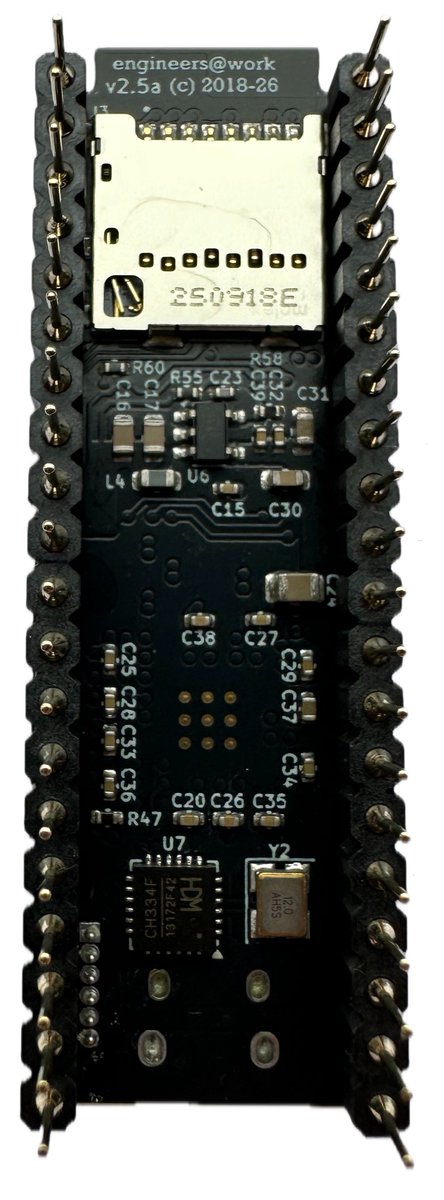
Latest update, pico in Black. Minor update but routing redone to limit RF interference (to help pass FCC/RED tests if required). Latest firmware updates utilise the ESP32 OTG USB network so you can run the web interface without WiFi being present.
engineers@work tweet mediaengineers@work tweet mediaengineers@work tweet media
English
0
6
18
508
engineers@work
engineers@work@engineerswork1·
MZ-700, MZ-80A and now MZ-2000 Persona's added to the picoZ80. Major changes made, now full ICE debug shell added with improved Z80 physical timing, performance and USB network (web interface). Video: MZ-2000 running in physical mode with virtual floppy drive. See documentation @ eaw.app/picoz80/.
engineers@work tweet mediaengineers@work tweet mediaengineers@work tweet media
English
0
15
58
2.6K
engineers@work
engineers@work@engineerswork1·
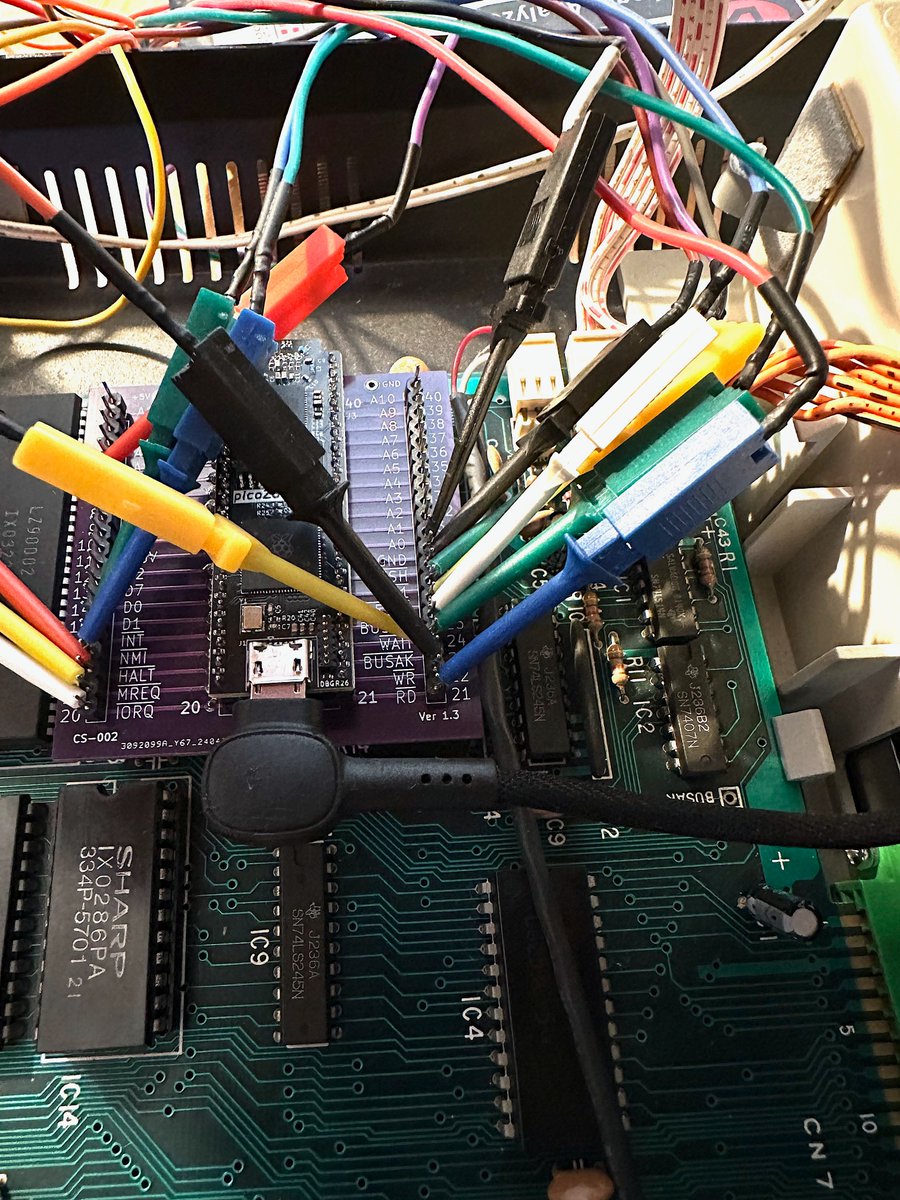
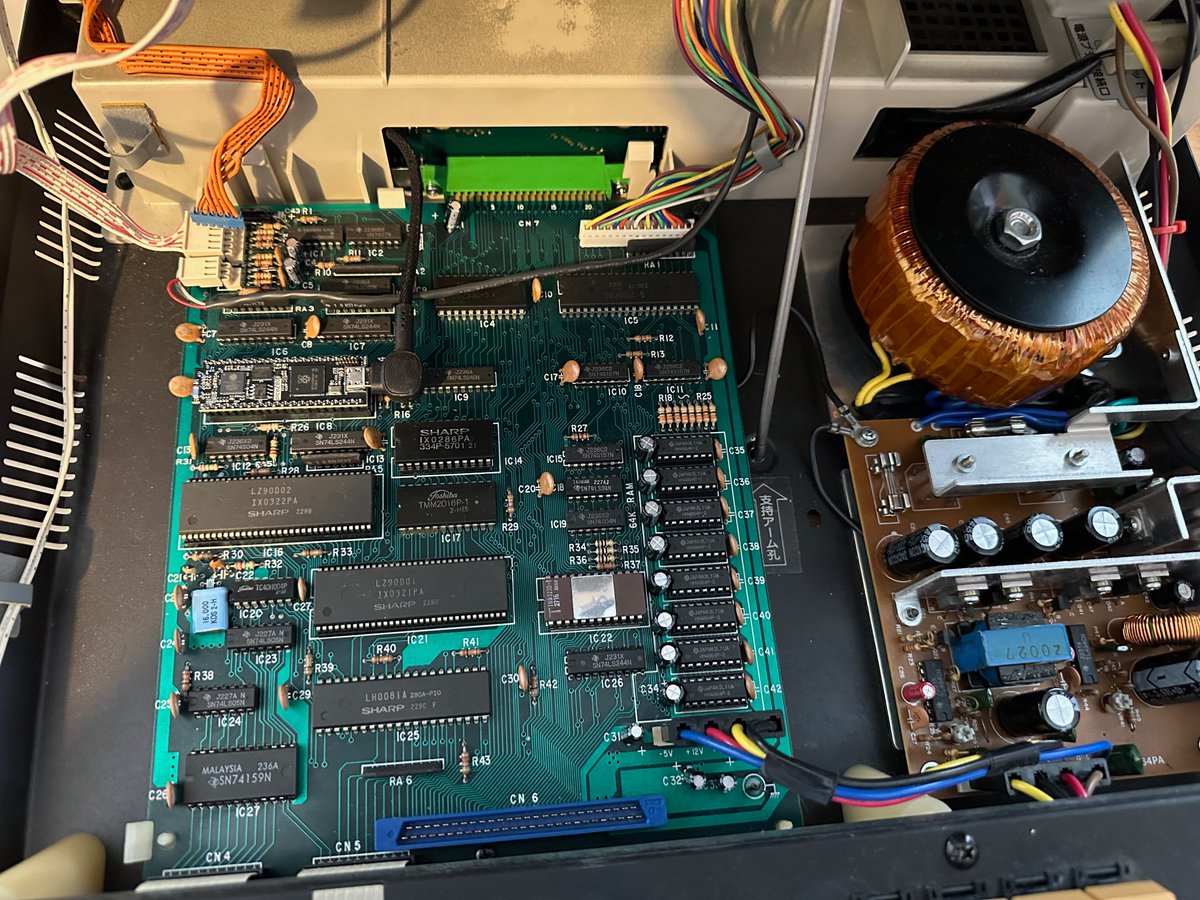
picoZ80 - first try in an MZ-80A, vanilla mode. Hostile environment with high voltage just above the picoZ80 board (CRT), no issues. Boots floppy disk drive, boots tape. Next step, write some persona drivers for virtual floppy, virtual UROM, RFS etc.
engineers@work tweet media
English
0
5
18
729