Figma Weave

210 posts

Figma Weave banner
Figma Weave

Figma Weave

@figmaweave

Figma Weave is a professional-grade platform where all AI models and editing tools live together in perfect, node-based harmony. (fka Weavy)

Katılım Nisan 2025
104 Takip Edilen5.5K Takipçiler
Figma Weave retweetledi
Digital Mason
Digital Mason@digi_son·
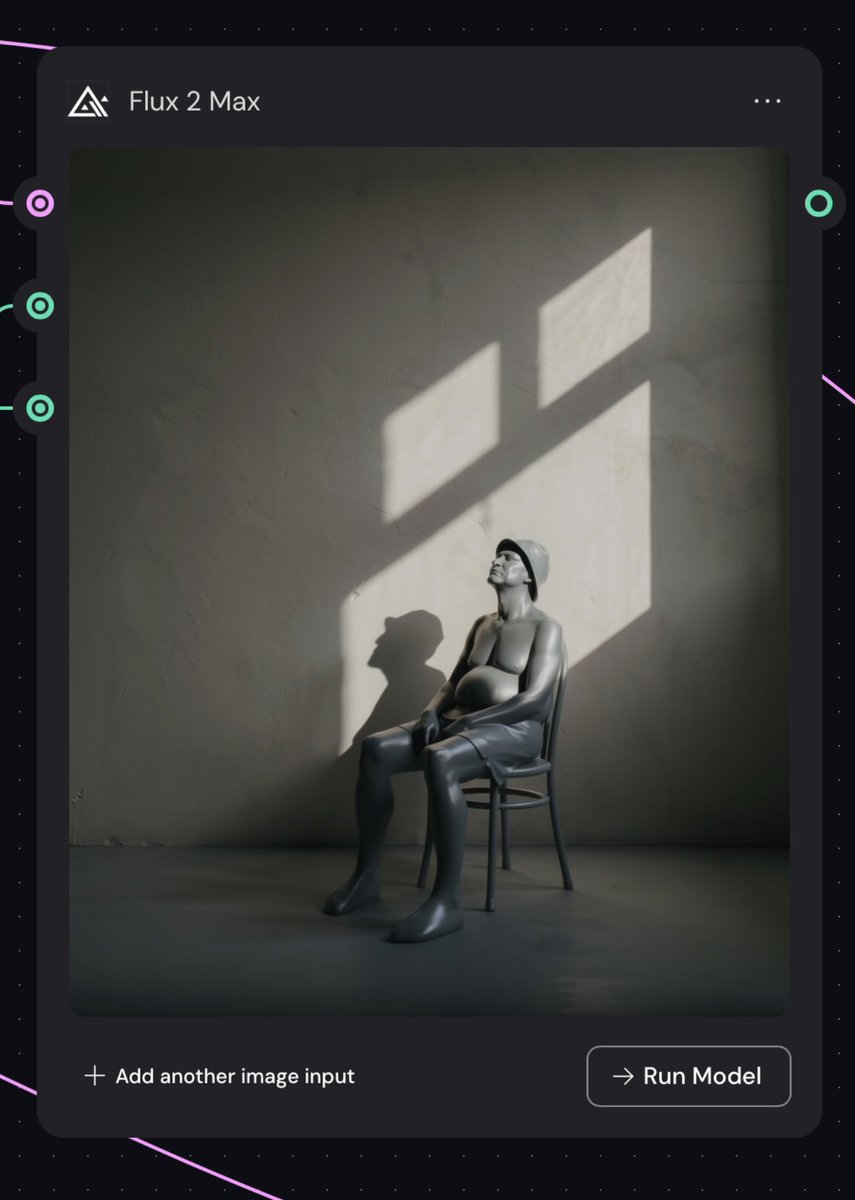
Experimenting with @Weavy_ai for lighting on the old man ZBrush sculpt.. Using it less as a solution, more as a way to explore possibilities faster. Not replacing the process… just speeding up the exploration. I'll post some workflow images later, but for now...
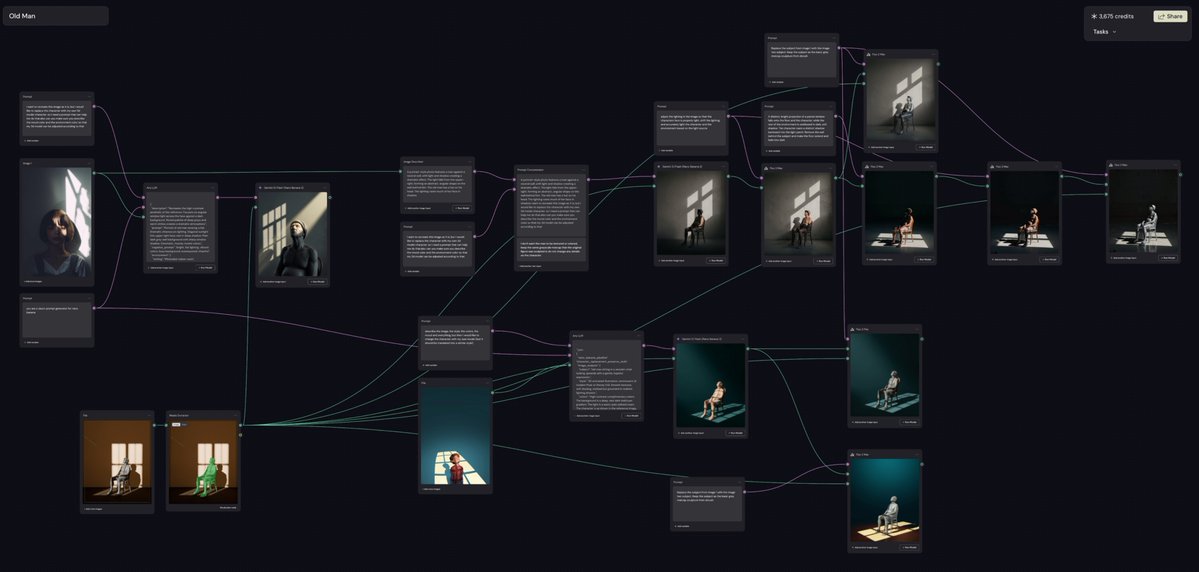
Digital Mason tweet mediaDigital Mason tweet media
English
2
2
4
339
Figma Weave retweetledi
Anton Ten
Anton Ten@antonten·
Continuing experiments with #ai and Goose, part #2. This time, I decided to add sparks to the running animation loop ✨ I created a simple smoke animation in AE, composed it with a loop, and rendered it in @Weavy_ai with Nano Banana 2 and @Kling_ai
English
2
5
78
4.8K
Figma Weave
Figma Weave@figmaweave·
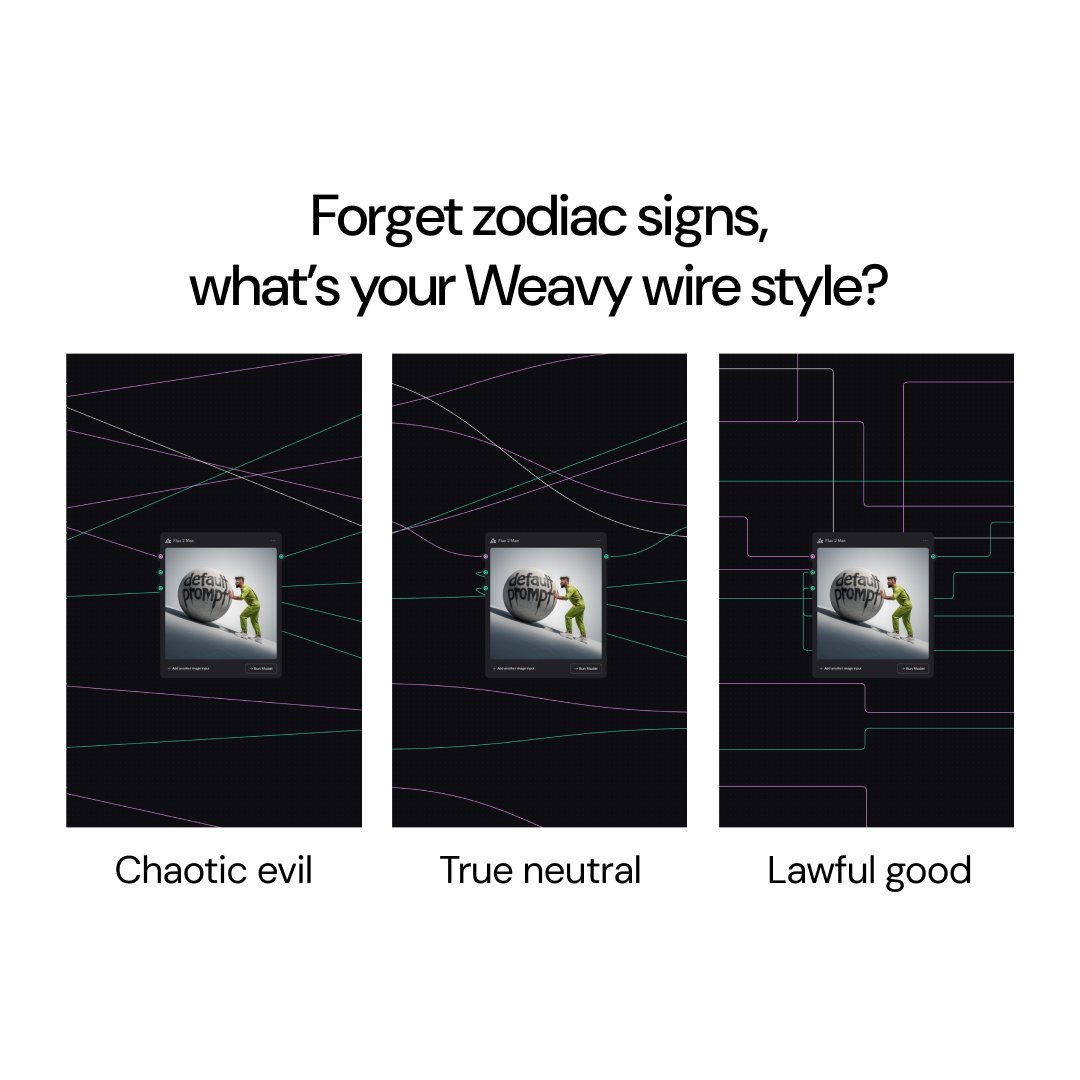
Choose your fighter by clicking the Weavy logo > Preferences > Wire style. What's your pick?
Figma Weave tweet media
English
0
0
8
429
Figma Weave
Figma Weave@figmaweave·
Go big, why don’t you? View images and videos in full screen, switch between versions, and keep cooking.
English
0
2
18
2.4K
Finn McKenty
Finn McKenty@thefinnmckenty·
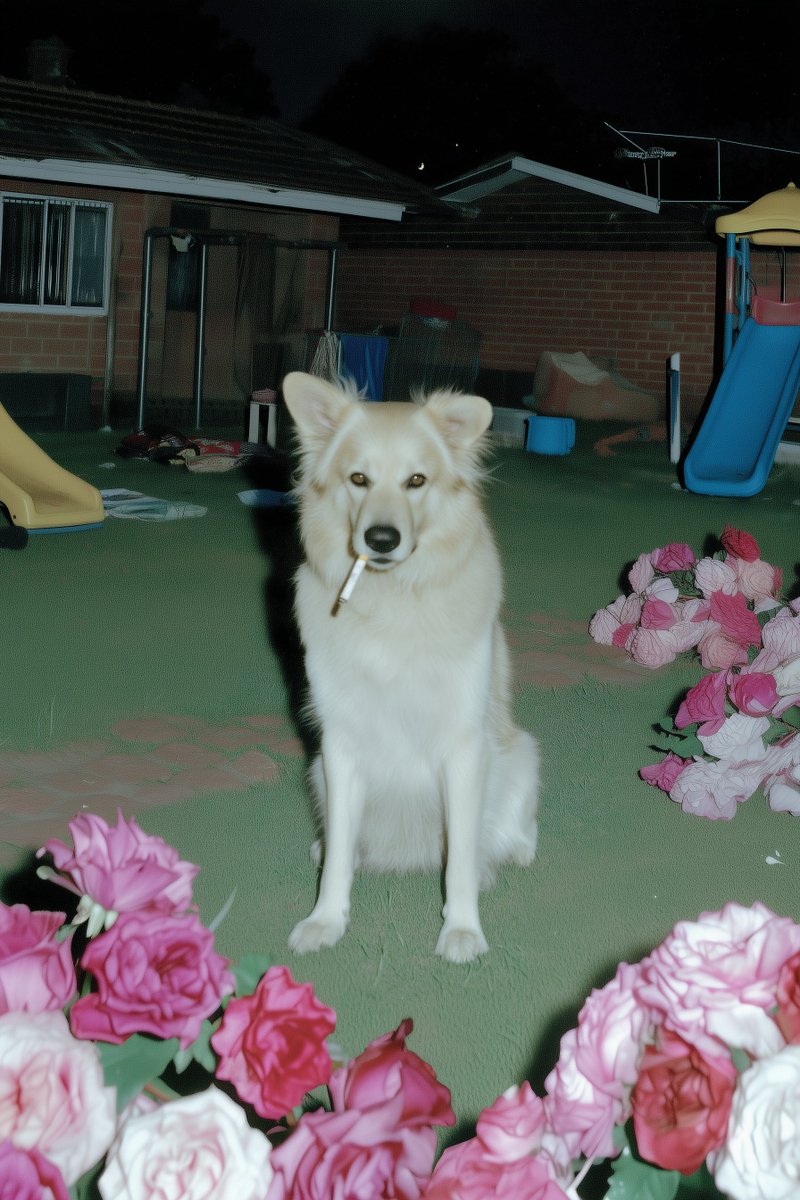
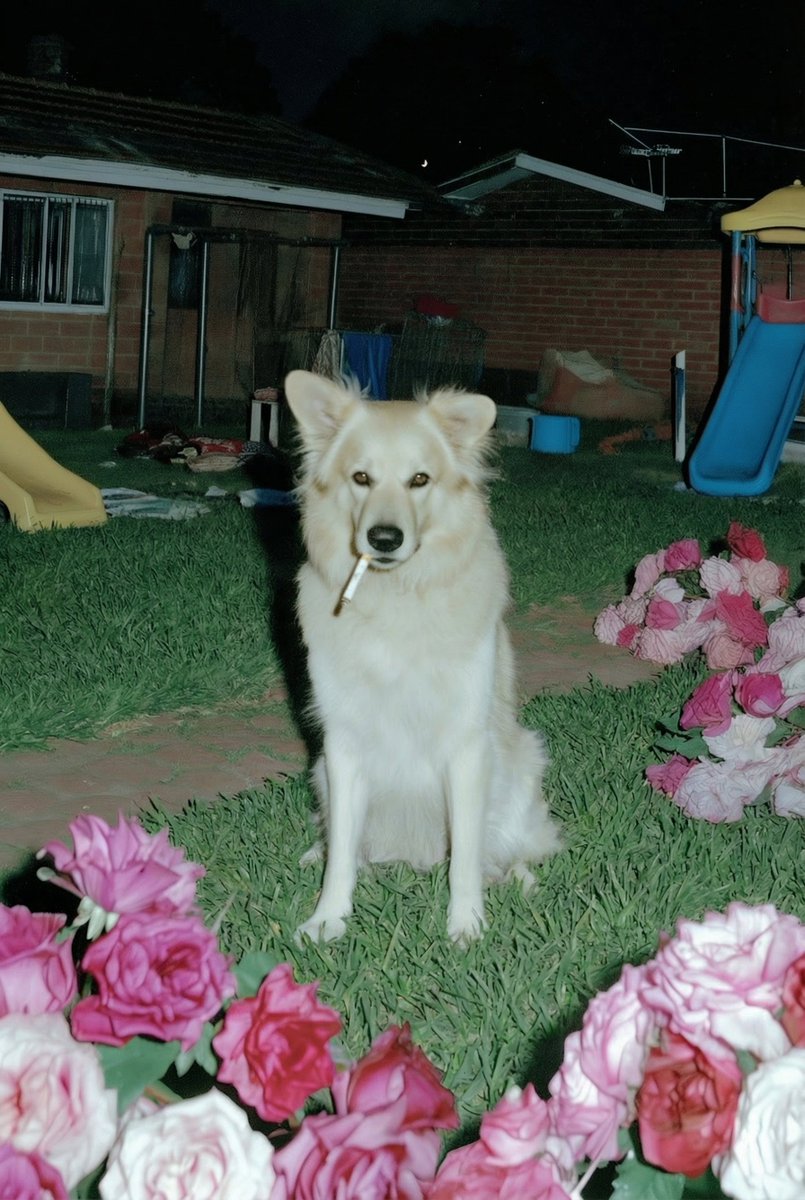
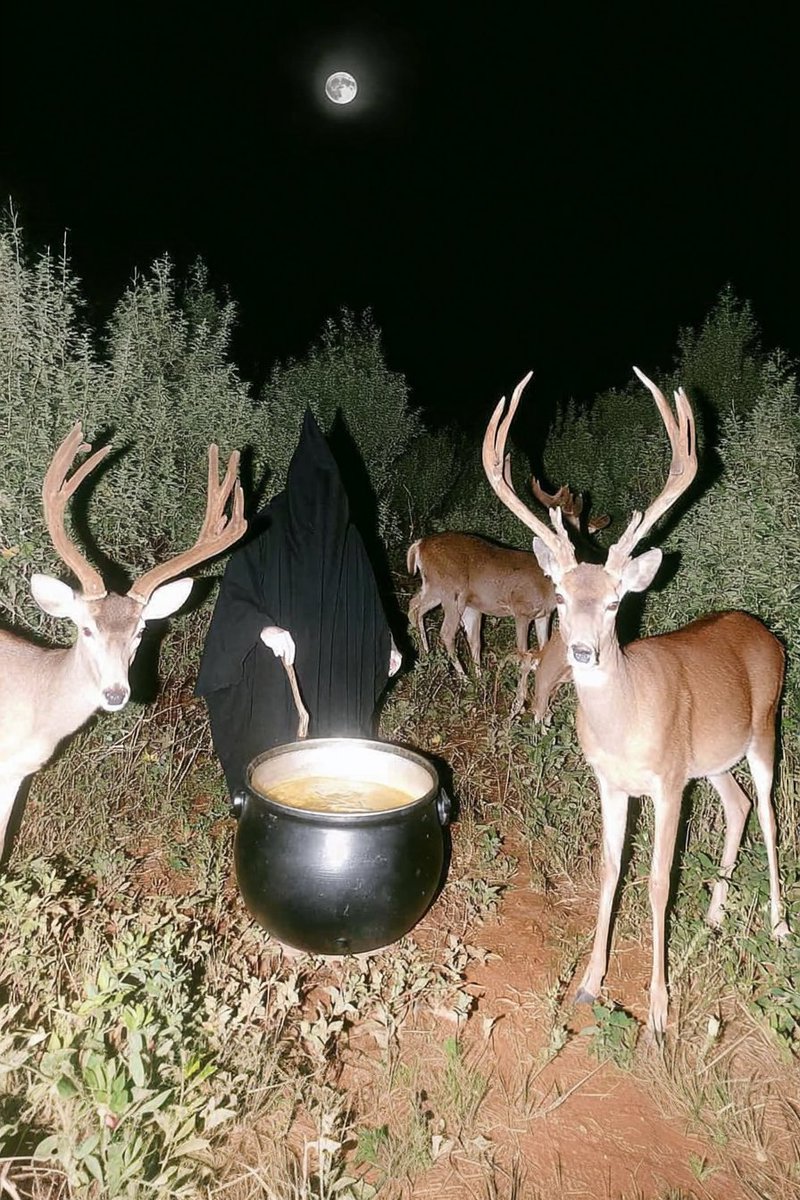
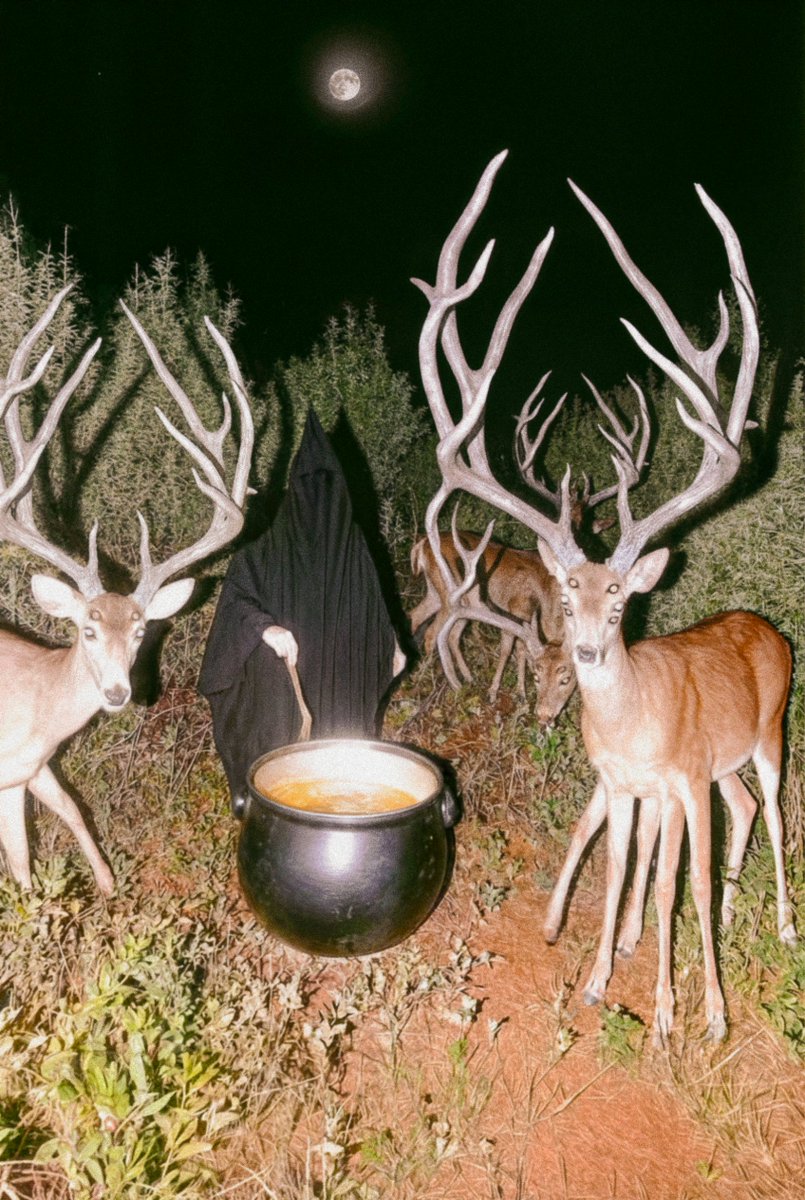
Midjourney is still the best by far when it comes to aesthetics. Nothing else can do what it does. When you need precision, just use @Weavy_ai and Nano Banana for edits. Example: I didn't like how flat the grass was out of Midjourney (left), oneshotted the edited grass with NBP (right). MJ for aesthetics, NBP for precision 🤝
Finn McKenty tweet mediaFinn McKenty tweet media
English
5
0
60
7.8K
Figma Weave
Figma Weave@figmaweave·
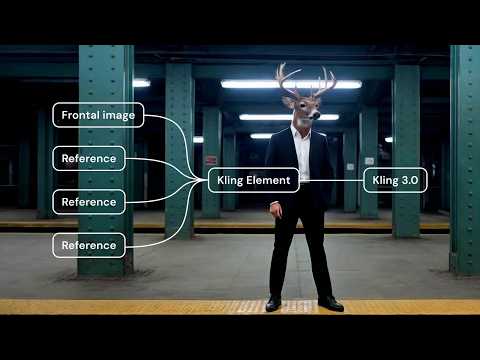
Moving away from prompt engineering to actual creative control sure feels good. Learn how to work with Kling Elements in Weavy. 👉 Try it with our example workflow: tinyurl.com/y7x7va77 👉 Watch the full tutorial: youtu.be/HnGADNc8tmU
YouTube video
YouTube
English
2
3
17
1.4K
Figma Weave retweetledi
Finn McKenty
Finn McKenty@thefinnmckenty·
Good example of how I finish a Midjourney with @Weavy_ai , Nano Banana and Photoshop: Base image on the left, final image on the left Details below:
Finn McKenty tweet mediaFinn McKenty tweet media
English
3
1
19
1.8K
Figma Weave retweetledi
Gabriela Cardona
Gabriela Cardona@gcwalther_x·
Just dropped a juicy tutorial for Variable Nodes on @Weavy_ai 💚
English
0
1
1
818
Figma Weave
Figma Weave@figmaweave·
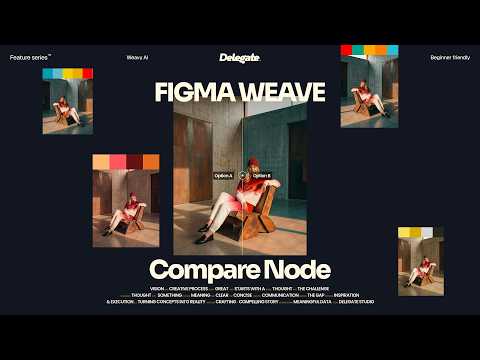
This is the Compare node. Two inputs, one decision. Easily toggle between versions and route the winner forward. Not dramatic, just honest. • Match two edits against each other • Contrast different model outputs • Test color-grades, lighting, and framing side-by-side 👉 Test it in Weavy: tinyurl.com/ywmsmv8e
English
7
3
42
3.7K
Figma Weave retweetledi
Gabriela Cardona
Gabriela Cardona@gcwalther_x·
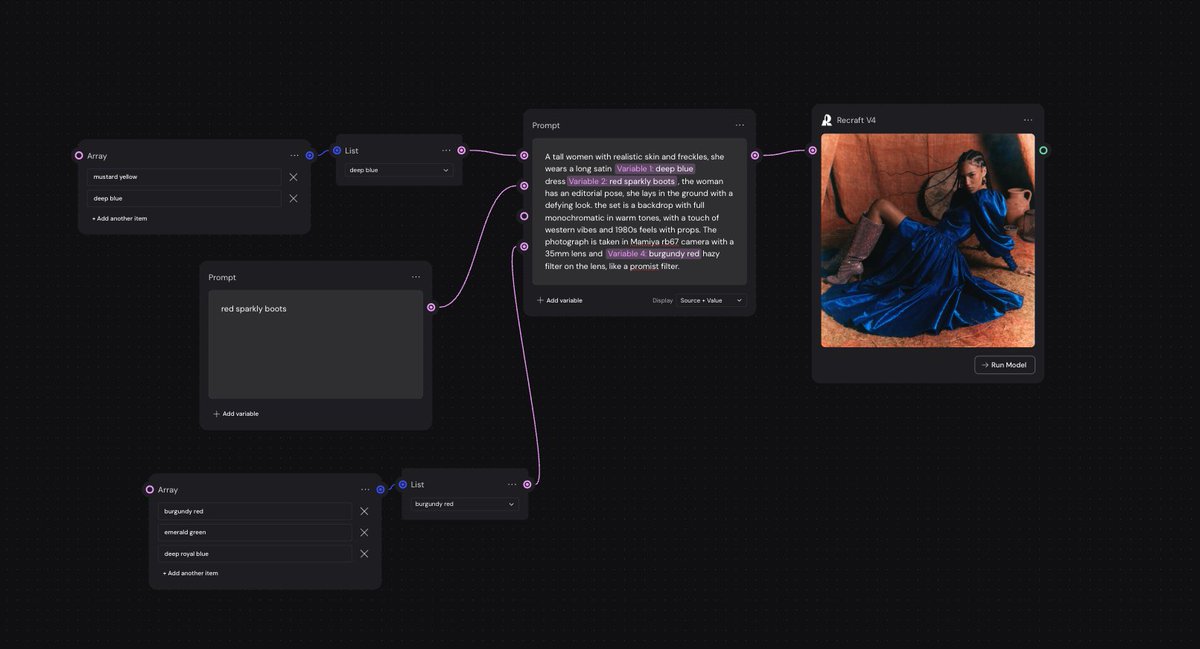
Variable nodes just landed on @Weavy_ai ! I will be sharing a tutorial soon. Also, how nice is @recraftai for editorial work? I mean. It just really gets the film stock!
Gabriela Cardona tweet media
English
1
4
7
781
Figma Weave retweetledi
Finn McKenty
Finn McKenty@thefinnmckenty·
How to make a product shoot with @Weavy_ai and Nano Banana Pro: The key is to break it up into parts, so you have full control over each step. 1. Models A simple headshot works, or you can get as detailed as you want and specify tattoos, hair style, makeup, etc etc. 2. Outfits I like combining them into reference images that are each a complete outfit, just to stay organized (also helps Nano Banana make less mistakes). 3. Locations Plug the model and outfit into the background as image inputs, and that's it! Now you can mix and match models, outfits, and locations but everything stays consistent like it's part of the same photoshoot. You can also get more detailed and specify the pose, weather, time of day, etc if you want.
English
2
1
21
1.7K
Figma Weave
Figma Weave@figmaweave·
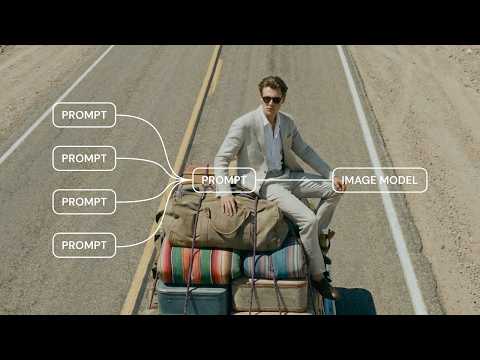
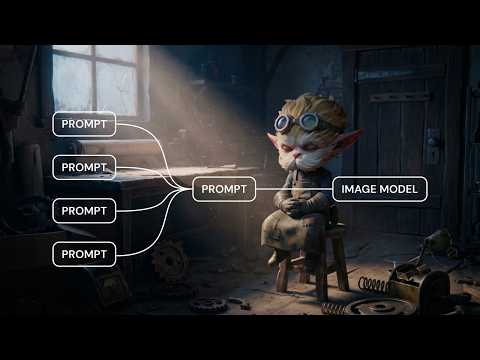
Prompts shouldn’t be static. Introducing Prompt Variables. A way to build prompts that adapt to your inputs. Think of it as a text compositor: drop dynamic variables directly into your prompt, reorder them with drag-and-drop, and create new ones instantly with an @ sign. It means a cleaner workflow, and a cleaner canvas. 👉 See it in action: tinyurl.com/yudhaznh
English
18
9
253
23.4K
Figma Weave
Figma Weave@figmaweave·
Want to go even deeper? Here's an advanced tutorial: youtu.be/CCz7qQgwUwI It covers dynamic, multi-input AI workflows for video production, shot generation, and scalable creative systems. Also made by the amazing @kenvreman
YouTube video
YouTube
English
0
1
1
555
Figma Weave
Figma Weave@figmaweave·
Prompt Variables offer a new way of prompting. Check our the tutorial by @kenvreman, and learn how to: • Add, reference, and work with variables using the “@“ sign • Build modular prompts that adapt, and make your workflow cleaner • Combine Variables with other nodes like Iterators to build powerful systems 👉Full video: youtube.com/watch?v=kA_QQ7…
YouTube video
YouTube
English
3
4
21
1.4K
Kaisen
Kaisen@kaisenyee·
@Weavy_ai prompts are just code nobody wants to admit they're writing. this makes it honest.
English
1
0
1
132