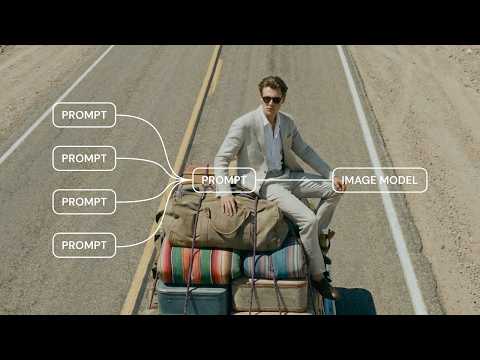
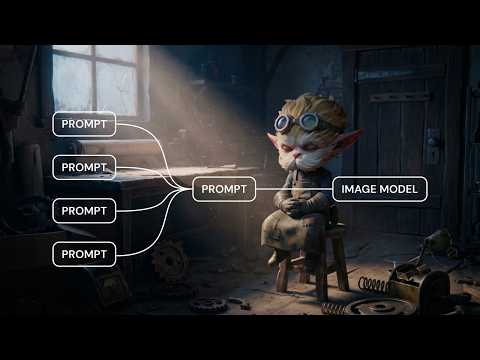
Prompt Variables offer a new way of prompting. Check our the tutorial by @kenvreman, and learn how to:
• Add, reference, and work with variables using the “@“ sign
• Build modular prompts that adapt, and make your workflow cleaner
• Combine Variables with other nodes like Iterators to build powerful systems
👉Full video: youtube.com/watch?v=kA_QQ7…
Want to go even deeper?
Here's an advanced tutorial: youtu.be/CCz7qQgwUwI
It covers dynamic, multi-input AI workflows for video production, shot generation, and scalable creative systems. Also made by the amazing @kenvreman
Prompts shouldn’t be static.
Introducing Prompt Variables. A way to build prompts that adapt to your inputs.
Think of it as a text compositor: drop dynamic variables directly into your prompt, reorder them with drag-and-drop, and create new ones instantly with an @ sign.
It means a cleaner workflow, and a cleaner canvas.
👉 See it in action: tinyurl.com/yudhaznh
After talking to 100+ creatives about AI workflows, this is how I’m ending the year.
Starting next week, I’m posting one beginner friendly Figma Weave tutorial every day.
Let’s end the year building.
@Weavy_ai@delegatestudio