@friendly_cosmo I made the biggest strides as an early dev in GameMaker following your tutorials. It's so cool to see you in Godot now, too! enjoyed your work for many years, thanks for keeping it up
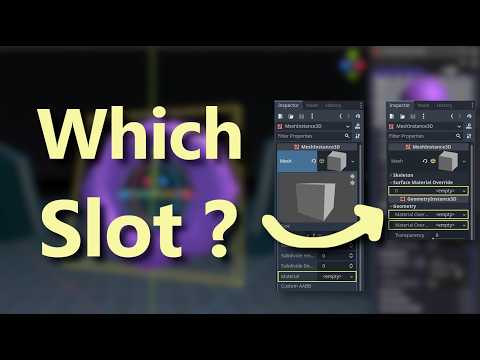
A new #godot tutorial that tries to answer... What are visual materials? Why are there so many slots for them!? Where do we put shaders and how do we use them? youtu.be/-hhwYgjRFc4
@SleepyMushroom2@our_ta_martin Yup, it's semantically redundant, but gives explicit clarity to who the caller is/who our vars belong to. Especially in a code segment like this where the viewer doesn't have context of the rest of my code block, and indicates where someone could sub "self" with another node
@friendly_cosmo@our_ta_martin You don't have to use self when getting an objects global position if it's on itself unless there's something in the project that requires you to do that
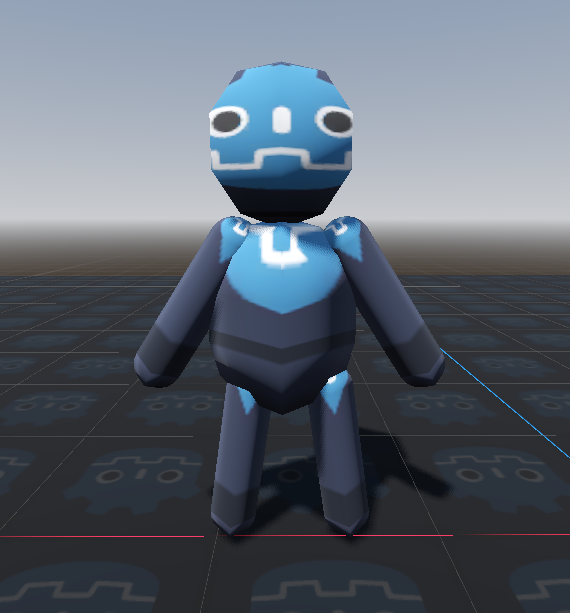
@RazorSharpFang@AnotherRatchet Yeah, absolutely getting to the point where we need some IK/bone constraints! This is showing locking the body's rotation to the y axis but letting the head rotate freely... still a bit uncanny, haha.
@AnotherRatchet@friendly_cosmo The proper thing to do would be to use the position of the head of the character - where its eyes are and then using that to make small adjustments to the other parts - neck can rotate a little, maybe the shoulders too, a bit of a chest swing.
It's much more involved.
@our_ta_martin I reckon this is the most friendly solve/suggestion, especially without wrangling atan2/trig yourself! Thanks for stating it.
For anyone else reading, this would be the below code (sub 'self' for whatever object is turning to face the other)
@Psyanim@ivanpopelyshev Oh my goodness I'm so excited and thankful for your work, it's such a good animation - I have watched it so many times to clarify trig concepts!!
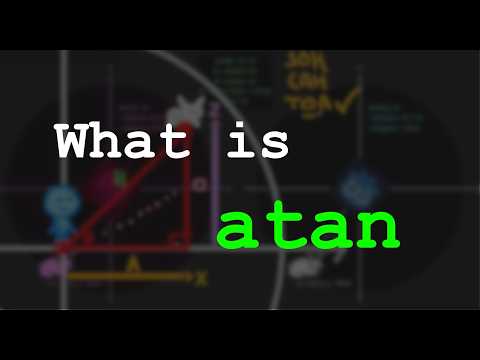
An essential bit of gamedev math - atan2!
We often know a target's position and want to face it. But how do we get the angle?
angle = atan2(y / x)
Or in 3D...
angle = atan2(x / z)
(We can also see below, what happens if we use atan instead of atan2)
#godot#gamedev
@friendly_cosmo I used to get the look direction by calculating the distance and normalizing the vector to get a direction.
Is atan faster? (it seems to be, just confirming haha)
@DeusIX_imxn As others have said, look_at is indeed using what we have described above, and there's merit in understanding that. But as well, if we JUST want to turn our person to look at the green object, but rotate ONLY on the y axis, then we have to do more work/undo parts of the function.
@ivanpopelyshev Look below (from mathwarehouse.com) - the target black circle/position, and the red and blue coords for y and x.
Our triangle has to flip to solve for our desired angle:
(I) y/x = +
(II) y/-x = -
(III) x/-y = -
(IV) -x/-y = +
Works fine for I & IV, but not the others!
@ivanpopelyshev Yes!! (And to expand for anyone reading)
Compare the left/right side shown: atan takes one argument but atan2 has two - NEEDS two, in order to fix our "flipping" problem (shown left).
Our right-angled triangle works fine in the first quadrant, but needs to flip in others!
@Si_Ro_Nin haha very fair 🫡
...it's such a muddle switching between them, even moving between code and verifying in-editor, trying to present something intuitive but CLEAR
I also have a Patreon if you want to support me making more videos like this! There's early access to videos, code repositories, voting on videos, code help, etc.
patreon.com/c/FriendlyCosm…