
Blue retweetledi

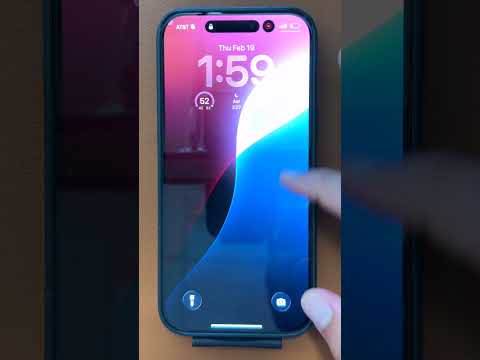
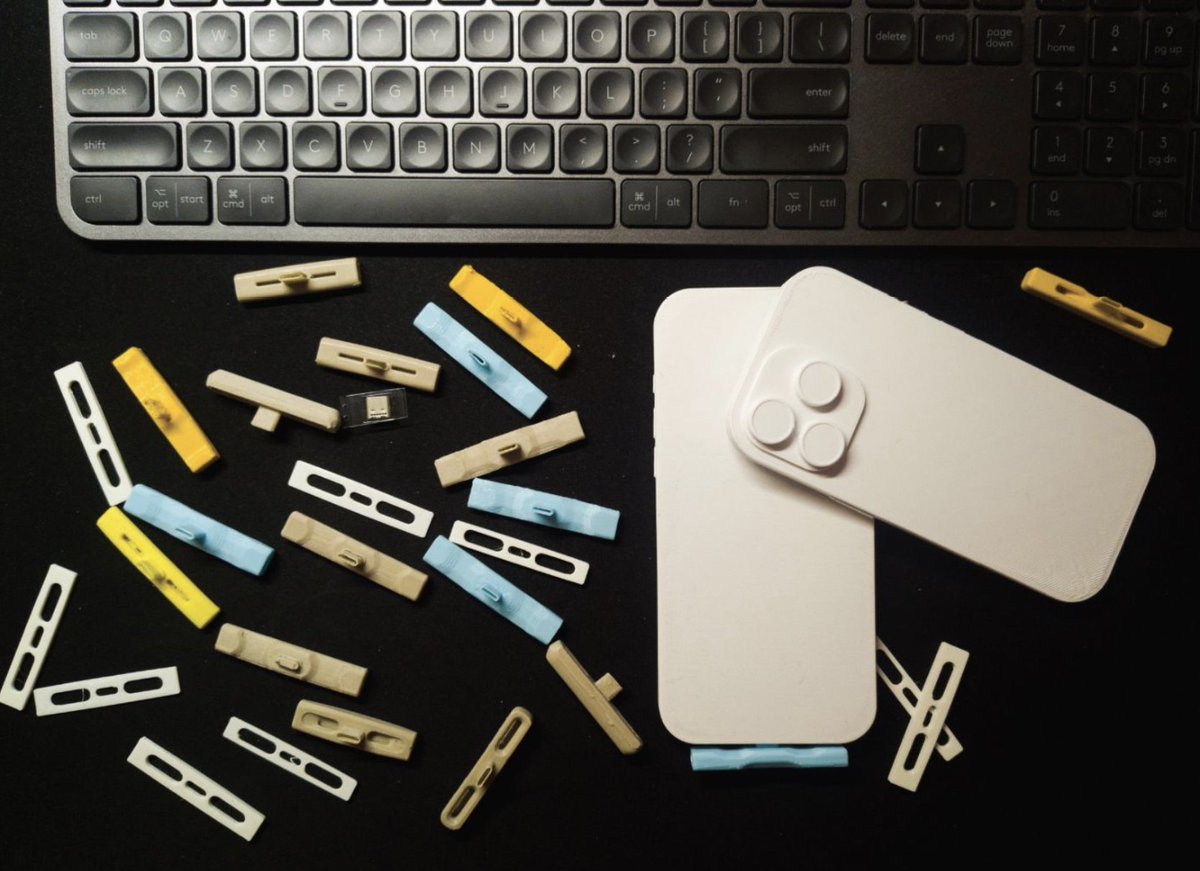
I got the @heyBlueX AI device, it’s a little USB dongle that plugs into your phone which acts like accessibility mouse so it’s able to tap your phone as if you’re using it. You just ask it to do things and it figures out what is on the screen and performs actions automatically while you just watch.
A couple of examples it did for me:
- I asked it to process a clothes return for me, it went into my emails, searched for the order to get the order number then opened the website via browser, clicked through each step and got the USPS return QR which it then screenshot so I could easily pull it up when I got to the post office.
- I asked it to file a Delaware LLC franchise tax today, it went into my google drive app to find a document with the company ID, then went to the Delaware website, navigated through the options, completed the “I’m not a robot” capture, then competed what must be one of the worst janky forms on the internet, then I asked it to open the Robinhood banking app to get my credit card details which it did no problem then switched back to the Delaware site to complete payment then saved the confirmation to the correct google drive folder. All while I just watched.
Yes I’m sure a VPS AI agent could do this for me but there is something about just watching your phone while AI uses it for you and you just observe and see it happening, clarifying instructions along the way. You also don’t need to give it tools access or permissions, it’s just using whatever apps are on your phone while you watch.
Magic
Tom Babb@TBabb02
just got the @heyBlueX and it's going to be everything I wish Siri was 🔵 Very interesting product by @ycombinator @OmarAbcXyz123 @FarhanBuilds
English