Alexander Kurakin

2.8K posts

Alexander Kurakin

Alexander Kurakin

@hotaltenter

.NET Product Marketing Manager at @JetBrains. Opinions are my own.

München, Bayern Katılım Ekim 2013
50 Takip Edilen220 Takipçiler
Alexander Kurakin retweetledi
Anton Martyniuk
Anton Martyniuk@AntonMartyniuk·
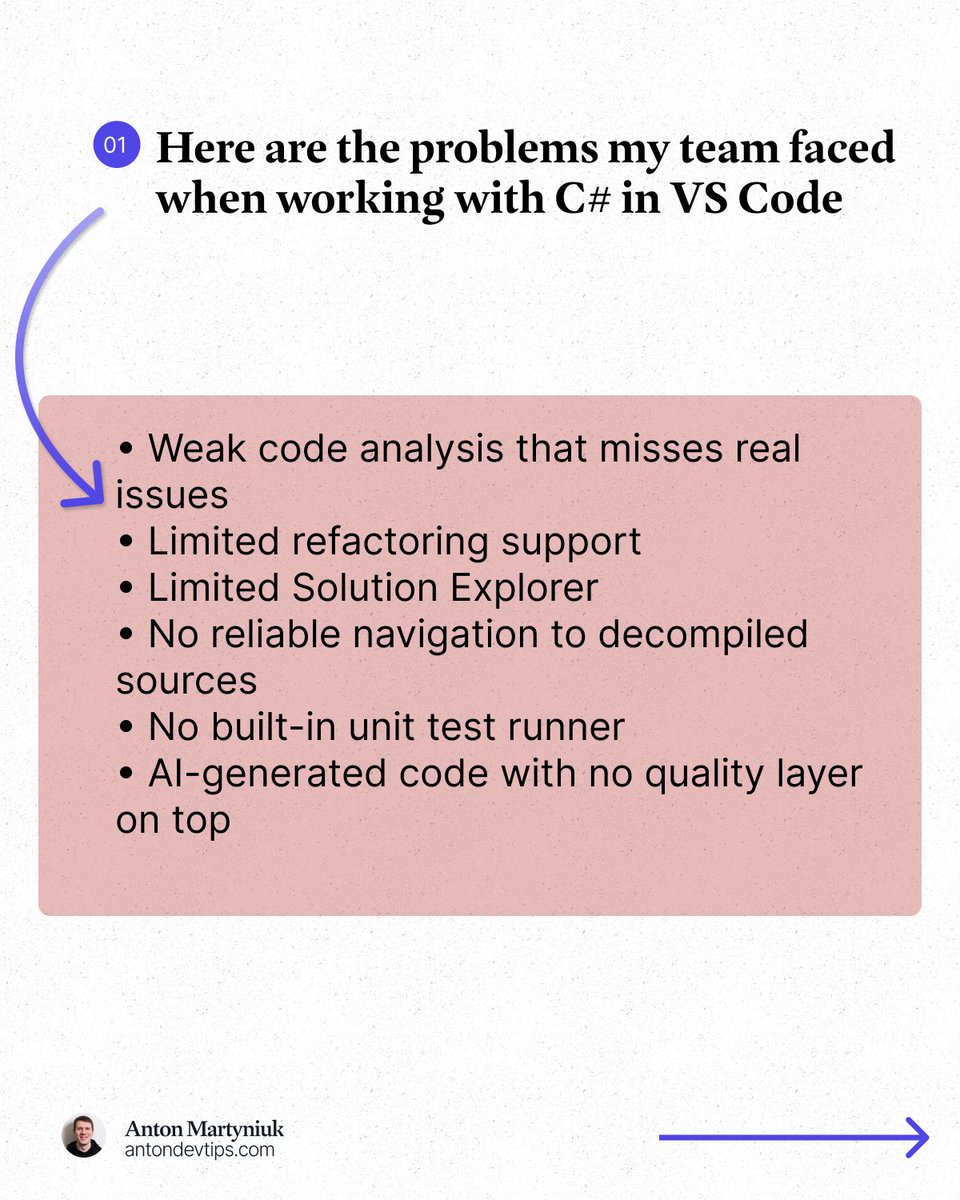
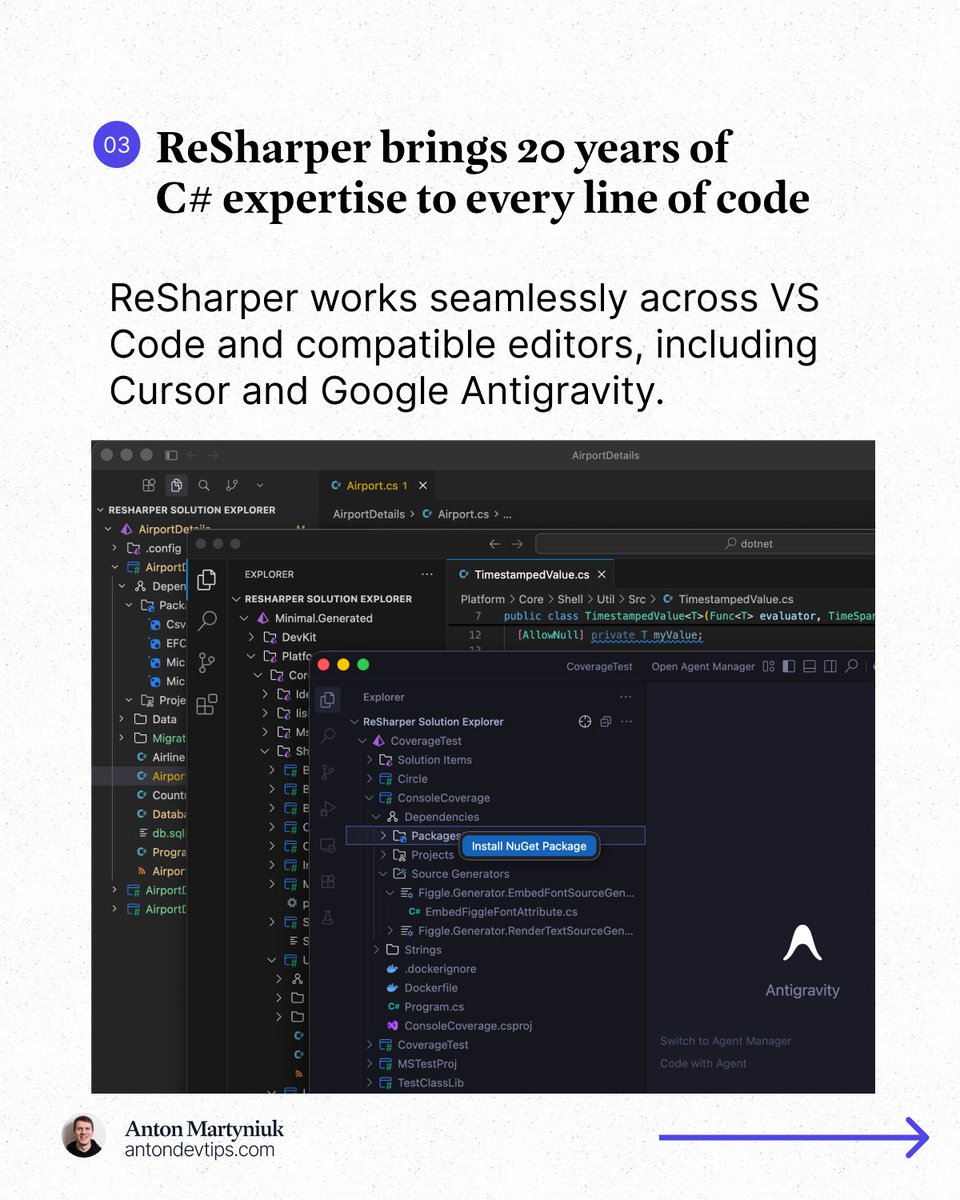
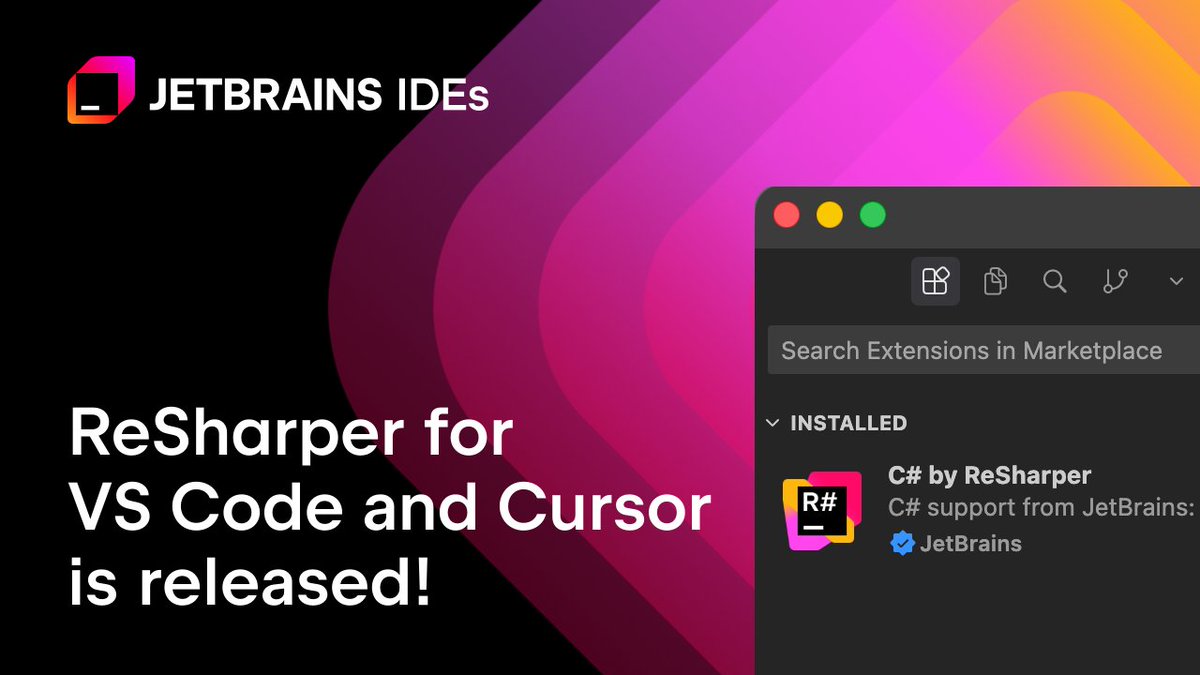
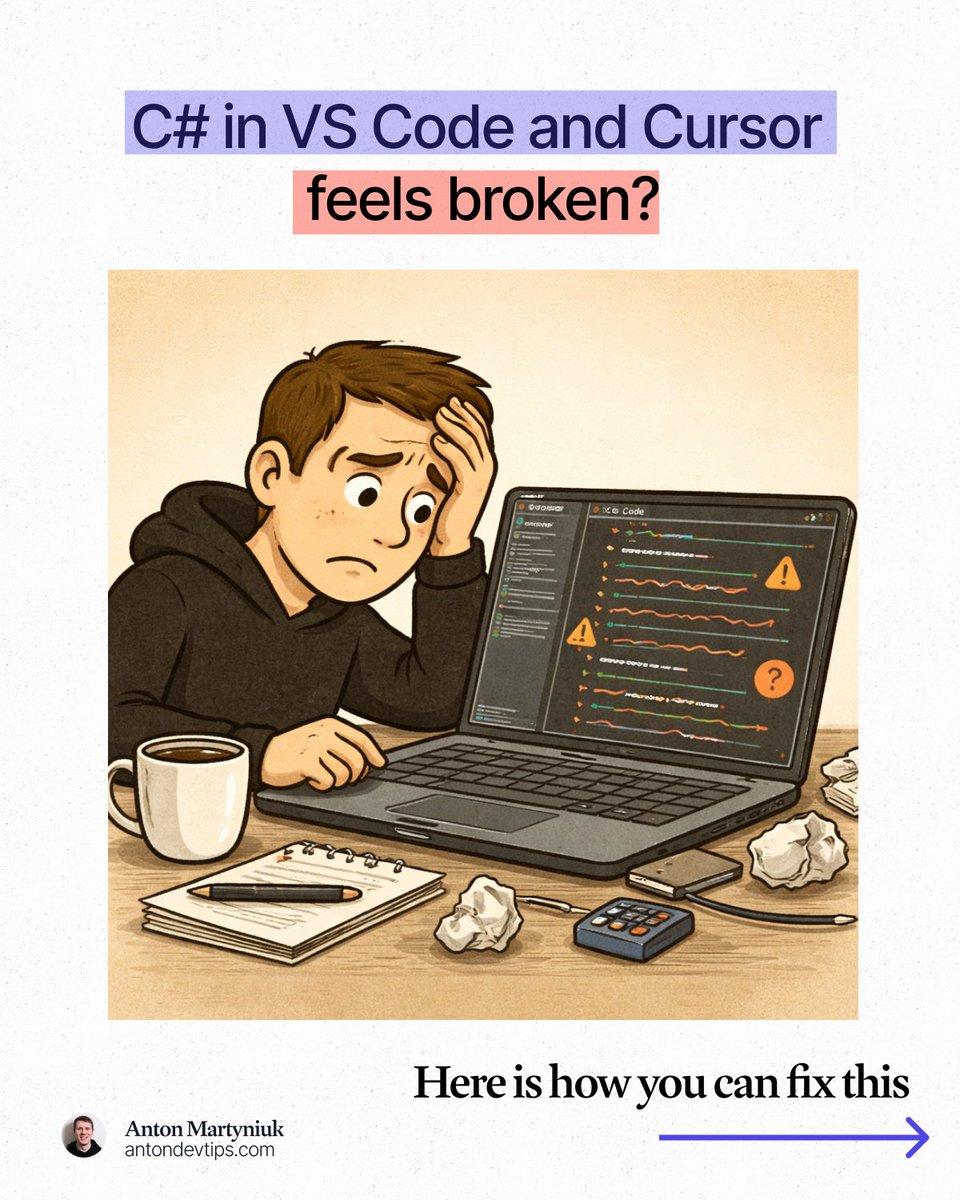
𝗖# 𝗶𝗻 𝗩𝗦 𝗖𝗼𝗱𝗲 𝗮𝗹𝘄𝗮𝘆𝘀 𝗳𝗲𝗹𝘁 𝗯𝗿𝗼𝗸𝗲𝗻. In March, this finally changed 👇 What's the problem with C# in VS Code? You open your .NET solution in VS Code, Cursor, or another lightweight editor. You get basic syntax highlighting. Some IntelliSense. Maybe a few squiggly lines. But real productivity? That's been missing. Here is what I kept running into: • Weak code analysis that misses real issues • Limited refactoring support • Limited Solution Explorer • No reliable navigation to decompiled sources • No built-in unit test runner • AI-generated code with no quality layer on top For years, the only real options were: ❌ Use a full IDE like Visual Studio or Rider ❌ Piece together multiple VS Code extensions and hope they work This changed in March. JetBrains officially released 𝗥𝗲𝗦𝗵𝗮𝗿𝗽𝗲𝗿 for VS Code, Cursor, and Google Antigravity: jetbrains.com/resharper/?pro… This is the same ReSharper engine that millions of developers have trusted in Visual Studio for 20+ years, now running in VS Code, Cursor, and Google Antigravity. 𝗔𝗻𝗱 𝗵𝗲𝗿𝗲'𝘀 𝘁𝗵𝗲 𝗯𝗲𝘀𝘁 𝗽𝗮𝗿𝘁: 𝗶𝘁'𝘀 𝗙𝗥𝗘𝗘 𝗳𝗼𝗿 𝗻𝗼𝗻-𝗰𝗼𝗺𝗺𝗲𝗿𝗰𝗶𝗮𝗹 𝘂𝘀𝗲, 𝘀𝘁𝘂𝗱𝘆𝗶𝗻𝗴, 𝗮𝗻𝗱 𝗵𝗼𝗯𝗯𝘆 𝗽𝗿𝗼𝗷𝗲𝗰𝘁𝘀. Here is what made a real difference for me: 1️⃣ Professional-grade code analysis ↳ Real-time inspections and quick-fixes for C#, Razor, Blazor, and XAML. It catches issues that basic extensions completely miss. 2️⃣ Smart coding assistance ↳ Context-aware completion, auto-imports, live templates, and inline documentation that go way beyond what a standard editor offers. 3️⃣ Solution Explorer inside VS Code ↳ A central hub for managing files, folders, NuGet packages, and projects across your entire solution. Just like in Rider or Visual Studio. 4️⃣ Refactoring you can trust ↳ Rename works across your whole solution while safely handling conflicts and references. No more search-and-replace guessing. 5️⃣ Fast navigation to any source ↳ Jump to symbols, usages, files, and types. When source code is not available, ReSharper decompiles assemblies and takes you directly to the declaration. 6️⃣ Built-in unit testing ↳ Run and manage tests for NUnit, xUnit .net, and MSTest directly in your editor with easy navigation to failing tests. The next major area of focus for ReSharper for VS Code is debugging support. JetBrains is actively working on support for launching debugging sessions and attaching to processes in .NET and .NET Framework applications. 👉 You can install ReSharper in the Extensions view of your editor (VS Code, Cursor, and Google Antigravity) —— Many thanks to @jetbrains for sponsoring this post
Anton Martyniuk tweet mediaAnton Martyniuk tweet mediaAnton Martyniuk tweet mediaAnton Martyniuk tweet media
English
14
29
124
9K
Alexander Kurakin retweetledi
JetBrains ReSharper
JetBrains ReSharper@resharper·
📢 @resharper is now available for @cursor_ai If you’re developing in C# in an AI-first editor, ReSharper can help you ensure your code is production-ready. Use inspections, refactorings, navigation tools, and coding assistance to review and refine both handwritten and AI-generated code. 🔎 To get started, look up “ReSharper” in the Extensions view of your editor.
English
0
10
44
6.2K
Alexander Kurakin retweetledi
JetBrains ReSharper
JetBrains ReSharper@resharper·
Upgrade the way you @code with ReSharper!⬆️ @resharper for VS Code is now generally available, bringing gold-standard code analysis, trusted refactorings, and powerful navigation directly into the editor. JetBrains ReSharper helps you write and maintain C# code with greater confidence. Install from the Visual Studio Code Marketplace: marketplace.visualstudio.com/items?itemName…
English
3
11
91
10K
Alexander Kurakin retweetledi
JetBrains ReSharper
JetBrains ReSharper@resharper·
🧙‍♂️Legend has it that some developers can spot C# code issues instantly. The rest of us use @resharper. Now available for VS Code, Cursor, Google Antigravity, and other compatible editors. Learn more 👉 jb.gg/rs-in-vsc-rele…
English
0
4
23
1.7K
Alexander Kurakin retweetledi
JetBrains ReSharper
JetBrains ReSharper@resharper·
ReSharper for VS Code and compatible editors is now generally available 🎉 After a year in public preview, the extension has officially been released for Visual Studio Code, Cursor, Google Antigravity, and other compatible editors. 📍 Gold-standard code analysis for C#, XAML, Razor, and Blazor 📍 Solution-wide refactorings 📍 Navigation (including to decompiled sources) 📍 Solution Explorer for managing projects, NuGet packages, and source generators 📍 Unit testing support It’s available with a ReSharper or dotUltimate subscription and is free for non-commercial use. Learn more here 👉jb.gg/rs-in-vsc-rele…
JetBrains ReSharper tweet media
English
0
22
78
17.6K
Alexander Kurakin retweetledi
JetBrains Rider
JetBrains Rider@JetBrainsRider·
Cursor is now available in Rider through the Agent Client Protocol – giving you more flexibility in how you work with AI agents. Learn more 👇
JetBrains@jetbrains

Cursor is now available as an agent inside JetBrains IDEs through the Agent Client Protocol. Install it via the ACP Registry from the agent selector. No JetBrains AI subscription required. Big thanks to @cursor_ai for building the ACP ecosystem with us! Learn more: jb.gg/CursorACP

English
1
11
73
8.8K
Alexander Kurakin retweetledi
JetBrains Rider
JetBrains Rider@JetBrainsRider·
This tweet should be framed 🖼️ Ten years ago at #NDCLondon, "Project Rider" was an early preview we were nervous to share. Today we're back at NDC London 2026 with a world-famous IDE and a community that's grown beyond what we had imagined. 👋 Come to Cambridge Hall, Booth 16 if you want to reminisce - or just say hi!
JetBrains Rider@JetBrainsRider

We'll be revealing Project Rider at NDC London. Wednesday 13th January 2016 ndc-london.com/talk/project_r… #jetbrainsRider

English
2
7
33
3.3K
Alexander Kurakin retweetledi
JetBrains Rider
JetBrains Rider@JetBrainsRider·
@UnrealEngine developers, this one is for you. @JetBrainsRider 's expression evaluator has been rewritten, and the results are outstanding: 📍 Variable inspection up to 87x faster on warm runs and 16x faster on cold ones. 📍 Debugger memory usage is over a third of what it was. 📍 And there’s even a bonus benefit even we ourselves did not expect! Get the full story 👉 jb.gg/rd-261-new-lld… #gamedevs #UnrealEngine
JetBrains Rider tweet media
English
4
14
76
2.9K
Alexander Kurakin retweetledi
Kevin Gosse
Kevin Gosse@KooKiz·
Visual Studio 2026 18.1.1 has been released. I strongly recommend upgrading if you're using ReSharper, as it fixes an issue that was making startup significantly slower. Thanks a lot to @davkean and the VS team for their reactivity!
English
3
8
56
4.9K
Alexander Kurakin retweetledi
JetBrains Rider
JetBrains Rider@JetBrainsRider·
We asked developers how they use @JetBrainsRider in their personal projects, and their answers blew us away 😯✨ From digitalized board games to new programming languages – here are 5 stories of curiosity, creativity, and code. Read it here 👉 jb.gg/rider-for-non-…
JetBrains Rider tweet media
English
0
2
13
2.2K
Jochen Kirstätter (JoKi)
Jochen Kirstätter (JoKi)@JKirstaetter·
Hello @JetBrainsRider, nice that you ship latest version for NET 10. I'm really excited about it. It's less fun that now a number of Plugins aren't working anymore. Like JSON Sorter. And again, the whole UI configuration and placement of tools has been thrown out. Sync is on.
English
1
0
0
43
Alexander Kurakin retweetledi
JetBrains ReSharper
JetBrains ReSharper@resharper·
ReSharper is now available on the Open VSX Registry! 🎉 If you use @cursor_ai or @windsurf, you can easily install and keep ReSharper updated – just type “ReSharper” into the search box in the Extensions view. Find more details in our blog post 👉 jb.gg/rs-open-vsx-x
JetBrains ReSharper tweet media
English
0
4
8
2.5K