@houdah hi there,
Just trying out photos workbench. Impressed so far with the features.
Is there a way of deleting the raw of a raw an jpg pair with workbench?
Lots of amazing software for readers, writers, and thinkers: the winter festival of artisanal software.
Fine software at great prices, direct from the workshop gate.
artisanalSoftwareFestival.com
@Sinabhfuil Remove "Apple Mail messages" if you are not using it. Otherwise, check the error message. Check Search > Search By to see if you are searching for "1914" in name, content, or any text.
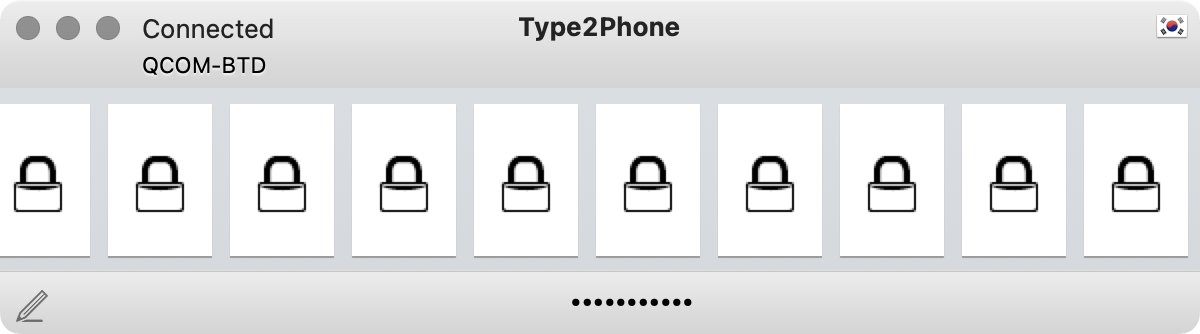
@jEdo_k Please re-do the Bluetooth pairing. I.e. have both devices forget one another. Make sure the Type2Phone application is open and running during the process. Initiate pairing from the iPhone.
@somelinguist Indeed, Text Preview highlight follow a more simplistic logic than what you can set up in search: case/diacritic-insensitive, no boolean logic.
@houdah So all of the files in the above search contain at least one instance of lowercase "english", but it's nearly impossible in many of them to find that instance in the preview.
@houdah I was trying to follow the instructions in the user manual to do case and diacritic sensitive searches, but it doesn't seem to be working. Are the instructions still valid? I have the latest HoudahSpot and macOS. Thanks!
@somelinguist Quick Look cannot be customized. That is the main reason why HoudahSpot also offers Text Preview where it can highlight words and limit ("fold") the preview to relevant paragraphs
@houdah I love Text Preview in HoudahSpot but was wondering if there is a way to also highlight results in Quick Look? Or better, if both could be used side by side…so clicking on a result in Text Preview scrolled to the highlighted result in Quick Look. Is that possible?
@houdah your HoudahSpot LaunchBar Action is great. but the Apple mail search one (blog.houdah.com/2019/05/how-to…) doesn't seem to work so well... It opens a finder selector, asking for a folder to search. Is that expected?
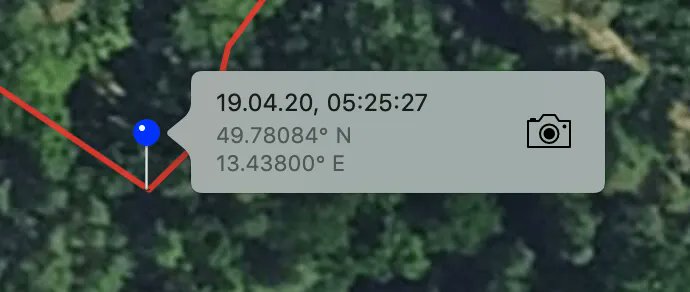
HoudahGeo tip: Match photos to a GPS track log by placing one photo to a known location on the track. HoudahGeo will figure out camera clock settings and time offset. It can then geocode the rest of the photos. buff.ly/31IVRKi
HoudahSpot tips & tricks: Efficient macOS File Searches using Filters
buff.ly/38pn70w
Filter search results by path, parent folder or folder name in path. See only the files you are interested in.