

xmike
401 posts
🚀Join me on @Gradient_HQ — The open layer for edge compute on Solana.
Set up your #GradientSentry Node and be part of the future.
app.gradient.network/signup?code=M1…
#GradientNetwork
English

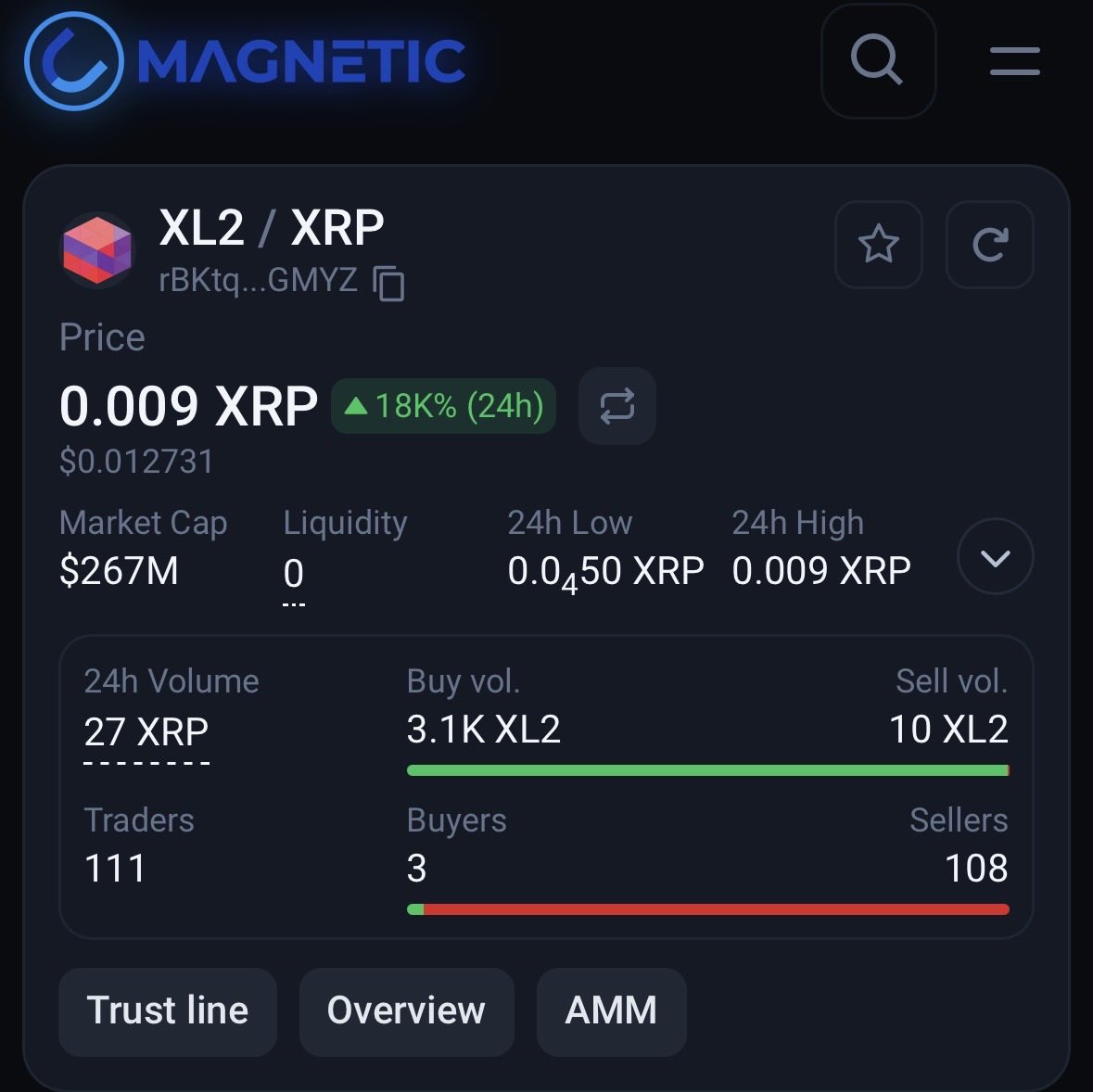
🙏 Thank you, XL2 investors!
After our statement on bots and farms,
the community stepped in and supported $XL2.
Real believers are here.
This is just the beginning 🚀
xmagnetic.org/dex/XL2+rBKtqx…
#XRPL #XRP #XL2 #Layer2
English
@stedas @realSologenic What happened to solodex? Why i cant import my xaman wallet?
English

XRP_Cro 🔥 AI / Gaming / DePIN@stedas
🎉 Exciting news #Coreum & #Sologenic community! The first-ever Community Poster is on its way — a symbol of vision, unity, and potential. ✍️ Sign up to be part of it: 👉 stedas.hr/coreum-poster/… @coreumconcepts @mackenzie23233 @XRP_Marshall @Marcoapolo211 @iamartikyoul8 @zenwarrior114 @Cor3_Community @MikeMcC1uskey @realSologenic @SoloTex_com @bobrasX @madebyfavio @CoreumOfficial @coinholderX United by Vision. 👁️ Connected by Art. 🎨
QME

Sologenic + Texture = SoloTex 🚀
Sologenic and Texture are launching SoloTex, the future of tokenized equities in the US!
Thanks to @CoreNestVC for enabling this through their investment in Texture Capital, a US-based broker-dealer.
Join the waitlist: solotex.com
English
@BentotTumbling @mdelro2 @SerJuustin @vitalyzdtv If one man can hold you down then 2 man can 🍇 you.
-Justin Gaethje
English

@mdelro2 @SerJuustin @vitalyzdtv 5 foot midgets. They will swarm him if they wanna harm him. They have hidden weapons there and hes just a prankster, not a hardened criminal like the filos detained there, idiot!
English

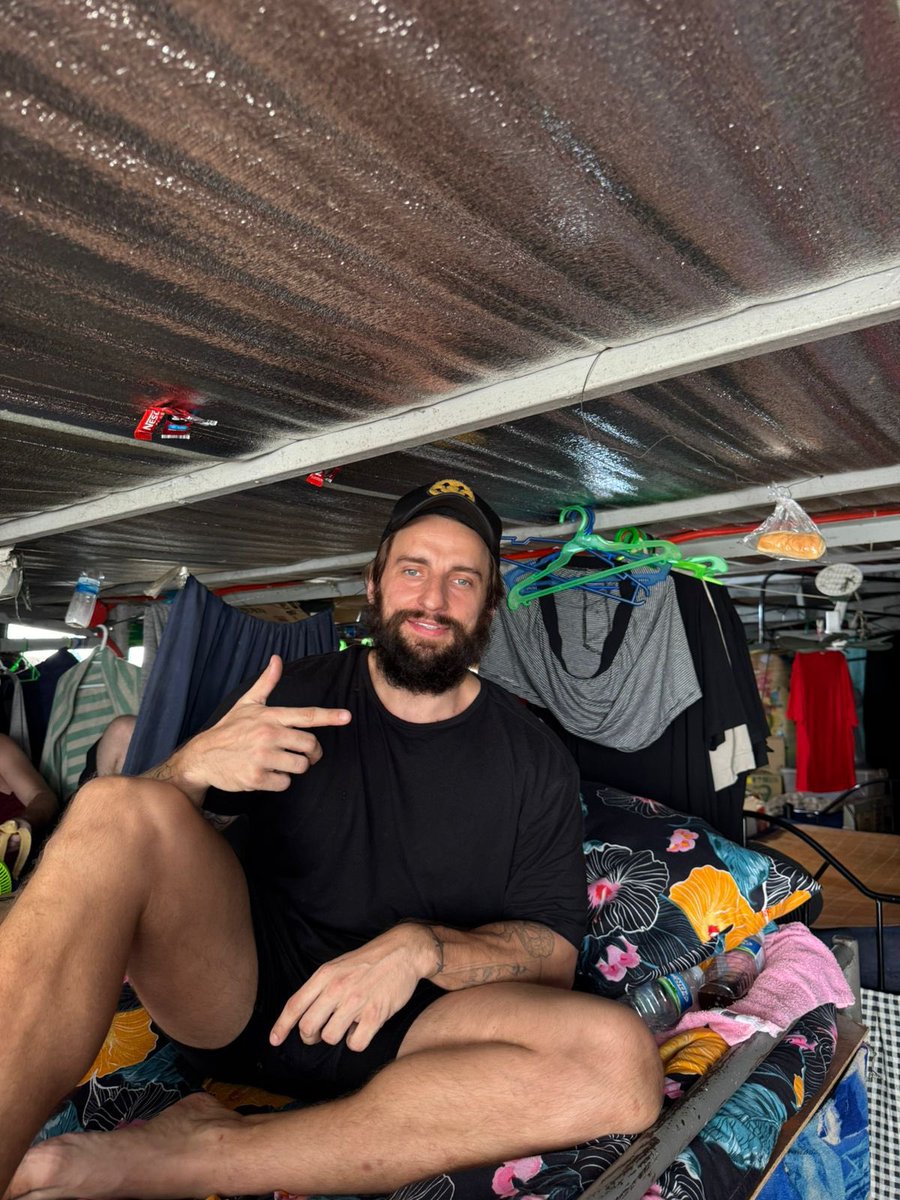
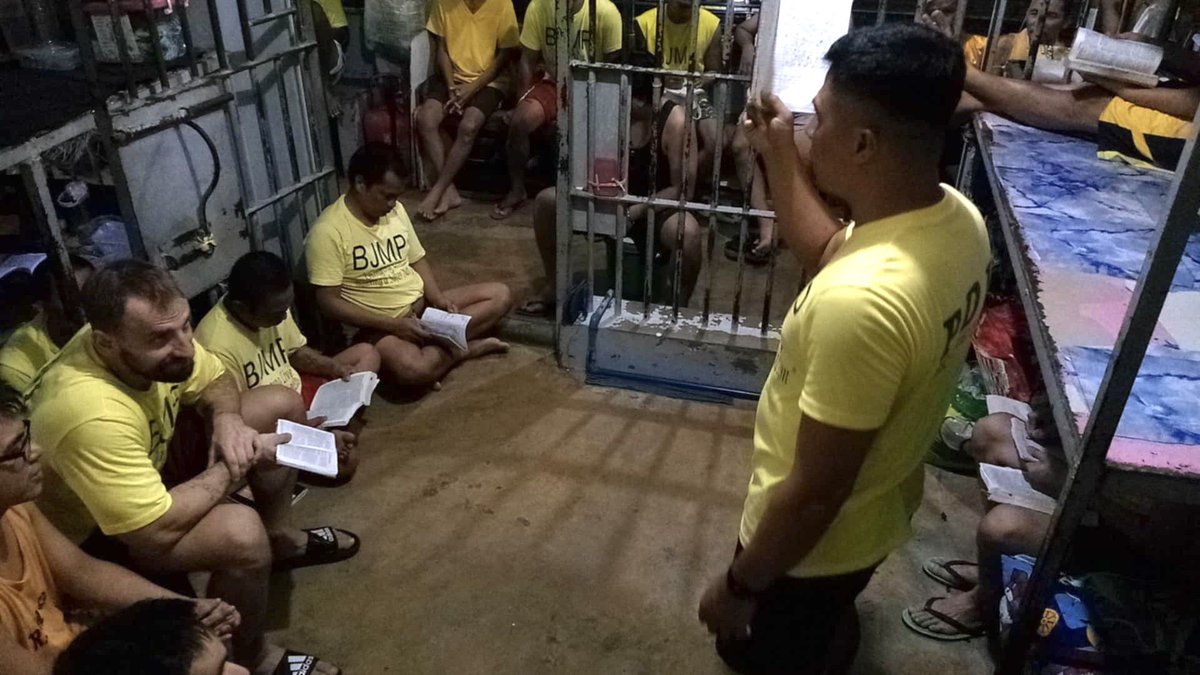
After 290 days in the Phillipines jail with rats, cockroaches, and +35 Celsius weather, I am finally free. They really tried to break me but it built me. Out of the 290 days, I spent 91 days in complete Isolation. They wanted me gone but I’m here, all glory to GOD!!! ⛓️💥
English
@faithtokens @xrplmeta I have $Faith rPqpsRuCPtrGue63PyaNayVz5WY1oiDiuB
@Papa_suBo
@joejonas
@WhatTheFFacts
Indonesia


xmike retweetledi

@BilCoinofficial Time to make some noise for your project? Let’s team up and crank the FOMO. Reach out.
English

@Faithajani @Gradient_HQ Looks like you're tapping into happiness! While you're enjoying those great connections, have you thought about how #SparkChainAI can help you earn SOL by sharing your unused internet? It's a game changer!
English

It's such a great day with @Gradient_HQ getting more taps bring a massive joy 🤝🕺 are you happy with the amount of taps (peer- peer ) you gat today? Share below.
Believe in something,
I believe in @Gradient_HQ
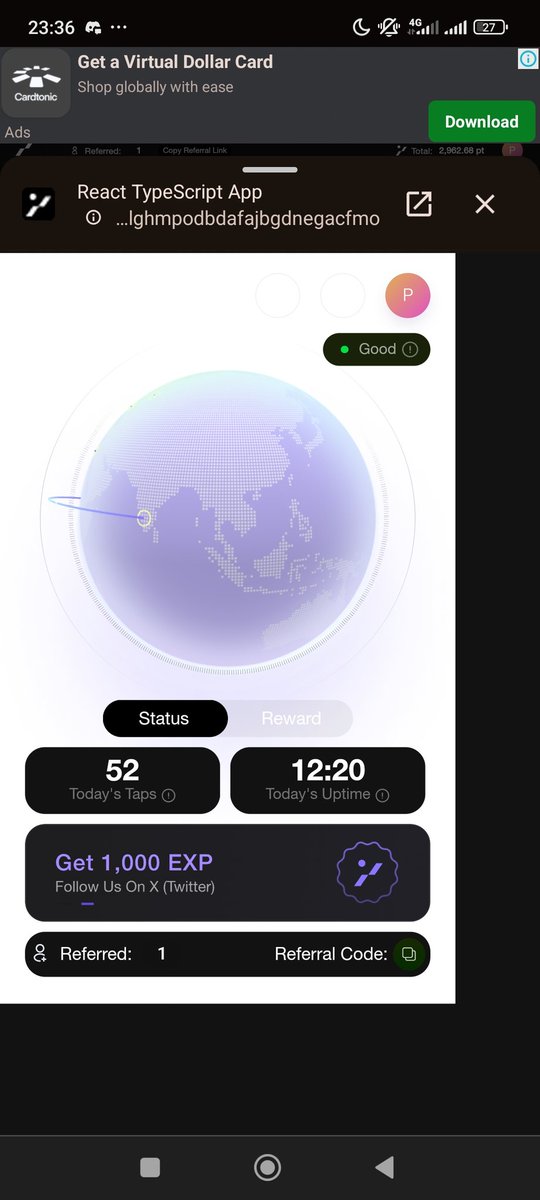
English


xmike retweetledi

BREAKING🇺🇸vs🇨🇳: Trump just raised tariffs on China to 104%, effective MIDNIGHT.
This is it. A full-blown trade war has officially started. And guess what? China’s been preparing for this for 20 years. America? Not even 20 minutes.
China is a hybrid monster—a mix of capitalist production and communist control. Their people are conditioned to suffer in silence, and if they complain, the CCP tells them to shut up—and they do. They’ll take the pain, outlast the chaos, and still keep factories running.
Meanwhile in the U.S.?
-Walmart’s gonna explode with price hikes
-MAGA cultists will scream, but still blame immigrants
-American consumers will break before Beijing blinks
And let’s be real: This is Trump’s personal revenge fantasy. His ego, his hate for China, his obsession with fake strength—he’s doing this for HIM, not you.
I fucking despise China’s regime, but let’s be honest—they’ll win this one unless America wakes the fuck up.
This is the biggest self-inflicted economic wound since the Great Depression🔫
English
English





@XRP_Airdrops @WELSH_XRPL do i have to check disable rippling while setting trustline ?
English
📢 Free Alternative Wallet to Xaman & How to add trustlines
Please note the wallet is very limited & adding trustlines is a lot longer process
1⃣ Download the Sologenic Wallet in the app store (Called "Solo Dex" on mine)
2⃣ Import (or create a new) Wallet
How to manually Add Trustlines in the wallet
3⃣ Click "+ Add Asset"> "Select Issuer" > "+ Custom Issuer"
4⃣ Go to my spreadsheet, Find the Token you want to add, scroll to the far right & find the "Issuer Address" column & copy the address
Spreadsheet: #gid=0" target="_blank" rel="nofollow noopener">docs.google.com/spreadsheets/d…
5⃣ In the SOLO Wallet, Paste the address in the "Issuer Address" spot, click the red arrow & Enter the Token's name in the name spot (if needed). Then Click continue.
6⃣ On the next screen, click the " select a issuer " dropdown, scroll to the bottom & click the issuer you just created & apply. Then click the select asset & select the token / apply. DO NOT CLICK CONTINUE YET
7⃣ You need to copy the limit for the token in my spreadsheet (far right side - the "limit" limits the amount of tokens you can receive), paste / overwrite the limit in the SOLO Wallet & click continue.
Lastly you should now see that the Token trustline is added in your home screen
English