
Sabitlenmiş Tweet
Interlap
349 posts

Interlap
@interlap01
Indie dev building tools I wish existed. AI agents, mobile dev, automation. https://t.co/weTkuCPiWA
Katılım Ocak 2026
72 Takip Edilen262 Takipçiler
@AndrDevv Nope, it’s all local. Check this out: github.com/MobAI-App/sims…
English

With the right tools there’s no simulator limit even on an M1 Pro.
juandroid@AndrDevv
There is no simulator limit with M4 pro
English

Prediction: every product with an iPhone simulator is going to start rendering it in a 3D device model.
Bitrig@BitrigApp
Introducing 3D simulators in Bitrig. Take them for a spin.
English
And with SimSlim, those Mac boxes can run way more simulators in parallel without burning through all their RAM and CPU:
github.com/MobAI-App/sims…
So much testing ahead. I still need to get MobAI properly integrated with Devin.
English
This is cool. Agents finally get real Macs.
These Devboxes give Devin full shell access, so it can install MobAI and control the simulator directly instead of relying on computer use.
Faster actions, fewer wrong taps, and way fewer tokens burned.
Next up on our side: letting a cloud agent like this reach the real iPhone on your desk.
mobai.run
nader dabit@dabit3
You can't build iOS apps without a Mac, so we gave Devin one. Devin Cloud Agents now run macOS, with Xcode, iOS simulator, and your signing setup, all in a real macOS environment (with full computer use). In this demo, Devin builds a native iOS game, then plays and tests it with computer use. Devin then sends a screen recording of the gameplay along with a test report for my review. With @namespacelabs you get as many macOS environments as you'd like, configurable with many major versions of macOS operating system and Xcode.
English
The best thing about it is that, combined with github.com/MobAI-App/ios-…, a cloud agent can make changes to your iOS app, build it in a sandbox, and install it on your phone without your Mac even being on.
Interlap@interlap01
In the next MobAI version, cloud agents get access to your real iPhone. Claude Code on the web, running in Anthropic’s cloud, controlling the iPhone in my pocket. Coming soon.
English
@mmartynasn @claudeai It’s actually a pretty old idea. Several tools already let agents control simulators, and some can even drive real devices.
The real magic is what I’m releasing soon in MobAI: cloud agents running in sandboxes will be able to drive your ios device from anywhere.
English

TIL: @claudeai can actually go through the iOS simulator — tap through the app, test flows, catch bugs itself 🤯
That's next level.
This is why I love starting new projects — you keep discovering tools and workflows you didn't know you needed, and half of it ends up useful for everything else you build too.
#shipaton

English

English

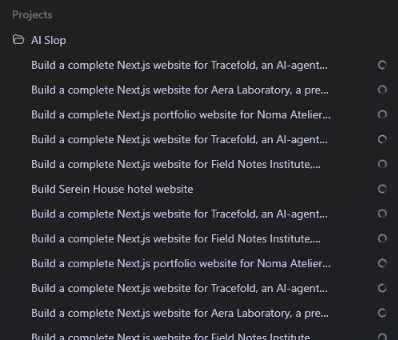
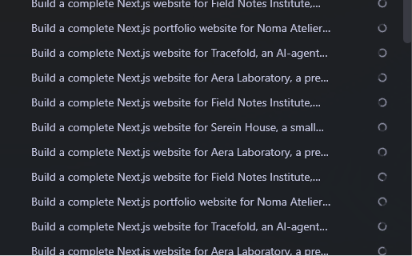
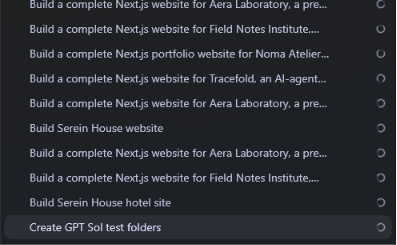

@redpersongpt @NeuralEnsemble_ @fragiannicola @LexnLin Got something for you. 16gb macbook M1 Pro btw.
English
@NeuralEnsemble_ @fragiannicola @LexnLin it really depends on the tasks, for example 2 ios simulator tasks and 1 coding tasks slows it down a lot
English

@alexcooldev Hey Claude Download the app.
Install on simulator.
Take screenshots of EVERY app screen.
Write in depth documentation.
Generate stories
Handle over to kimi k3 build, test pipeline.
English

Bruh, I just found some random guy who copied all of my apps on the App Store 1:1. Yeah, literally every single app on “App Store”. Even the UI screams vibe coding.
All of the apps were launched within a very short time frame. My guess is that he has some kind of automation tool that clones apps from the App Store. 💀
English
@mnmldmg For simulator control, try mobai.run. It works directly with simulators, so it doesn’t matter whether you use Device Hub or the Simulator app.
You might also want to use github.com/MobAI-App/sims… to reduce your simulators’ RAM and CPU usage.
English


Real question for anyone running coding agents on iOS. Is there a setup where the agent can read the runtime state of a running simulator app, not just the build log? simctl gives me screenshots and logs. I still cannot see view state without adding my own dump code.
English
Here’s what scaling AI agents on iOS looks like.
12 agents running in parallel, each controlling its own simulator through MobAI.
All on a 16 GB M1 Pro MacBook Pro. They fit thanks to simslim.
mobai.run
github.com/MobAI-App/sims…
English
@dudufolio What was so bad about it? Speed, token usage, or just controlling the simulator in general?
I’m building MobAI, so I’m curious how it compares.
Btw, love the view.
English


@betomoedano Hope you dig a bit deeper than just "it closes the loop" 😅 Would be great to see how fast and token-efficient it actually is, and how it compares with existing tools.
English

