

Kons
275 posts

Kons
@konsfyi
Designer. Shipping for tech startups https://t.co/wv1vWfpOXp
Katılım Ağustos 2022
365 Takip Edilen1.9K Takipçiler

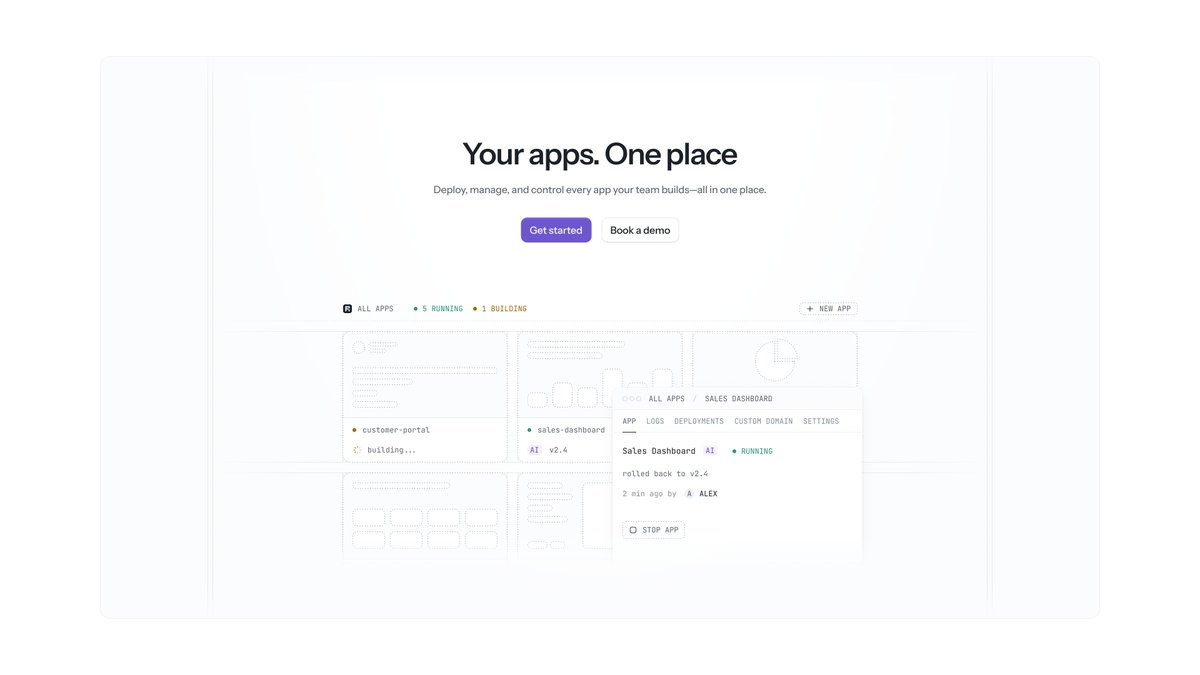


@alex_barashkov Absolutely love that website. It served as a great inspiration in some projects for me. Waiting for the video!|
English

Working on the new YT video - it's going to be a full breakdown of the Neon rebranding and redesign we did this year. Almost finished with the script. Time to record.
English



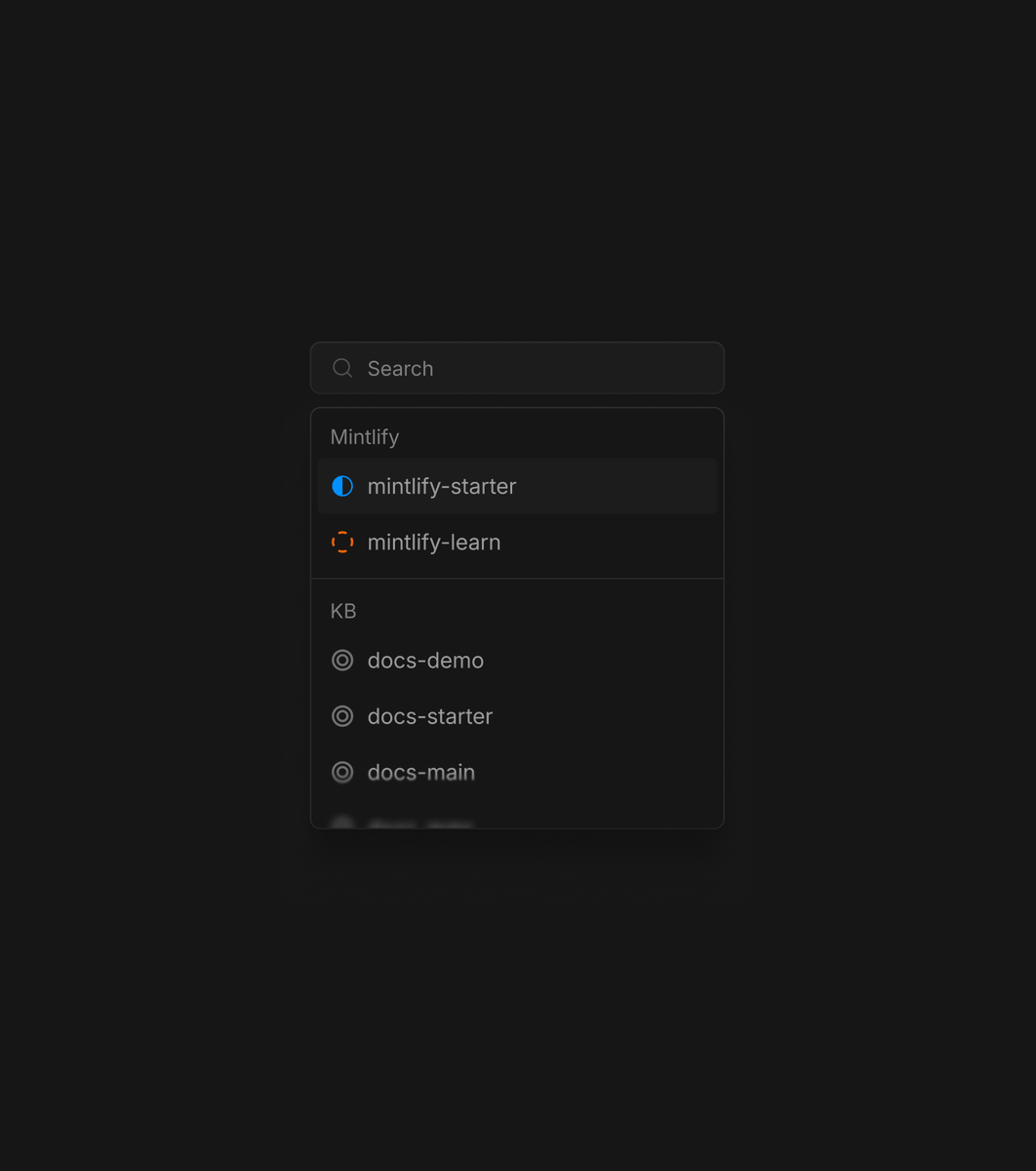



I love the rise of free UI libraries built by designers who really care about the details.
Beautiful UI has 17 polished patterns for AI-native products, from thinking and streaming states to tool calls, approval cards, and diffs. Every component includes the source code, so you can give it to your agent and adapt the interaction to your own product.
beautiful-ui-five.vercel.app
Shane Levine@theShaneLevine
Working on a little site for beautiful UI, specifically crafted for AI native products. beautiful-ui-five.vercel.app
English

@juli_fella Worth the effort! Kudos for the craft which takes time and perseverance.
English

This section alone cost me over 15 hours to build. And it's only 1/8 sections.
I really wanted to make every section feel truly unique without overdoing it.
Really excited about how it turnt out.
English


Microsoft open-sourced a 4B model that turns any image into a production-ready 3D asset in 3 seconds.
It’s called TRELLIS.2, a fully textured, physically accurate 3D models with PBR textures out of the box.
→ Full PBR (base color, roughness, metallic, opacity)
→ Handles hair, cloth, glass, non-manifold geometry
→ Exports .glb ready for Unity/Unreal/Blender
→ Runs locally, ships in 3 seconds
It's not a demo or a research preview. The full training codebase is public.
You can fine-tune it on your own asset library and get a model that generates in your studio's exact style.
100% Open Source
English
@cedric_design @framer Good direction! I've also started framing routine processes into automated commands, so can one-word prompt some stuff.
English

My Prompt Swipe File for @framer Agents.
8 prompts I now run in every single client project.
53% of website work is maintenance and boring edits.
These prompts kill that work, so you only do the part clients actually pay premium for: design.
Full setup, zero other tools. Bookmark this. 🧵

English



Launching Copper, a Mac app for capturing things you want to keep and prompts you want to try next while working with AI.
The more I use AI, the more I find myself collecting little things I don't want to lose.
You're in ChatGPT and think, "I'll need this later," but you don't want to stop what you're doing. Then you're in Claude. Cursor. Chrome. Back to ChatGPT.
Before long, you've got little things scattered everywhere. An answer you want to keep. A link. An idea. Or three follow-up prompts before the current one has even finished generating.
I had this problem, so I built Copper.
Copper combines the useful parts of a to-do list, a clipboard, and a scratchpad. It's built specifically for AI-assisted work. It sits next to where you work and is always one shortcut away. It works with all your AI apps, terminals and browsers.
Whenever I find something worth keeping, I capture it. If I think of a few prompts while the AI is still responding, I type them into Copper. Then I send them back into ChatGPT, Claude, or Cursor and check them off as I go.
Copper is local and private. It doesn't sync anything, doesn't collect anything, and doesn't need an account.
I've used Copper every day for the past few months. It has completely changed how I work.
If this feels like something you'd use, it's $39. One-time purchase.
English

Figma → Codex → Figma → Claude
Added some subtle animation with three.js
Nate@NateWatkin
Figma → Codex → Figma workflow for creating custom avatars. Prompt in thread.
English
