LandingAI

3K posts

LandingAI banner
LandingAI

LandingAI

@LandingAI

API-first Agentic Document Intelligence platform built for accuracy, reliability, and governance at scale.

Mountain View, CA Katılım Aralık 2017
857 Takip Edilen10K Takipçiler
Sabitlenmiş Tweet
LandingAI
LandingAI@LandingAI·
Turn Claude Code into a Document Processing Agent! We just released Agentic Document Extraction (ADE) skills for AI coding agents. Install them in Claude Code, Cursor, or any AI coding agent that supports the Agent Skills convention. The skills help you incorporate ADE into your document processing workflows directly from your coding environment. Two skills are included - document-extraction for core operations and document-workflows for end-to-end pipeline patterns. The skills include guidance and patterns for dependency installation, API client setup, and error handling, so your agent handles these for you. Install on Claude Code: /plugin marketplace add landing-ai/ade-document-processing-skills /plugin install ade-document-processing@ade-document-processing-skills
LandingAI tweet media
English
3
6
19
4.1K
LandingAI
LandingAI@LandingAI·
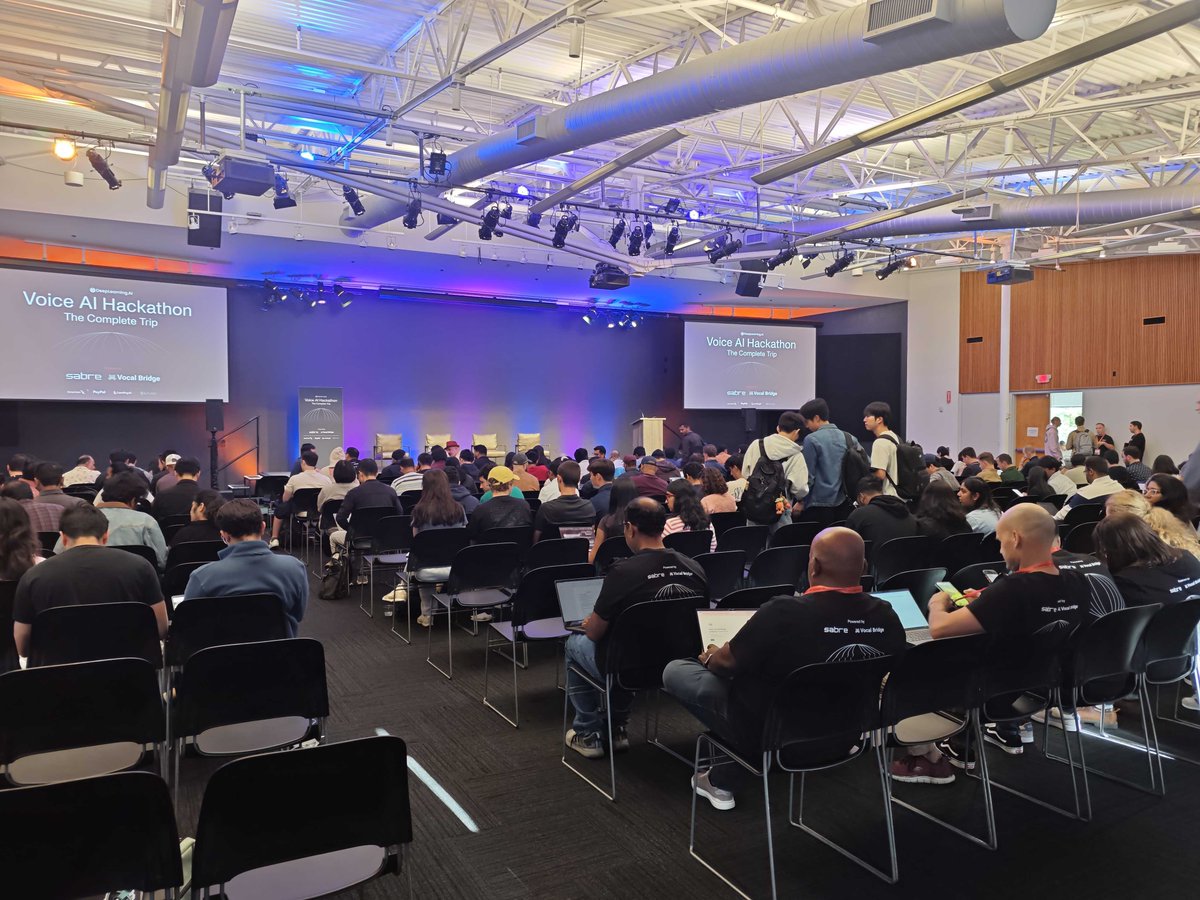
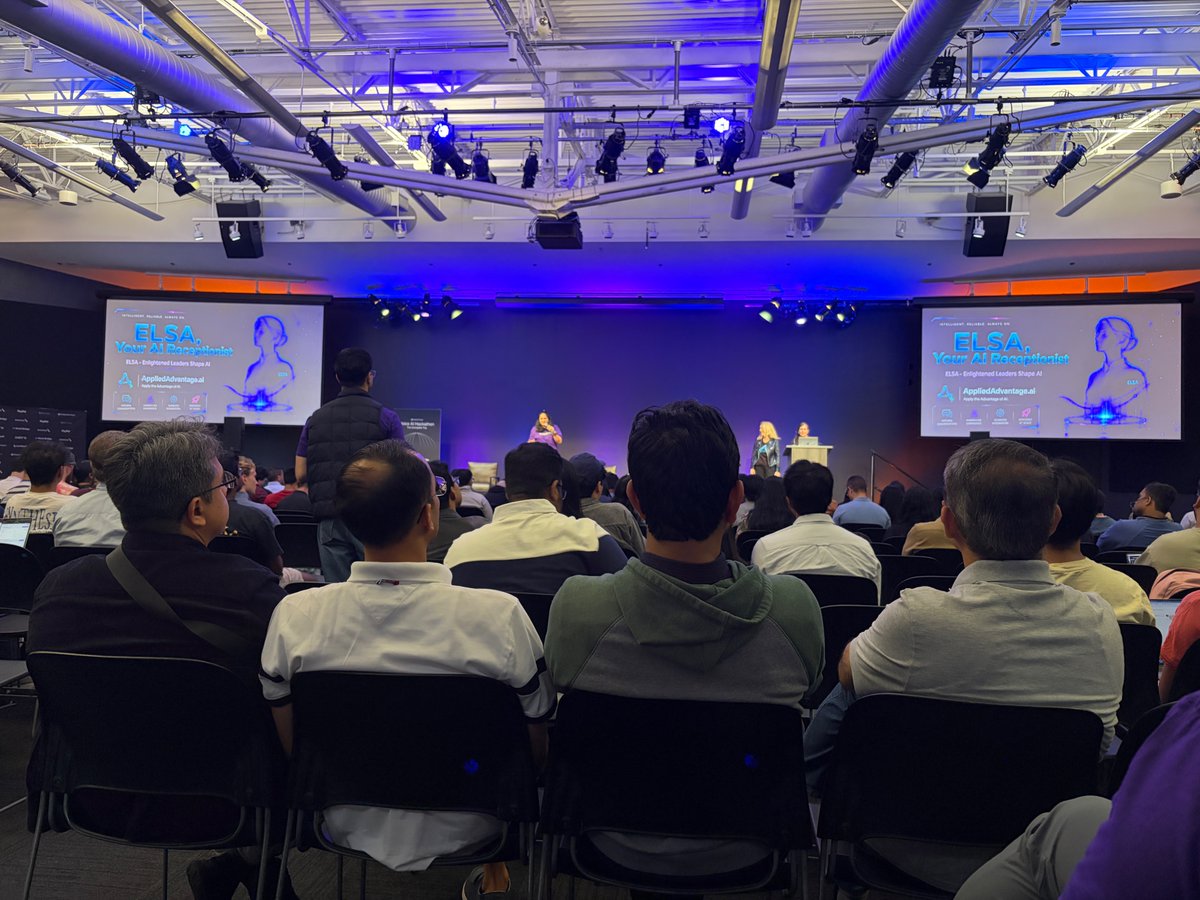
The @DeepLearningAI Voice AI Hackathon wrapped on Saturday. Teams spent the day in Mountain View building voice agents on Sabre APIs and VocalBridge, and our team came to build alongside them! Ava Xia and Seshu Reddy, from the LandingAI team, built FinePrint: a voice interface for travel insurance policies. You upload a policy, ask it a question out loud, and the exact clause highlights on the page while the answer is read back to you in sync. The pipeline behind it is simple: ADE Parse turns the policy into page structure with bounding boxes, ADE Extract pulls typed benefit fields from that structure, VocalBridge carries the live voice, and Claude handles the clause-level reasoning. What makes it trustworthy is one strict rule: every spoken answer must resolve to a real line on the page. If the model invents a citation, it resolves to nothing and the answer never reaches your ears. The voice can only claim what the document shows. Want the code, docs, and a sample policy to try the full loop? Link in the comments
LandingAI tweet mediaLandingAI tweet media
English
2
1
7
405
Jung-Hoon Shin
Jung-Hoon Shin@junghoonshin·
Voice AI is about to have its breakout moment. It’s an exciting time to be building in this space. That was my takeaway from competing solo at the @DeepLearningAI Voice AI Hackathon in Mountain View. It was special to meet and compete alongside so many talented builders.
Jung-Hoon Shin tweet mediaJung-Hoon Shin tweet mediaJung-Hoon Shin tweet mediaJung-Hoon Shin tweet media
English
1
0
1
31
LandingAI
LandingAI@LandingAI·
Every document workflow comes down to two operations: parse and extract. Agentic Document Extraction (ADE) treats them as two distinct operations, and the split shapes how you build. Parse reads the whole document. You get Markdown plus a grounded document tree: every block carries a layout tag and line-level grounding, without any layout pre-training or fine-tuning on your side. Extract works on top of that parsed output. You define a schema that names the fields you want, and it returns each one as JSON, with a bounding box indicating where that value appears on the page. The sequence matters for cost. Parse once, keep the Markdown base, then run as many schemas against it as your field requirements evolve. Use Parse alone when downstream systems need visibility into the full document for search or retrieval. Bring in Extract when specific fields need to land in a database. Try ADE at ade.landing.ai
English
4
7
21
885
LandingAI
LandingAI@LandingAI·
Your coding agent can now process documents without leaving the IDE. Add Agentic Document Extraction (ADE) skills to Claude Code, and the setup takes two commands. Connect to the plugin marketplace, install the ADE Document Processing skill, then reload your plugins. Once the skill is active, your agent parses documents into structured Markdown and pulls structured fields directly inside your workflow. No switching tools, no writing client boilerplate from scratch. Full setup steps live at #skills" target="_blank" rel="nofollow noopener">docs.landing.ai/ade/build-with….
English
2
4
14
2.5K
LandingAI
LandingAI@LandingAI·
We're hiring a Customer-Facing Applied AI Engineer at LandingAI. The role sits at the intersection of engineering, product, customer success, and sales. You will design and deploy document AI pipelines for enterprise customers and shape the roadmap of Agentic Document Extraction. What you will do: → Own pre-sales technical engagements. → Design custom ADE demos and POCs. → Deploy pipelines on Snowflake, AWS, VPCs. → Lead workshops against hyperscaler tools. → Feed customer signal back into product. What we look for: → 5 plus years in AI or ML. → Track record in document AI or LLMs. → Two plus years on Snowflake or similar. → Strong Python to guide coding agents. → Ability to build with Claude CLI. → Enterprise sales fluency, MEDDIC. Application link in the comments.
LandingAI tweet media
English
3
5
8
853
LandingAI
LandingAI@LandingAI·
Every AI agent can act, but few can speak. The @DeepLearningAI Voice AI Hackathon on July 18 challenges builders to close that gap, specifically in travel, one of the most fragmented experiences out there. Flights, hotels, ground transport, dining, and experiences all live in different apps. None of them talk to each other. The challenge: pull all of it into a single conversation. One voice agent that books, manages, and adapts a full itinerary without switching apps or hunting through confirmation emails. Our CEO, @danmaloney, joins the judging panel alongside @AndrewYNg and others. Teams of up to 4. Application only, in person in Mountain View. $5,000 in prizes, product credits, and awards across categories. Submissions must use Sabre APIs and Vocal Bridge. 🗓️ July 18, 8 AM - 6:30 PM PT Apply: luma.com/vocalbridgeai
LandingAI tweet media
English
1
4
9
370
LandingAI
LandingAI@LandingAI·
Type-safe document extraction with Zod and ADE. When you define an extraction schema as a plain JSON object, you get no TypeScript inference on what comes back. You end up casting the response or maintaining a separate interface alongside your schema. With ADE's TypeScript library, you can define your extraction schema directly with Zod. Convert it to JSON Schema with z.toJSONSchema(), pass it to the extract endpoint, and use z.infer to get the TypeScript type from the same schema definition. Here's an example using an invoice schema:
LandingAI tweet media
English
1
3
8
463
LandingAI
LandingAI@LandingAI·
Most extraction stacks still run two engines to parse one document. One engine reads structured fields while another handles layout, a split that made sense when models struggled with complex tables and dense forms in the same pass. That split leaves teams maintaining two pipelines and reconciling their outputs before any downstream work begins. Agentic Document Extraction (ADE) reads the whole layout in a single call. The API returns every row, every subtotal, every adjustment code with its page and bounding box coordinates attached, so a reviewer can trace any value back to the pixel it came from. A multi-patient EOB puts this to work in one document, with claim blocks for six patients, five to seven billing rows each, subtotals per patient, and adjustment codes threaded through every row. ADE parses the entire page in one call and returns each field as a grounded chunk ready for the next stage of the pipeline. Try it in the Playground: ade.landing.ai
English
0
3
10
629
LandingAI
LandingAI@LandingAI·
@ApplyWiseAi ADE Parse resolves orientation at the model layer. Do try.
English
0
0
0
9
Samian
Samian@ApplyWiseAi·
@LandingAI rotated tables are the bane of every extraction pipeline i've ever touched
English
1
0
1
21
LandingAI
LandingAI@LandingAI·
Most parsers cannot read tables when they are rotated 90 degrees. A sideways table is one of the most common failure modes in document extraction. Standard parsers either skip the table entirely, return scrambled text, or lose column alignment across the rows. Agentic Document Extraction (ADE) reads a rotated table the same way it reads a horizontal one. The source below is a bond debt service schedule with the entire table running sideways on the page. ADE Parse reconstructs it as a standard table, with every value landing in the correct row and column. The result comes back as both Markdown and structured JSON, with every value traced back to its exact location on the page. Try it in the Playground (link in the comments)
English
3
5
19
1.1K
LandingAI
LandingAI@LandingAI·
Your document parser is blind to what it is parsing! A loan packet lands as one PDF carrying pay stubs, bank statements, tax returns, and IDs. The parser reads every page the same way, so it pulls fields that fit none of them. The parser needs to know what it is reading before it reads it. The fix is classification before extraction, not after. Each page needs a label before any schema gets applied to it. Agentic Document Extraction (ADE) fixes this. ADE Classify evaluates every page concurrently and assigns a label per page. Pay stubs route to the pay stub pipeline. Bank statements route to their own. Pages that do not fit get flagged with a suggested class. ADE Extract then applies the matching Pydantic schema per type. A pay stub returns employee name, pay period, gross pay, and net pay. A bank statement returns bank name, account number, and balance. The schema follows the page, not the other way around. Every value comes back with a chunk reference and a page-level bounding box, so each number traces back to its source. Full working notebook example in the comments.
LandingAI tweet media
English
4
9
20
3K