
Phil Bell
364 posts


Phil Bell
@philblines
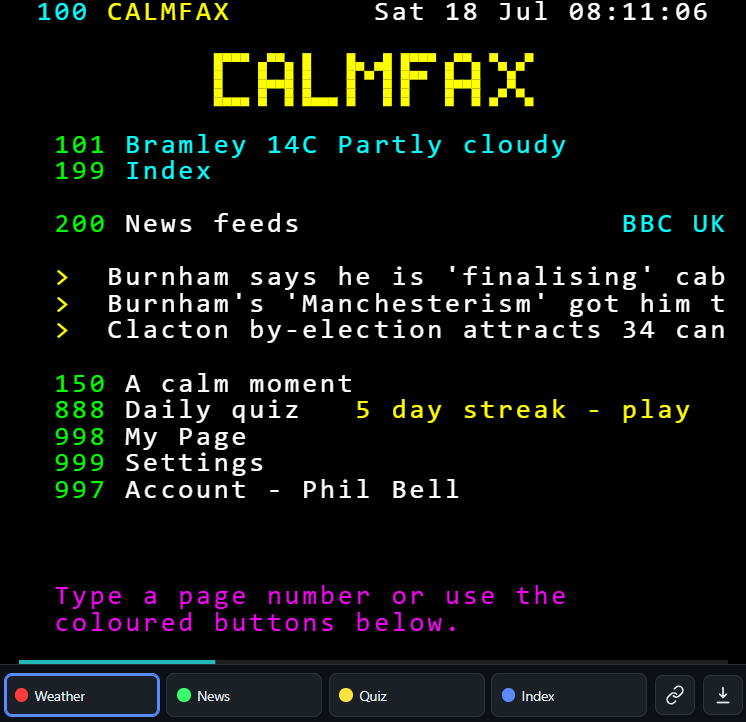
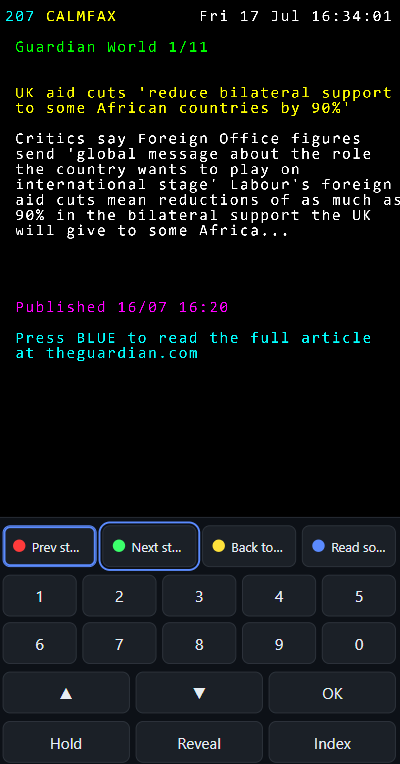
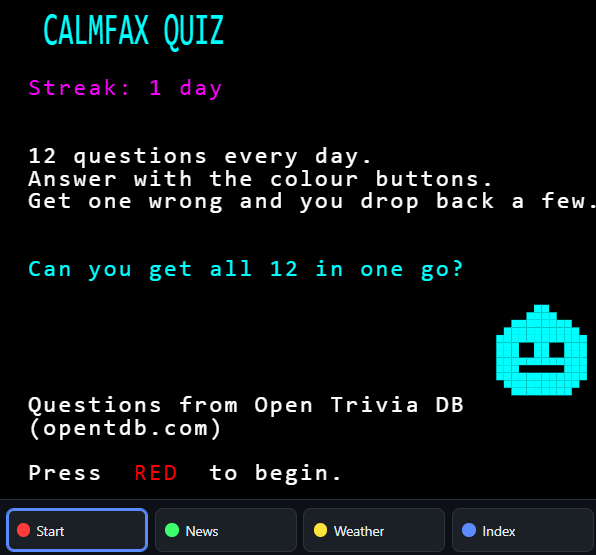
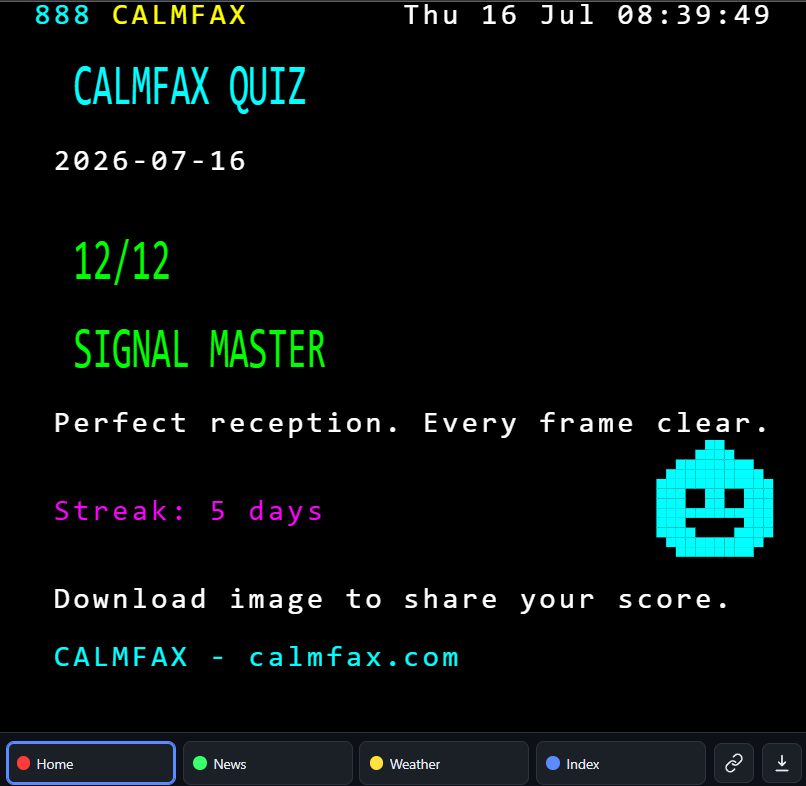
Dev 30+Years - Building CALMFAX a calm, teletext-styled daily dashboard https://t.co/5GPz6n7KRJ https://t.co/XdRCJ5p5QW https://t.co/SngIuPJ4St https://t.co/enE4LwvK0Z
Leeds, UK Katılım Ekim 2023
739 Takip Edilen144 Takipçiler


Français
@TheCarlWheatley bringing back Ceefax would fix most things. The weather map alone was better than anything we have now.
English

So now you know. I didn’t get the BBC Director General job. My pitch was based on bringing back Hi-de-Hi and Ceefax. Their loss.
English
@RTEArchives Aertel had such a distinct look, that teal/blue palette was gorgeous. The fact that teletex services ran for decades on the back of a few hundred bytes per page is still remarkable engineering.
English

WATCH: RTÉ launches a teletext service Aertel RTÉ News reports #OnThisDay in 1987
rte.ie/archives/2017/…
HT
Day 7. One week of daily testing done.
What I found and fixed:
- Daily quiz questions weren't refreshing at midnight
- PWA was caching old versions
- News navigation was clunky (5 actions to read a story, now 2)
- Page 150 was using 30% of the grid and no colour
What's working:
- Quiz streaks
- News feed cycling
- Analytics events landing in Firebase
- The 90-second daily ritual feels natural
Launching this week. 📺
English

@kapilansh_twt i pay so I dont have to watch ads on my TV - hate ads
English


@fgasking @davidcrookes @shopper_mag Eight pages on teletext in a current magazine — love that there's still an appetite for this stuff. The block graphics never really age.
English

Thanks to @davidcrookes, the latest issue of Computer Shopper (@shopper_mag) has a 6 page retro feature on Games That Weren't, where we talk a bit about the archive and preserving unreleased games.


English
@Telescore302 The proper Ceefax look is harder to nail than people think, getting the colours and spacing right is a proper labour of love. Looks great.
English


@GreatRootBear Thanks Richard! The grid really does force clarity — live game data was teletext showing off. Appreciate the kind words about the project 📺
English

@philblines It's unusually pleasing. It worked very well for live game data as well!
Love your project btw :)
English
Just added live around MLB scores and standings to my teletext overlay system.


English

@Telescore302 You undersell yourself — that's exactly the kind of person they should hire. The block graphics alone would be worth the consultation fee.
English

@SahilBloom 4.5 hours back per day is staggering. The hardest part isn't the first week — it's month two when the novelty of "being productive" wears off and the old habits try to creep back. Did you find a stable equilibrium or is it still active maintenance?
English

I broke my phone addiction in 30 days.
• Screen Time down ~70%
• Phone pickups down ~50%
I reclaimed 4 hours 30 minutes per day. That's 1,635 hours across a full year. 68 days of life from a single behavior change.
Here's exactly what I did (save this):
1. Grayscale Mode
Put your phone on Grayscale Mode for the entire day.
Grayscale Mode removes the colors to make your phone immediately less appealing and addicting.
It takes 30 seconds to set up.
If you have an iPhone, follow these steps:
• Settings
• Accessibility
• Display & Text Size
• Color Filters -> On
• Grayscale
Next, create a simple shortcut:
• Settings
• Accessibility
• Accessibility Shortcut
• Color Filters
Now, if you triple-click the side button, you'll be able to toggle it on and off.
For non-iPhone users, you can find instructions with a simple search.
I kept my phone on Grayscale at all times and only removed it for specific reasons (like posting something that required me to see the color, looking at photos, etc.).
It made me less interested in grabbing my phone for the random "just checks" during the day.
2. No-Phone Zones
Set specific locations, times, and events where you won't have your phone on you.
I called them No-Phone Zones:
• Downstairs (kitchen, living room)
• Creative flow time (from ~5-8am)
• Family flow time (from ~5-7pm)
• Family gatherings
During these windows, my phone would be in a lock box or in a drawer in my office. If we were out at a family gathering, I would leave it in the car or in my wife's bag where I couldn't feel it.
Specifically listing out these No-Phone Zones had the benefit of making it a clear rule that I could cement in my mind.
Create your list of No-Phone Zones. Write it down if you need to.
3. Strategic Friction
Even with the Grayscale Mode and No-Phone Zones, my phone addiction intervention would have been difficult to execute without this final piece of the puzzle.
Motivation and discipline are never enough when you're trying to crack a deeply entrenched behavior.
There's a theory in cognitive science called Choice Architecture, which is the idea that you can design your environment to make good choices easier and bad choices harder.
Basically, I wanted to add strategic friction to make it much easier to adhere to my rules (and much more difficult to break them).
Three primary ways I did that:
1. I locked my phone in a lock box during my morning creative flow (5-8am) and evening family flow (5-7pm). It was a timed lock so I couldn’t get it without emailing the company.
2. I left my phone far away from where I was going to be working. If I wanted to get it, I'd have to walk to the other side of the house or down a few flights of stairs to get it.
3. I added really low screen time restrictions to social apps. If I wanted to overuse them, I'd have to keep approving more time, which felt like letting myself down when I did it.
Breaking the addiction is going to be difficult at first. Create strategic friction that helps you stick to the change. Make it difficult to make a bad choice.
The Life Impact
I'm not going to sugarcoat it at all:
This was the single most powerful behavior change I've ever made in terms of the tangible impact and ripple effects on my life.
That is not an exaggeration.
I was more present, less stressed, and able to connect on an entirely different level. In short, I showed up more aligned with how my ideal self would.
My capacity for deep work expanded significantly from simply placing my phone in another room or a lock box.
I got more done, faster, at a higher quality bar. It was like the holy trinity of productivity improvement, with no fancy productivity tool required.
Reviewing the research, this isn't surprising: There is clear scientific evidence that even having your phone in your pocket or on your desk reduces your cognitive capacity.
I felt happier and less stressed immediately upon making the change.
So, just keeping score...
This was a single, zero cost behavior change that had the net effect of:
• Improving my relationships
• Improving my work
• Improving my happiness
To be completely transparent, just a few days in, the only negative thought I had related to the intervention was simple:
Why didn't I do this sooner?
I hope this is the push you need to make this change in your life.
Start small and stick to it. Aim for a 10-20% screen time reduction week-over-week. Keep yourself accountable with a friend.
Having now gone through it, I can guarantee you'll see and feel the positive impact immediately.
Onward and upward.


English

Beyond the flashy announcements today, Android 17 has a ton of core experience improvements I am very excited about:
🔒 Major security upgrades: Automatic blocking for spoofed bank calls, real-time threat detection for malicious apps, and global default-on anti-theft locks. blog.google/security/whats…
⏳ Pause Point: A smart new digital wellbeing tool that adds a short delay before opening distracting apps to help break the doomscrolling habit. blog.google/products-and-p…
📸 Social Media upgrades: Huge improvements to the in-app camera (Ultra HDR & Night Sight) and video stabilization for Android users on Instagram. blog.google/products-and-p…
🤨 New Emoji: A big visual refresh to emoji that just look great! blog.google/products-and-p…
Plus much much more that Mishaal covers in detail below! 👇
Mishaal Rahman@MishaalRahman
📣 Don't forget, we've also got a major new version of Android coming your way...Android 17! From massive multitasking upgrades to big new privacy features, there's a lot of huge changes to dive into. I’ve rounded up the top changes you need to know about. 🧵👇
English
