@_CharlesBarkley@MarchMadnessMBB you spent all halftime talking about Kentucky. Get over it. they are losing at halftime. be better Charles. Give props to Santa Clara.
I run a $110K/month agency with 6 AI employees.
They have names. Personalities. Jobs.
One writes content. One monitors infrastructure. One runs campaigns.
Here's the full setup:
Most people use AI like a search engine. I use it like a staff.
The difference: context files that make each AI know its job, its boundaries, and me.
USER.md — Who You Are
Teaches AI everything about you:
→ Name, location, timezone
→ Your business and goals
→ Working patterns and communication style
The AI can't serve you if it doesn't know you.
SOUL.md — Personality & Principles
The AI's operating system:
→ Core truths ("Be resourceful before asking")
→ Communication style and banned phrases
→ Boundaries and business context
This turns a generic assistant into YOUR assistant.
IDENTITY.md — Who the AI Is
Give it an identity:
→ Name (mine is Jarvis)
→ Role (chief of staff, content writer, etc.)
→ Vibe and operating principle
An AI with identity has consistency.
AGENTS.md — The Operating Manual
The longest and most important file:
→ Startup routine (what to read first)
→ Memory system (where to log, what to remember)
→ Safety rules and learned mistakes
MEMORY.md — Long-Term Memory
Persists across sessions:
→ Discovered preferences
→ Business learnings
→ Key decisions made
Without this, you restart from zero every conversation.
TOOLS.md — Integration Notes
Your AI's reference manual:
→ API endpoints and workflows
→ Team contacts
→ What works and what breaks
Skills — Specialized Instructions
Auto-trigger based on keywords:
→ Content generation
→ Sales follow-ups
→ Lead enrichment
→ Customer onboarding
The Agent Squad
I don't have one AI. I have six:
→ Jarvis — Chief of Staff
→ Loki — Content (8am + 3pm daily)
→ Ivan — Infrastructure (20K email accounts)
→ Hades — GTM campaigns
→ Scrapy — Data extraction
→ Trigify — LinkedIn scraping
Each has its own context, memory, and job.
How They Work
8am — Loki writes 5 tweet drafts
9am — Posts to Slack
10am — I approve 2. Done.
No prompting. It runs on a schedule.
Safety
My AI once bought 164 domains without asking. $1,640 gone.
Now I have:
→ Trusted user verification
→ Financial action gates
→ Prompt injection defense
→ Regressions (mistakes become rules)
Proactive Behaviors
The AI doesn't wait:
→ Cron jobs for scheduled tasks
→ Heartbeats for check-ins
This is the difference between a tool and an employee.
The Stack:
→ OpenClaw (open source orchestration)
→ Context files
→ Skills
→ Agent squad
→ Tool integrations
→ Cron + heartbeats
Everyone's sharing AI setup guides.
That's a good start.
This is what happens when you go 10x further.
Not a chatbot. A system that runs while you sleep.
Like + comment "setup" and I'll DM you the full template.
Eugenie Bouchard Reacts in Disbelief as Olympian Makes Wild Cheating Confession Moments After Bronze Medal Win profootballnetwork.com/tennis/eugenie… via @PFN365
What makes Bouchard think ANYONE on the planet gives a crap what she thinks??
@zollotech running MacOS 26.3 dev beta 3 and it appears screensaver and screen turn off are having problems. no matter what I do or how empty I leave the mac, the screensaver doesn't kick in when it's supposed to, nor does the screen power down.
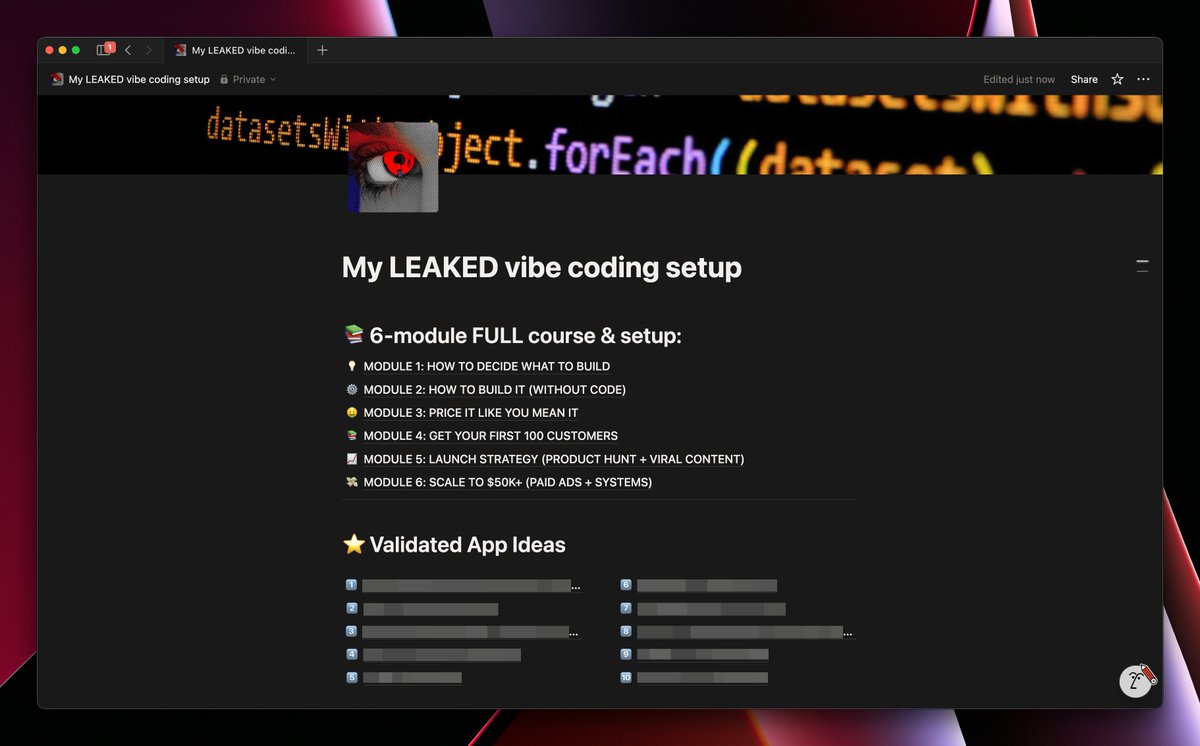
f*ck it, i'm leaking my complete app building system...
for only 24hrs, you get access to:
- my full vibe coding setup with Anything AI & Max
- 10 validated app ideas i was gatekeeping
- how to go from 0 to $10k/month with the setup
basically the entire workflow for building apps with an autonomous AI engineer
reply "MAX" + RT & like and i'll send it over (must be following so i can dm)
I ran an experiment:
Which tasks can ChatGPT, Claude, and Gemini fully automate today?
Here are the 10 that blew me away.
(And comment "AI" I'll DM you my complete prompt engineering guide for free)
LLMs can now automate almost everything you do:
- Build a full business
- Run a marketing agency
- Create apps from scratch
…and literally hundreds more tasks.
But most people still have no idea how to use them properly.
Comment “AI” and I’ll DM you my full AI Mastery Guide
(300+ expert prompts + automation tools).
@Denizen_Kane No freaking way I upload all my files to Bezos’ AWS or Zuck’s Meta, or whoever you are using, for you to have access to them. This is nonsense. Do it all on device and I might be interested. Sending everything to cloud????? Not happening
For 40 years the file browser hasn’t changed.
Today, we’re launching with $8 million in seed funding to rebuild the file browser into something more intelligent, searchable, and delightful.
The world is in the middle of a data explosion. We’re generating and using more files than ever, but the apps we’re using to manage our files don’t even understand them.
It’s time for file browsers to become useful. When you search for “dog”, it should show you content with dogs in it, not just files with “dog” in the name! When you want to edit, convert, summarize, or organize a file, your browser should do that, too.
Your files tell the story of your life, but when you need a specific one, you usually can’t even find it anymore. Why can’t your file browser find it for you, or cross-reference it when you have a question? Prompting can give an LLM a million tokens of context. With Poly, you can give it the next trillion.
As long as we can afford it, all new users receive 100GB of free cloud storage. We can’t wait for you to try it out!
FAT LOSS FOR BUSY PROFESSIONALS
I wrote a comprehensive guide professionals can use to lose belly fat in 8 weeks.
Like + Comment "SEND" and I'll send you a free copy (U.S. ONLY)
(taking this down in 24hrs. must be following me or you wont receive it)
I just found an app that builds n8n workflows from plain English in under 30 seconds.
No coding.
No webhook debugging.
No "let me check the docs."
Just: "Build me a lead enrichment system with email validation and CRM updates"
→ Done. Deployed. Working.
I tested it with my team:
Junior marketer (zero tech experience): Built a content automation system in 4 minutes that agencies quote $8K for.
The app has real-time n8n documentation baked in.
It knows every node, every integration, every edge case.
Your $12K consultant is probably using this and charging you enterprise prices.
I'm not gatekeeping it.
Follow me and comment "BUILD" below.
I'll DM you the link + 3 workflows you can deploy today.
The automation game just changed forever.
I just built 3 production-ready MVPs in 15 minutes from my phone.
No code. No $100K engineer. No laptop.
Just AI that actually ships real apps with databases, APIs, and backends.
This isn't a toy. This is the future.
Here's what I built:
→ Personal finance tracker (5 min)
→ AI image generator with Nano Banana API (4 min)
→ Smart note-taking app (6 min)
All live. All deployed. All from my iPhone.
But here's the crazy part:
Most people will never build these because they think they need to "learn to code first."
That's dead thinking.
I created a complete guide with:
✓ Exact prompts I used for all 3 apps
✓ 100 app ideas (organized by category)
✓ Pro tips from building 100+ apps
✓ Step-by-step tutorials anyone can follow
✓ How to use Boost, Fix Mode & Credit Care
✓ Community success stories & patterns
Traditional cost for these 3 apps: $16K-25K
Time: 6-12 weeks
My time: 15 minutes and free credits
Like, RT + comment "BUILD" and I'll DM you:
→ The complete Notion guide
(Must follow so I can DM)
While others look for developers on Upwork, you'll have already shipped.
@hasantoxr having trouble getting it to recognize/index local folders. i point it at a folder and it doesn't do anything. are there some instructions somewhere?
Holy shit... Someone just solved the biggest AI privacy problem nobody talks about.
It's called Hyperlink which is a fully offline AI that searches ALL your documents without sending a single byte to the cloud.
No OpenAI. No Google. No data leaks.
Here's how:↓