
UX Talks

268 posts

UX Talks banner
UX Talks

UX Talks

@ux_talks

For UX and Product Designers to Learn, Connect and Be Inspired Join today at: https://t.co/MqBGR5Wf6e

Cork, Ireland Katılım Ekim 2017
787 Takip Edilen562 Takipçiler
Sabitlenmiş Tweet
UX Talks
UX Talks@ux_talks·
We’re hosting a live presentation + Q&A with Anton Sten next Wednesday! With 25+ years designing for Google, Loom, Spotify, IKEA & more, Anton brings sharp insights on building products people actually want. Join us 👇 community.uxtalks.io/c/events/anton…
UX Talks tweet media
English
0
0
0
48
UX Talks
UX Talks@ux_talks·
@lucas__crespo @every Really like this experimentation and pursuing more creativity over homogeneous designs
English
0
0
1
57
Lucas Crespo 📧
Lucas Crespo 📧@lucas__crespo·
I kinda hate how 99% of articles on the web look exactly the same. Single text column on a white background, grids, margins, etc... all converging into a single safe and forgettable aesthetic. Even we at @every have fallen into this same trap without ever really questioning it.
English
28
3
237
21.7K
UX Talks
UX Talks@ux_talks·
@hvpandya @cursor_ai @figma Enjoying Cursor as well for design. I suppose it is a specific kind of 'design', emulating detailed interactions or application behaviour; as opposed to quick visual concepts or flows - great points though!
English
0
0
0
470
Hardik Pandya
Hardik Pandya@hvpandya·
✨Designing in @cursor_ai vs @figma: A Designer's point of view✨ I absolutely love Figma and have used it for years. But ever since I picked up Cursor over the last 6 months, I find it hard to go back to designing on canvas. ---------------------------------------------------- A few ways I think the new way works better - ⚡ You can design while seeing the system behave in real time. In Cursor, every layout adjustment or interaction runs as code, not as a visual guess. You immediately see how the system handles changes instead of maintaining frame after frame to fake that behavior. ⚡ You can shape how latency and loading feel. Simulating real delays and skeleton states takes minutes in Cursor because it is part of the runtime. In visual tools, these states require manual duplication and timelines that still don’t reveal how real waiting feels. ⚡ You can check responsiveness as you build. A single layout in Cursor adapts across screen sizes automatically. You can resize and see results instantly. In Figma, achieving the same accuracy means building multiple frames and managing nested constraints manually. ⚡ You can bring in contextually relevant content instantly. You can pull in real user names, copy, or product data directly from APIs. It replaces placeholder content with information that actually belongs to your scenario. In Figma, this realism needs extra plugins and still stays static. ⚡ You can handle data-heavy screens with ease. Dashboards and tables can be generated with realistic, variable data using a few lines of code. What takes hours of manual duplication in a visual file is handled instantly and kept consistent through logic. ⚡ You can refine micro-interactions while they run. Animations, delays, and transitions can be tuned in real time, exactly as they will perform in production. Figma can simulate timing, but not the physics, performance, or true pacing of a live system. ⚡ You can branch new states instantly. In Cursor, a working flow can be cloned and adjusted in seconds. You can test new logic, alternate messages, or UI directions interactively. In Figma, these variants require recreating frames and manually syncing updates. ⚡ You can design adjacent states in minutes. Empty, success, error, and edge-case screens can be generated from one shared logic base. Because code governs state, you design for coverage once. In Figma, ensuring parity across all those variants is time-consuming and fragile. ⚡ You can tap into thousands of open-source libraries. You can install real components like charts, date pickers, or maps instantly and style them to fit. In design tools, every element must be redrawn or mocked up. Cursor turns composition into assembly, not recreation. ⚡ You can design with real constraints visible. Performance, browser behavior, and rendering limits appear immediately because the design runs in code. You discover these truths early instead of post-handoff when fixing is expensive. ⚡ You can iterate faster because everything is live. You change, save, and see. No exporting, syncing, or waiting for a prototype to rebuild. In Cursor, iteration speed matches your thinking speed. ⚡ You can co-create with engineering precision. Designers and engineers work in the same environment and speak the same language. The alignment that usually takes multiple review cycles happens organically in Cursor because the medium is shared. ⚡ You can validate and document design decisions inline. Notes, logic, and accessibility details can live inside the file as comments or code annotations. In Figma, documentation lives separately and risks drifting from the artifact. ⚡ You can design for connected and multi-source interactivity. By linking APIs or sample data, you can simulate how real systems respond to changing inputs. In traditional tools, this behavior must be imagined or explained, not experienced. ⚡ You can plug in real APIs to explore AI and probabilistic UX. Cursor lets you integrate models like OpenAI directly and design how uncertain, generative, or variable outcomes play out. This is impossible to test in static prototypes where every response is fixed. ⚡ You can produce code that transitions cleanly into production. Prototypes are not throwaway; they are functional. Engineers can build directly on them instead of recreating logic from screenshots. It reduces translation time and errors. ⚡ You can share live prototypes for accurate feedback. A simple link lets teammates and stakeholders interact with the real behavior. Reviews become about usability and timing, not visual speculation. ⚡ You naturally build empathy for front-end engineering. Designing in code reveals why certain ideas are costly or brittle. You understand structure, state, and scalability firsthand, which leads to stronger collaboration and better judgment. ⚡ Your work becomes forkable and remixable. Anyone can duplicate your design and extend it, from small refinements to full new explorations. Collaboration becomes additive, not parallel. ⚡ You can manage design tokens with true reliability. Updating color, spacing, or typography tokens applies across every instance automatically. In visual tools, the same consistency demands heavy component management and ongoing manual upkeep.
Hardik Pandya tweet media
English
40
46
736
65.6K
UX Talks
UX Talks@ux_talks·
Interesting UXR stat: No. of People Who Do Research (PWDR) is growing, even if the number of specialist UX researchers isn’t. On average, teams have five PWDRs per researcher on average in 2024, compared to 4:1 in 2023 and 2:1 in 2021/2022 - source: uxmag.com/articles/hopef…
English
0
0
0
32
UX Talks
UX Talks@ux_talks·
Ref: Kelle Link Q&A, UX Talks, August
English
0
0
0
19
UX Talks
UX Talks@ux_talks·
Most UX teams stop at “what users want.” The best ones add: “what it costs.” Add a cost layer to UX: Ask engineers — “Is this a $100K feature or $1M?” — and drop those rough estimates into your deck. Now you’re not showing wireframes — you’re showing a business case.
English
1
0
1
28
UX Talks
UX Talks@ux_talks·
Joyce Croft from NASA says AI won’t replace designers — yet. Why? “It can’t do creative problem solving.” Design lives where art meets science — and humans still win there. #UX #DesignThinking #AI See our full Q&A at community.uxtalks.io
English
0
0
0
32
UX Talks
UX Talks@ux_talks·
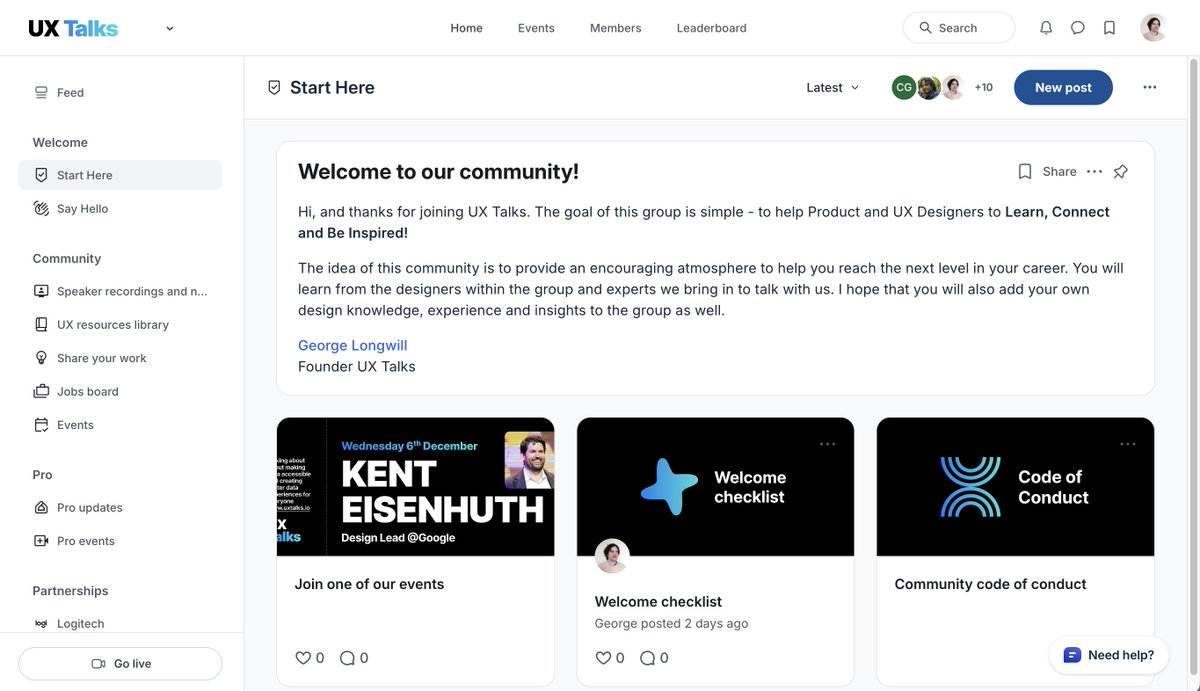
UX Talks has a new and improved community space - accessible from today. If you would like to join the new space, simply click this invite link: lnkd.in/euGwHM62 It is free to join, has all previous speaker recordings and notes, events and lots of other cool stuff too!
UX Talks tweet media
English
0
1
0
84
UX Talks
UX Talks@ux_talks·
Upcoming Q&A session with Joyce Croft, Senior Lead Human-Centered Designer at NASA Jet Propulsion Laboratory (JPL). A great opportunity to hear more about Joyce's career in design and ask some questions of your own! RSVP here meetup.com/ux-talks/event… or uxtalks.io
UX Talks tweet media
English
0
0
0
71
UX Talks
UX Talks@ux_talks·
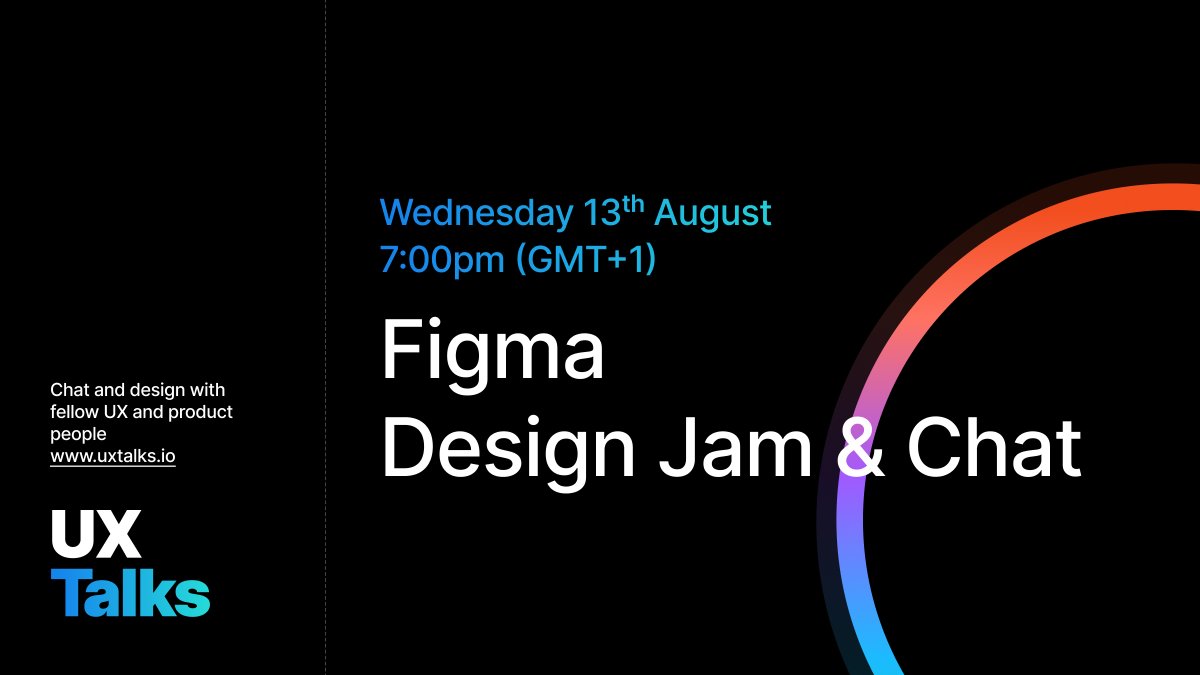
Join us on 13th August at 7-8pm for a just-for-fun design challenge and networking session. Chat with other designers, share ideas and work on a quick design project! Sign up free via meetup.com/ux-talks/event… or uxtalks.io
UX Talks tweet media
English
0
0
1
70
UX Talks
UX Talks@ux_talks·
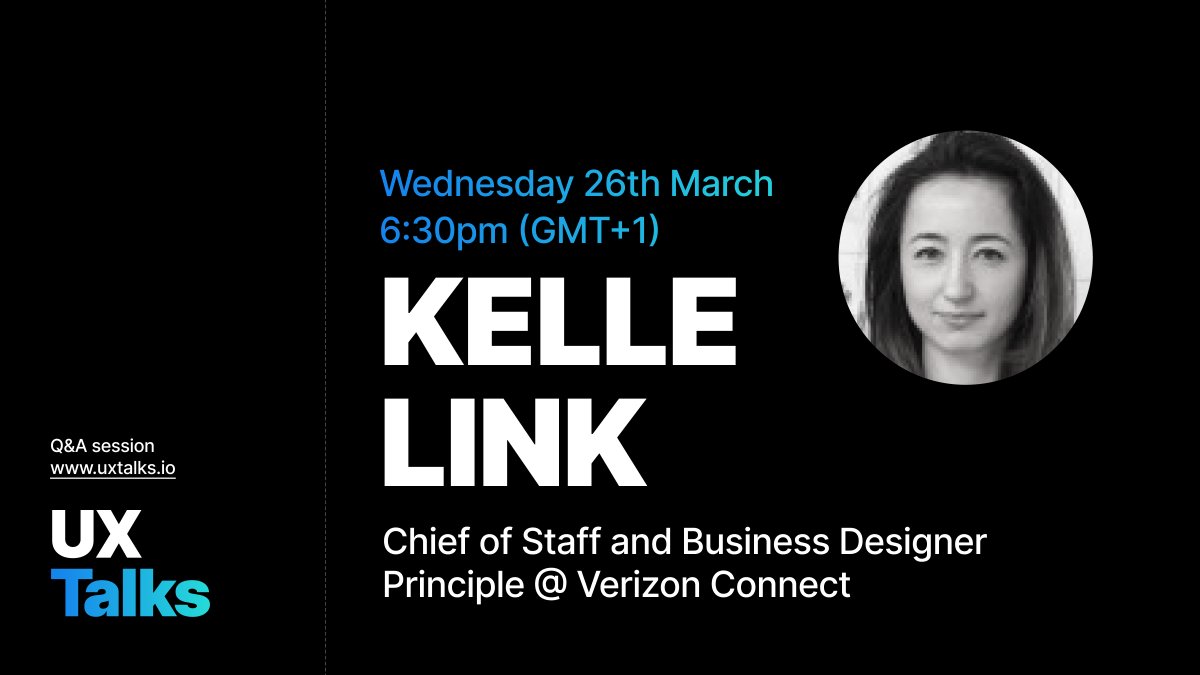
On Wednesday 26th March we're delighted to be hosting a Q&A session with Kelle Link, Chief of Staff and Business Designer Principle at Verizon Connect. Hope to see you there! Sign up via joining uxtalks.io (for free) or via Meetup lnkd.in/e2-4RV4D
UX Talks tweet media
English
0
0
0
47
UX Talks
UX Talks@ux_talks·
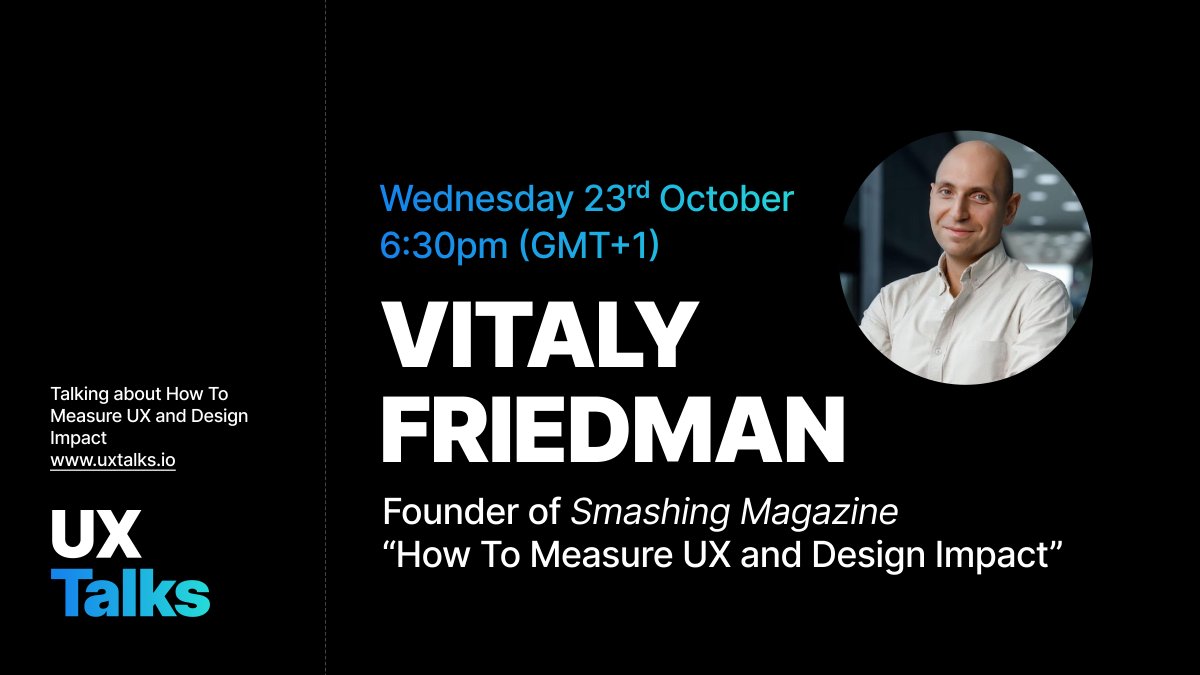
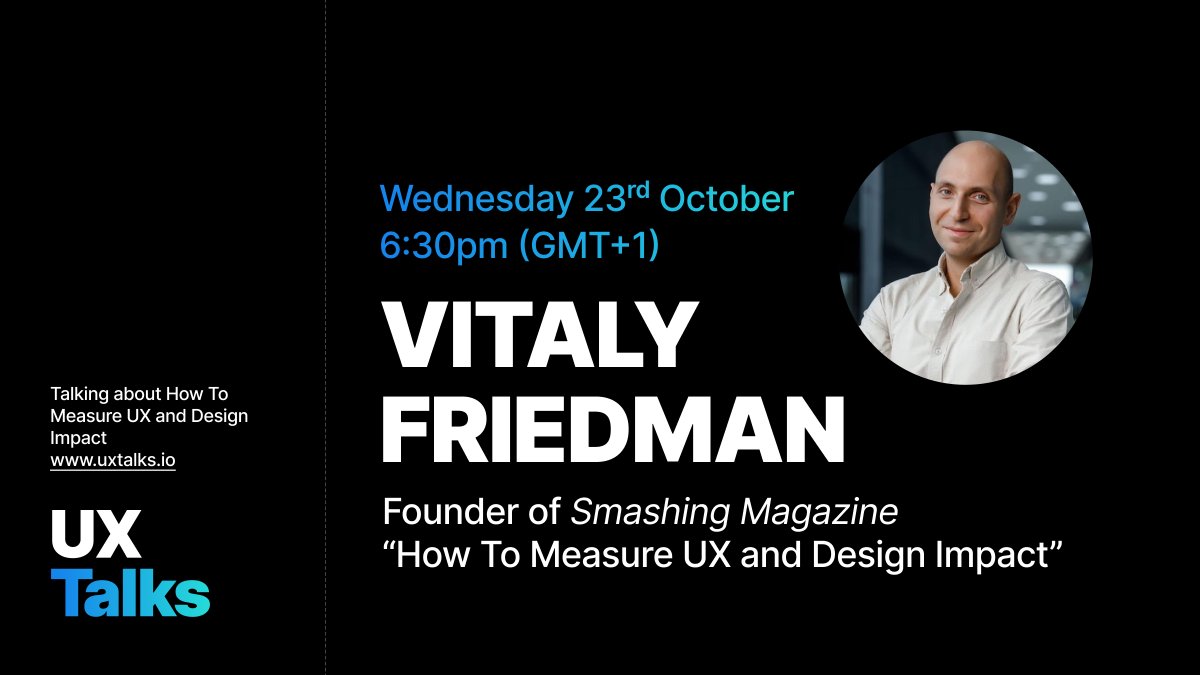
Next week, we'll be hearing from the great @vitalyf , founder of Smashing magazine. He will be talking to us about “How To Measure UX and Design Impact” Hope to see you there! The link for RSVP is on meetup here: meetup.com/ux-talks/event… or sign up to members.uxtalks.io
UX Talks tweet media
English
0
0
0
58