Koray🇨🇭🇹🇷
14.8K posts
Koray🇨🇭🇹🇷
@CoreayK
Hakuna Matata.. born in Switzerland📌 89er Model.
Zürich, Schweiz เข้าร่วม Şubat 2012
811 กำลังติดตาม811 ผู้ติดตาม

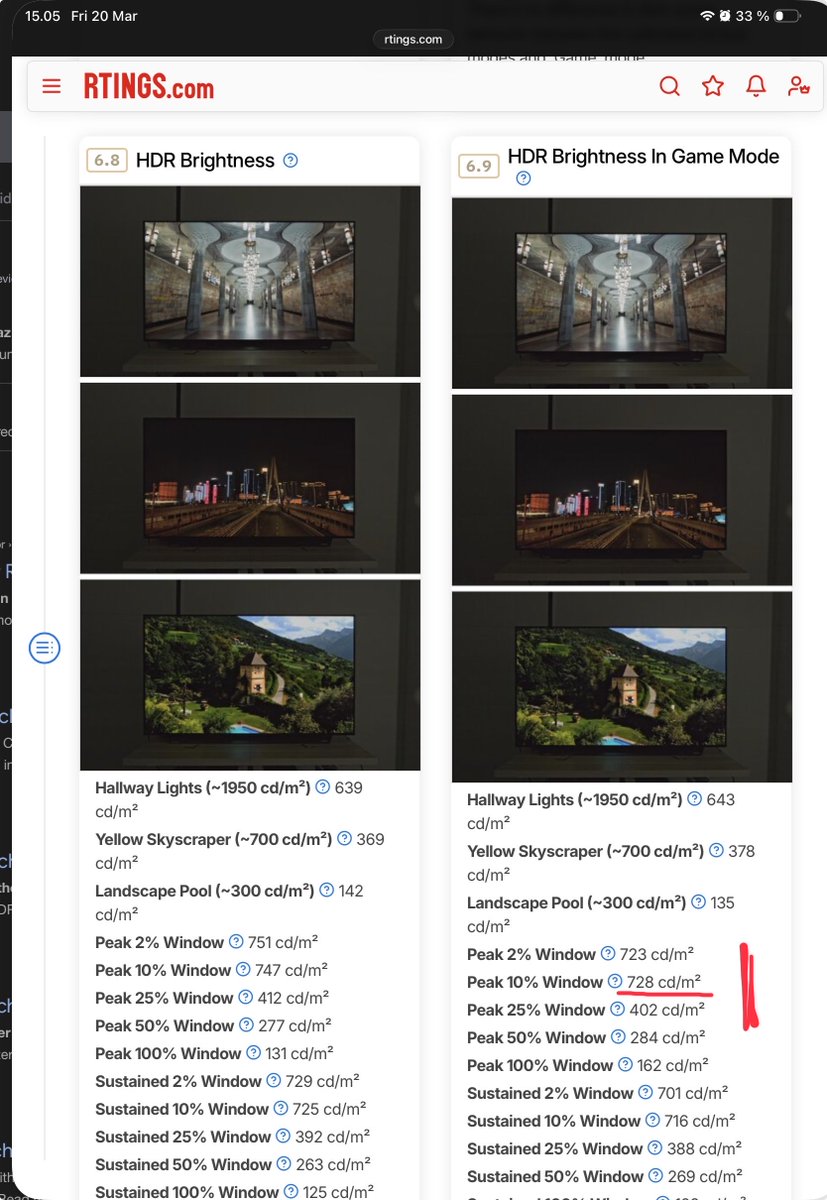
@CoreayK 730 nits max brightness.
I would try 40 exposure as a starting point and adjust a bit up of down to see what looks most natural to you.
English
Quick preliminary setup guide for Crimson Desert on PC and PS5.
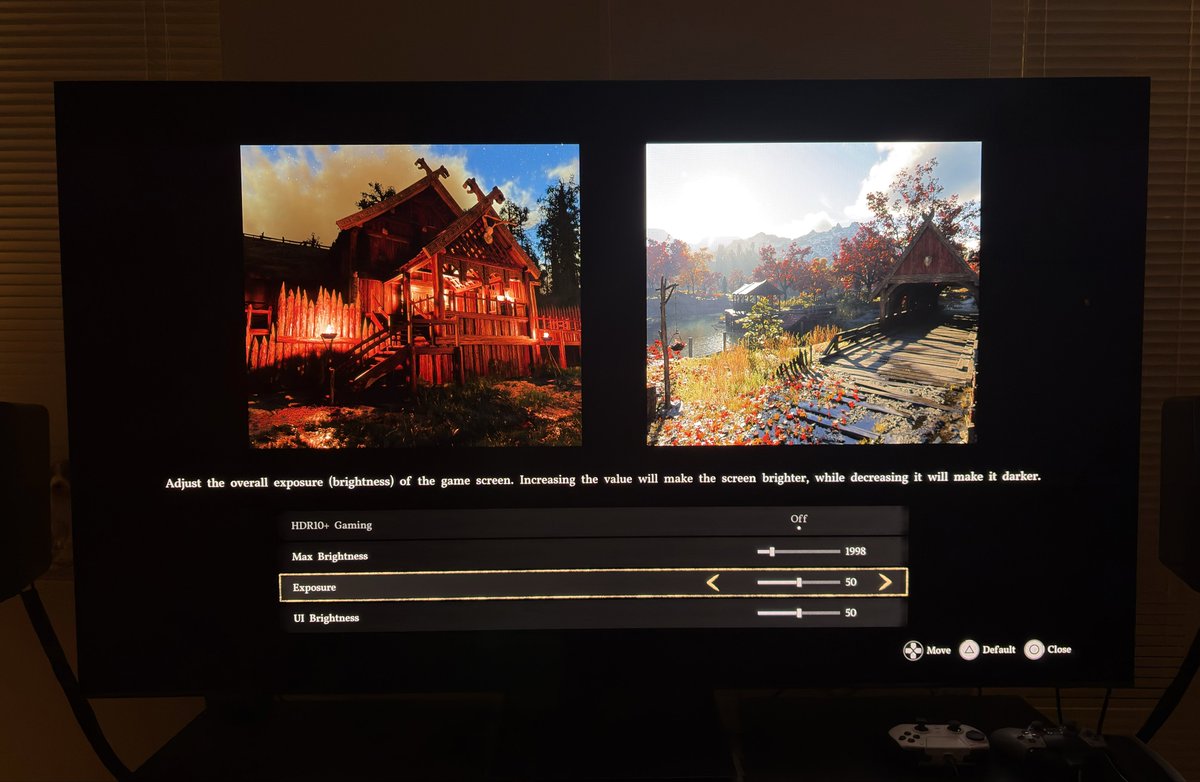
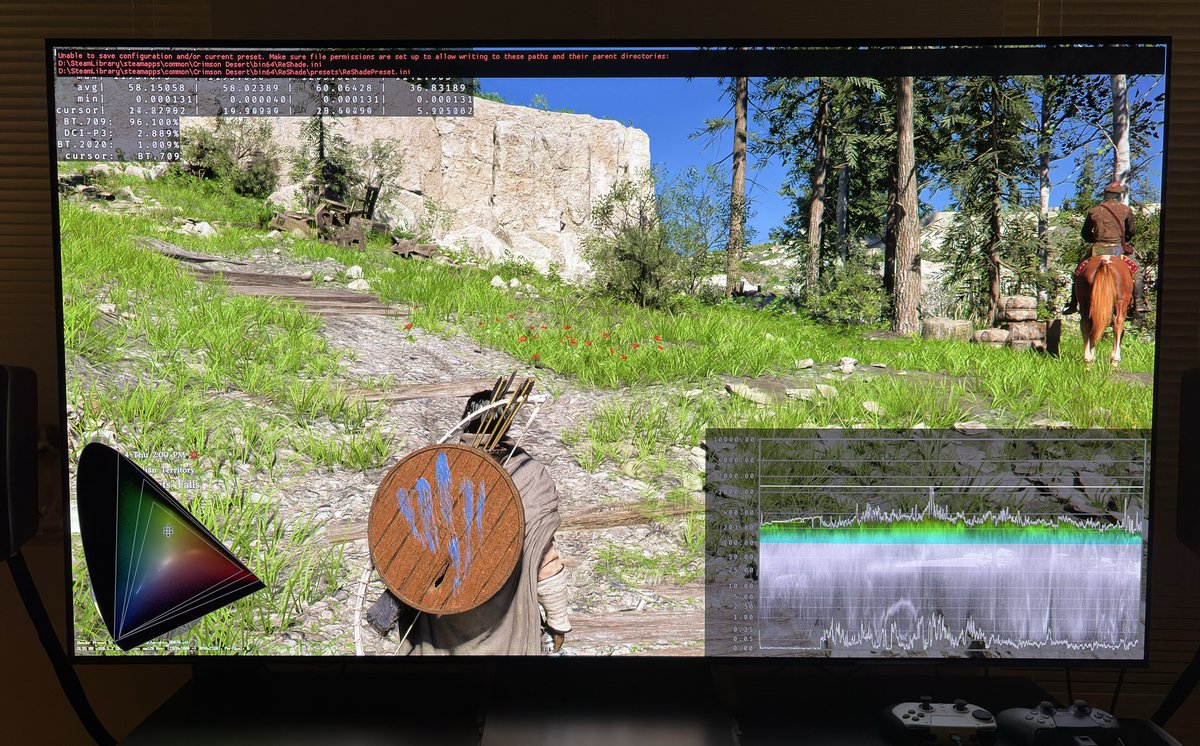
I have only had very little time with the game. But this is how I would set up HDR on a 1000 and 2000 nits TV. Picture 1 is my settings for a 1000 nits TV and picture 3 for a 2000 nits TV.
HDR is implemented the same way on PC and PS5.
Black levels:
There are no setting to adjust black levels. Luckily they look fine, so those we don’t have to worry about.
Max luminance:
Max brightness is setup in-game. Set to what your TV can output on a 10% window. The game outputs the nits you set in the slider. Thats great because not all games do that.
Screen brightness (exposure).
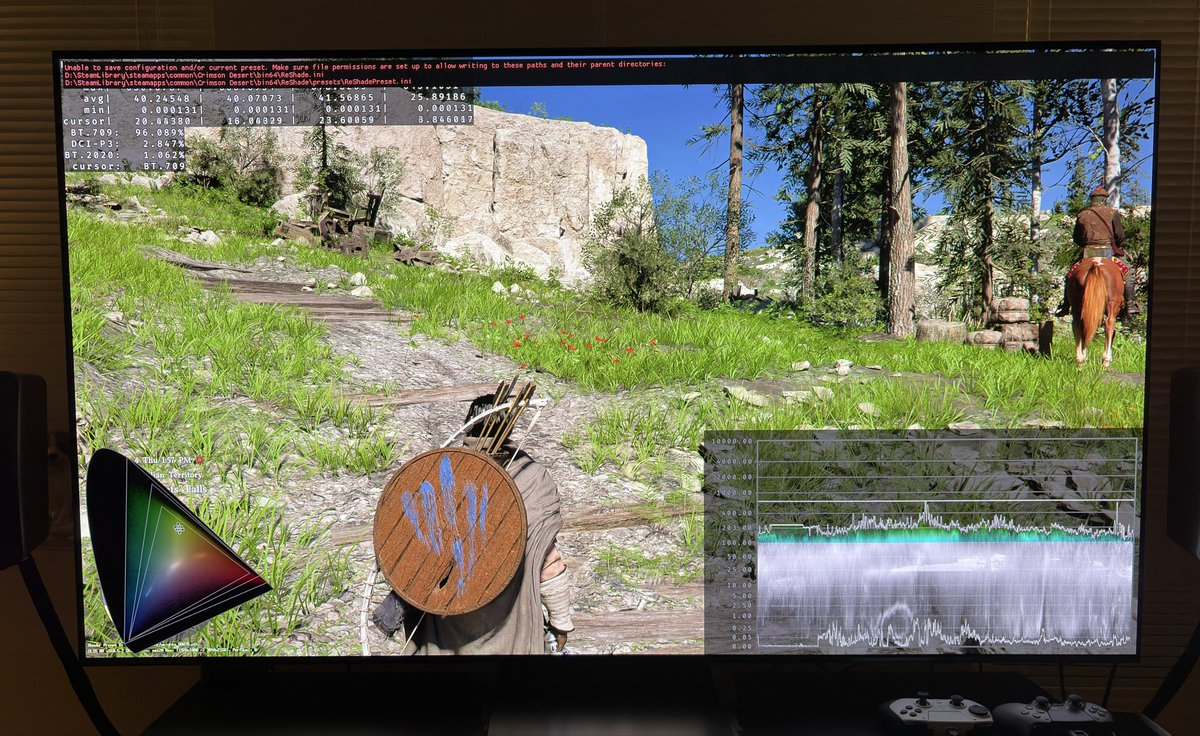
The exposure slider adjusts the brightness on the whole screen. For a 1000 nits TV we want around a screen brightness (paper white) of around 203 nits. A setting of 40 looks to be around 203 nits to me. In picture 2 we can see brigntess is around 203 nits at exposure setting of 40.
For a 2000 nits TV we want a higher screen brightness. When our TVs can output higher max brightness then there are room for higher screen brightness while our highlights can still pop.
I suggest setting exposure to 50. In picture 4 we see screen brightness is around 280-300 nits.
I won’t suggest going lower than 40 or much higher than 50 for exposure, because exposure slightly changes lower shadows and I think they will get to low or to lifted.
I noticed that at night fire lights up everything with a red glow or color. It looks very unnatural. We can’t change that in-game, but maybe there will be mods for PC that corrects this.
HDR overall looks punchy with great contrast and black levels.

English
Koray🇨🇭🇹🇷 รีทวีตแล้ว

@Pirat_Nation This is such a bullshit, r1 attack, r2 heavy attack, l1 block, 0 roll, controls are literally just like in every other game
English
@ozozca @CrimsonDesert_ Yaa adam 8.günde dünyayi gezmis jsodkfockcocoococ
Türkçe

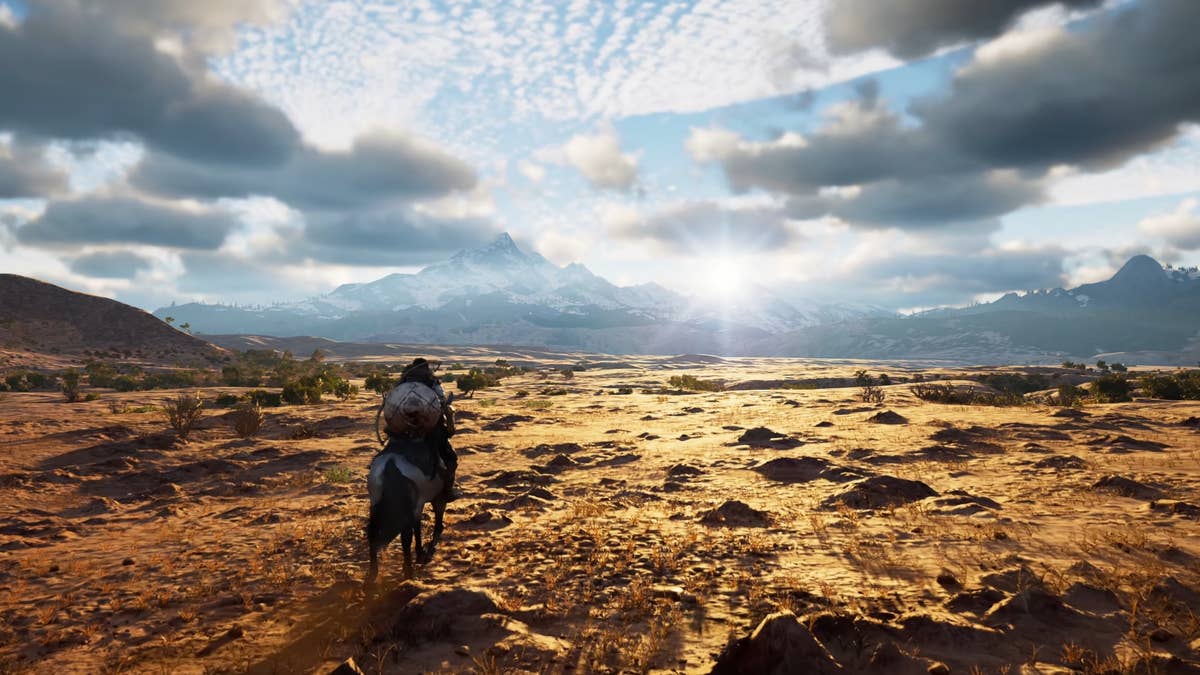
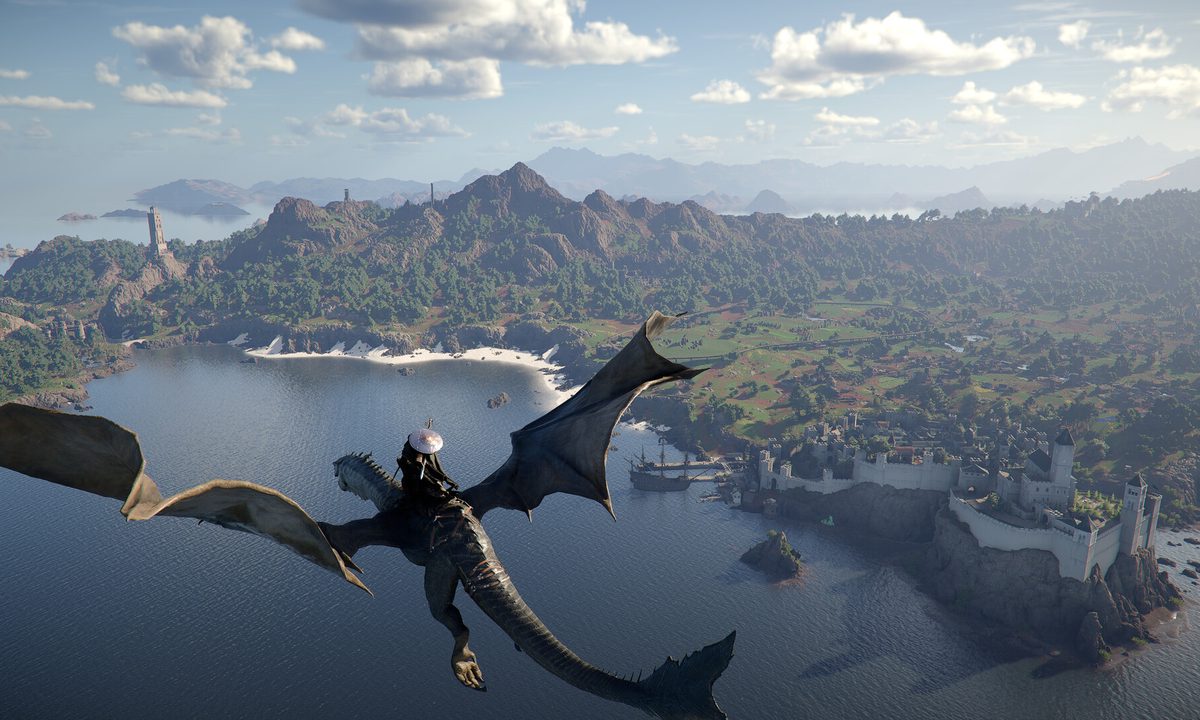
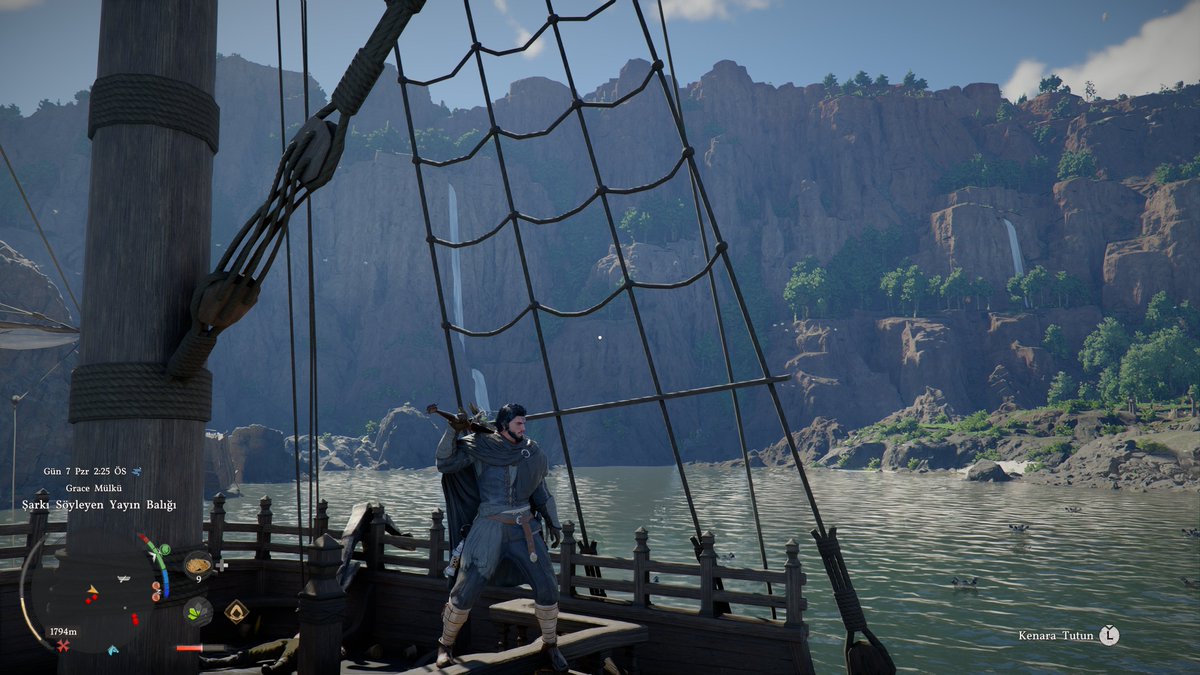
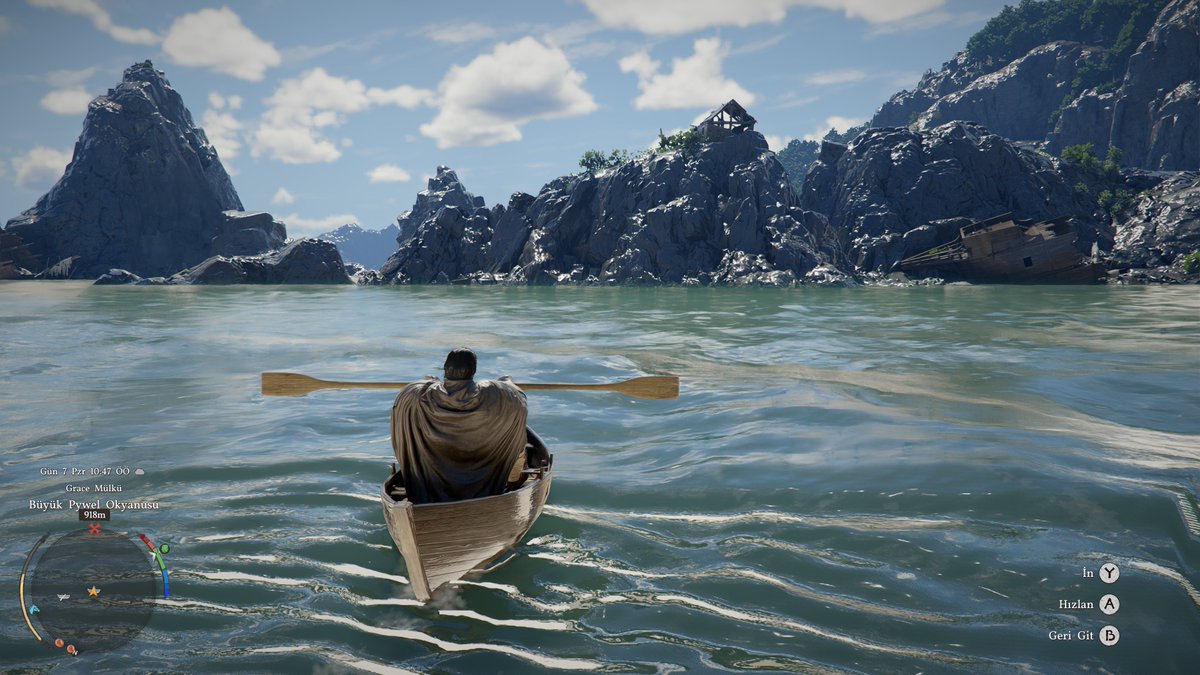
Aşırı güzel manzaralar, aşırı 😍 Kontrollere alışmak lazım ama halledilir. Yayında beraber çözeriz artık.
#CrimsonDesert #OYUNUMADOKUNMA


Türkçe
Koray🇨🇭🇹🇷 รีทวีตแล้ว

Oynayabilen nasıl oynuyormuş bakın, combattan şikayetçi olan bazı malların beceriksizliğiymiş
Türkçe

@CoreayK @DetectiveSeeds @CrimsonDesert_ Yeah, I messed up on the timing. It was 1:00 UT,C which is 8:00 PM EST here today
English

Crimson Desert needs to do a patch/ update allowing Controller controls remapping. As someone who is enjoying the game, this is needed ASAP!
English
@LarryDanielsTV @DetectiveSeeds @CrimsonDesert_ 1.00.02 patch is released already bro but it shows only in main menu of the game 🤔
English
@DetectiveSeeds @CrimsonDesert_ The 1.00.02 comes out tomorrow
English

@CoreayK Oyun çok güzel mi bitince görürüz ama şimdilik manzaralar ve oynanış çok güzel.
Türkçe
@CoreayK Çok görev yapmadım sadece okyanusa bi gidip geldim 😀 Yayında akacağız.
Türkçe
@CoreayK O kadar zor değil canım biraz değişik. Ha ileride daha karmaşık olacak gibi ama halledilir.
Türkçe
@batubozkan 10 dakkada alistim bro controller okadarda karisik degil 🤙
Türkçe

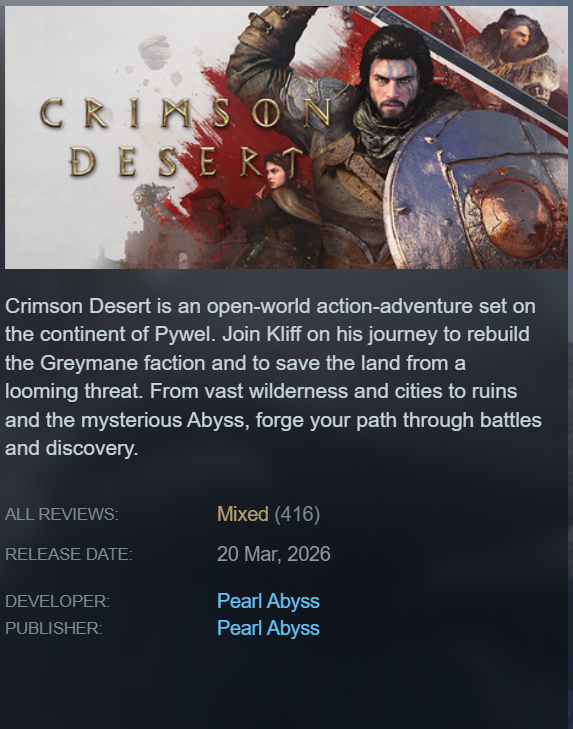
2 saat kadar oynadım oyunun en büyük problemi kontroller. Klavye olsun kontrolcü olsun fark etmeksizin devasa bir karmaşa hakim
Türkçe
Koray🇨🇭🇹🇷 รีทวีตแล้ว
#CrimsonDesert will receive an update around launch which will include fixes, improvements, and stability optimizations. For the best experience, please make sure to update the game to the latest version.
If you're planning to play on Steam or PS, your download may already be running or you can download the patch now.
The patch on Xbox, Epic Games Store, and Mac will follow at a later time, and we'll provide an update in the notice below as soon as it's available.
Get more details and read the patch notes here: pearlabyss.info/4lEU2TH
English