
ทวีตที่ปักหมุด
Sparseal
338 posts

Sparseal
@sparseal
Design and development of CGI tools. https://t.co/1u7B0yCHhH
เข้าร่วม Mart 2022
2 กำลังติดตาม11.5K ผู้ติดตาม

@sparseal thank you so much for your reply 🙏
it did solve most of the issue, but my face is still looking a little weird with see-through eyes and eyebrows 🥺

English
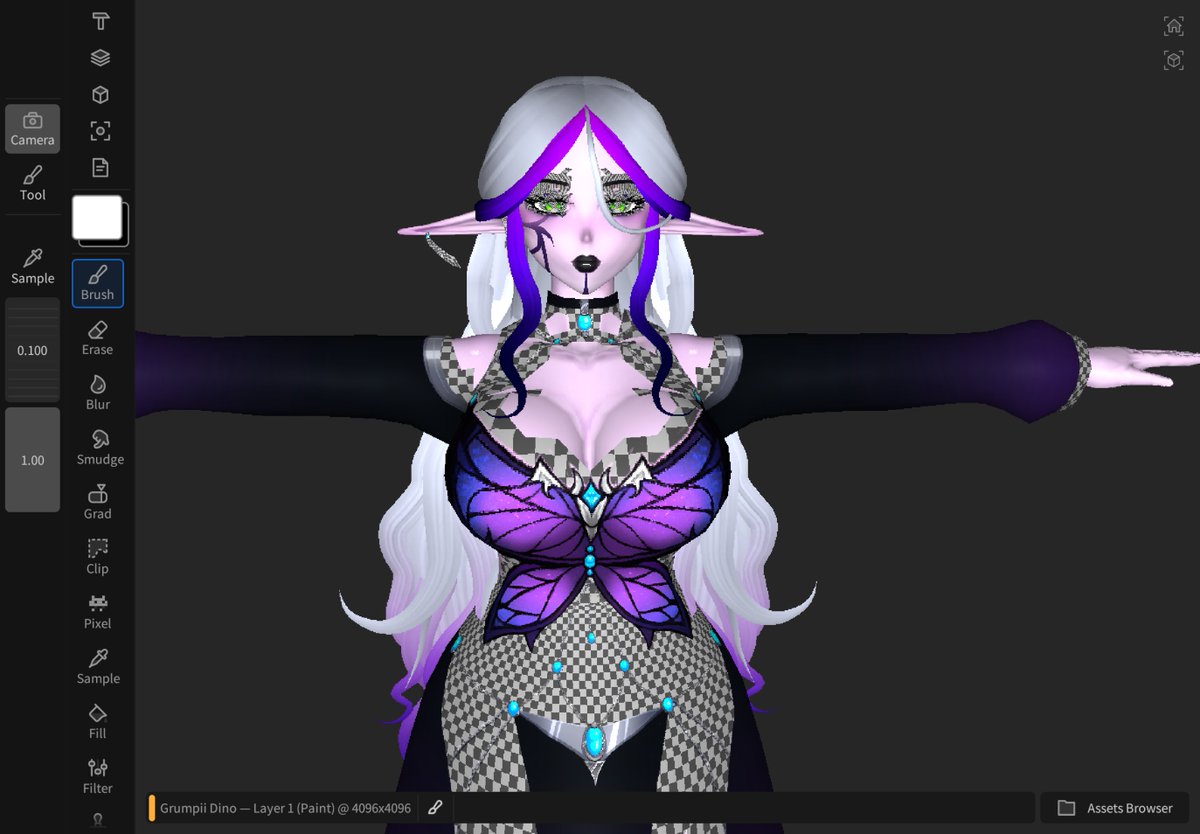
@sparseal i have been trying to figure out how to import a .vrm but it only ends up looking like this :( pls help
English
@ravnfrost @pablodp606 Try using float colors in the color domain format if you are working with soft gradients.
English

@sparseal Hello, I'm having an issue where layering darker colors (for shading) generates blue-ish, pink-ish and yellow-ish tones, like oil painting. I'm using hard brush with default settings, is there any way to fix this? @pablodp606
English
@ZachMakesAvis Setup the metalness and roughness domains (or use the PBR preset after creating a new document), add a fill layer, the value each domain uses is visible in the layers inspector (you can change it from disabled/constant/canvas)
English

@sparseal And where can we edit the roughness and metallic of each fill layer individually ?
English
@ZachMakesAvis Yes, metallic and roughness will be visible in the PBR preview, emissive can be edited as a custom domain but won't preview as emissive.
English
@sparseal Is it possible to set a metallic, roughness, and emissive for each fill layer ?
English

@sparseal May I know if there is a flat color or shadeless view in Wafer? It would help greatly with painting anime style models!
English

@DreamiePaws Make sure the model has a material assigned per texture and try using glb instead of obj. You can also import each mesh individually. We'll try to improve how the obj importer builds the scene in the next update.
English

@SteveTalkowski Only textures. We would like to see more usages in professional pipelines before deciding implementing advanced scene formats.
English

@sparseal Congrats! I tried it out last night. Question about export options before I plunk down the $20: Is it just textures for now? It would be amazing if I could export a working .usdz file with maps hooked up compliantly, like Substance Painter does.
English
@_sstrikerr_ Yes, it also works with small textures and it has a tool for painting individual pixels.
English

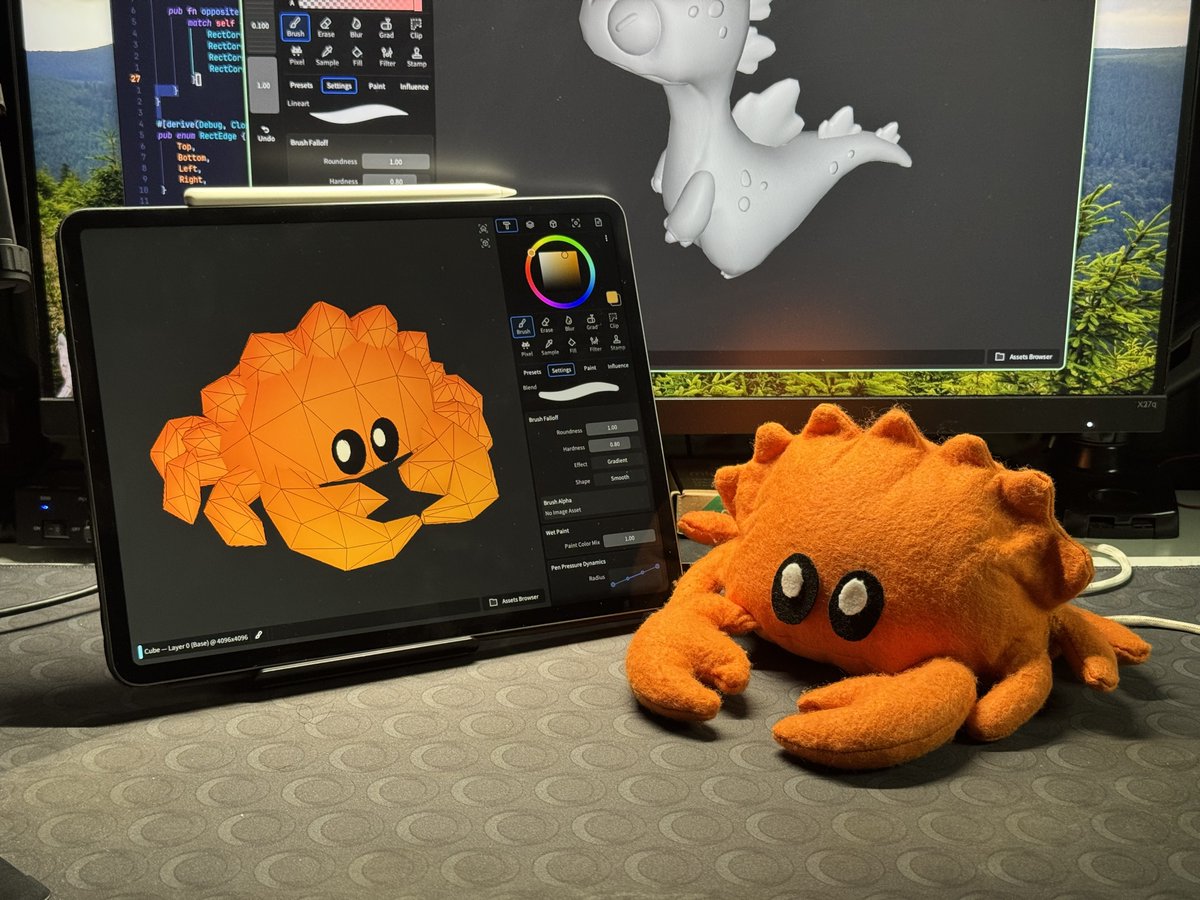
Wafer is our first product built entirely on our own cross-platform UI toolkit, application framework, renderer, and geometry processing libraries. The entire stack is written in Rust and WGPU.
We plan to continue building on this foundation for future updates and products.
English
@starryyberries Copy the texture to the Wafer documents folder with the files app (so the app can read it), then open the contextual menu of a layer -> import image -> color -> select the texture
English

@Latte_Artsu Go to the Viewport inspector (the 4th tab at the top) and use the button below the current panel to add a new panel.
English

@sparseal :O How do you work with the 2D mesh along side the 3D model? Currently trying to figure that out?
English
@VirtualKeni It can paint on any custom channel for NPR shader inputs and preview metalness/roughness/bump with a basic PBR shader in the viewport.
English

@ReformationsUk Single purchase, you can try everything except exporting and saving.
English

@UrLafyBear It has configurable symmetry in all axis (both 3d and 2d), supports obj and glb for mesh importing.
English

@sparseal Dose it have a mirror mode? And could I import FBX files?
English