Naka-pin na Tweet

I just completed the @ssv_network staking testnet and this is one of the most seamless staking UX flows i have tested recently.
i will sharing my experience and also my feedback
English
Toby.OnChain
6.4K posts
@Heis_Toby
Down to earth, but still above you



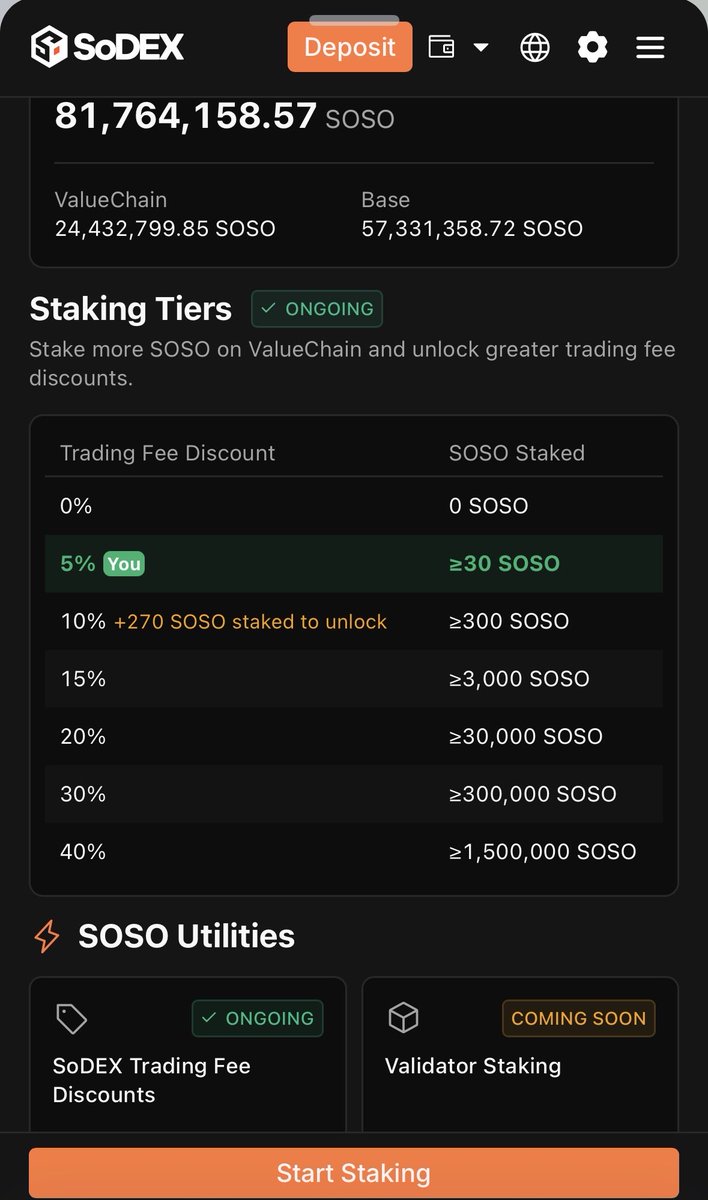
📢 SHOW Your SOSO Staking Discount Tier on SoDEX Staked SOSO on SoDEX? Now it’s time to show how much trading fee discount you’ve unlocked. 🎁 Rewards: 20 Winners x 20 $SOSO How to Participate ✅Quote this tweet: x.com/sodex_official… ✅Show a screenshot of your current SOSO staking discount tier on SoDEX ✅Include your invite code ✅Add the hashtags: #SoDEX #SOSO #ValueChain #SOSOStaking ⏰ Event Duration March 14, 2026 – March 20, 2026, 10:00 AM (UTC) Show your tier. Show your discount. Show your SoDEX status.


Testnet Bradbury is live! What happens when blockchains need to make decisions instead of just executing code? That’s where GenLayer comes in. GeLayer is building a programmable legal system onchain where both humans and autonomous agents can resolve disputes and enforce agreements. Instead of relying on courts, centralized authorities, or rigid smart contracts, GenLayer uses validators connected to AI models to evaluate situations and reach consensus on decisions. Think of it like a decentralized digital court that can operate at machine speed. To build something like this safely, GenLayer launched a two stage incentivized testnet where the community helps test the network before mainnet. The first phase was Testnet Asimov. Asimov focused on testing the core infrastructure of the network: ➡️ validator onboarding ➡️ node stability ➡️ intelligent contract execution ➡️ LLM-based consensus between validators Now we’re moving into the next phase. Testnet Bradbury. Since Asimov was about building the base layer, Bradbury is where the real experimentation starts. In this phase, validators begin configuring their own language models instead of relying on subsidized ones. That means each validator can choose how their system interprets information and participates in consensus. So the network is now testing how different models behave, how they reason, and how they agree on decisions. Bradbury also introduces: ➡️ LLM configuration ➡️ Adversarial testing ➡️ Multi-round appeals ➡️ Validator specialization ➡️ Governance simulation the The truth is, if GenLayer wants to handle real world disputes and agreements, it has to deal with nuance, disagreement, and ambiguity. That’s exactly what Bradbury is designed to test. Also, the community plays a big role here. People can contribute by running validator nodes, testing intelligent contracts, reporting bugs, or even creating tools and educational content around the ecosystem. Those contributions don’t just help the network improve. They also earn points, recognition, and potentially future rewards as GenLayer moves closer to mainnet. So Bradbury isn’t just another testnet phase. It’s where GenLayer takes the next step toward decentralized AI driven decision making. And now that it’s live, the real experiment begins. @GenLayer





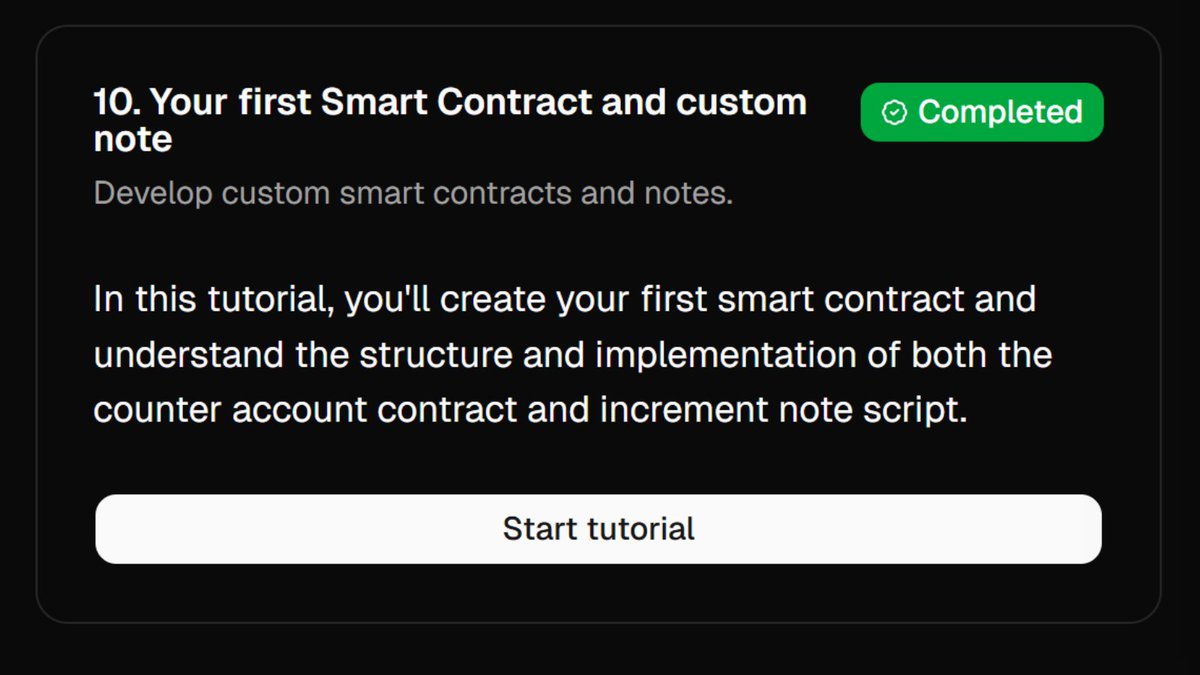

Miden Testnet Task 4 Complete Guide ⚡️ I’ve already shared guides for the earlier 8 tasks. If you’re new, make sure to complete them as well. Previous 8 Tasks Guide: x.com/CryptoGurujiOG… Task 4 Guide 👇 Step 1: Remove the old Wallet and Reinstall • Open Miden wallet • Click Settings • Click Reveal Seed Phrase • Enter the password and click Reveal • Write down your 12 Seed Phrase • Remove the Miden wallet extension • Visit: chromewebstore.google.com/detail/ablmomp… • Add extension again • Click I already have a wallet • Click Import with Seed Phrase • Enter your 12 Seed Phrase • Click Continue and Create Password • Click Continue → Get Started • Copy your Miden wallet address Step 2: Claim Testnet $MIDEN from the faucet • Visit: faucet.testnet.miden.io • Paste your Miden wallet address • Token amount 100 • Click Send Public Note • Check your wallet balance • It can take some time Step 3: Task 4 – Private Transfers • Visit: playground.miden.xyz • Click Select Wallet (top right) • Connect your Miden Wallet • Scroll down to Task 4 • Click Start tutorial • Open Miden wallet extension • Click Miden Account 1 • Click Add Account • Select Off-chain Account (Private) • Click Create or Restore Account • Go back to the website • Disconnect your wallet • Refresh the page once • Connect your wallet again • Click Accounts (left menu) • Click Private Account 1 • Scroll down • Click Next step (bottom right) • Click the Mint option (bottom right) • It will download a "note.mno" file • Click Next step (bottom right) • Click Notes (left menu) • Click +Add note → Click Import note • Click Choose File • Go to your Downloads folder • Select "note.mno" file • Click Import • Click Next step (bottom right) • Under Notes page • Click on ⋮ (3-dot option) • Click Consume note • Confirm Transaction in the wallet • Open your wallet and check the history • It will take 3-5 minutes to consume • You will get 100 Miden in your private wallet • Go back to the website • Click Transactions (left menu) • Click +Create new transaction • Executing account: Private account 1 • Transaction type: Send • Click Next • Target account: Miden Account 1 • Asset: MIDEN • Amount: 11 • Note type: enable private • Click Preview • Confirm Transaction in the wallet • It will take 3-5 minutes to consume • Click Next step (bottom right) • Open Miden wallet extension • Click Priv Account 1 • Select Miden Account 1 • Go back to the website • Disconnect the wallet • Refresh the page once • Connect wallet again • Click Accounts (left menu) • Click Miden Account 1 • Scroll down to Consumable Notes • Click on ⋮ (3-dot option) • Click Consume note with Miden Account 1 • Confirm Transaction in the wallet • It will take 3-5 minutes to consume • If taking a long time • Open your wallet History • Click × (cancel), sometimes it works • Click Next step (bottom right) • Click Next tutorial • Congrats! You have completed Task 4 ⏯️ Video Guide: Check the comment section for it 📢 Follow me for regular updates @0xMiden #MidenNewTask #MidenPlayground


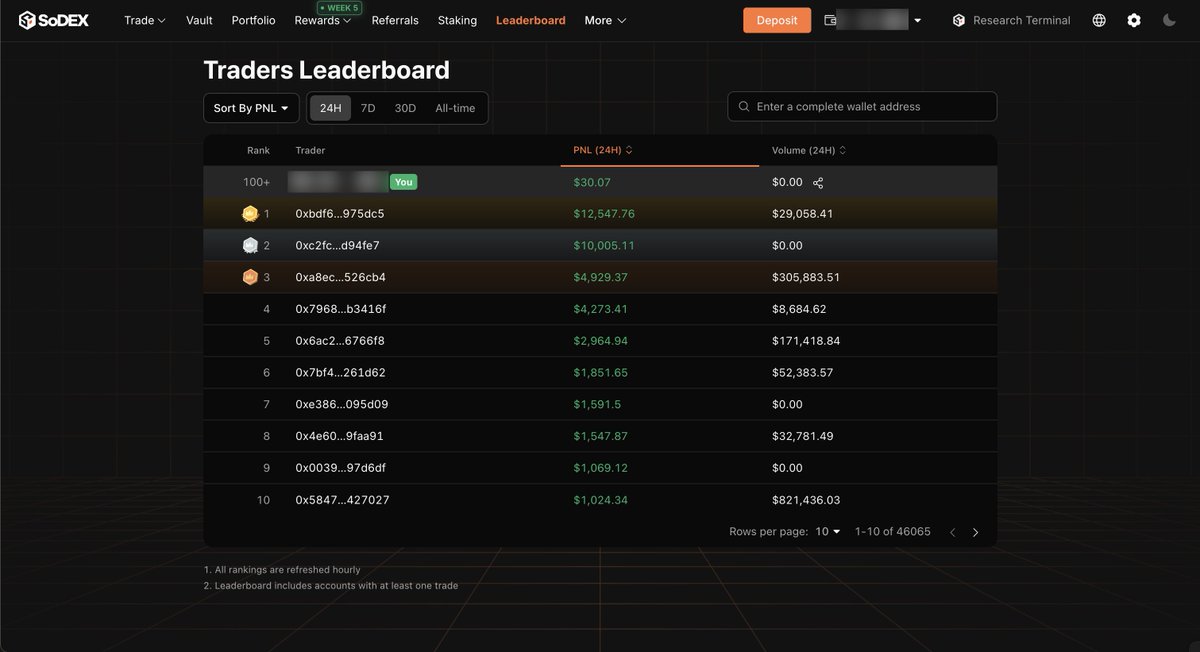
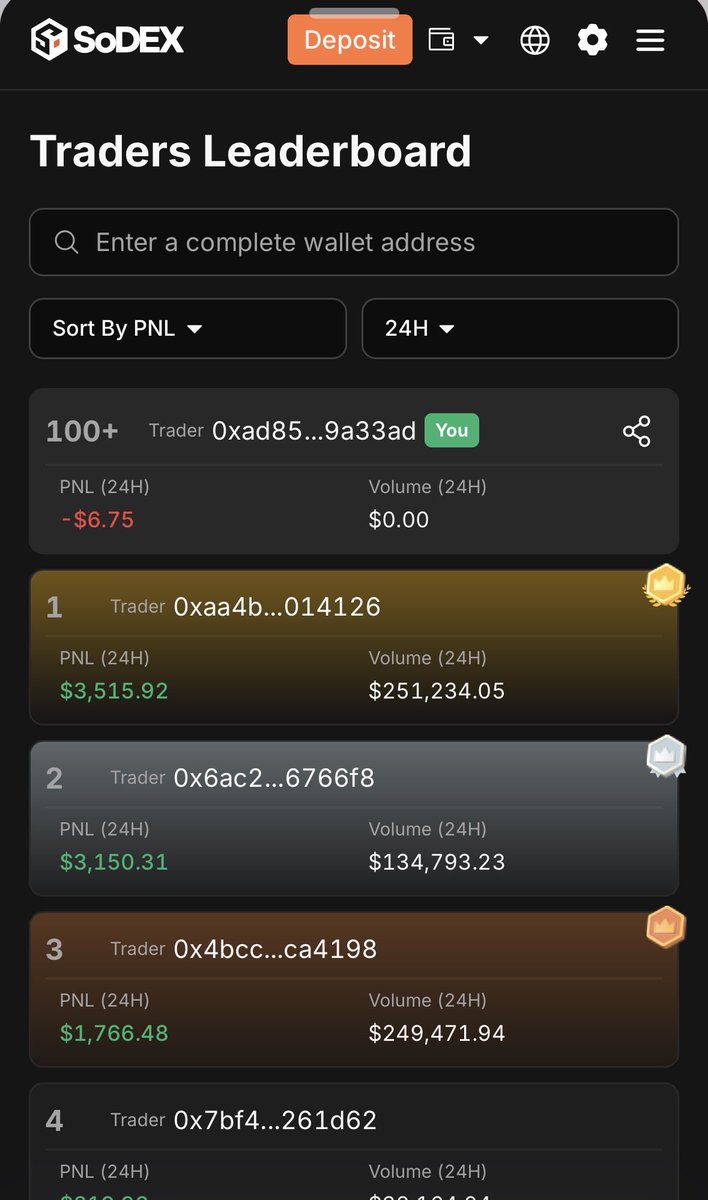
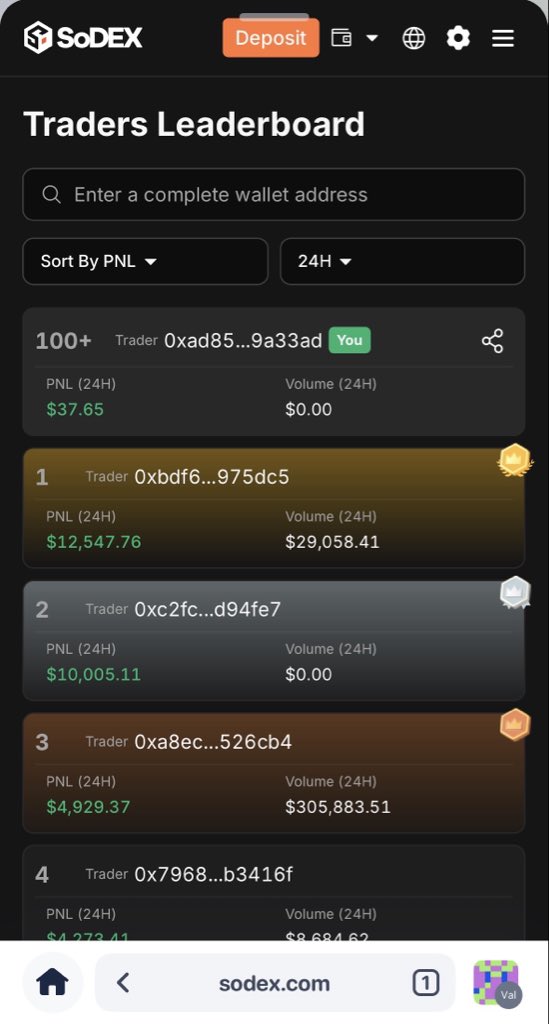
Happy Lantern Festival! 🏮✨ SoDEX Traders Leaderboard is LIVE 🏆 Weekly rewards just got better: Top 100 on the Weekly PNL and Weekly Trading Volume leaderboards will receive a SoPoints Boost — the higher your rank, the higher your boost multiplier. sodex.com/leaderboard 🎁 Lantern Festival Giveaway (Prize Pool: 1,000 MAG7.ssi) We’ll pick 50 winners, 20 MAG7.ssi each. How to enter: 1. Follow @sodex_official 2. Share your Leaderboard rank card (screenshot) 3. Tag @sodex_official + add #SoDEXLeaderboard ⏰ Winners announced on Mar 10, 2026 — 8:00 PM (UTC+8). #SoDEX #SoPoints #Trading #DEX #DeFi #Crypto #MAG7ssi