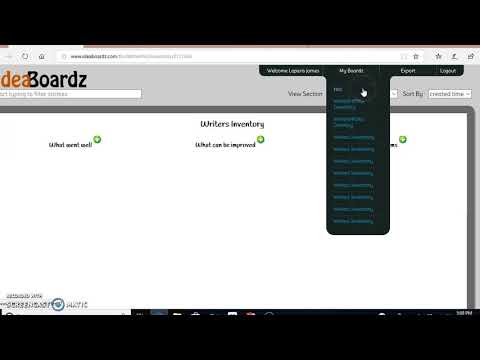
I guess I'm on the late show with learning about @ideaboardz but better late than never. I like the simplicity of this digital brainstorming tool. Who has some tips or tricks to share about it? 💡
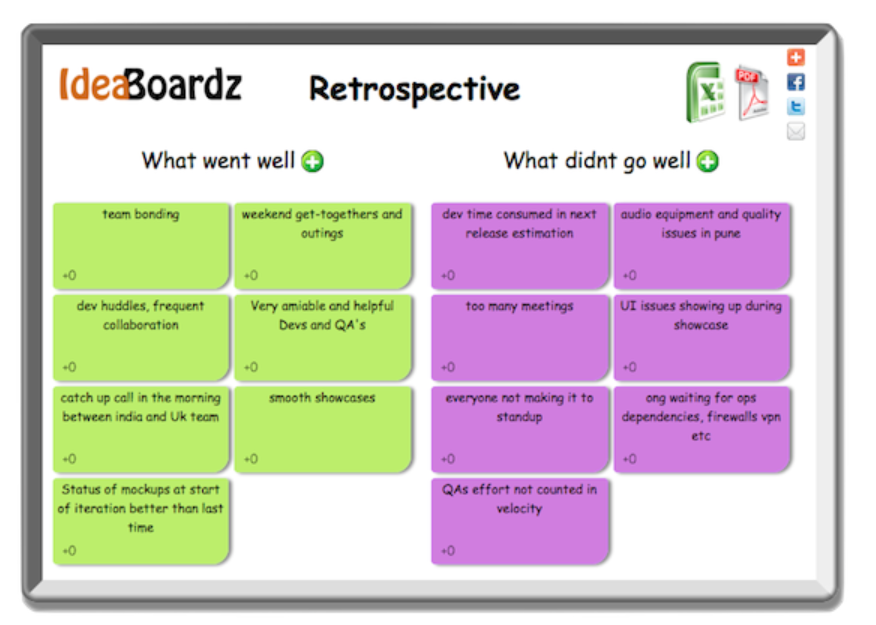
@bijanv@zlwaterfield@LatticeHQ Yes we do these too! We use @ideaboardz for our stickies framework for facilitating our retro ceremony each cycle. Retros are a special ceremony.
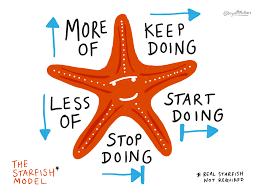
Looking for an easy, free tool for sharing or creating ideas during Teams/Zoom meetings? Try @ideaboardz. Designed for project retrospectives, you can use it more widely. It's already set up for 6 Thinking Hats & Starfish Retrospectives ideaboardz.com TY @NHS_HealthEdEng
@tachyondecay A good tool for sharing ideas that works on all devices & is accessible is @ideaboardz
Free and you don’t have to have an account (though making one allows you to keep all your boards)
Premise templates or make your own
Has upvoting
ideaboardz.com
Y6 @lakeside_don@TheRoseLearning shared thoughts about remote learning/Lockdown using the amazing @ideaboardz 😎. Then we played the fantastic @twinklresources “Spin The Wheel” game- such a fun way to celebrate our last remote lesson🤩 before we all come back together #proud
At the #MYChiMyFuture ZOOM call the 250 participants were encouraged to enter ideas in this @ideaboardz platform, then vote for one in each category that they supported most. That never would have happened if we'd been sitting at tables in a big room. Now discussion is needed.
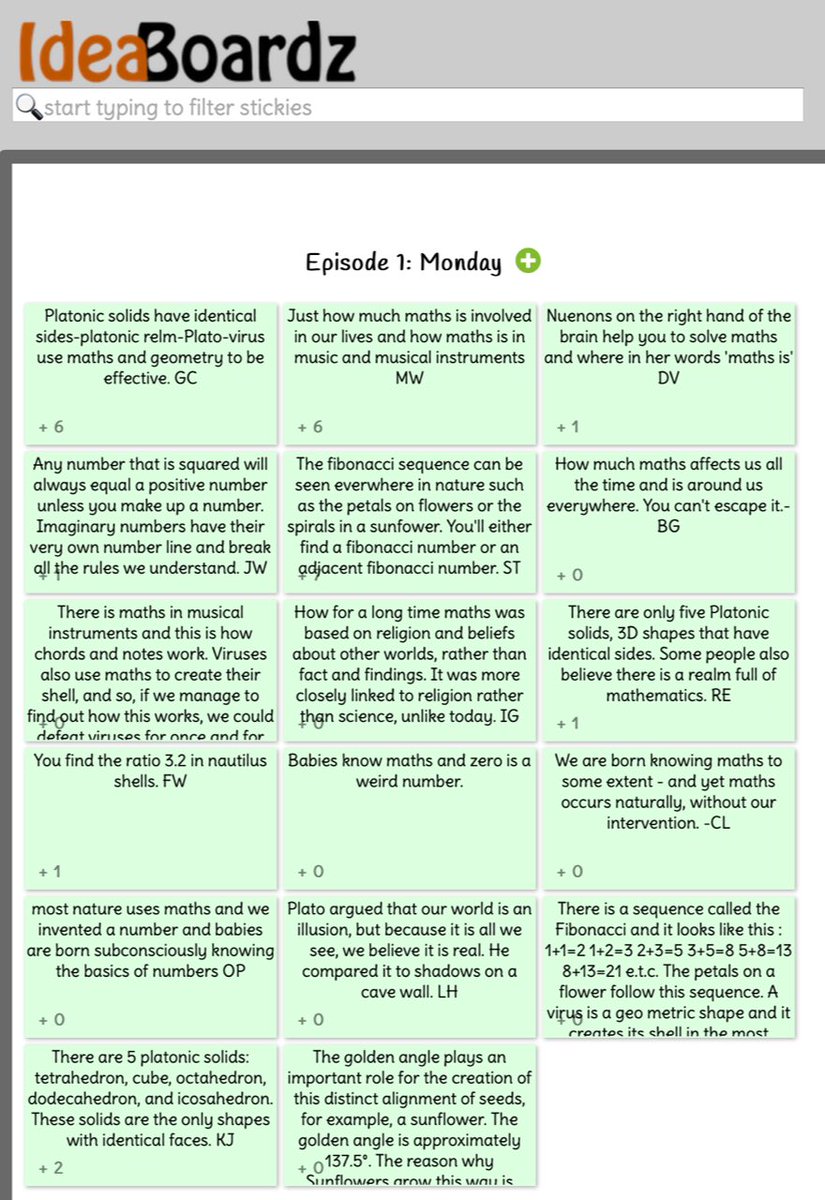
@FryRsquared not only are students enjoying the programme they are also learning. Here are some of their favourite bits from Monday on @ideaboardz#edutwitter#maths
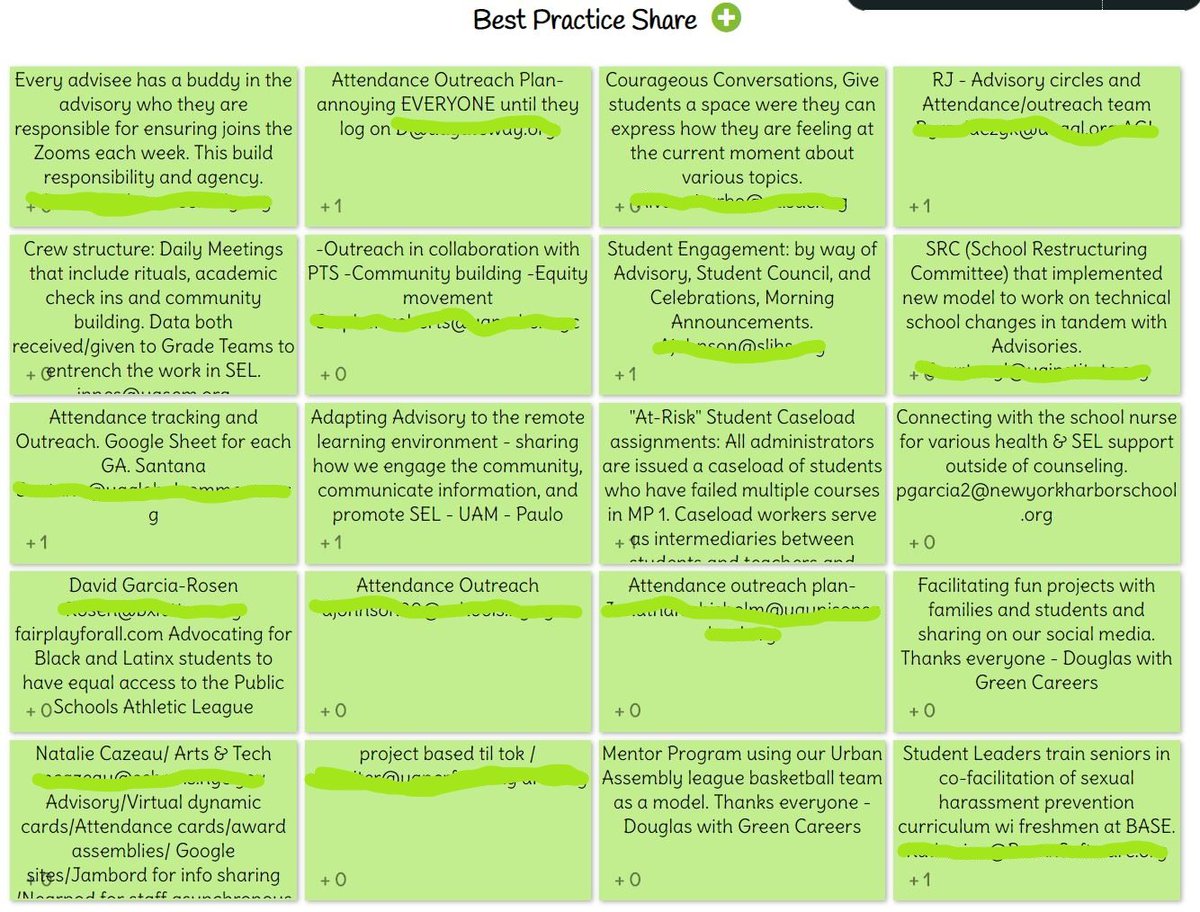
Today's participants in our Climate and Culture PLC shared tangible practices in real time (thanks @IdeaBoardz!) that have developed students' resilience and created a safe and supportive virtual climate and culture. We are better thanks to #collaboration and #partnership:
@ideaboardz What’s the limit of people using the tool at the same time? I mean using as a brainstorm tool...putting stickers together at the same time.