@Barret_China the tulving framework mapping is really interesting. curious if they do any pruning on the episodic memory over time or if it just grows forever?
English
chaodi tang
137 posts

"NOOOO yoU SHOuLd FOcUs ON oNE proDuCT yOU CAN'T succEED If YoU SpReaD yoUrSeLf ToO tHiN" Ah yes like Apple, Google and Microsoft did? Right? Right?!

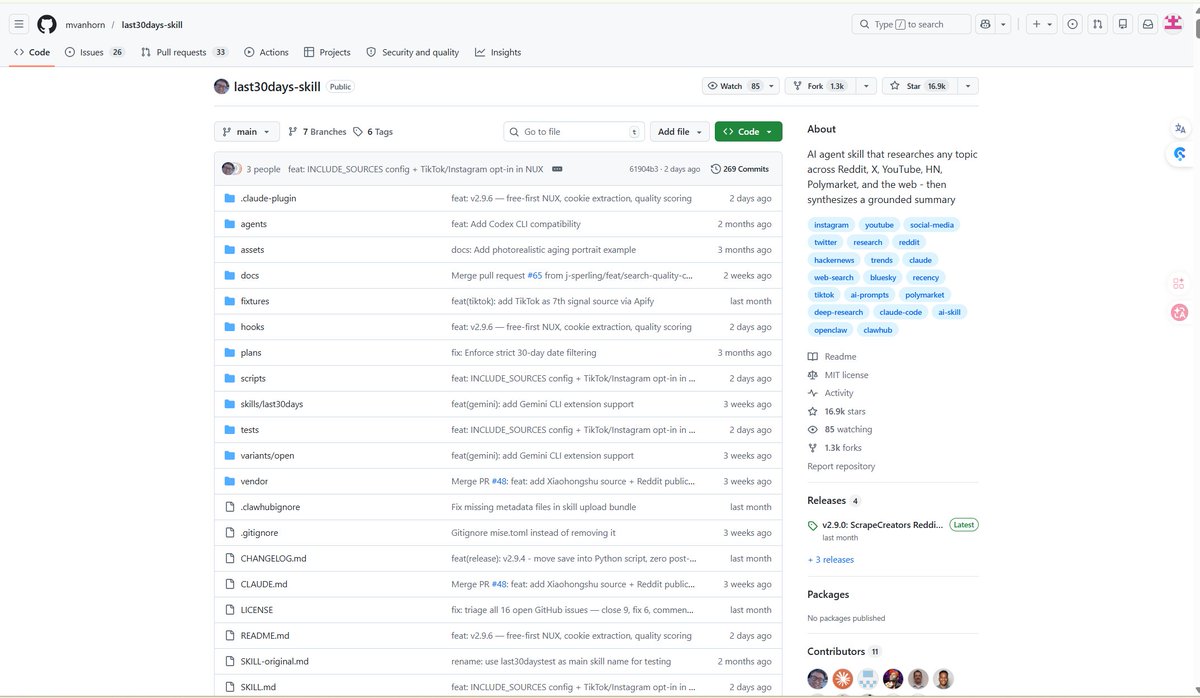


Today we're excited to announce NO_FLICKER mode for Claude Code in the terminal It uses an experimental new renderer that we're excited about. The renderer is early and has tradeoffs, but already we've found that most internal users prefer it over the old renderer. It also supports mouse events (yes, in a terminal). Try it: CLAUDE_CODE_NO_FLICKER=1 claude

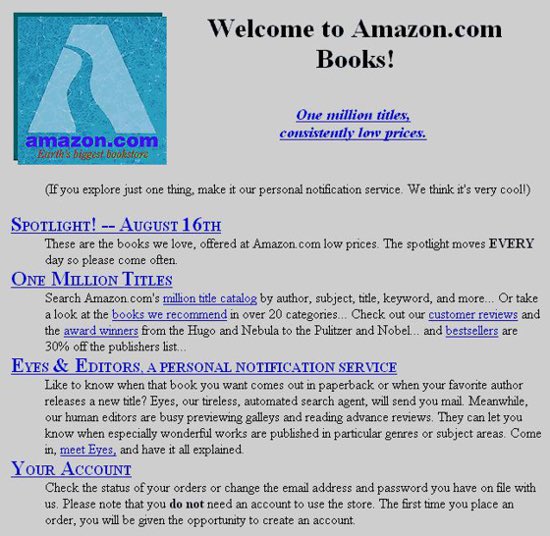
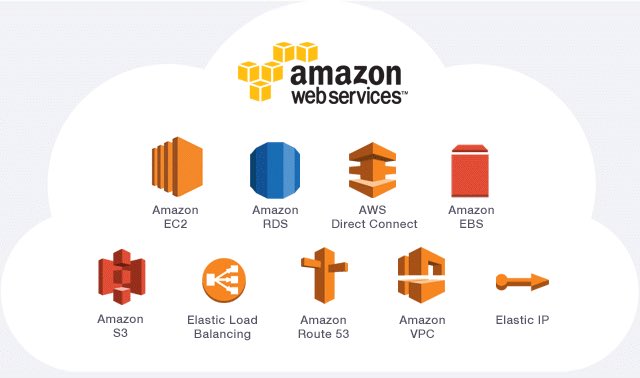
@levelsio amazon -> aws


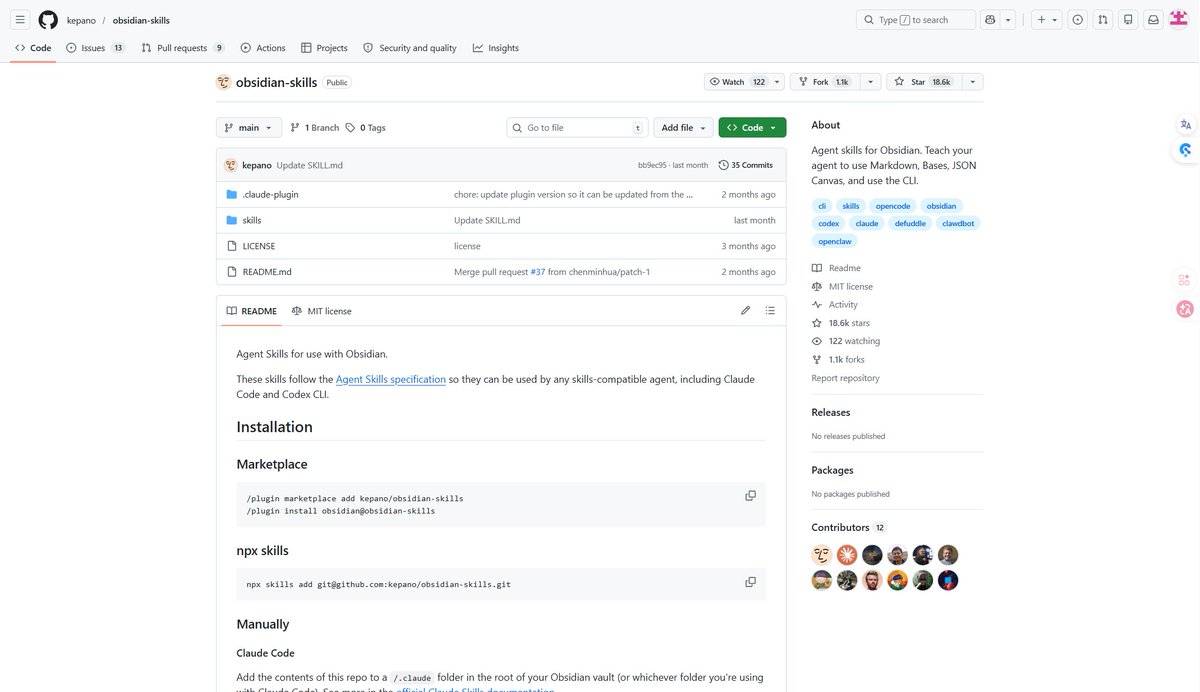
昨天啥也没干,一口气读完了《The Book of Elon - Eric Jorgenson》 可能看过艾萨克森的「马斯克传记」,这本书没太多信息增量。 相比作者的《纳瓦尔宝典》,这本逊色很多。 但依然还是值得看看,比如书籍推荐部分,发现不少没读过的好书。

✨ To prove my friend @StevieZollo (who's visiting me in Brazil) you don't need an idea, or even a lot of time these days to ship a little app that might make money I took the top idea from IdeasAI.com: "A startup that uses AI to generate personalized bedtime stories for kids based on their interests, family photos, and daily activities, delivered via a voice app. (❤️ 110 likes, 3 days ago)" So I copy pasted it into Claude Code and asked it to build it The first version of course didn't work, and I had to tell it some endpoints didn't work properly but then it fixed it The bedtime stories are generated by @xAI Grok 4.1, then sent to TTS with @GoogleAI Gemini and payment with @Stripe Checkout Total time from start to live: 24 minutes
Claude Code 新增"电脑操控(computer use)"功能:写完代码直接帮你点鼠标测试 Anthropic 给 Claude Code 加了一个新能力:直接操控你的 Mac 桌面。写完代码之后,Claude 可以自己编译、启动应用、点击按钮、截图验证,整个流程不用你碰鼠标。 这个功能叫 computer use,目前是研究预览阶段,仅限 macOS,需要 Pro 或 Max 订阅。 具体能干什么?比如你让 Claude 写一个 macOS 菜单栏应用,它可以自己写 Swift 代码、编译、启动、逐个点击界面上的按钮,发现 bug 就修,修完再验证。再比如一个 Electron 应用的注册流程有问题,你只需要告诉 Claude 去测,它会自己打开应用、点击注册、逐屏截图。 安全机制上做了几层限制:每个应用需要单独授权,终端窗口不会被截图(防止 Claude 看到自己的输出),按 Esc 随时中断,同一时间只允许一个 Claude 会话控制屏幕。涉及终端、Finder、系统设置这类高权限应用时,会额外弹出警告。 启用方式是在 Claude Code 里输入 /mcp,启用 computer-use 服务器,首次使用时 macOS 会要求授予辅助功能和屏幕录制权限。 这个功能填补了一个明显的缺口:之前 Claude Code 能写代码、跑命令行,但涉及图形界面的操作就束手无策。现在等于把"写代码"和"测代码"串成了一个完整循环。对于做桌面应用、本地 Electron 应用、iOS 模拟器测试的开发者来说,省掉了手动验证 UI 的时间。 不过目前限制也不少:只支持 macOS,不支持 Linux 和 Windows;必须是交互式会话,不能用 -p 参数的非交互模式;Team 和 Enterprise 计划也暂时用不了。
- Lift heavy, stay consistent - Ship fast → one app every week or month - Stay out of pointless drama (mute those group chats) - Read things that actually upgrade your brain - Write every day → build in public - Share your knowledge with your team / junior devs - Take care of yourself → yes, even smelling good matters - Build income that works while you sleep (subscriptions 😆) - Invest in tools that 10x you (start with a solid laptop) - Upgrade your circle → surround yourself with builders - Say less, ship more - Stay grounded → whatever that means for you (pray, reflect, reset) - Back yourself → if you don’t, nobody else will = Recipe for the perfect indie hacker life