Tristan

7K posts

Tristan

Tristan

@homsiT

i will not be elaborating. founder @readwise, past: @stripe @superhuman

SF (& sometimes toronto) Katılım Kasım 2011
2.3K Takip Edilen9.6K Takipçiler
Sabitlenmiş Tweet
Tristan
Tristan@homsiT·
Huge news: after 1.5 years of private beta, thousands of testers, and a looot of incredible work by the team... @ReadwiseReader is finally in public beta! Save everything to one place, highlight like a pro, and replace several apps with one. readwise.io/read
English
69
272
1.7K
0
Tristan
Tristan@homsiT·
Been a while, but Readwise is hiring for engineers! please shoot me a dm or email if interested :)
Tristan tweet media
English
11
3
112
9.5K
Once upon a time
Once upon a time@titanmaru·
@homsiT Would you be interested in someone in Tokyo time zone? Should be overlapping both US West time zone and EU time zone. If so, I would love to give a try :)
English
1
0
0
100
Tristan
Tristan@homsiT·
@treyvijay lmfao, you want us to post a job posting for building our _reading_ app on a website called "ihatereading"?
English
1
0
1
34
Tristan
Tristan@homsiT·
@nateliason there is life before and after The Goal and after you just use the word bottleneck 5x per day 😂
English
0
0
2
199
Tristan
Tristan@homsiT·
@CelestinEiffel hmmm that's really weird! i'm not sure this has anything to do with wikiwise... you could try opening up the wiki folder in your normal terminal and trying the free-claude-code there? that would help isolate if the issue is wikiwise or not
English
2
0
1
26
Celestin Eiffel
Celestin Eiffel@CelestinEiffel·
@homsiT I tried to get it working with free-claude-code proxy, but something ain't cooking!
Celestin Eiffel tweet media
English
1
0
0
44
Tristan
Tristan@homsiT·
Introducing Wikiwise: an open-source Mac app for managing your own Karpathy-style LLM wiki. Set up a new wiki in a few clicks: all you need is Wikiwise + your agent. It's infinitely customizable, just markdown/html under the hood, and one click to share your wiki publicly. Here's how it works: * Install Wikiwise for mac (it's built in Swift so super minimal and performant). In Karpathy's framework, Wikiwise is your IDE. * Start a new Wiki: it generates a new folder on your machine that's scaffolded in the wiki structure @karpathy describes (index.md, raw folder, wiki folder, CLAUDE.md/AGENTS.md, although it tries to be as un-opinionated as possible). * Then just point your agent (Codex, Claude Code, Cursor, etc) at the folder and tell it what to import -- files on your machine, connect to your @readwise account, or urls from the web. * Your agent creates wthe wiki for you: Your agent will know how to ingest your raw sources (via the AGENTS.md) and will immediately start writing+linking wiki pages for you. * Go crazy on customization! The rendered wiki pages live as static html/css in your folder too so just tell your agent to change stuff, and if you need any more customization Wikiwise is fully open source :) * Ask questions about your research with your agent, ask it to bring in new sources, write new documents, etc. * (optionally) Hit the Publish button to share your wiki with friends/colleagues at a custom URL === I tried to walk the line on a couple constraints with Wikiwise: 1. I wanted it to be easy to spin up new wikis, especially without chaining together a bunch of different apps. It takes me a few minutes to spin up a new wiki on a topic -- I already have five! 2. Infinitely Customizable: one great aspect of building a wiki as Karpathy described is that you can modify any aspect of your wiki with your agent. Every new wiki styling+structure is self-contained in the local folder, which allows you to preserve this. Wikiwise is just an IDE that makes the setup easier and includes a nice un-opinionated starting state. 3. Minimal: Wikiwise is built mostly in Swift, and the DMG you install to download it is only 2.6MB (!) 4. Easy Publishing: my colleague @EleanorKonik has been building her own LLM wikis for months, but has always really struggled to actually share them with her book club. There are tools to do it, but figuring out hosting is always a huge headache. This seemed like an ideal usecase for a tool like Wikiwise to solve. The process of building wikiwise was also pretty interesting -- I "bootstrapped" the app in a way by first building my own wiki based on Karpathy's tweet and other notes I had, and slowly formed the shape of the project in collaboration with my LLM. This was all done in 3 days over the latest Readwise company hackathon we had. Truly an incredible time to be alive. Anyways, curious what you think! Links in next tweet.
Andrej Karpathy@karpathy

LLM Knowledge Bases Something I'm finding very useful recently: using LLMs to build personal knowledge bases for various topics of research interest. In this way, a large fraction of my recent token throughput is going less into manipulating code, and more into manipulating knowledge (stored as markdown and images). The latest LLMs are quite good at it. So: Data ingest: I index source documents (articles, papers, repos, datasets, images, etc.) into a raw/ directory, then I use an LLM to incrementally "compile" a wiki, which is just a collection of .md files in a directory structure. The wiki includes summaries of all the data in raw/, backlinks, and then it categorizes data into concepts, writes articles for them, and links them all. To convert web articles into .md files I like to use the Obsidian Web Clipper extension, and then I also use a hotkey to download all the related images to local so that my LLM can easily reference them. IDE: I use Obsidian as the IDE "frontend" where I can view the raw data, the the compiled wiki, and the derived visualizations. Important to note that the LLM writes and maintains all of the data of the wiki, I rarely touch it directly. I've played with a few Obsidian plugins to render and view data in other ways (e.g. Marp for slides). Q&A: Where things get interesting is that once your wiki is big enough (e.g. mine on some recent research is ~100 articles and ~400K words), you can ask your LLM agent all kinds of complex questions against the wiki, and it will go off, research the answers, etc. I thought I had to reach for fancy RAG, but the LLM has been pretty good about auto-maintaining index files and brief summaries of all the documents and it reads all the important related data fairly easily at this ~small scale. Output: Instead of getting answers in text/terminal, I like to have it render markdown files for me, or slide shows (Marp format), or matplotlib images, all of which I then view again in Obsidian. You can imagine many other visual output formats depending on the query. Often, I end up "filing" the outputs back into the wiki to enhance it for further queries. So my own explorations and queries always "add up" in the knowledge base. Linting: I've run some LLM "health checks" over the wiki to e.g. find inconsistent data, impute missing data (with web searchers), find interesting connections for new article candidates, etc., to incrementally clean up the wiki and enhance its overall data integrity. The LLMs are quite good at suggesting further questions to ask and look into. Extra tools: I find myself developing additional tools to process the data, e.g. I vibe coded a small and naive search engine over the wiki, which I both use directly (in a web ui), but more often I want to hand it off to an LLM via CLI as a tool for larger queries. Further explorations: As the repo grows, the natural desire is to also think about synthetic data generation + finetuning to have your LLM "know" the data in its weights instead of just context windows. TLDR: raw data from a given number of sources is collected, then compiled by an LLM into a .md wiki, then operated on by various CLIs by the LLM to do Q&A and to incrementally enhance the wiki, and all of it viewable in Obsidian. You rarely ever write or edit the wiki manually, it's the domain of the LLM. I think there is room here for an incredible new product instead of a hacky collection of scripts.

English
28
48
449
93.5K
rahul
rahul@0interestrates·
new update: Julius can now make slides and powerpoints for you just prompt julius and it will turn your work into presentation ready slide decks with perfect charts and table rendering users no longer need to screenshot their work in julius into their slide decks slides can be exported as pptx and easily modified in powerpoint, keynote or google slides :)
Julius AI@juliusai

We have to be honest with you. Julius slide decks demonstrate a striking leap in capabilities that has led us to decide to only make them available to select users. The potential damage to the consultant economy is too significant. Project Glasswing is underway.

English
5
9
89
73.6K
Tristan
Tristan@homsiT·
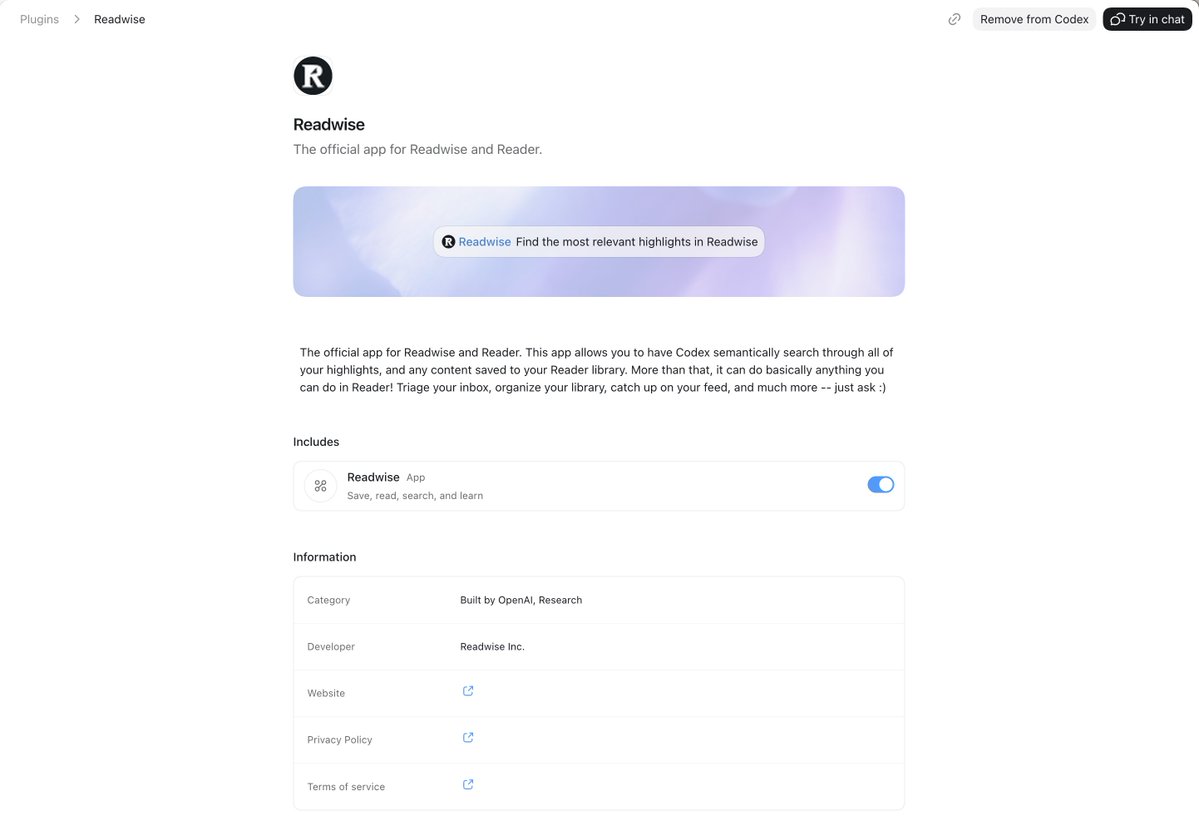
@Ed_Forson Very cool! We have a first party MCP server these days btw with a few powerful endpoints (semantic search) good for agents that aren't in the api btw :) readwise.io/mcp (still in beta!)
English
1
0
1
56
Eddie Forson
Eddie Forson@Ed_Forson·
✅ Installed Hermes Agent in docker container ✅ Created a Discord bot for agent to communicate with me outside terminal chat ✅ Connected agent to my Readwise MCP Server ✅ Setup agent to use Cerebras with GPT-OSS 120B (2-3K tokens/seconds ⚡️) This is a fun side quest ...
Eddie Forson tweet media
English
4
1
14
496
Reader
Reader@ReadwiseReader·
New in Reader: a major performance upgrade for web & desktop. Scrolling feels a lot smoother.
English
10
5
167
24.5K
Tristan
Tristan@homsiT·
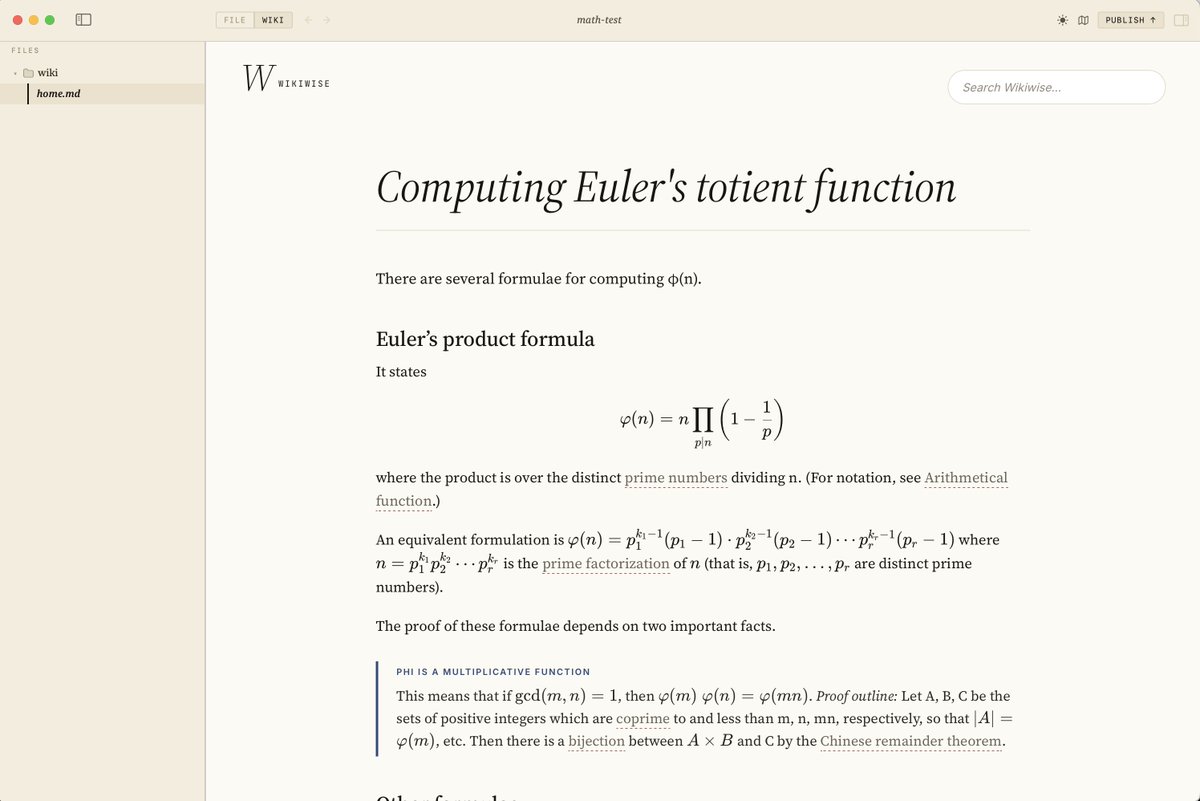
@CelestinEiffel math/latex is fixed now! :) do you mind sharing a little more about the image issue so i can repro?
Tristan tweet media
English
2
0
1
42