

DM - Ohio
3.1K posts

DM - Ohio
@dmelling72
🌐 Network Administrator for Fiber ISP | VoIP Engineer | Business Analyst
Ohio Katılım Mart 2009
261 Takip Edilen609 Takipçiler

@TeslaNewswire I usually get mine when the Fleet is around 32% every time
English

🔥🚀 Tesla Spring Update 2026.14.3 is now rolling out to the 3rd batch of vehicles (reaching ~27% of the fleet)!
Only bug fixes are expected compared to 2026.14.1 and .2.
Notice anything new? Feel free to share!
2026.14.1 changes:
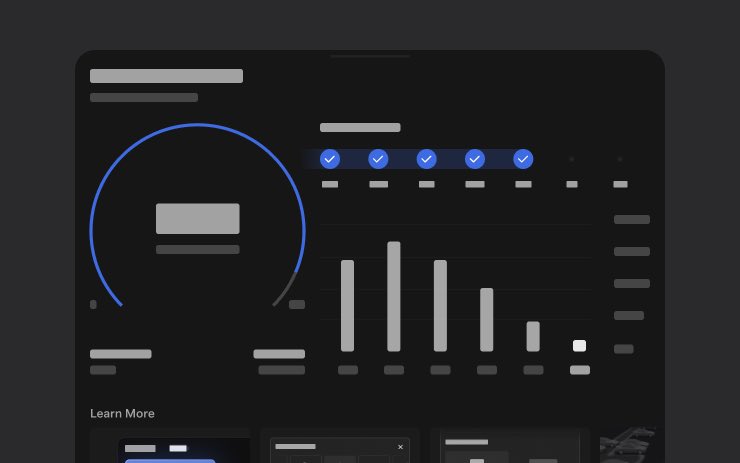
✅ Self-Driving App [AI4]
With the new Self-Driving app, subscribe with a single tap, learn how to activate and use the feature, and view ongoing stats.
✅ "Hey Grok"
Launch Grok by saying "Hey Grok." Go to Grok > Settings to enable. You can also set location based reminders, like "remind me to pick up milk when I'm near home." Say "goodbye" to dismiss.
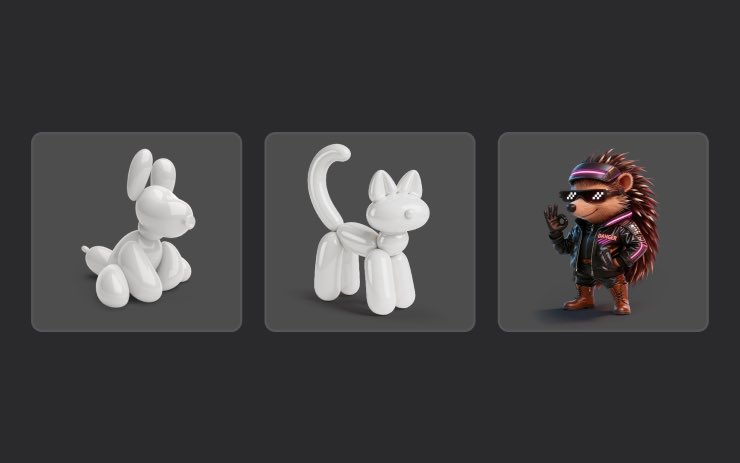
✅ Pet Mode
Choose and name your pet by going to Controls > Display > Customize Pet Mode.
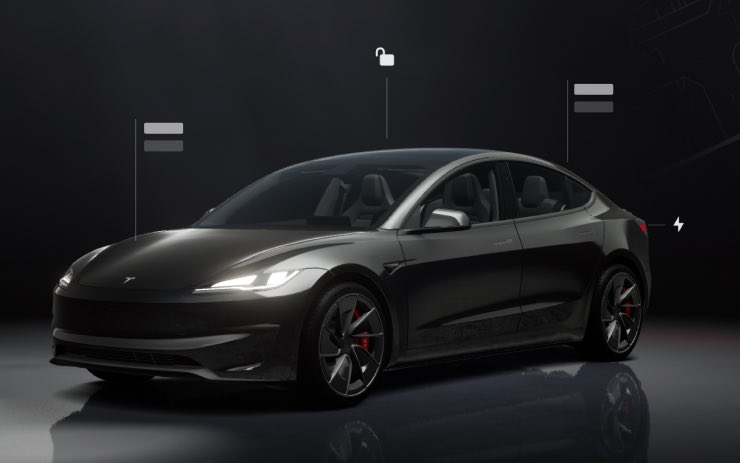
✅ Visual Updates [New Model 3/Y]
The center display now features higher quality images of your Tesla, and an enhanced park scene environment.
✅ Trips
Trips are now in the Energy app, where you can create and manage multiple trips to track energy usage across different drives, routes, or conditions. Go to App Launcher > Energy > Trips. For quick access to the Trips Card, swipe left on the Media Card.
✅ Sketchpad
Unleash your inner artist with the enhanced Sketchpad, now supporting stickers and emojis. Save your sketches to access them in the Mobile App and share.
✅ Custom Wraps and License Plates [S/X]
Model S & X owners can now personalize their Tesla avatar with window tints, custom wraps & license plates.
✅ Blind Spot Warning Accent Lights
Accent lights now turn red when an object is in your blind spot and your turn signal is engaged, or when an approaching object is detected while parked. To disable, go to Controls > Lights > Blind Spot Warning Accent Lights.
✅ Immersive Sound Upgrade [New Model 3 & Y w/ premium audio]
Premium Immersive Sound uses advanced sound extraction to place the listener in front of a detailed soundstage within an Immersive space. This enhancement works with all streaming sources.
✅ Music App Queuing
Swipe right on tracks in Apple Music or Spotify to add them to the queue. In Apple Music, tap and hold on a track to add or remove from Favorites. In Spotify, swipe left to add or remove from Liked Songs.
✅ Automatic Software Updates
Your Tesla can now automatically install downloaded software updates overnight. When enabled, updates will install while your Tesla is parked and not in use, ensuring you always have the latest features and improvements.
To enable, go to Controls > Software > Automatically Install Updates.
✅ Dashcam Viewer Updates
Recent Dashcam footage can now extend up to 24 hours, and you can save any clip for permanent storage on your Tesla or on your phone by going to App Launcher > Dashcam Viewer.
Clips downloaded to your phone now include details such as speed, steering wheel angle, and Self-Driving state.
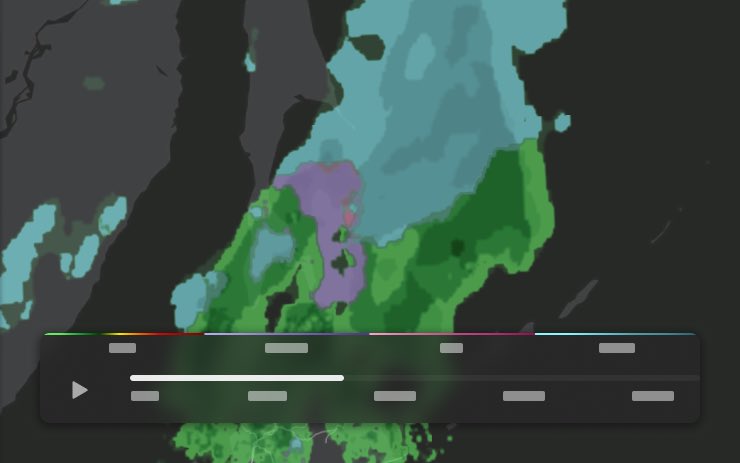
✅ Weather Maps Improvements
Weather maps now show snow and rain with improved colors that make it easier to distinguish between precipitation types. You can also view the past hour of weather data to see how conditions have been changing along your route.
✅ Supercharger Pricing Filter
You can now choose to route only to Superchargers with Tesla pricing. When enabled, Trip Planner will avoid locations where Tesla does not set charging prices or accept Free Supercharging credits.
✅ Keyboard
Your selected keyboard language will also select the language used for dictation. Tap the international keyboard button to change keyboard and dictation language, without changing voice command language. Tap the mic icon in the keyboard to dictate.
✅ Rear Display
Passengers in rear seats can now view and interact with maps on the rear display while your Tesla navigates a route. Tap the maps icon from the rear display to follow along.
✅ Security Improvements
✅ Larger icons on the bottom bar [undocumented]
✅ Animated badge in software menu [undocumented]
✅ Audio source icon next to the volume slider [undocumented]
The Tesla Newswire@TeslaNewswire
🔥🚀 Tesla Spring Update 2026.14.3 has been detected and is now rolling out to the 1st batch of vehicles (reaching ~9% of the fleet)! Only bug fixes are expected compared to 2026.14.1 and .2. Notice anything new? Feel free to share! 2026.14.1 changes: ✅ Self-Driving App [AI4] With the new Self-Driving app, subscribe with a single tap, learn how to activate and use the feature, and view ongoing stats. ✅ "Hey Grok" Launch Grok by saying "Hey Grok." Go to Grok > Settings to enable. You can also set location based reminders, like "remind me to pick up milk when I'm near home." Say "goodbye" to dismiss. ✅ Pet Mode Choose and name your pet by going to Controls > Display > Customize Pet Mode. ✅ Visual Updates [New Model 3/Y] The center display now features higher quality images of your Tesla, and an enhanced park scene environment. ✅ Trips Trips are now in the Energy app, where you can create and manage multiple trips to track energy usage across different drives, routes, or conditions. Go to App Launcher > Energy > Trips. For quick access to the Trips Card, swipe left on the Media Card. ✅ Sketchpad Unleash your inner artist with the enhanced Sketchpad, now supporting stickers and emojis. Save your sketches to access them in the Mobile App and share. ✅ Custom Wraps and License Plates [S/X] Model S & X owners can now personalize their Tesla avatar with window tints, custom wraps & license plates. ✅ Blind Spot Warning Accent Lights Accent lights now turn red when an object is in your blind spot and your turn signal is engaged, or when an approaching object is detected while parked. To disable, go to Controls > Lights > Blind Spot Warning Accent Lights. ✅ Immersive Sound Upgrade [New Model 3 & Y w/ premium audio] Premium Immersive Sound uses advanced sound extraction to place the listener in front of a detailed soundstage within an Immersive space. This enhancement works with all streaming sources. ✅ Music App Queuing Swipe right on tracks in Apple Music or Spotify to add them to the queue. In Apple Music, tap and hold on a track to add or remove from Favorites. In Spotify, swipe left to add or remove from Liked Songs. ✅ Automatic Software Updates Your Tesla can now automatically install downloaded software updates overnight. When enabled, updates will install while your Tesla is parked and not in use, ensuring you always have the latest features and improvements. To enable, go to Controls > Software > Automatically Install Updates. ✅ Dashcam Viewer Updates Recent Dashcam footage can now extend up to 24 hours, and you can save any clip for permanent storage on your Tesla or on your phone by going to App Launcher > Dashcam Viewer. Clips downloaded to your phone now include details such as speed, steering wheel angle, and Self-Driving state. ✅ Weather Maps Improvements Weather maps now show snow and rain with improved colors that make it easier to distinguish between precipitation types. You can also view the past hour of weather data to see how conditions have been changing along your route. ✅ Supercharger Pricing Filter You can now choose to route only to Superchargers with Tesla pricing. When enabled, Trip Planner will avoid locations where Tesla does not set charging prices or accept Free Supercharging credits. ✅ Keyboard Your selected keyboard language will also select the language used for dictation. Tap the international keyboard button to change keyboard and dictation language, without changing voice command language. Tap the mic icon in the keyboard to dictate. ✅ Rear Display Passengers in rear seats can now view and interact with maps on the rear display while your Tesla navigates a route. Tap the maps icon from the rear display to follow along. ✅ Security Improvements ✅ Larger icons on the bottom bar [undocumented] ✅ Animated badge in software menu [undocumented] ✅ Audio source icon next to the volume slider [undocumented]
English

@MactelecomN @Ubiquiti Robert only made $1.845 billion with today’s run 🤣
English

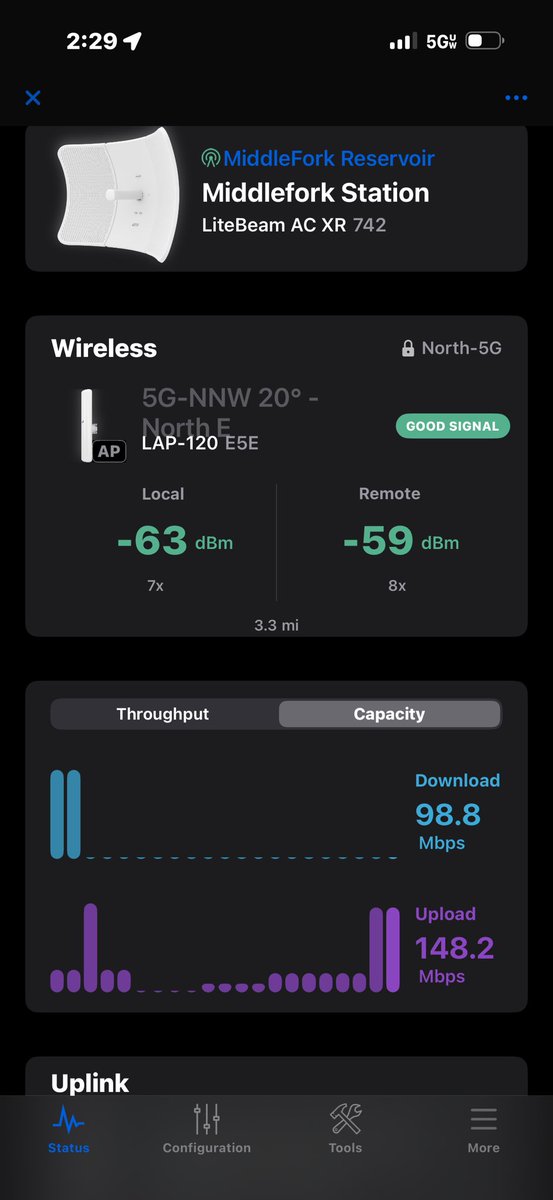

@dmelling72 @Ubiquiti Very much dependent on use case but there’s loads of options now then there was 24 months ago.
English
@Ubiquiti's UniFi Cloud Key has been around since 2018, in 2026, does it still make sense to buy one?
youtu.be/XUeBqghOTPg

YouTube
English
You have all in one gateways, now you have all in one cameras! This is taking the Protect game to another level!
Ubiquiti Inc@Ubiquiti
Introducing: G6 Edge NVR + Edge AI + Camera. One device. 🔹 No licensing servers 🔹 No subscriptions 🔹 No lock-in 🔹 No more “hostage-as-a-service” ui.social/G6-Edge
English
@wholemars Can you start with the McDonalds milkshake machines first?
English

I have signed a deal to invest $1.25 billion into The Home Depot to acquire 10,000 Robotaxis
English
@ItsInsideWire Thank goodness for update manager. Two clicks and updated 235 sites
English
Installing 6 G6 pro domes today these are a beast of a camera!


English


@waltermasterson You have the survival instincts of a potato
English

Hey everyone, I can admit when I was wrong. Being reckless when a bomb is thrown over your head is not a good look and that weighs heavily on me and my family.
English

MUST WATCH: Is the NEW AYATOLLAH even ALIVE? 🚨
Iranians are PLEDGING ALLEGIENCE to a PHOTO of the NEPO-BABY— WHERE IS HE?
How can you RULE a COUNTRY when you CAN’T SHOW YOUR FACE? 🤔
AYATOLLAH JR now has a TARGET on his back 🚨
English
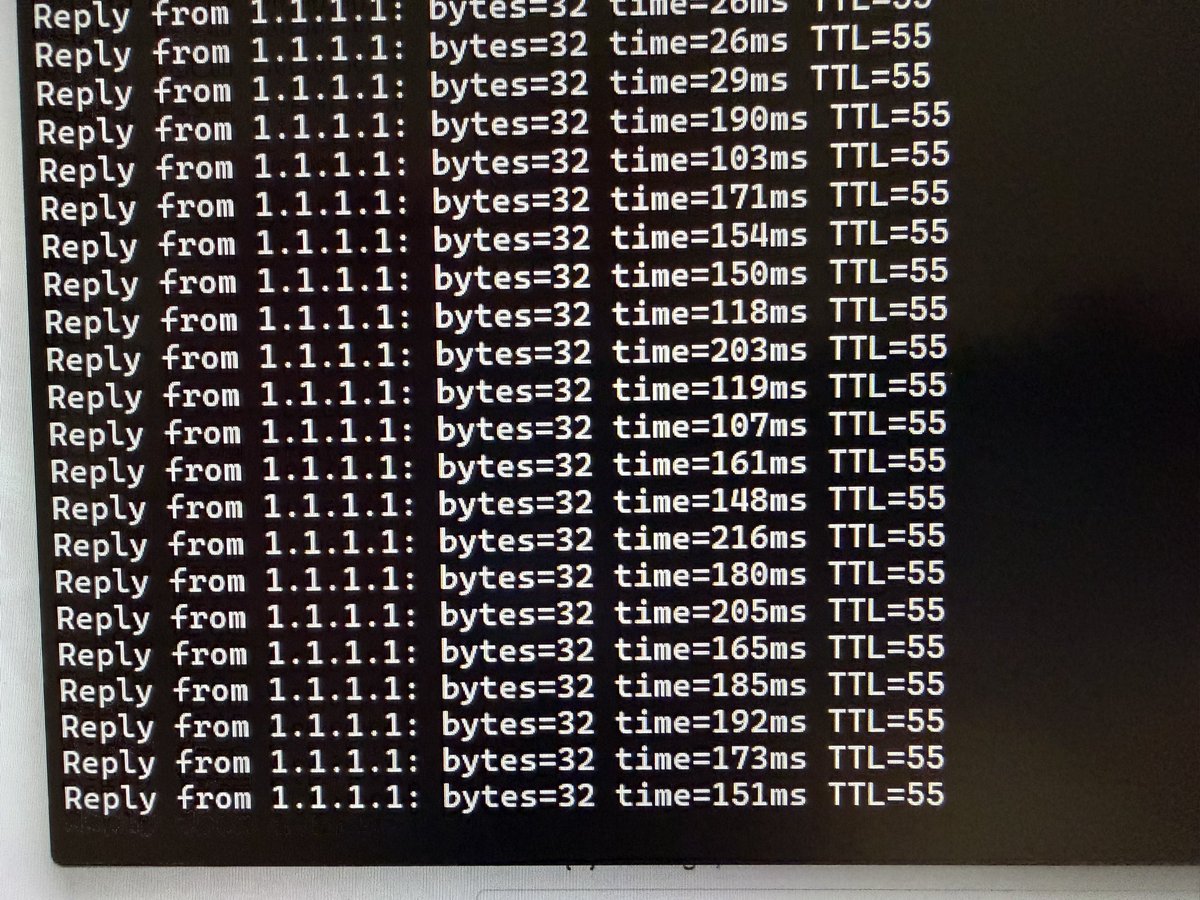

BILL CLINTON: I WOULD NOT HAVE FLOWN ON JEFFREY EPSTEIN'S PLANE IF I HAD ANY INKLING OF WHAT HE WAS DOING
English
I hit the likfe button 67 times if that counts. :-)
Mactelecom Networks@MactelecomN
UniFi Travel router Giveaway!!! To enter like and RT this post, winner will be announced February 27th
English