If needed, I can give him my SCEWIN list to configure everything as stable and secure as possible, but it's not a guarantee that his motherboard will allow this to be applied. On motherboards for such PCs, the BIOS often prohibits changing these settings, especially if you take the Asus x870, etc.
@ThourCS2 What you said it is perfect, this works on mostly every pc, in windows you can do more stuff but bios is the main boosting tool with the best settings, using SCEWIN for more settings would be best tho
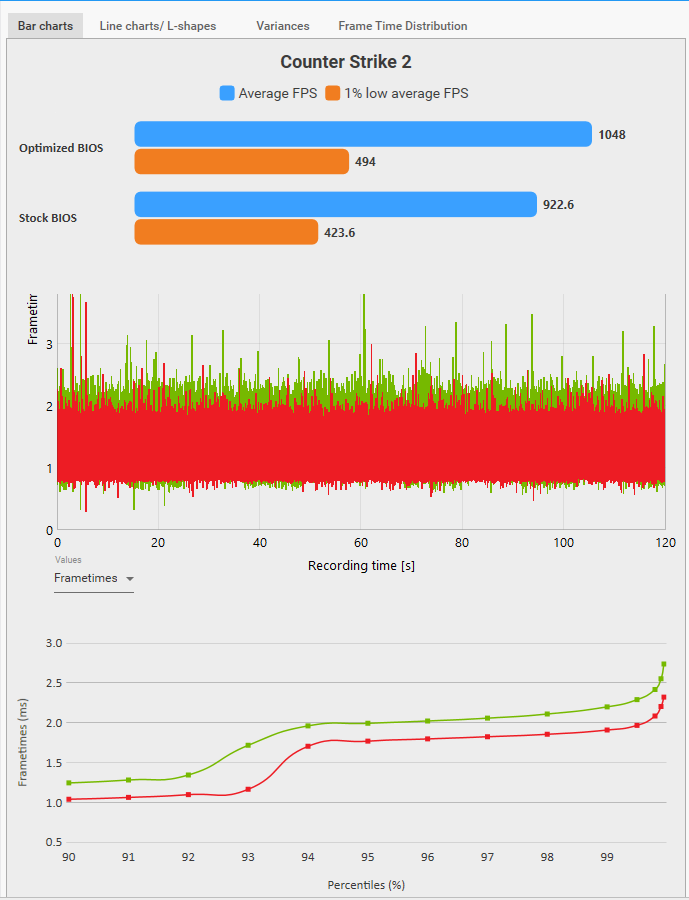
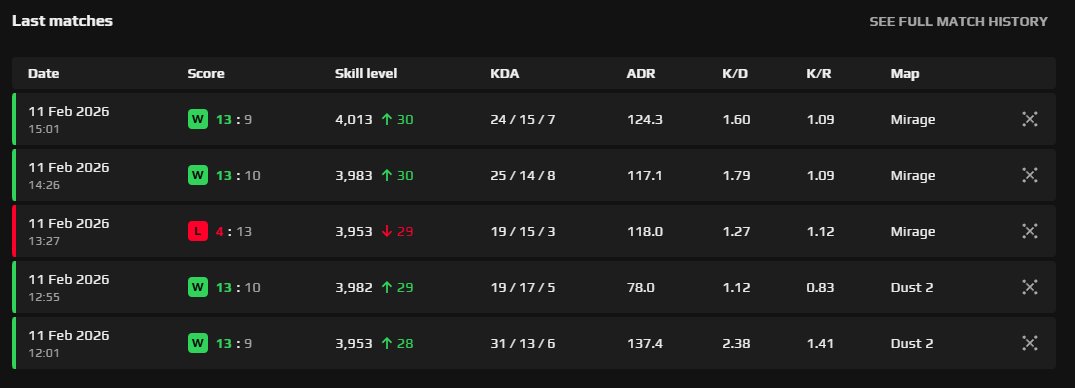
9800X3D in CS2 - Stock vs Optimized BIOS Benchmark
📊 Average FPS:
Stock: 922.6 FPS
Optimized: 1048 (🔼13.6%)
📈 1% Lows:
Stock: 423.6 FPS
Optimized: 494 (🔼16.6%)
🛠️ Test Method & Settings:
- Offline with Bots (Mirage)
- 3 Runs per Test
- 1280x960 Stretched
- Reflex Enabled, MSAA 4x, AO Medium
✨ BIOS Tweaks:
Expo Profile: EXPO1
UCLK DIV1 Mode: UCLK=MEMCLK
SVM Enable: Disabled
Precision Boost Overdrive: Advanced
PBO Limits: Motherboard
CPU Boost Clock Override: Enabled (Positive)
Max CPU Boost Clock Override: 200
Curve Optimizer: All Cores
All Core Curve Optimizer Sign: Negative
All Core Curve Optimizer Magnitude: 15-25 (I use 25)
Integrated Graphics: Disabled
Re-Size BAR Support: Enabled
Above 4G Decoding: Enabled
💻 PC Specs:
- 9800X3D + RTX 5070
- Windows 11 Pro
- 32GB DDR5 CL30
- Game Mode: Enabled
- HAGS: Enabled
- NVIDIA Driver: 591.86
✅ Note: This is a basic BIOS optimization, I am not PRO tweaker or optimizer, and the results may vary from system to system. Try what works best for you and use that.
Thanks @grobPC for optimizing my pc and making the game feel alot more smooth and responsive! I've tested it for a while now and can say it makes a big difference. Very nice guys and always ready to help whenever an issue appears! 💪
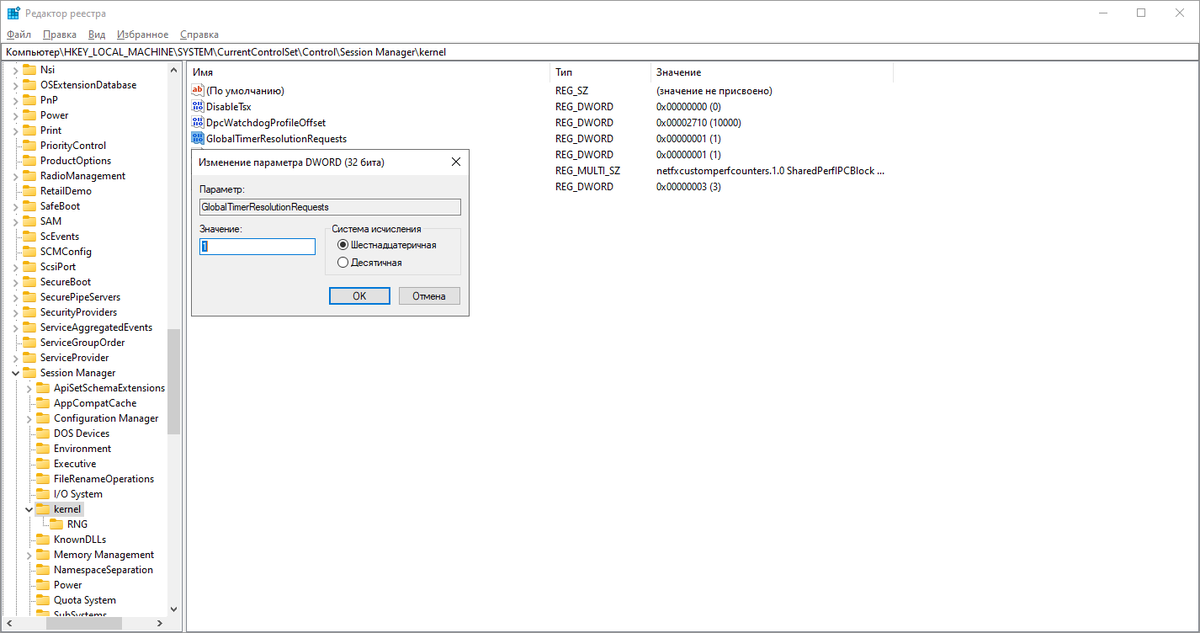
GlobalTimerResolutionRequests = 0 — what it actually does on W11 24H2 and above.
Tested this thoroughly. `GTRR=0`, `UsePlatformTick`, `DisableDynamicTick` — none of them affect the results listed below.
What `GTRR=0` actually does: background app requests 0.5ms resolution, your game requests 1ms. Interrupts generate every 0.5ms — but your game's sleep cycle still runs at 1ms. Every other process without its own request defaults to 15.6ms. The advantage of the tighter interrupt interval disappears entirely for your game.
`WaitForSingleObject` is affected by timer resolution, but only on the timeout side. In any real gaming scenario the object becomes signaled before the timeout expires anyway — so it has no impact on latency or performance. The only real side effect of a lower interval is that a small number of background threads may wake more frequently. In practice, it's a negligible amount.
Applying `GTRR=0` without understanding what it does is cargo cult optimization. It's an isolation policy, not a performance tweak.
Test. Measure. Document.
— grobPC
We also fixed issues with HDR on some displays with DisplayID 2.0, fixed errors when waking from sleep, and added a low-power mode for the USB controller when connecting the display via USB4.
blogs.windows.com/windows-inside…
I want to thank this person @grobPC for setting up my PC. After some time, I reinstall Windows to optimize performance, and this time I asked for help setting up my PC for better responsiveness, and you know what? I really felt the difference in CS2 .
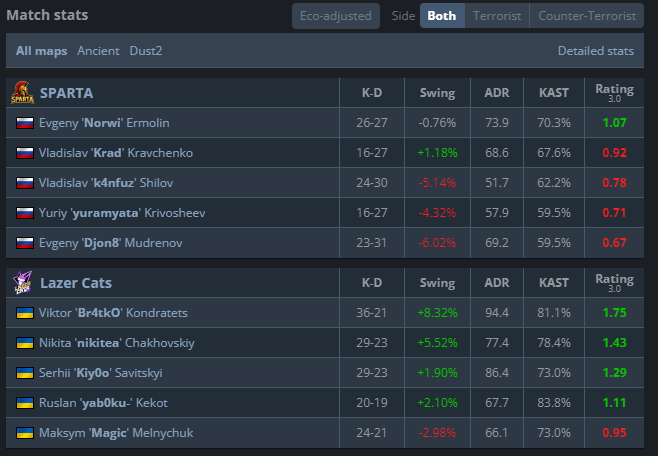
Hello guys! Wanna say a few words since i haven’t posted anything here for a long time. We played two tournaments in a row today. The first one was JB Pro League vs Phantom, and we won, it's the first match in the playoffs and we will try keep going to show better cs. The second game was vs SPARTA in NODWIN Series 5, and finally we played how we should have played all games before. We won 2-0 and moved to the playoffs!
Now the guy i’m gonna tell you about is @grobPC, who just fixed my feeling of inputlag. When i just started cs, i thought i had damage prediction on, everything was perfect: kz, dm, bhop, aim_botz, HLTV games, faceit, every single strafe was insta, every shot i did was insta, and finally i feel it not only on LAN. If you guys want the best PC optimization, you should try him, he is the guy you looking for
GL
Display Driver Uninstaller has been updated to remove drivers more thoroughly.
DDU has been updated to version 18.1.4.2, and it can now remove core Intel Graphics Software components that could previously remain in the system and interfere with a clean driver installation. The software can also remove Nvidia-related files in the Windows Subsystem for Linux (WSL), which is especially useful for those working with the Nvidia Container Toolkit and programming for CUDA (including LLM).
Mitzu
Google Chrome is spying on you by default.
To make your browser more private, disable all "Ad privacy" options in the settings.
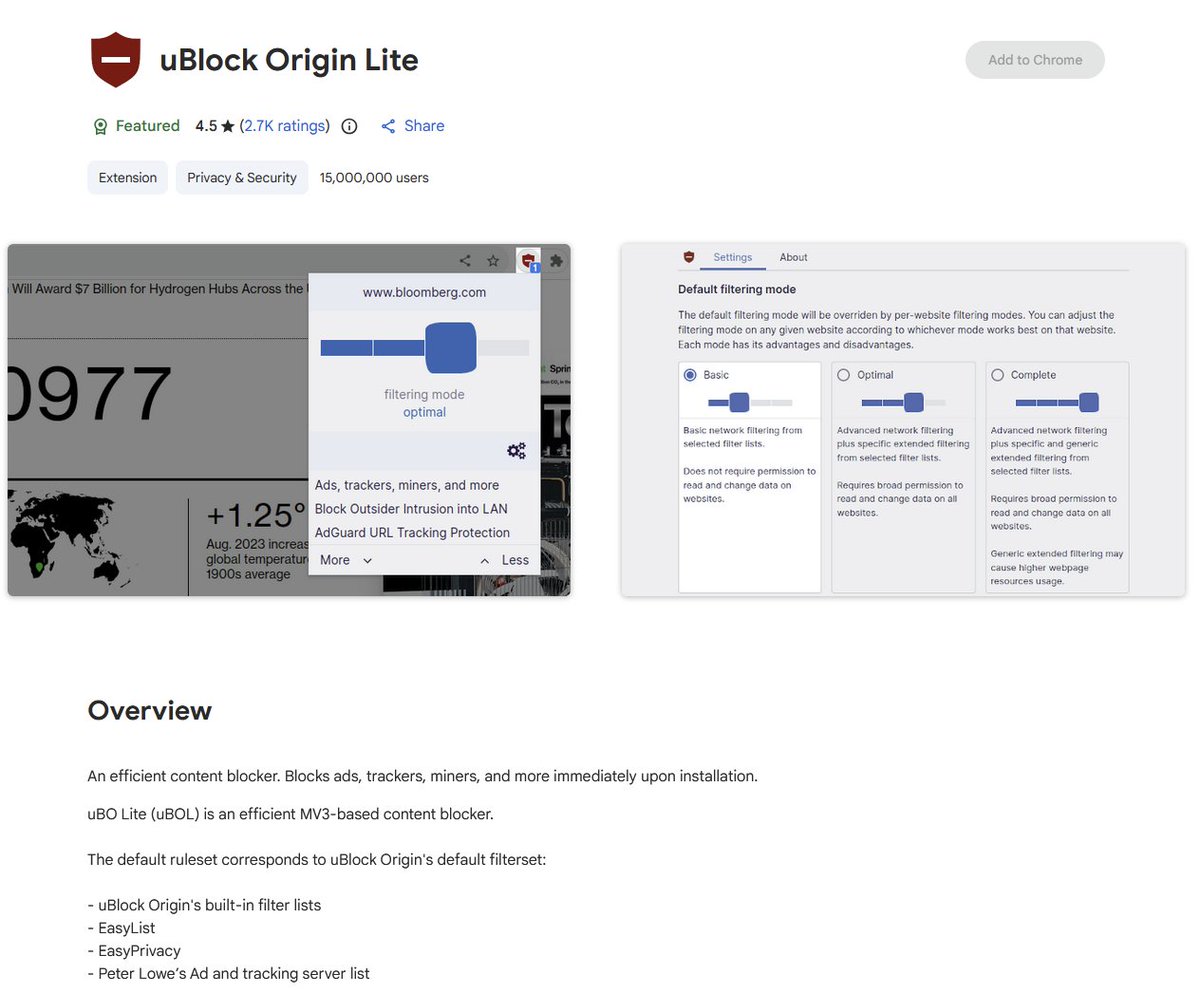
Install uBlock Origin Lite extension from Chrome Web Store to block various spyware and ads
@KonstantinDelF2@torycs2 Ok mate, let’s make a deal, I will do pc opti for u, if u will feel difference u pay double the price and make a post on X
If u don’t feel anything I apologize and u get free opti
Deal?
@torycs2@grobPC Like there are no magic solutions to lowering system latency beyond managing system utilization, i.e. closinf background tasks. Its like those fps guides youd find on yt that would still tell you to use stuff like nojoy years after it was removed
Hey guys😄I want to give you a recommendation.Actually I’m very clueless about pc settings and since I bough my pc I played on a bare system.This guy @grobPC optimized my pc.I see & feel a huge DIFFERENCE! I have no more spray delays and game feels so smooth! Highly recommended!
long time no see, just wanted to say that if u r looking for good pc optimization, windows and especially cs settings, 100% @grobpc is the best u can look for right now. The game never felt as smooth as rn, back to 4k elo after his settings, so u can easily rely on him 😎