bardOZ (Giovanni Laerte Frongia)@bardozVAL
TL;DR: You should probably change ONE specific Power Plan setting if you're using an AMD X3D CPU and PBO: switch "Heterogeneous short running thread scheduling policy" to "All Processors" and see if it does something for you. I also made a small C Win32 app to switch it in-game with no overlay so you can test for yourself: github.com/sirbardo/hsrts…
---
I think I figured out why the "assign affinity of game process to logical cores other than 0/1" works, and why it seems to only work if you use PBO!
I realized that there is only ONE power plan setting that seems to affect anything consistently, called "Heterogeneous short running thread scheduling policy". I think based on what I have found that the following happens:
- Game threads are always classified as short running - even when I played with other settings that are supposed to change the threshold between the short/long classification. It makes sense though as game threads tend to yield often as they deal with I/O and wait (e.g. GPU draw calls)
- I am pretty sure that anything to do with handling DPC's from peripherals (the actual part of the interrupt pipeline that then leads to it surfacing to the game via RawInput's API) is also classified as a short running thread (as it should)
- Even though a lot of people are convinced that the "heterogeneous" concept is for Intel's P/E cores only, I am now 100% sure that when PBO is running, the scheduler considers currently boosted cores as "performant" ones, and the rest as "efficient" ones
- By default, since when the pc is mostly idle core 0 is what tends to stay at a higher boost, core 0 tends to be the main "performant" core that most short running threads end up getting quanti scheduled on, which is even worse!
- Funnily enough, this effect is even worse when your Windows is debloated, because realistically only core 0 will be boosting and be considered performant as you limit background apps, and it will stay as such since it keeps being hammered by short threads lmao. Whereas if you had other things keeping a thread boosted, your game's main thread might get scheduled there!
So this means that in general, even though this is affected by random variables (e.g. a different core being currently used for something and therefore boosted), with the default "Prefer Performant Processors" on AMD + PBO, the game thread ends up being scheduled mostly on Game 0... and so do any other short running threads, INCLUDING mouse input, and ISRs especially, which are always preempting!
This is just super bad as it will make the game thread often have to wait or contend for cycles, while there are other logical cpu's that are just not boosting and not doing anything.
So, using the default "Prefer Performant Processors", with PBO, I could EASILY reproduce the "remove 0/1 affinity for your game's exe" causing a performance increase (as now the game's main thread would be scheduled on the second-highest boosting core after core 0). But if I switch to "All Processors", the scheduler more intelligently tends to schedule more time for the game thread on other cores, reducing the impact of the affinity mask to almost zero.
Making sure that the game thread is never scheduled on core 0 / logical 0-1 still seems to slightly improve things especially when I move my mouse and observe my FPS in games that don't use RawInputBuffer (so most games), so I'd still recommend it, but now I would say that I highly recommend switching that hidden power plan variable (and really only that one) to "All Processors" if you use PBO. This was tested on both Windows 24H2 on the previous AMD Chipset drivers, and on 25H2 with the latest, just released drivers. I was hoping they'd fix this rather obvious scheduling issue, but nope.
Obviously you don't want your game running on the same core that is handling stuff like ISR's not only because of the preemption but because you're just going to increase the likelihood of L1/L2 cache misses by a lot, especially if ALL OTHER short threads (e.g. anything doing something in the background) ends up being scheduled on that same core because of that policy!
Pretty sure this explains why anyone that is using flat OC's couldn't reproduce this effect! Let me know if you guys with PBO can reproduce too.
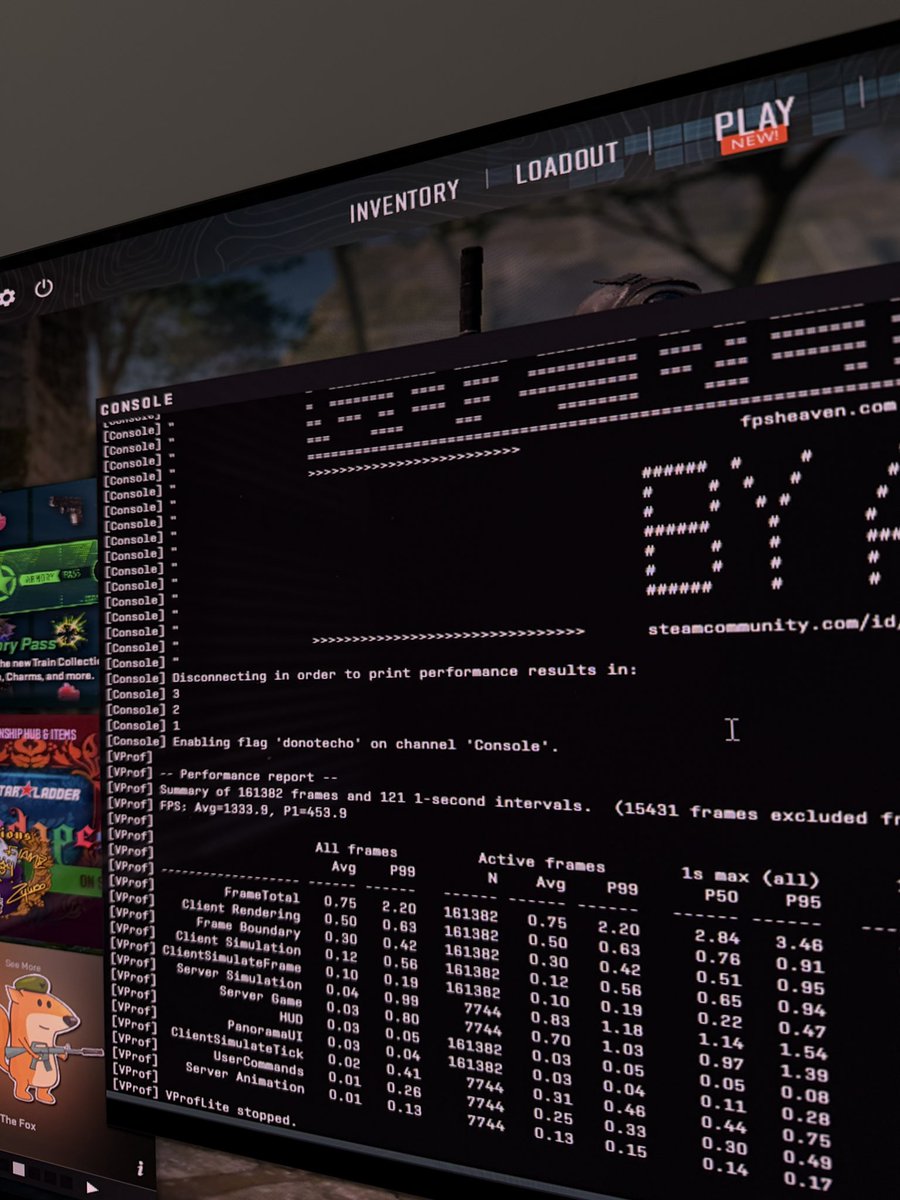
BTW - for testing, I made a small .exe that allows me to switch that power plan with a key bind and beeps (so no drawing on screen so that it doesn't cause the dwm to switch to a composed flip mode), higher beep pitch = higher option index for that option, so you can easily try it. I also tested the effect in my own DX11 app that is only CPU bound, and could measure massive effects (4000-6000fps super unstable when using the default no affinity + prefer performant, ~7000ish stable when using the default prefer performant + just the 0/1 affinity mask, ~8000ish stable when using both, ALMOST ~8000ish stable when using JUST this power plan setting AND no affinity mask)
You can find the tool to switch the plan setting while gaming for testing here: github.com/sirbardo/hsrts…