
Sabitlenmiş Tweet
Wayne Fan
5.5K posts

Wayne Fan
@wwayneee
Designer of some sort... https://t.co/9RWFm3GoVg
San Francisco, CA, USA Katılım Mart 2008
401 Takip Edilen1.7K Takipçiler
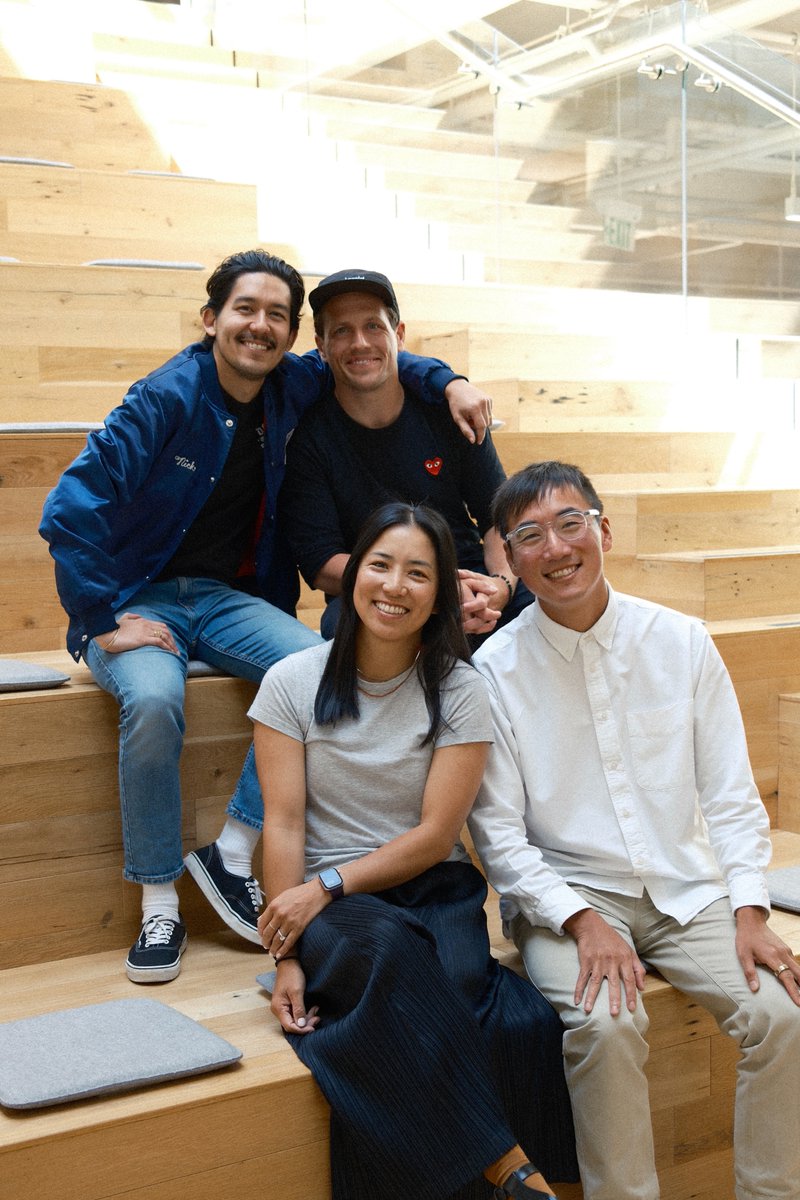
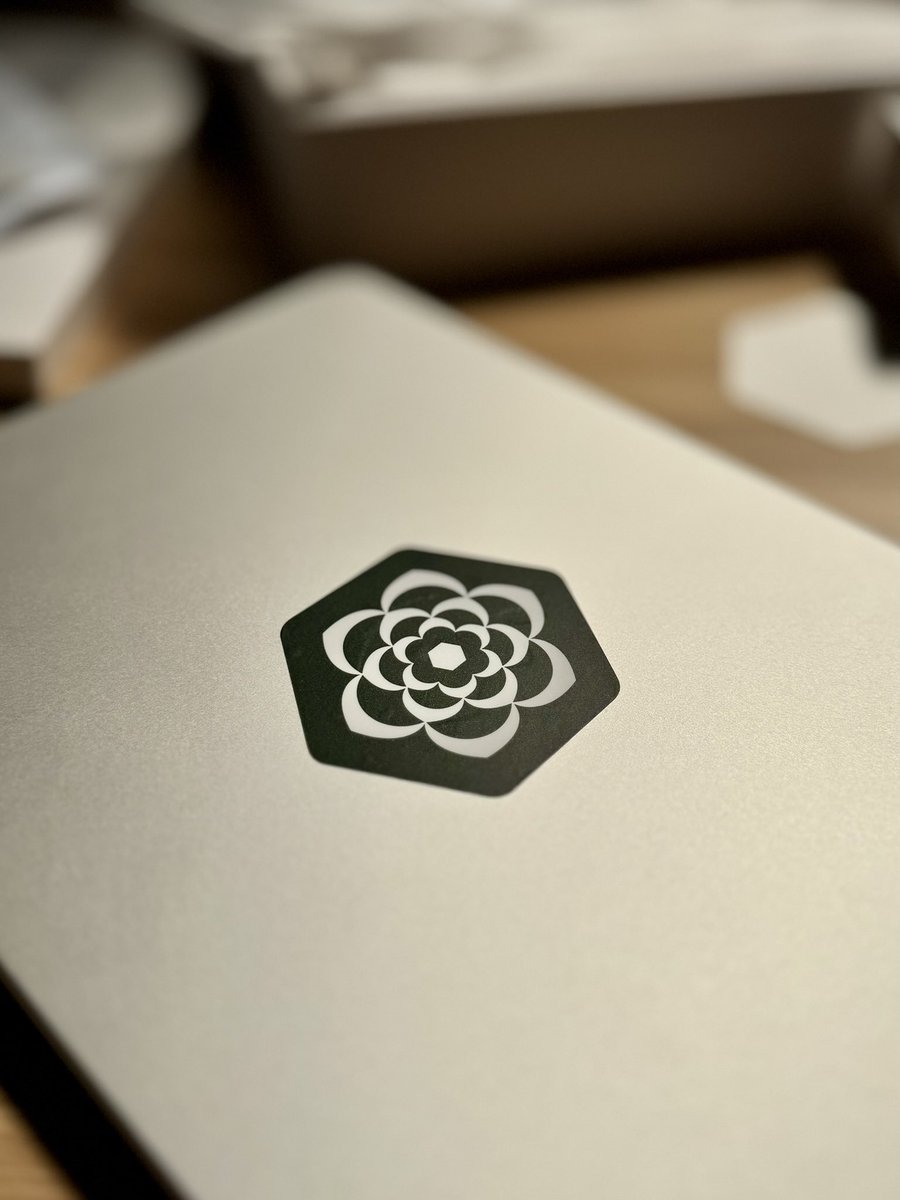
It's here and it's gorgeous! ✨
Thanks for having us @designerfund and all the cat herding @robynxpark and @benblumenrose had to do...
Ben Blumenrose@benblumenrose
Our 2026 Design in AI Report is now live! This report is the culmination of thousands of people hours and many late nights to create what we believe is the most comprehensive, well-researched report capturing and synthesizing the state of Design + AI today. While we used AI in many areas, a report like this still required deep thinking, grit, and humans coming together to do what they do best. The final report spans nearly 20k words covering the survey results of over 900 people paired with dozens of qualitative interviews. Over the coming months we will also release 7 beautiful case studies showing how top design teams are working on the ground featuring designers at @AnthropicAI, @framer, @linear, @NotionHQ, @Shopify, @SierraPlatform, and @stripe. This work is a true labor of love to help guide a design community we hold so dear. Link in the comments and please let us know what you think. Your feedback helps us shape how we will evolve this work over the coming years...
English
Wayne Fan retweetledi

Our 2026 Design in AI Report is now live!
This report is the culmination of thousands of people hours and many late nights to create what we believe is the most comprehensive, well-researched report capturing and synthesizing the state of Design + AI today.
While we used AI in many areas, a report like this still required deep thinking, grit, and humans coming together to do what they do best.
The final report spans nearly 20k words covering the survey results of over 900 people paired with dozens of qualitative interviews.
Over the coming months we will also release 7 beautiful case studies showing how top design teams are working on the ground featuring designers at @AnthropicAI, @framer, @linear, @NotionHQ, @Shopify, @SierraPlatform, and @stripe.
This work is a true labor of love to help guide a design community we hold so dear.
Link in the comments and please let us know what you think. Your feedback helps us shape how we will evolve this work over the coming years...
English
For our State of AI report we not only will bring you the full report with insights + data but will be sharing HOW the best do this work in beautifully shot case studies showing internal tools, output, and tons more. 7 incredible partners... get ready.



English
@benblumenrose @brownthings Whoooaaaa this is how I find out about Matt's new gig???
English
@brownthings @wwayneee He crushed… wait till you see it :) gamma next up?!
English
@lennysan Sierra! Product designers in San Francisco. Come sit next to me everyday. jobs.ashbyhq.com/Sierra/ba780c1…
English

Who’s hiring designers right now?
Reply with the role, location, and how to apply.
English
Wayne Fan retweetledi

Simulations are a new kind of testing for a new kind of software, simulating conversations between AI agents and mock personas ensure reliability at scale sierra.ai/blog/simulatio…
English

@brownthings This and Nike Better World were absolute legendary websites of the era.
English

Came up with a completely diabolical way to make pie charts in @principleapp
Basically export a 33% pie chart asset and masking them with rects so they can be rotated in and out when needed. Then just duplicate the rectangle so I can get a 2-step 0→33%→66% pie chart animation
GIF
English
Demo GIF for a new feature. After Effects was freaking out so this just a screen recording of me clicking through a Figma prototype. Not too bad? 🥲
balsa.com/feat-tasks
GIF
English
Wayne Fan retweetledi

Introducing Tasks view!!
✏️ ✅ Click on “Tasks” and get a breakdown of all your project’s tasks at a glance—sort, filter, and get work done. Learn more: balsa.com/feat-tasks
GIF
English
@magsawww @balsa @CleanShot @gifbrewery Hope that’s helpful / interesting. You can see more of these on our change log: updates.balsa.com
English
@magsawww @balsa @CleanShot That gets rendered out as a mp4 and then I use @gifbrewery to convert the movie to a GIF that’s Twitter-friendly in size, dimension, etc.
Sometimes it takes some fussing with frame rate, color, and speed to get it under 3MB
English
Can your PRD do this? Balsa now supports Image Annotations, letting you comment directly on specific locations in a mockup or screenshot.
It's just one of many ways Balsa helps software teams write better docs and get more done. Learn more: balsa.com/feat-annotation
English
@chopchopcda @getfernand @balsa I’ll show you when I have more pixels!
Also! Sometimes we make these little one-off websites for features we are especially excited about balsa.com/feat-annotation
English