Jay Zheng

338 posts

Jay Zheng banner
Jay Zheng

Jay Zheng

@zheng_jay

英熊

Melbourne, Victoria Katılım Ağustos 2012
213 Takip Edilen95 Takipçiler
Jay Zheng retweetledi
Andrew Ng
Andrew Ng@AndrewYNg·
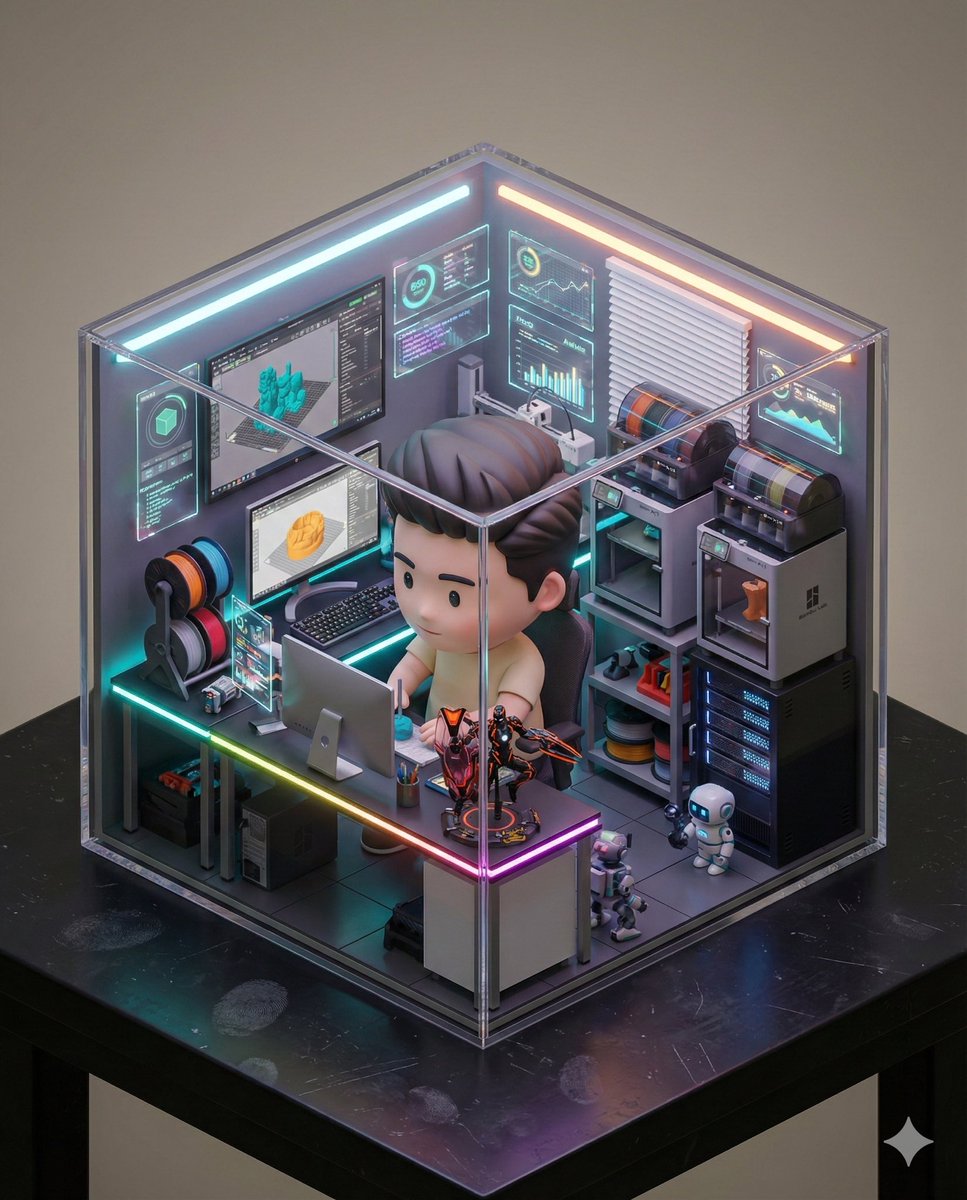
How we prompt AI is very different in 2026 than 2022 when ChatGPT came out. I'm teaching a new course, AI Prompting for Everyone, to help you become an AI power user — whatever your current skill level. It covers skills that apply across ChatGPT, Gemini, Claude, and other AI tools. How to use deep research mode for well-researched reports on complex questions. How to give AI the right context, including more documents and images than most people realize you can provide. When to ask AI to think hard for several minutes on important decisions like what car to buy, what to study, or what job to take. And how to use AI to generate images, analyze data, and build simple games and websites. I also cover intuitions about how these models work under the hood, so you know when to trust an answer and when not to. Along the way, you'll see flying squirrels, a creativity test, some of my old family photos, and fireworks. Join me at deeplearning.ai/courses/ai-pro…
English
209
821
4.5K
776.7K
Jay Zheng
Jay Zheng@zheng_jay·
Congratulations!! #ポケモン会えるかな #ポケモン30周年 #PR @poke_times
English
0
0
0
20
Jay Zheng
Jay Zheng@zheng_jay·
Prompt reference from Kanji Low on Facebook.
Jay Zheng tweet media
English
0
0
1
15
Jay Zheng retweetledi
烟花老师
烟花老师@teach_fireworks·
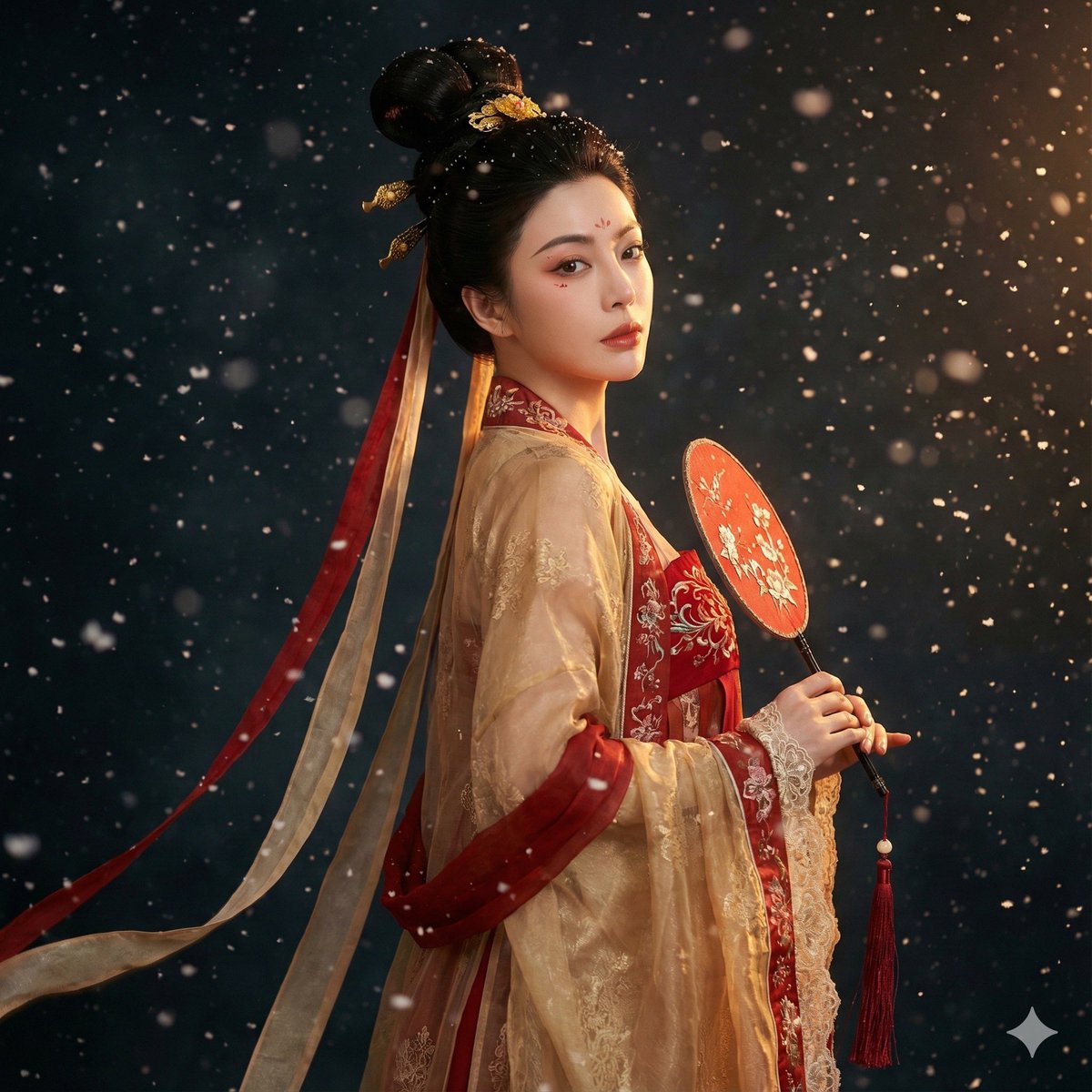
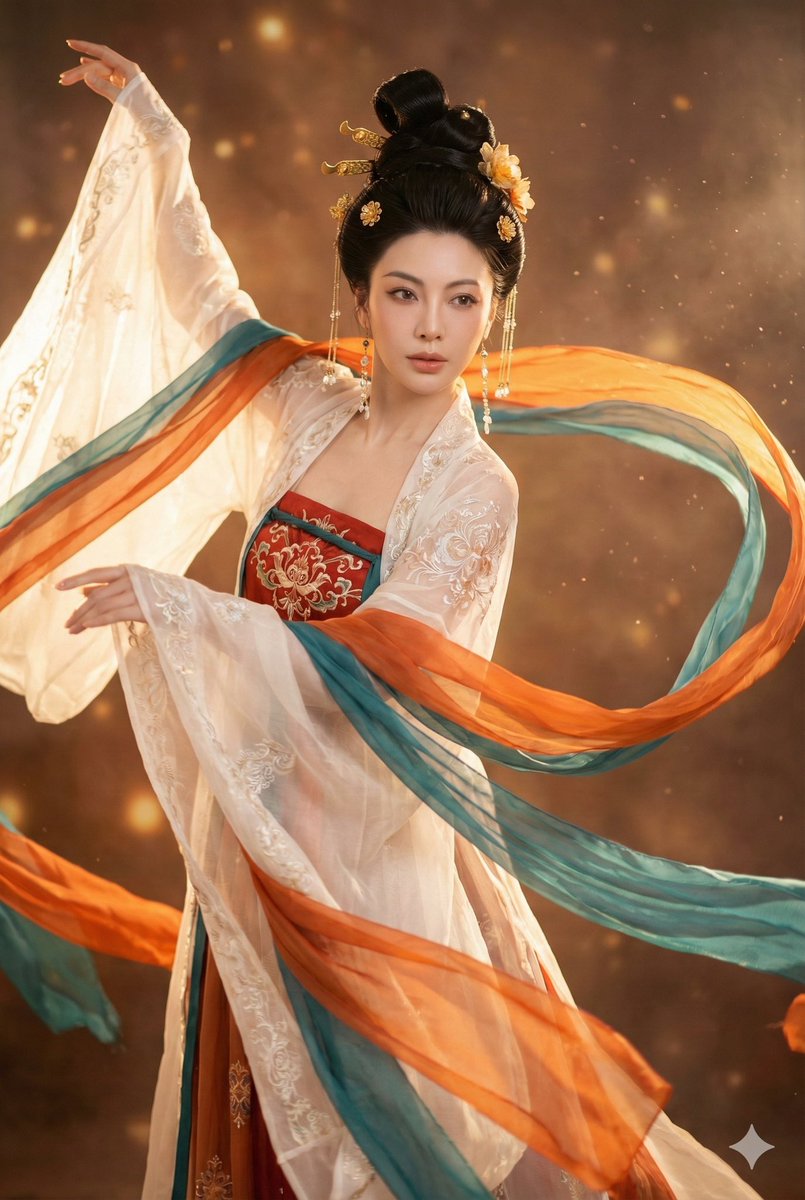
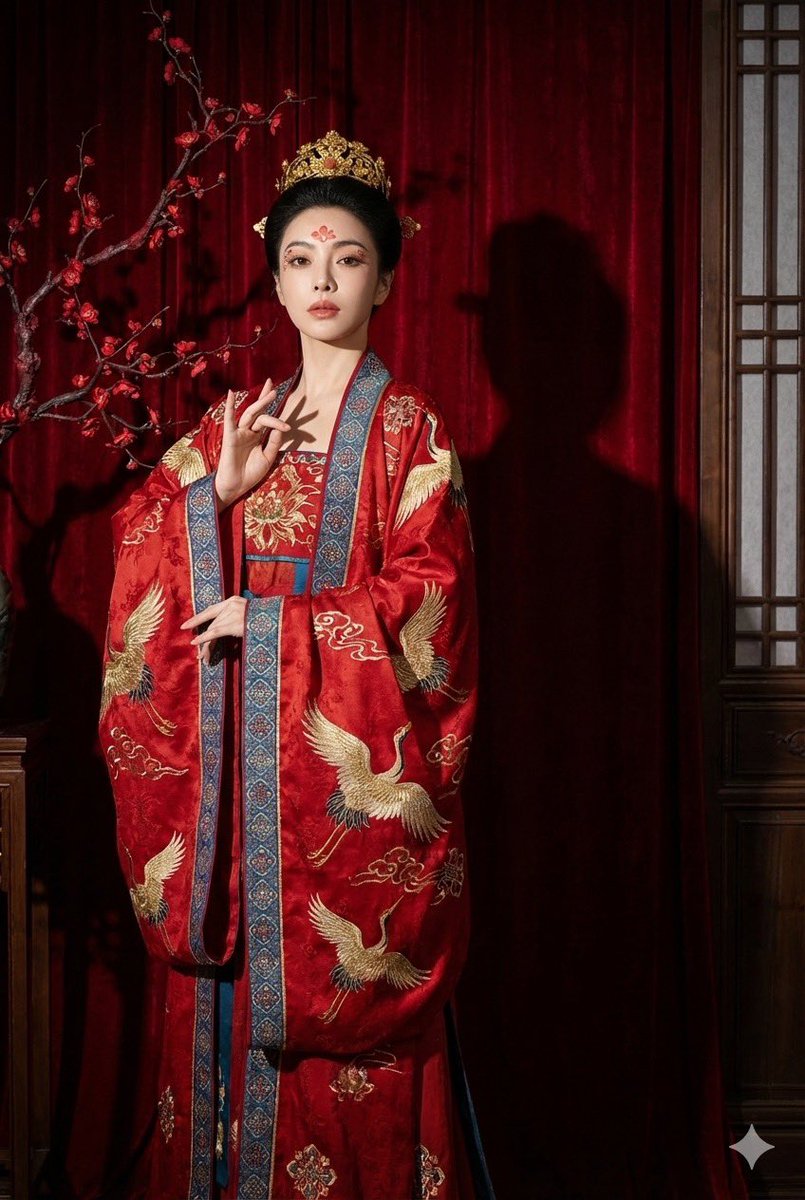
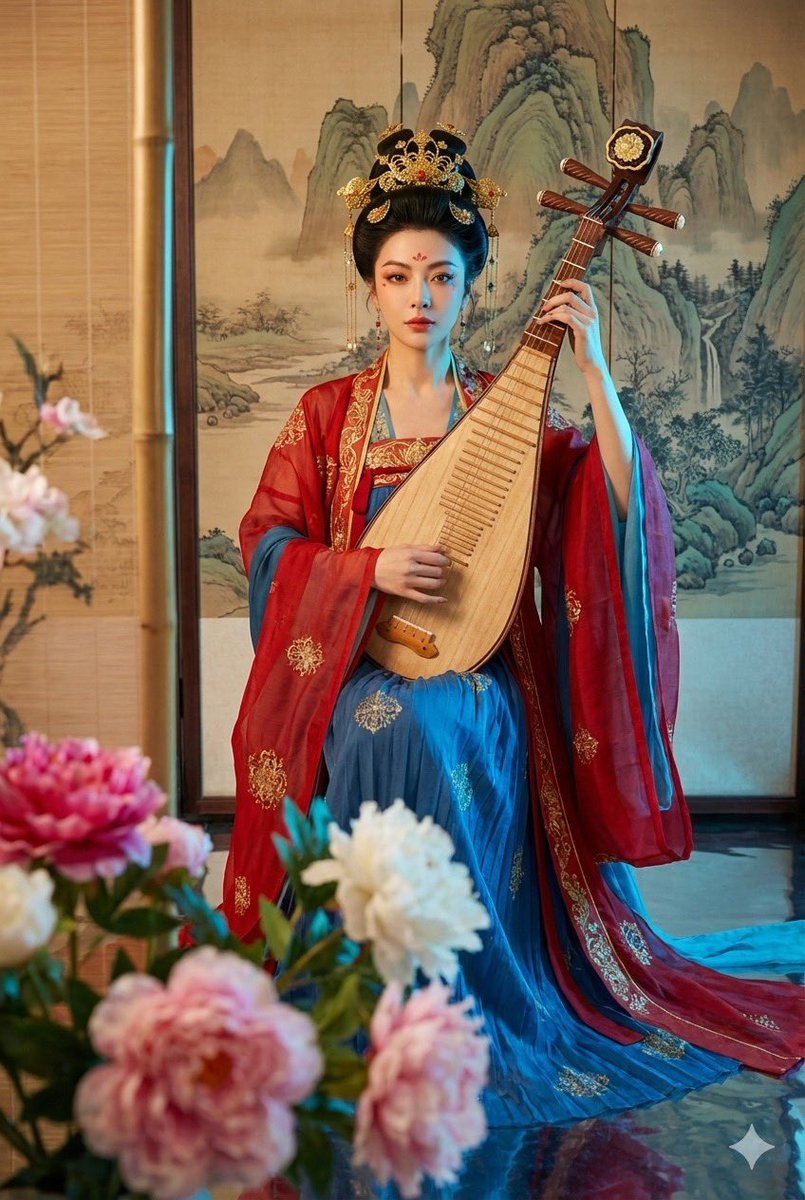
放出第六版: 唐服 唐代的服装还是挺有特点的 大家可以试试玩一下 这是第一张图片的Prompt,其他 prompt 如果有需要的话可以在评论区留言 喜欢的可以给个三连哦⊙∀⊙ Prompt: 4K hyper-detailed fashion photograph featuring hyper-realistic rendering. **Crucial Character Consistency:** The character featured is precisely the same person shown in reference images , maintaining consistent facial features, hair style, and body structure across all shots. { "core_structure": { "description": "一张超写实的电影感肖像,描绘了一位身着华丽唐代服装(齐胸襦裙)的年轻女子,手持红色刺绣团扇,在飘雪的黑色背景中回眸。", "elements": [ { "object": "人物主体", "attributes": ["年轻东亚女性", "精致唐风妆容(花钿, 面靥)", "回眸姿态", "优雅"] }, { "object": "服饰 (唐风)", "attributes": ["唐代齐胸襦裙 (Tang Dynasty Qixiong Ruqun)", "袒领/低胸抹胸 (Low-cut bodice)", "半透明大袖衫 (Sheer wide sleeves)", "飘逸的披帛 (Flowing Pibo ribbon)", "红色与金色主调"] }, { "object": "发型", "attributes": ["唐代高髻 (High bun)", "牡丹花发饰", "金步摇", "华丽发梳"] }, { "object": "道具", "attributes": ["红色刺绣团扇 (保持不变)", "精致流苏"] }, { "object": "环境", "attributes": ["飘落的雪花 (Falling snow)", "黑色背景 (Dark background)", "微光氛围"] } ] }, "style_definition": { "primary_style": "photorealistic | cinematic | classical Chinese portrait", "rendering_quality": "8k resolution | ultra-detailed | masterpiece", "surface_textures": ["silk", "lace", "skin texture", "snow particles"], "lighting": "rim lighting | soft facial spotlight | moody dark atmosphere" }, "technical_specifications": { "camera_settings": { "depth_of_field": "shallow depth of field", "focal_length": "85mm", "aperture": "f/1.8", "exposure": "low key with highlight on face" }, "resolution": "professional quality", "rendering": ["high contrast", "sharp focus"], "physics_accuracy": ["natural fabric flow", "frozen snow motion"] }, "material_properties": { "skin_textures": ["pale", "soft"], "fabric_details": ["embroidery", "sheer gauze (typical for Tang)", "layered silk"], "surfaces": ["matte background", "reflective jewelry"], "transparency": ["translucent outer sleeves"] }, "environmental_factors": { "atmosphere": ["cold but romantic", "quiet", "ethereal"], "time_season": ["winter night", "snowing"], "particles": ["white snowflakes", "cold breath"] }, "composition_controls": { "perspective": "eye-level", "framing": "medium shot | looking back over shoulder", "subject_placement": "center-right biased" }, "quality_keywords": { "include": ["Tang Dynasty fashion", "historical accuracy", "snowy night", "beautiful eyes"], "avoid": ["high collar (Ming style)", "thick clothes", "modern makeup"], "reference": ["Tang Dynasty paintings", "cinematic photography"] } } 
烟花老师 tweet media烟花老师 tweet media烟花老师 tweet media烟花老师 tweet media
烟花老师@teach_fireworks

从此有了大师级写真提示词! 基于这位宝藏博主的提示词改造了一下,保持了同样的质感的品味 现在已经支持任何一张参考图 提示词会发在评论区

中文
9
39
219
29.2K
Jay Zheng retweetledi
karminski-牙医
karminski-牙医@karminski3·
预测成真了,Z-image 真的是按着 FLUX.2 打. Z-Image 6天下载187K, 平均每天31.6K, FLUX.2 11天下载205K, 平均每天18.6K. 再给不知道 Z-image 的同学介绍下, 这是个只有6B的文生图模型, 性能爆炸, 而且限制很少, 你想生成啥就生成啥
karminski-牙医 tweet media
中文
31
89
622
103.3K
Jay Zheng retweetledi
Xiangyu 香鱼🐬
Xiangyu 香鱼🐬@XianyuLi·
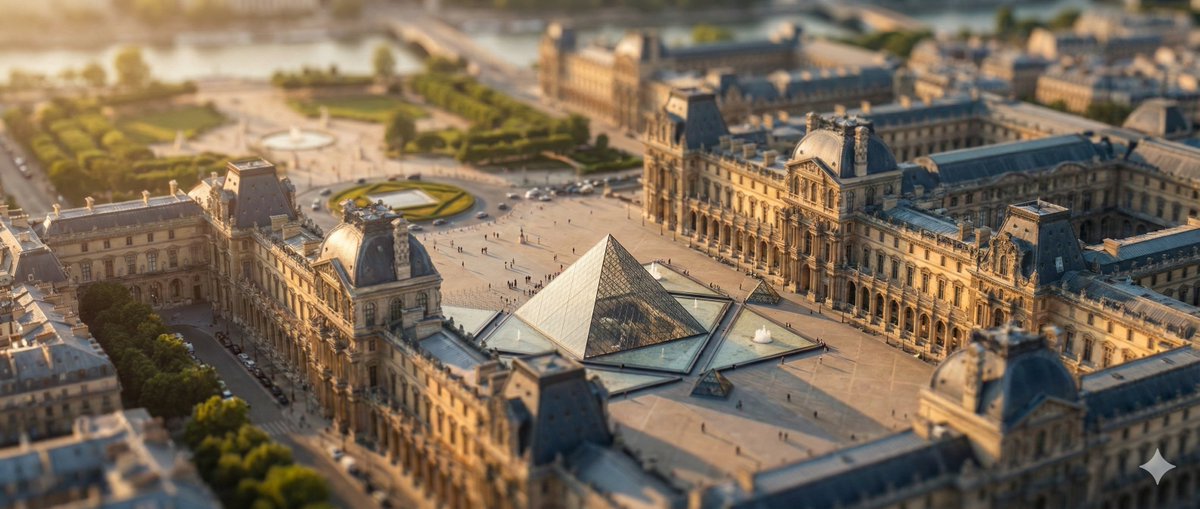
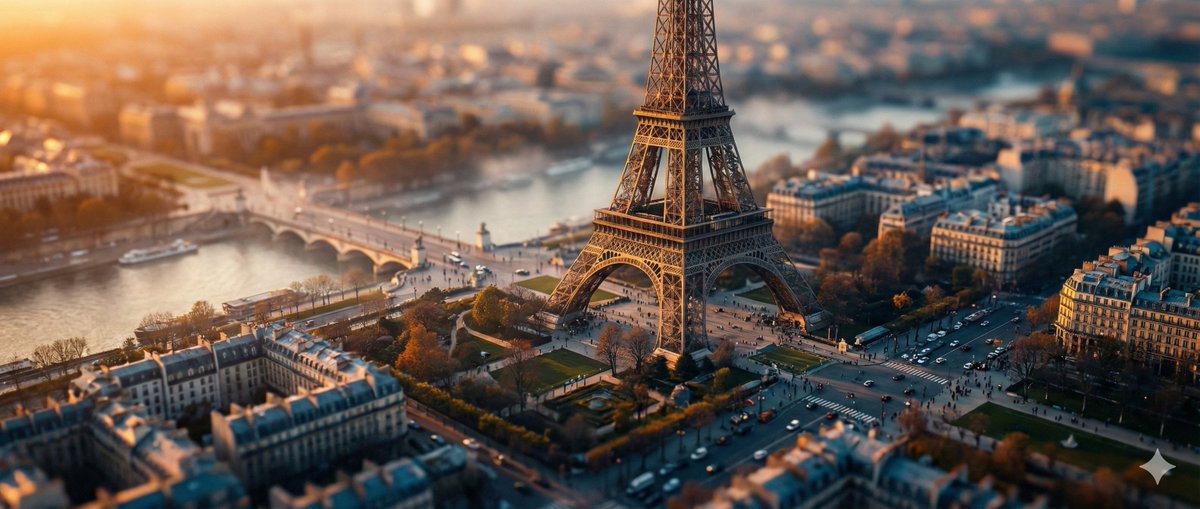
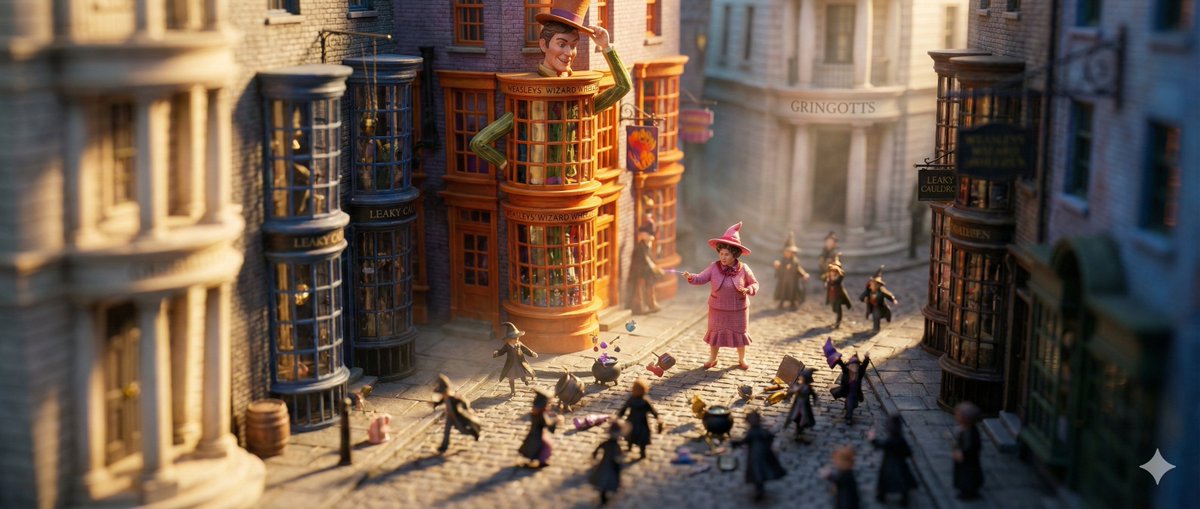
兄弟们,我亲手搓了个移轴摄影提示词,效果超顶! 不管你脑洞大开的移轴场景,都能轻松生成试试看! 把真实世界瞬间变身迷你玩具模型,超有意思! P3-P4的兄弟们猜猜是哪部电影的经典场景? 哈哈,来评论区互动啊!
Xiangyu 香鱼🐬 tweet mediaXiangyu 香鱼🐬 tweet mediaXiangyu 香鱼🐬 tweet mediaXiangyu 香鱼🐬 tweet media
中文
41
32
214
22.7K
Jay Zheng retweetledi
歸藏(guizang.ai)
歸藏(guizang.ai)@op7418·
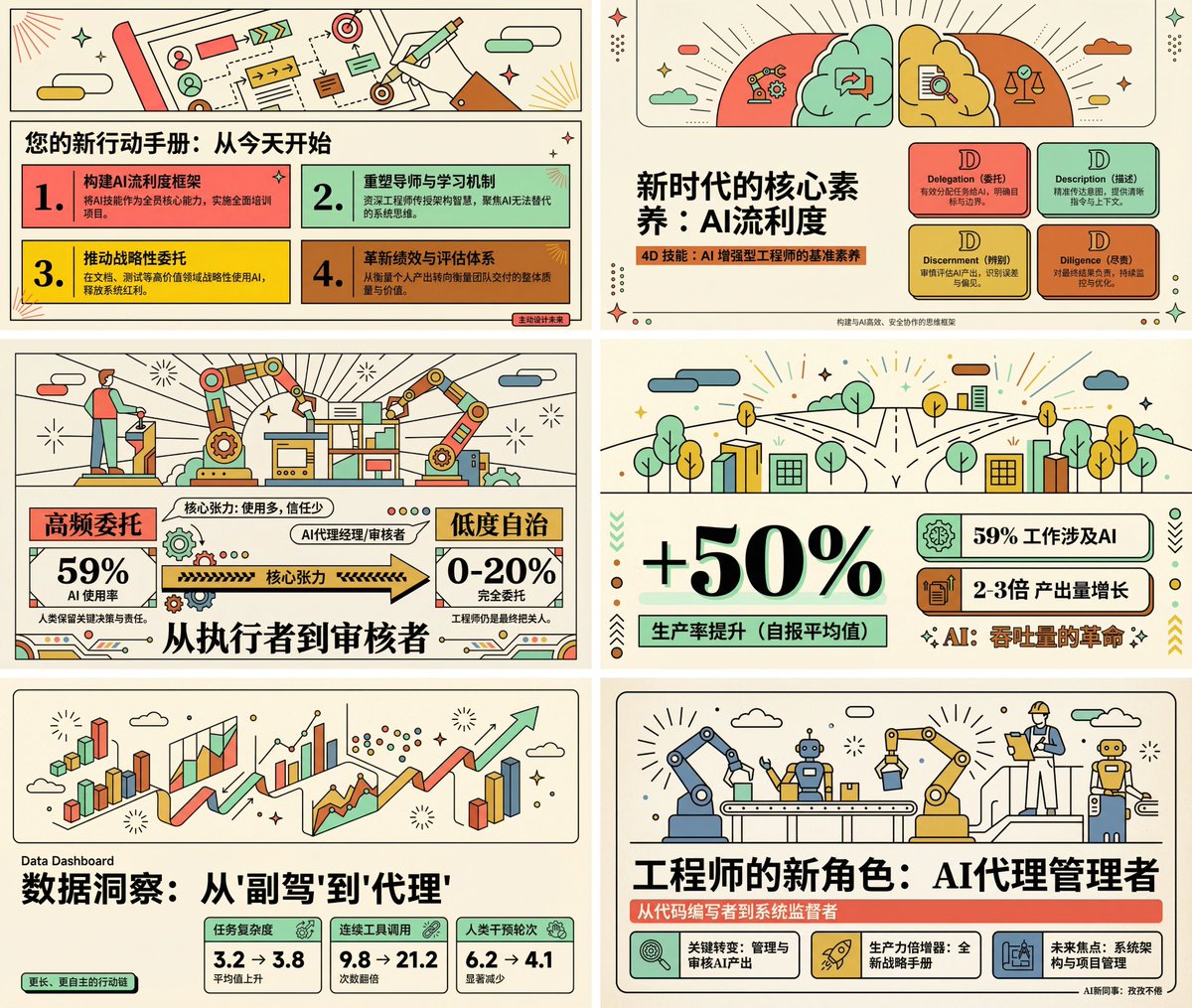
我去,这个提示词做 PPT 更顶了! 每一页都有插图,画面丰富了很多,而且涉及到逻辑表达都用了对应的可视化表达方式,排版非常统一。 使用方式也很简单,把我原来提示词的风格部分单独拿出来就行 我也整理了一个 PPT 版本的提示词👇
歸藏(guizang.ai) tweet media
歸藏(guizang.ai)@op7418

🍌 Nano Banana Pro 扁平插画信息图提示词 转换的内容是 Anthropic 对于自己公司内部 Claude Code 使用使用情况的数据报告 这个提示词会帮你生成带有顶部矢量插图的详细信息图,所有数据和信息都会尽量用插画可视化表示 信息量很大,推荐使用 4K 分辨率生成 提示词比较长,放下面了👇

中文
12
127
558
89.9K
Jay Zheng retweetledi
Coffin
Coffin@lostsec_·
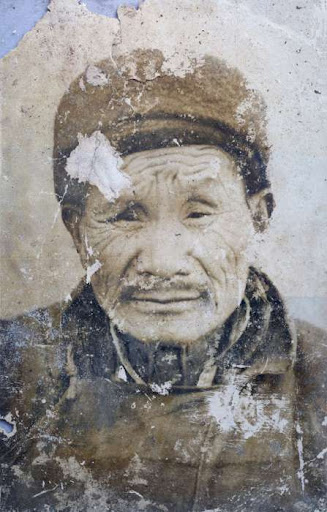
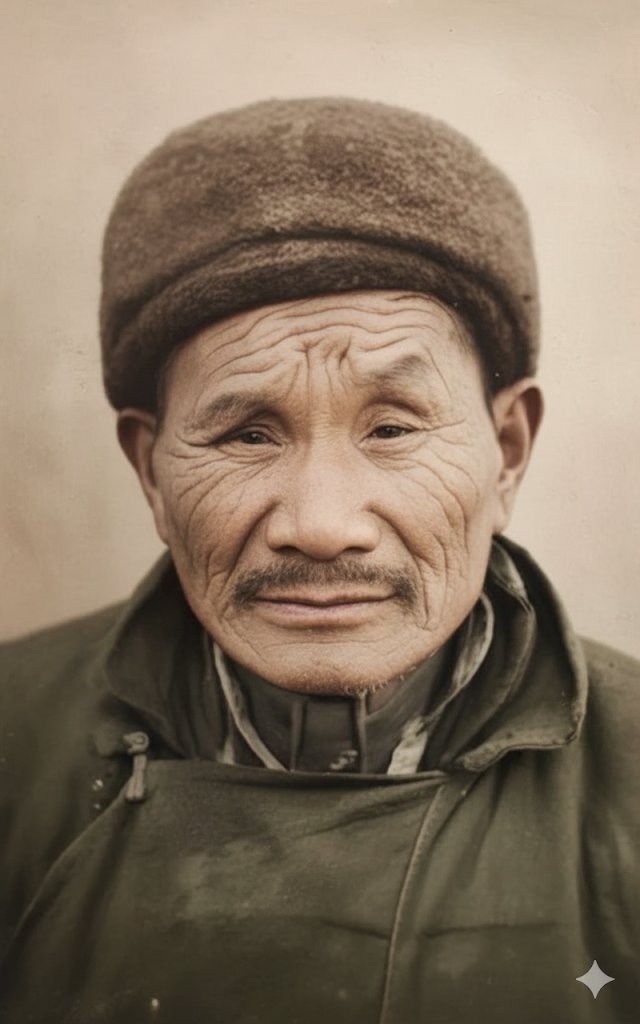
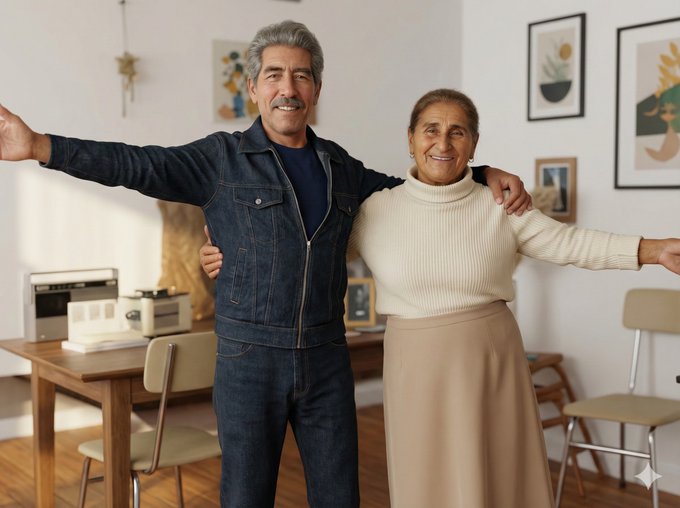
No way. Gemini 3 Pro Nano Banana is actually insane. It can restore old, heavily damaged photos and turn them into clean, natural-looking images. Check out the prompt and the samples below.. they’re unreal.
Coffin tweet mediaCoffin tweet media
English
12
19
230
28.3K
Jay Zheng retweetledi
𝙋𝙖𝙨𝙨𝙡𝙪𝙤
另外,Nano Banana aka gemini-2.5-flash-image 对老照片的图片修复能力也非常棒 细节保留很不错 涉及隐私,我没办法把朋友给我的照片修复后的对比发出来 Google 里随便找了一个老照片 Prompt: 帮我处理一下这样照片,要求是: 1. 只截取照片内容部分,移除桌面的背景、边框 2. 修复照片里面的污损 3. 把照片做成彩色的 4. 高清放大照片
𝙋𝙖𝙨𝙨𝙡𝙪𝙤 tweet media𝙋𝙖𝙨𝙨𝙡𝙪𝙤 tweet media
𝙋𝙖𝙨𝙨𝙡𝙪𝙤@passluo

记录一些 nano banana 的测试结果:

中文
9
61
319
84.8K
Jay Zheng retweetledi
Yanhua
Yanhua@yanhua1010·
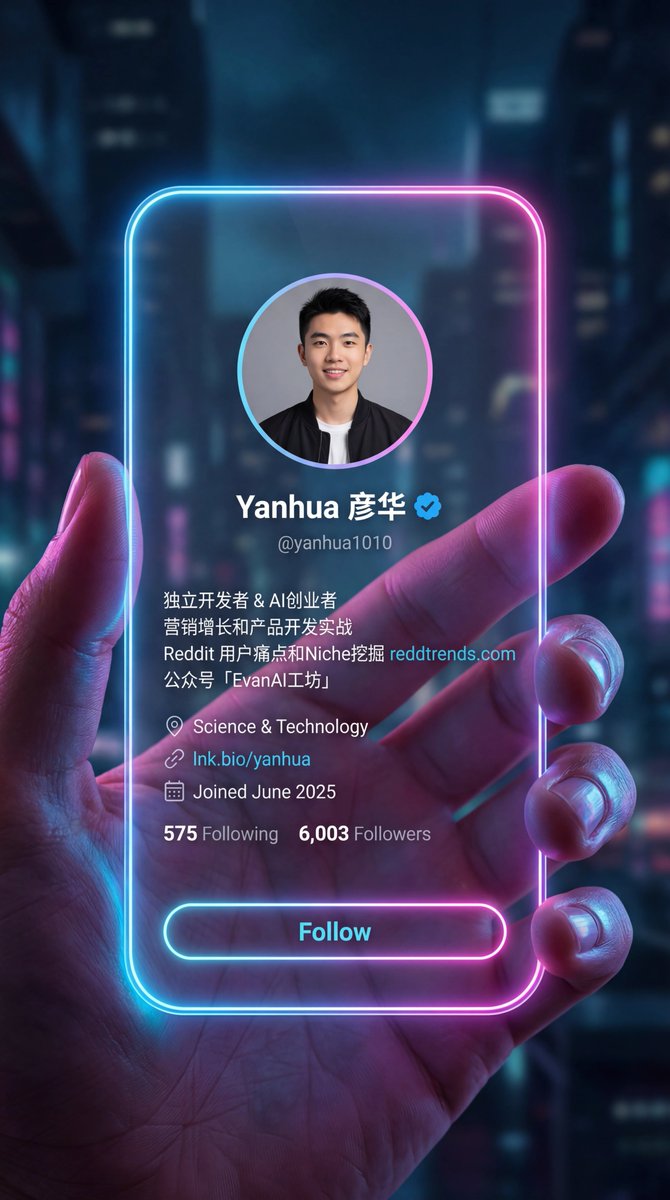
Nano banana pro效果很惊艳啊,尤其中文! ps:我变得更帅了 prompt: 一张 9:16 竖版逼真的赛博美学未来社交软件界面照片,一只手拿着一张 iPhone 手机大小的竖直亚克力无边框卡片,占据了大部分画面。上面显示着一个社交媒体个人资料界面,但没有任何横幅或背景图片。卡片有平滑的圆润边缘,闪烁着柔和的霓虹灯光,呈现出蓝色、粉色和紫色的渐变。背景黑暗而模糊,以突出发光的边缘,握住卡片的手指上的灯光反射看起来富有电影感和氛围感,营造出一种高科技的全息氛围。卡片表面如水晶般清澈,个人资料的细节仿佛雕刻,只显示参考图中的信息。 按照顺序依次显示: - 头像(居中) - 名称和蓝色认证徽章(居中) - 带有“@”的用户名,例如@yanhua1010 (居中) - 个人介绍(左对齐) - 地理位置、网站(左对齐) - 加入日期(左对齐) - 关注数和被关注数(左对齐) - 关注按钮(w-full, bg-transparent, rounded-full, border-[闪烁着柔和的霓虹灯光])
Yanhua tweet media
宝玉@dotey

🍌 nano banana prompt Convert your X profile to a cyber-aesthetic futuristic social-app interface. Take a screenshot with your X profile, and send it to Gemini/nano banan pro with the prompt --- Prompt --- A 9:16 vertical, photorealistic cyber-aesthetic futuristic social-app interface. A hand is holding a vertical, iPhone-sized, borderless acrylic card, taking up most of the frame. The card displays a social media profile interface with no banners or background images. Its smooth, rounded edges emit a soft neon glow in blue, pink, and purple gradients. The background is dark and blurred, emphasizing the glowing edges; the light reflections on the fingers feel cinematic and atmospheric, creating a high-tech holographic mood. The card surface is crystal-clear, and the profile details appear almost engraved, showing only the information from the reference image. Displayed in this exact order: - Profile avatar (centered) - Name + blue verification badge (centered) - Username with “@”, e.g., @dotey (centered) - Bio (left-aligned) - Location, website (left-aligned) - Join date (left-aligned) - Following count & followers count (left-aligned) - Follow button (full-width, transparent background, rounded-full, border with soft neon glow)

中文
4
37
154
27.7K
Jay Zheng retweetledi
摆烂程序媛
摆烂程序媛@wanerfu·
用 Nano Banana Pro 做照片修复—— 真的能把糊成马赛克的图,修成 4K 高清大片 我自己用下来最稳的提示词👇 “将此图像提升到4K分辨率,使其完全清晰” 一句话就够,剩下的交给模型。 尤其是老照片、人像、旅游照,全都能救。
摆烂程序媛 tweet media
中文
6
11
103
18.3K
Jay Zheng retweetledi
松果先森
松果先森@songguoxiansen·
可以可以,这个Nano Banana提示词不错: 中文版Prompt: 创建与上传的参考图像相同的照片风格线条画/墨水素描面部——保持每个面部特征、比例和表情完全相同。 使用蓝色和白色墨水色调,在笔记本页面风格的背景上绘制复杂、细腻的线条细节。 在草图附近画出一只拿着笔和橡皮的右手,就好像艺术家仍在工作一样。
松果先森 tweet media松果先森 tweet media
Linus ✦ Ekenstam@LinusEkenstam

Steal this nano banan prompt ”Create a photo-style line drawing / ink sketch of the faces identical to the uploaded reference image — keep every facial feature, proportion, and expression exactly the same. Use blue and white ink tones with intricate, fine line detailing, drawn on a notebook-page style background. Show a right hand holding a pen and an eraser near the sketch, as if the artist is still working.”

中文
8
51
269
69.3K
Jay Zheng retweetledi
苍何
苍何@canghe·
用 Nano Banana Pro 🍌进行老照片修复,相似度高达99%,保留原图的面部特征,未做任何修改,特别是配合上这样一串提示词,简直无敌了。 和原图的姿势和表情完全一致,真实性拉满。太强了。 提示词如下: Transform into a modern high-quality digital portrait with vibrant updated colors, smooth realistic skin textures, and natural lighting. The outfit and background should be upgraded into a clean, modern aesthetic while preserving the authenticity of the original pose and expression. 中文版: 将其转化为一幅现代高品质的数字肖像,色彩鲜艳,肌肤纹理细腻逼真,光线自然。服装和背景应升级为简洁现代的风格,同时保留原图的姿势和表情的真实性。
苍何 tweet media苍何 tweet media
Michael Rabone@michaelrabone

Photo Recreation (almost perfect) Gemini Nano Banana Pro Prompt 🍌 Ultra-realistic recreation of an old vintage photo, keeping the same original face (99% likeness, no alteration). Transform into a modern high-quality digital portrait with vibrant updated colors, smooth realistic skin textures, and natural lighting. The outfit and background should be upgraded into a clean, modern aesthetic while preserving the authenticity of the original pose and expression.

中文
8
99
354
56.3K
Jay Zheng retweetledi
松果先森
松果先森@songguoxiansen·
Nano Banana Pro提示词-制作证件照。 兄弟们,这回真的要实现证件照自由了 以下是Nano Banana Pro提示词(照片的底色根据需要自行更换): 截取图片人像头部,帮我做成2寸证件照,要求: 1、蓝底 2、职业正装 3、正脸 4、微笑
松果先森 tweet media松果先森 tweet media松果先森 tweet media
中文
20
302
1.8K
286.6K
Jay Zheng retweetledi
松果先森
松果先森@songguoxiansen·
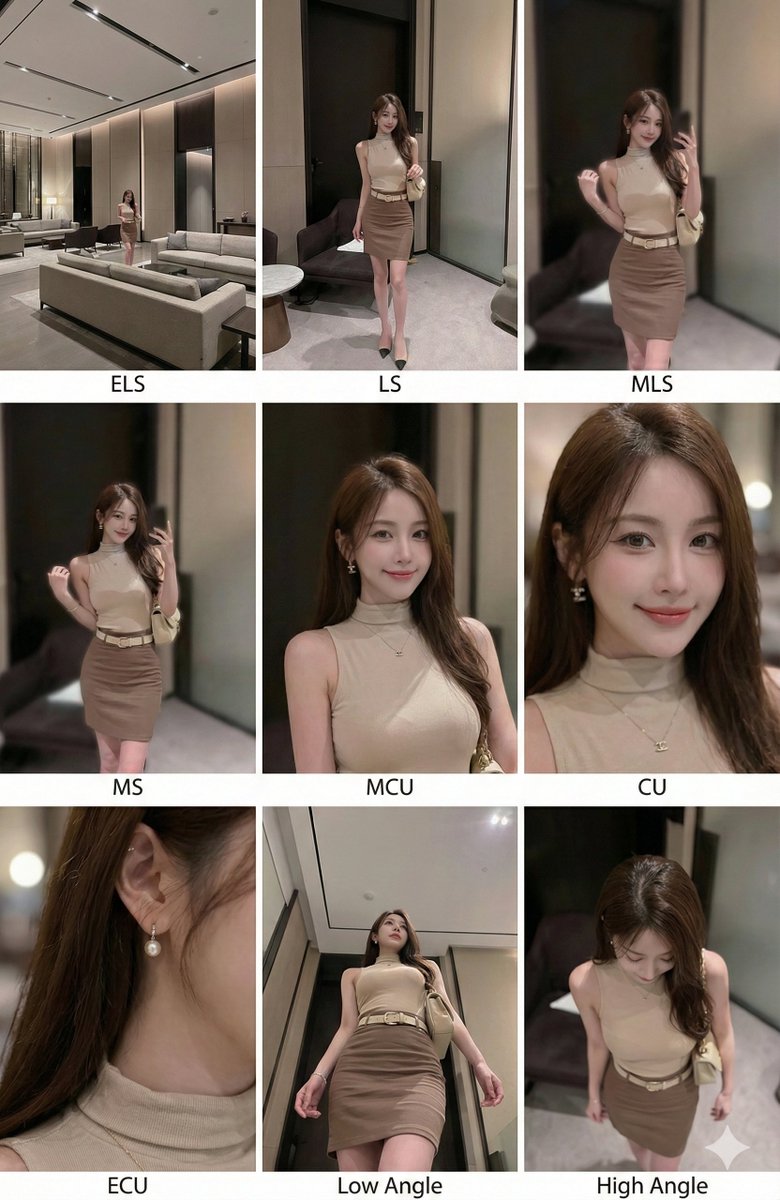
兄弟们,这种效果的Nano banana pro提示词给你们提取出来了 请叫我一声欧巴 原作者提示词只贴了图 Nano banana pro提示词(需上传一张参考图): (指令) 分析输入图像的整个构图。识别所有存在的关键主体(无论是单人、群体/情侣、车辆还是特定物体)及其空间关系/互动。 生成一个连贯的 3x3 网格“电影印样(Contact Sheet)”,展示在同一环境中完全是这些主体的 9 个不同镜头。 你必须调整标准的电影镜头类型以适应内容(例如,如果是群体,保持群体在一起;如果是物体,构图包含整个物体): 第 1 行(建立背景): 大远景 (ELS): 主体在广阔的环境中显得很小。 全景 (LS): 完整的主体或群体从上到下可见(从头到脚 / 从车轮到车顶)。 中远景 (美式镜头/四分之三): 构图从膝盖以上(针对人物)或 3/4 视角(针对物体)。 第 2 行(核心覆盖): 4. 中景 (MS): 构图从腰部以上(或物体的中心核心)。聚焦于互动/动作。 5. 中特写 (MCU): 构图从胸部以上。主要主体的亲密构图。 6. 特写 (CU): 紧凑构图于脸部或物体的“正面”。 第 3 行(细节与角度): 7. 大特写 (ECU): 强烈聚焦于关键特征(眼睛、手、标志、纹理)的微距细节。 8. 低角度镜头 (仰视/虫眼): 从地面仰望主体(壮观/英雄感)。 9. 高角度镜头 (俯视/鸟瞰): 从上方俯瞰主体。 确保严格的一致性:所有 9 个面板中是相同的人物/物体、相同的衣服和相同的光照。景深应逼真地变化(特写镜头中的背景虚化)。 一个包含 9 个面板的专业 3x3 电影故事板网格。 该网格以全面的焦距范围展示输入图像中的特定主体/场景。 顶行: 宽广环境镜头,全视图,3/4 剪辑(膝上景)。 中间行: 腰部以上视图,胸部以上视图,脸部/正面特写。 底行: 微距细节,低角度,高角度。 所有帧均具有照片般逼真的纹理,一致的电影级调色,以及针对所分析的主体或物体特定数量的正确构图。
松果先森 tweet media
TechHalla@techhalla

these 2 prompts for Nano Banana Pro will save you a ton of time. just upload an image, generate the cinematic grid, and pull the frames you like! examples made in Higgsfield AI, and prompts below 👇

中文
79
580
4.1K
1.6M
Jay Zheng retweetledi
Terry
Terry@trxuanxw·
🖼️Miniature 3D cartoon-style scene featuring a seamlessly integrated QR code 🔥把二维码融入到一个3D卡通场景中 上传一个二维码,改下Industry Name. 二维码成功概率还是挺大的,也欢迎各位了继续优化。 👇prompt Again, inspired by @dotey
Terry tweet mediaTerry tweet mediaTerry tweet mediaTerry tweet media
中文
4
24
139
9.5K
Jay Zheng retweetledi
Yanhua
Yanhua@yanhua1010·
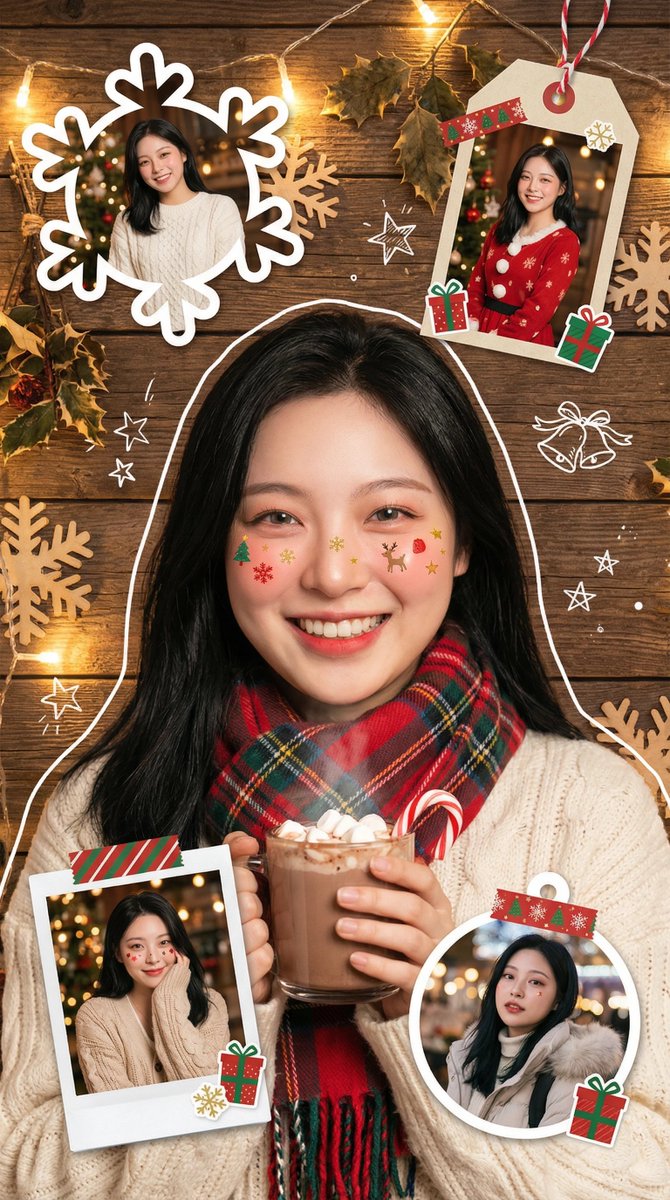
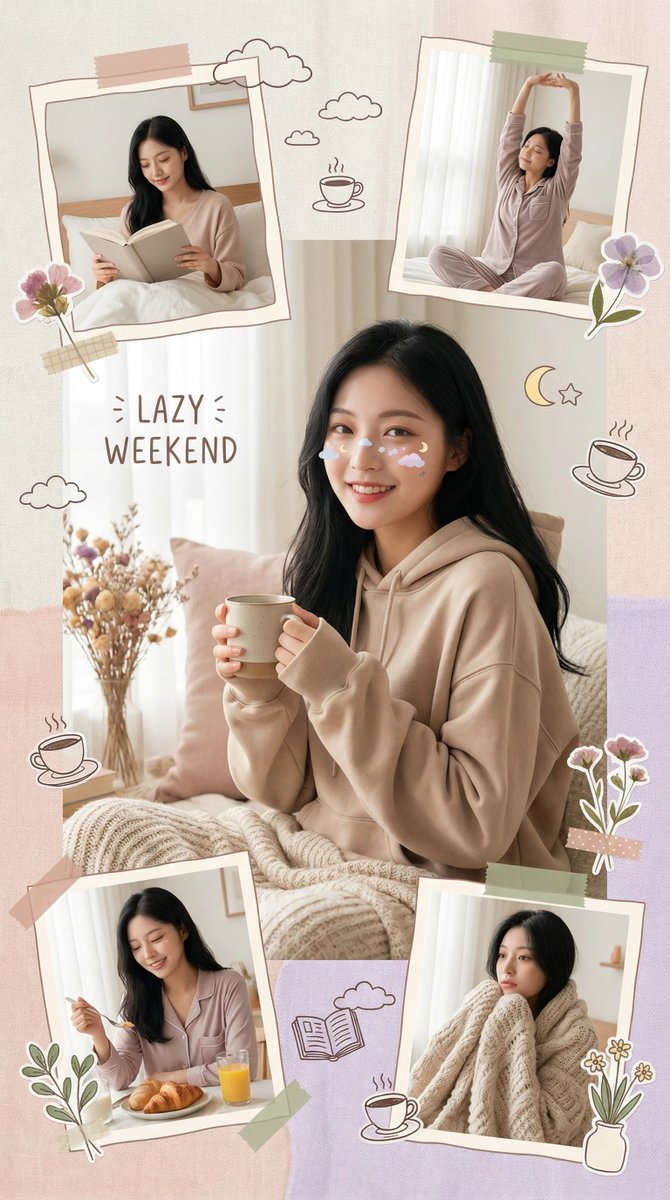
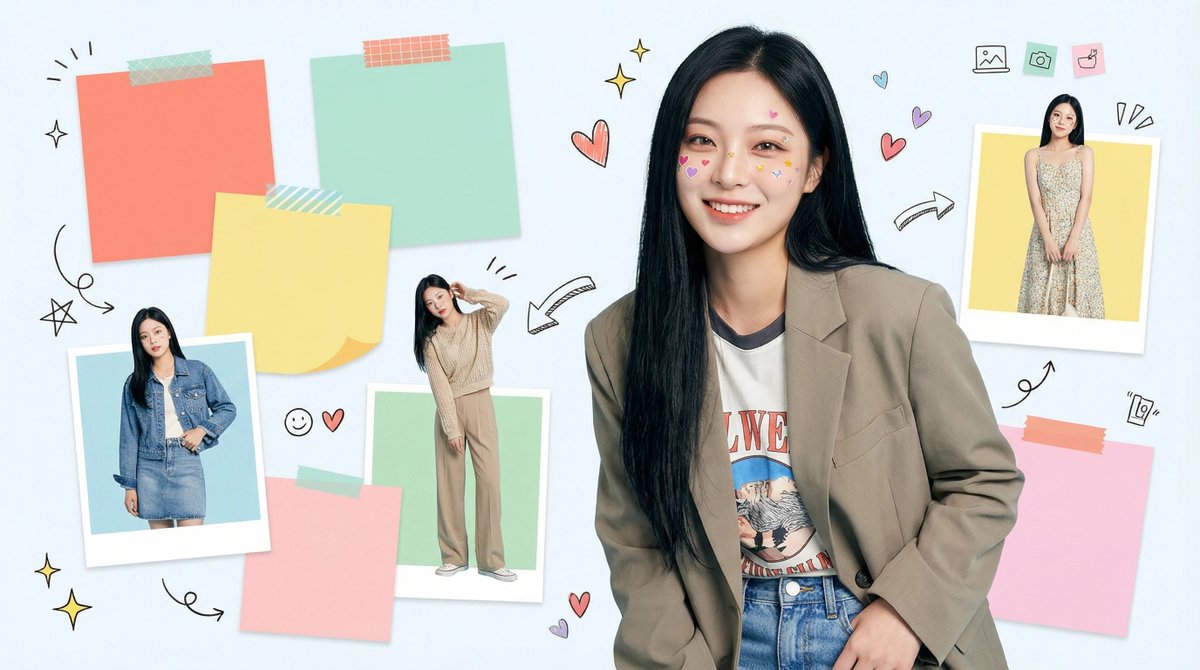
基于宝玉老师,扩展了3个风格(提示词见ALT): 一:冬日圣诞市集版 二:慵懒周末版 三:微信朋友圈风格
Yanhua tweet mediaYanhua tweet mediaYanhua tweet media
宝玉@dotey

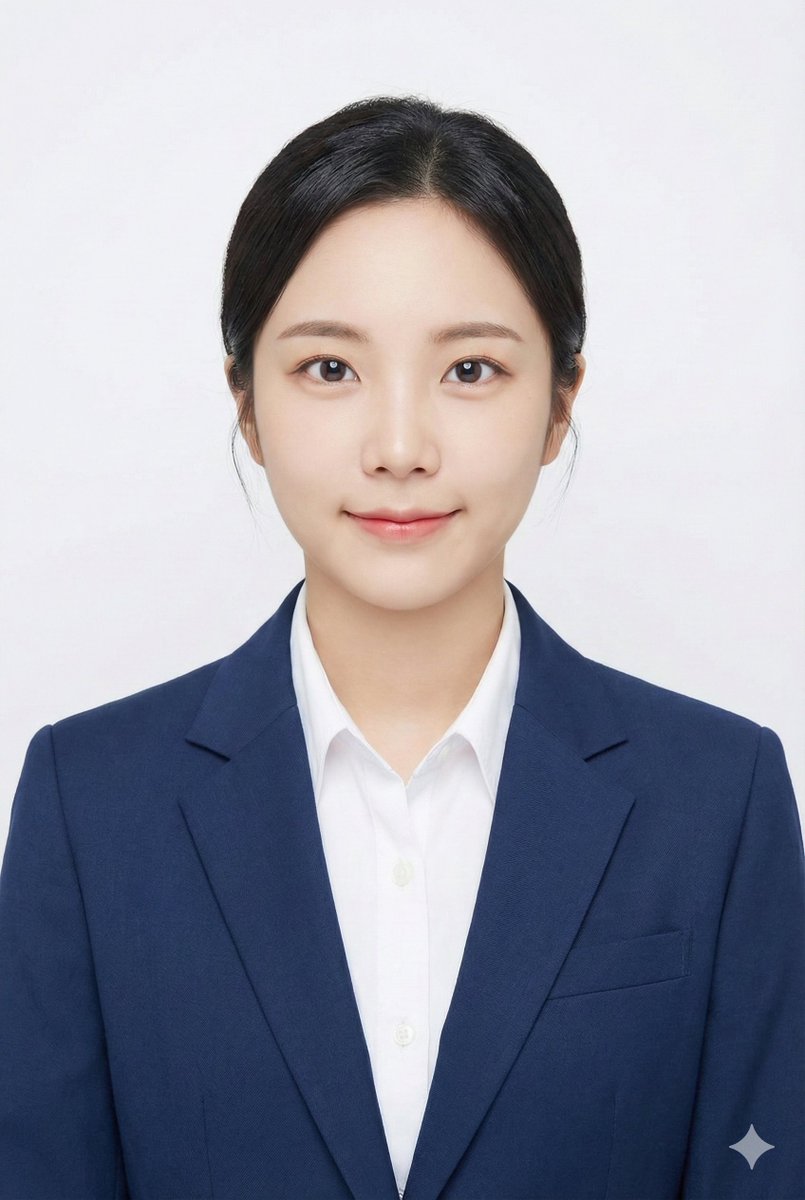
🍌 nano banana pro prompt Use this prompt to generate a playful, stylish portrait collage that accurately replicates a person's features from your uploaded photo, capturing a fresh, youthful aesthetic with scrapbook-inspired decorations and cute, magazine-style details. --- prompt ---- Recreate the character's appearance from the uploaded photo, accurately preserving hairstyle, facial details, and expression. Present it as a bright, fresh, and youthful fashion portrait in a vertical collage format. She wears trendy youthful clothing, holding a red lollipop near her lips. Her face is playfully decorated with cute colorful stickers shaped like hearts, strawberries, and stars, creating a lively, stylish atmosphere. Her eyes are expressive, makeup is soft and natural, and her face shows a dreamy expression. The background features a corkboard covered with colorful sticky notes and memo papers, creating a campus and journaling vibe. Hand-drawn doodles of stars, arrows, and similar elements add to the cute, magazine-style aesthetic. Surrounding the main subject are ~4 scrapbook-style photo frames in various shapes, showcasing different outfits and poses of the same person. Overall, the image should utilize soft studio lighting, high-definition details, a clean-cut scrapbook aesthetic, Korean fashion-magazine style, and vibrant colors. Aspect ratio: 9:16.
中文
6
33
164
30.8K
Jay Zheng retweetledi
xiaobeiLin(小北)
xiaobeiLin(小北)@linxiaobei888·
Nano banana pro 很棒的提示词 整理成中文了,方便二创 提示词: 极广角透视与动态姿势重制编辑 这是对原始图像的编辑,而非生成新角色。 请将原始图像作为严格参考,用于确定: * 人物的身份、发型和整体时尚风格, * 背景和地点的总体类型(相同的街道、相同的房间、相同的海滩、相同的建筑风格等)。 允许完全改变相机位置、角度和姿势,但必须保持场景在同一地点,并保留同一人物和服装设计。 相机与透视: * 使用超广角或鱼眼感镜头(约 12–18mm 全画幅外观)。 * 相机角度必须与原图有显著变化:使用戏剧性的角度,例如: * 从正下方向上看的仰视(虫视), * 从正上方并向下看的俯视(鸟视), * 极贴近地面的低角度, * 从上方拍摄的高角度, * 倾斜的荷兰角(Dutch angles)。 * 始终创造强烈的**透视缩短(foreshortening)**效果:靠近镜头的身体部位看起来巨大,而身体其余部分在透视中远去。 * 最终结果必须看起来像是一张大胆的时尚或街头照片,完全写实,而非插画或动漫。 背景一致性: * 保持与原图相同的地点:相同的街道、桥梁、房间、工作室、海滩以及相同的总体结构和材质。 * 不要将背景替换为完全不同的地方。 * 由于相机角度发生变化,看到环境的不同部分是允许且预期的。 * 当新区域出现时,请逻辑地扩展原始环境(相同的建筑、栅栏、路标、墙壁、颜色、材料、光照风格),就像相机在同一个地方移动一样。 靠近镜头的身体部位(1–2 个部位,有时 3 个): * 在每次编辑中,选择一到两个主要身体部位极度靠近镜头(在更复杂的姿势中有时甚至可以是三个)。 * 在不同图像间进行变化,不要总是使用相同的身体部位。 * 允许靠近镜头的部位包括: * 一只或双手/手指伸向相机, * 一只或双脚/鞋/靴子靠近镜头, * 膝盖或大腿, * 脸部非常靠近镜头, * 倾斜姿势下的肩膀或胸部靠近镜头。 * 选定的身体部位应极度靠近镜头,几乎接触到它,并具有可见的皮肤纹理、织物纹理和逼真的广角畸变。 姿势与整体身姿(复杂且多变): * 创造强烈、酷炫、动态的姿势,以匹配极端的透视。 * 随机使用不同类型的姿势,包括: * 站立并伸出一条腿或一只手朝向相机, * 蹲伏或蹲低在地面, * 坐在地板或物体上, * 躺在地上,腿或脚朝向镜头, * 咄咄逼人地向相机前倾, * 扭转身体、交叉双腿或拱起背部以形成更动态的线条。 * 允许复杂的姿势,例如: * 双手在镜头附近做出形状(剪刀手、三角形、相框、指向观众), * 双脚朝向镜头, * 一只手和一只脚都在前景变大, * 脸部靠近镜头,同时手或脚也在透视中可见。 * 即使有极端的透视缩短,也要保持可信的解剖结构。 角度与态度(随机化): * 随机化相机角度和方向(上、下、侧面、荷兰式倾斜),同时保持构图视觉平衡且有力。 * 保持酷炫、自信和时尚/编辑或街头风格的氛围,具体取决于原始服装。 * 面部表情可以变化(严肃、顽皮、自信、神秘),但必须看起来仍是同一个人。 光照与渲染: * 保持与原作相似的总体时间段和光照氛围(白天与夜晚,室内与室外,软光与硬光),但可以增强对比度和色彩,使图像有力且具有戏剧性。 * 保持逼真的阴影和与地面或地板的接触点。 * 高分辨率,清晰的细节,具有清晰的皮肤纹理、织物编织和材质高光。 变化与随机性: * 每次编辑应看起来与原图和其他编辑明显不同,具有不同的: * 相机角度, * 姿势类型, * 最靠近镜头的身体部位, * 方向(直、倾斜、从上方、从下方)。 * 避免重复完全相同的“单脚特写”构图;产生各种动态姿势和角度。 严格规则: * 不要把人变成别人。 * 不要改变服装类型;只能通过姿势、透视和衣物的微小自然运动来重新造型。 * 不要将场景移动到完全不同的位置;始终停留在原始地点的合理延伸范围内。 * 不要添加文本、徽标、水印或平面设计元素。 * 不要切换到绘画、插图或动漫风格;保持写实。 总结: 将原始照片转变为一张具有极端相机角度(包括从正下方或正上方观看)的戏剧性、写实、超广角照片,其中一个或多个身体部位紧贴镜头并显得巨大,身体其余部分在透视中后退,同一人物在原始环境的一致扩展版本中摆出时尚、复杂、有力的姿势。
xiaobeiLin(小北) tweet mediaxiaobeiLin(小北) tweet mediaxiaobeiLin(小北) tweet mediaxiaobeiLin(小北) tweet media
AI Girl's Photo Studio@AI_GIRL_DESIGN

画像をNanoBananaでアングルショット+手足接写にするPromptを作ってみました。奥行のあるダイナミックな画像にしたい場合におすすめです。あと、編集用のPromptには画像生成時のPromptも参考情報として付けることで、ディテールを維持して編集ができます。 Promptはコメントに記載します。 1枚目が元画像です。 #nanobanana2

中文
7
43
268
45.8K