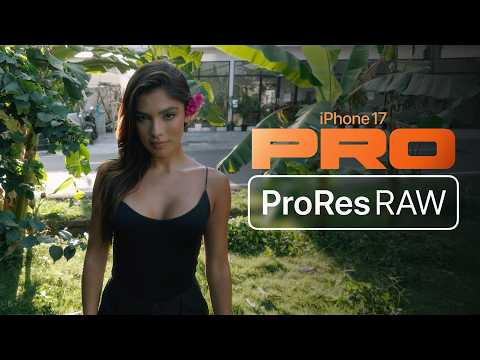
The One LUT for Apple Log 2 on iPhone 17 Pro/Pro Max has arrived — delivering ARRI Alexa colorimetry, highlight roll-off, and filmic contrast. See how ProRes RAW from the iPhone stacks up against the king of cinema cameras 👇
youtu.be/GWVO0yr6E1Q
Our iPhone 17 Pro units will arrive tomorrow. Arri Alexa rental secured. Stay tuned for an update for The One LUT for Apple Log for ProRes RAW/Apple Log 2 🎉
Blackmagic Camera for iOS 2.1 Update! Get support for using new iPhone 16 camera control features with Blackmagic Camera, improved Blackmagic Cloud organisation syncing and new recording bit rate options for H.264 and H.265 codecs. Download now from apps.apple.com/us/app/blackma…
Have you tried Instant Grade in Kino yet? You get all the quality of color graded ProRes LOG in a small HEVC file @halidecamera
(May I suggest you give Stalman Film 03 a try)
Audio Mix is by far the best feature of the new iPhone 16. Shame it isn't available to third party developers. Would love a field recorder app with just this functionality + 48kHz recording.
Thanks for being patient! New videos are in the works! As some of you may know, I recently made the decision to switch my editing workflow from Premiere to Resolve. The learning curve is steep, but I’m making progress. Not much longer now…❤️
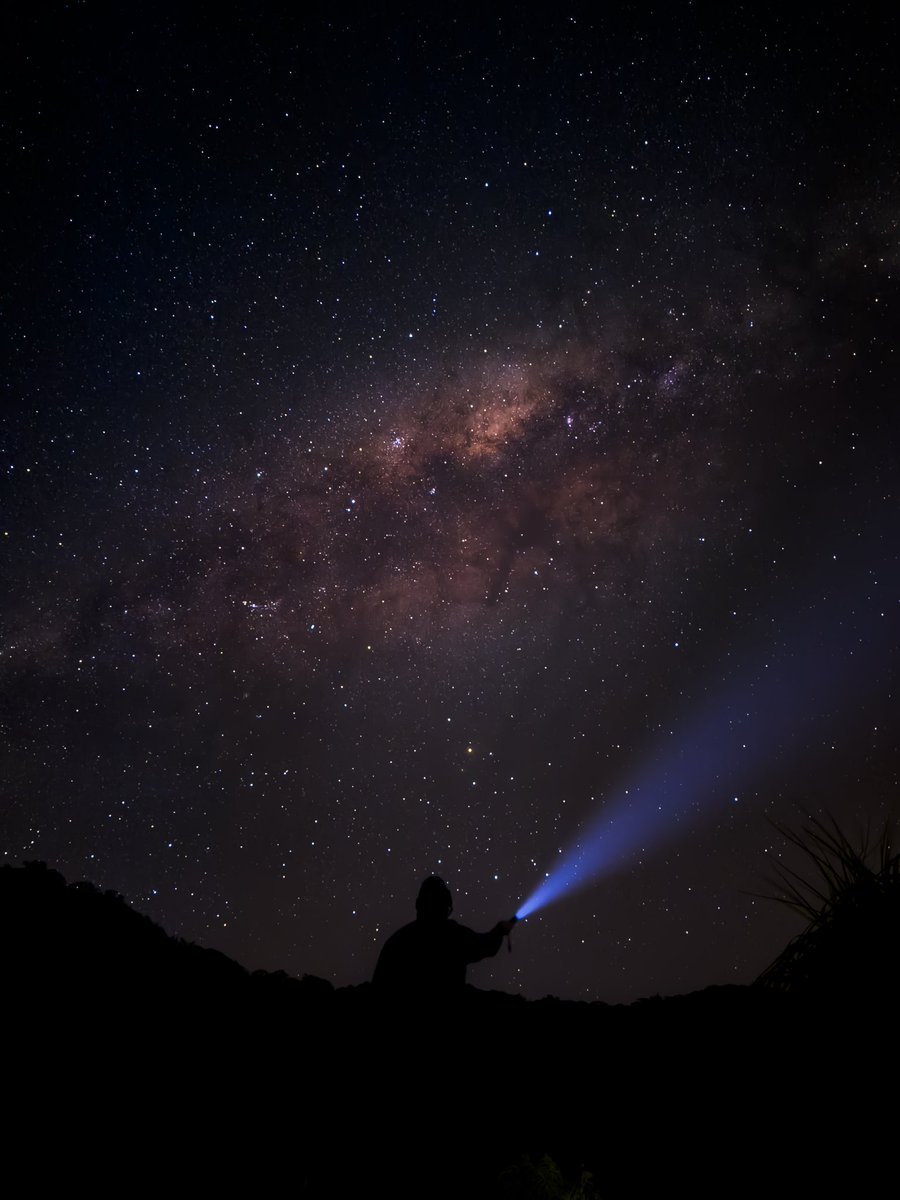
The galactic centre as #shotoniphone with #iPhone16ProMax.
That’s me in the picture, holding the torch. I set my exposure manually then moved into frame and used my Apple Watch to fire the shutter.
@initialfocus Totally agree. For starters it was designed for use in portrait mode only. Sits nicely under the thumb but is less comfortable than tapping on-screen shutter button. As soon as you rotate your device to landscape it is too far to reach with index finger.
Okay…it’s now been over a week of me trying to change my opinion on the camera control button…
…I simply can’t. It’s horribly positioned, it adds zero functionality that isn’t already efficiently accessible. I simply just do not get it.
Recently we hired the Arri Alexa Mini LF and shot this little test scene alongside the iPhone 15 Pro Max with the One LUT for Apple Log.
Not bad (if we do say so ourselves).
One of our favourite pro video apps on iOS is Kino by @halidecamera 👏 Learn how to use Kino's powerful LUT import functionality in our quick tutorial⚡️
youtube.com/watch?v=g1XB9S…
Kino Pro Video Camera on iOS from @halidecamera is just so slick. Support for LUT import makes this app so powerful. Love using Kino's Instant Grade feature to burn The One LUT for Apple Log directly into the footage for a fast turnaround ⚡️🔥