SideDisplay

38 posts

SideDisplay banner
SideDisplay

SideDisplay

@SideDisplay

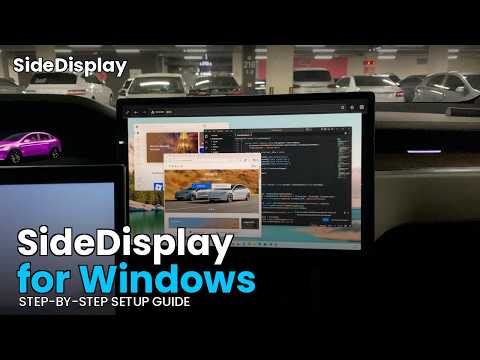
Turn your Tesla into a wireless second monitor for your Mac or PC. No cables, no hardware mods. Just open a URL in the Tesla browser.

South Korea 加入时间 Şubat 2026
8 关注2 粉丝
SideDisplay
SideDisplay@SideDisplay·
Thanks for the interest. You can actually use your home WiFi. The key is getting Tesla's browser to connect to your MacBook, but there's one constraint to work around. With a regular router, both Tesla and MacBook get assigned a private IP range as defined in RFC 1918 (10.0.0.0/8, 172.16.0.0/12, 192.168.0.0/16), and Tesla's browser blocks access to these ranges (at least on the firmware version installed on my Tesla). I use the GL.iNet N300 Mini, which runs OpenWRT, so I connected to the router via SSH and changed the IP range from there. Another option is a USB Ethernet Adapter. MacBook doesn't support external WiFi adapters, so I bought a USB WiFi Adapter and basically threw money away 😅 Ethernet has no such restriction. The GL.iNet N300 Mini also happens to support WiFi repeater mode, so I just used that. The setup looks like this: GL.iNet (WiFi repeater) —— Ethernet Adapter —— MacBook The repeater bridges your home WiFi, connects to the MacBook via LAN cable, and once you configure Internet Sharing, Tesla can connect to your MacBook's SSID. For more details on the Ethernet Adapter approach, check out sidedisplay.co/blog/sidedispl…
English
0
0
0
21
Anthony
Anthony@AnthonyDo·
@SideDisplay Cool but I have to use my phone Internet? What if I’m parked at home and want to use my fast WiFi
English
1
0
0
17
Anthony
Anthony@AnthonyDo·
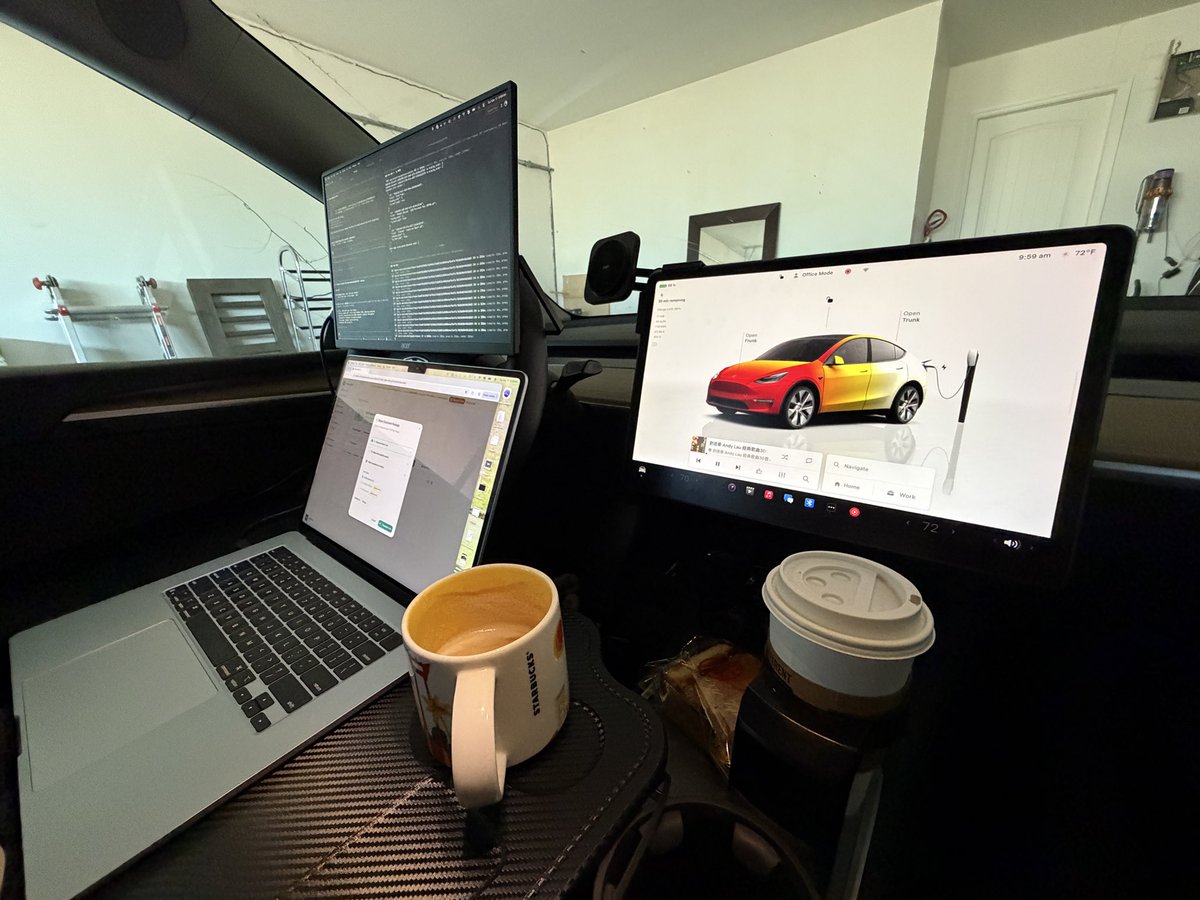
A lot of friends asked me about my mobile office setup and it’s pretty simple with an EV. ✅Foldable table ✅Portable 15 in external monitor single USBC cable ❌Missing only starlink internet 🔜 My next project is to build an app to use Tesla display as another monitor.
Anthony tweet mediaAnthony tweet media
English
3
0
6
129
SideDisplay
SideDisplay@SideDisplay·
🚀 We're live on Product Hunt today! SideDisplay turns your Tesla screen into a wireless extended monitor for Mac & PC. No hardware needed. Works with any device that has a browser. Would mean the world if you check it out and leave a comment! producthunt.com/products/sided…
English
0
0
0
26
Roy Hershkovitz
Roy Hershkovitz@RoyHershkovitz·
@housecor Is it possible to use the car’s screen as a 2nd monitor of the Mac ?
English
1
0
1
204
Cory House
Cory House@housecor·
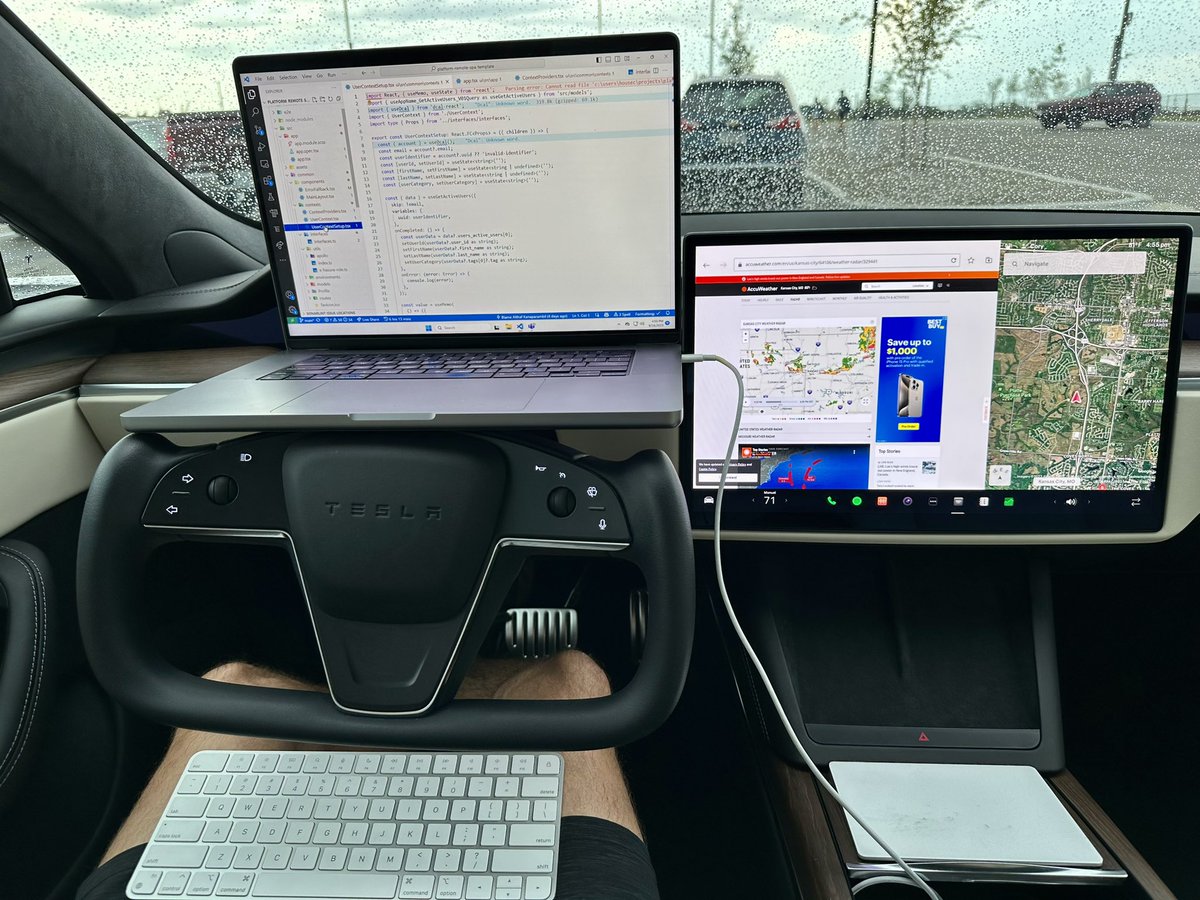
An EV is the ultimate mobile office. It’s quiet. I’m playing soft music. The A/C and cooled seat is on. My laptop and phone are charging. My screen is at eye level. It sits nicely on the yoke! My seat is comfortable. My trackpad is on the center console. My keyboard is on my lap. I can do this for hours and barely impact range because there is no engine running. It’s just sipping a little power from the pack. This. Is. Awesome. 🔥
Cory House tweet media
English
202
89
1.8K
649.9K
Some UK Tesla Guy
Some UK Tesla Guy@SomeUKTeslaGuy·
@SideDisplay @LinkN01 Done right it could really add something. I doubt somehow that they do things like Grok and then a crappy version of CarPlay.
English
1
0
0
89
SideDisplay
SideDisplay@SideDisplay·
@SomeUKTeslaGuy @LinkN01 Totally agree. The implementation matters everything. Been using the center display as an extended monitor for my MacBook while parked. That's the WFT setup that actually makes sense. Way more useful than just mirroring a phone screen.
English
1
0
1
27
Some UK Tesla Guy
Some UK Tesla Guy@SomeUKTeslaGuy·
"Don't know". Depends completely on what the implementation lands as, and what it does for me. If they included airplay destination for the screen from iPad / laptops, it would be amazing to 'WFT' with the two screens. If it's smooth like the Tesla display, or better somehow for some things - then yes. If it's just the clanky experience of other vehicles, no.
English
1
0
1
147
SideDisplay
SideDisplay@SideDisplay·
@AhoyChunk @elonmusk Although Tesla doesn't support AirPlay, there is a way to use the Tesla screen as an extended monitor for your laptop. No hardware mods, software only.
English
0
0
0
32
Chunk
Chunk@AhoyChunk·
@elonmusk Would be great if we could cast or airplay to the Tesla screen.
English
1
0
9
938
Elon Musk
Elon Musk@elonmusk·
And you can also use AirPlay
English
13.6K
6K
103.3K
71M
SideDisplay
SideDisplay@SideDisplay·
@AnthonyDo @Tesla Love the mobile office setup. Tesla doesn't support AirPlay yet, but you can actually extend your display to the center screen right now using WebRTC through the built-in browser. I built a lightweight app for this called SideDisplay. No extra hardware needed. Interested?
English
0
0
0
83
Anthony
Anthony@AnthonyDo·
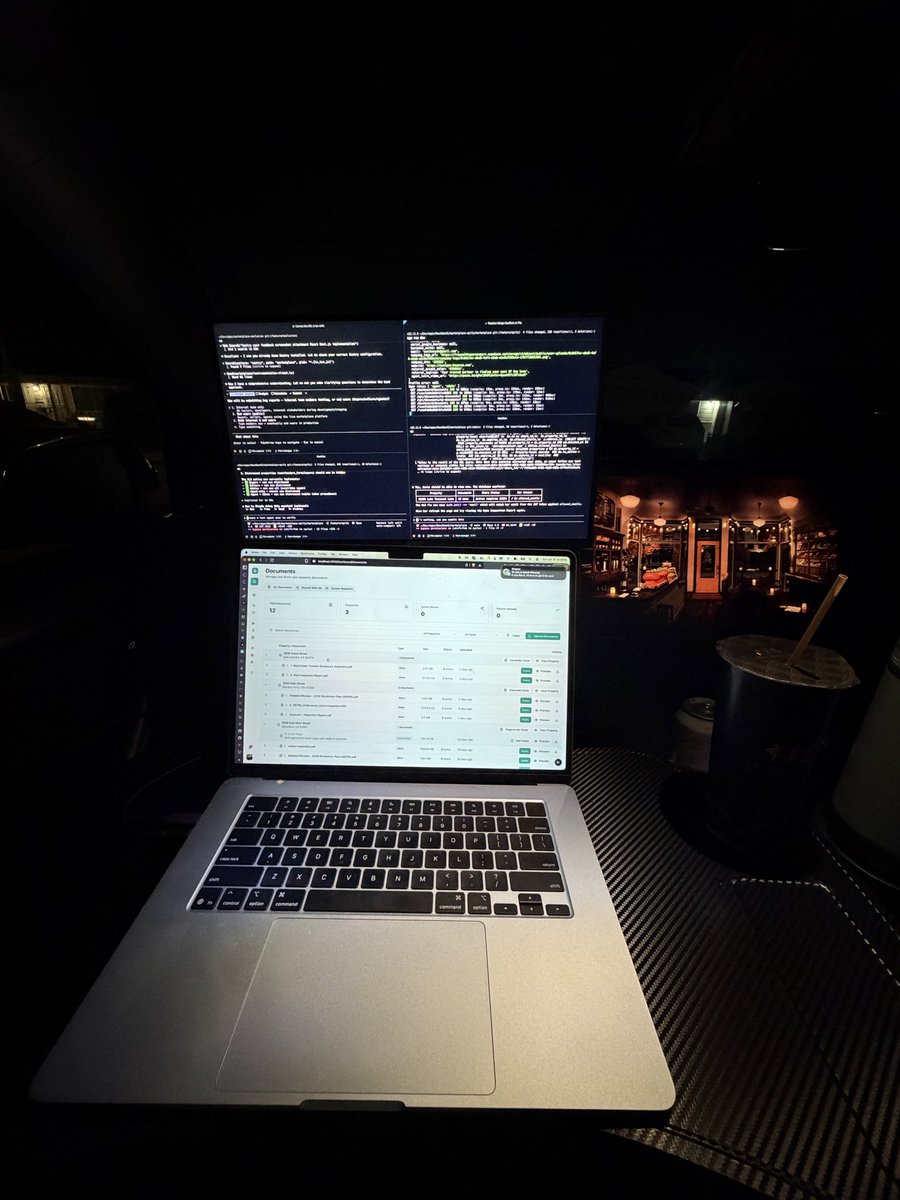
New mobile office setup in the @Tesla. Would be nice if Tesla allows for airplay to extend my displays.
Anthony tweet media
English
1
0
5
115
SideDisplay
SideDisplay@SideDisplay·
@drodio Love the dedication to the mobile office setup. Would be even more complete if you could use the Tesla's center display as an extended monitor for your MacBook.
English
0
0
0
15
DROdio
DROdio@drodio·
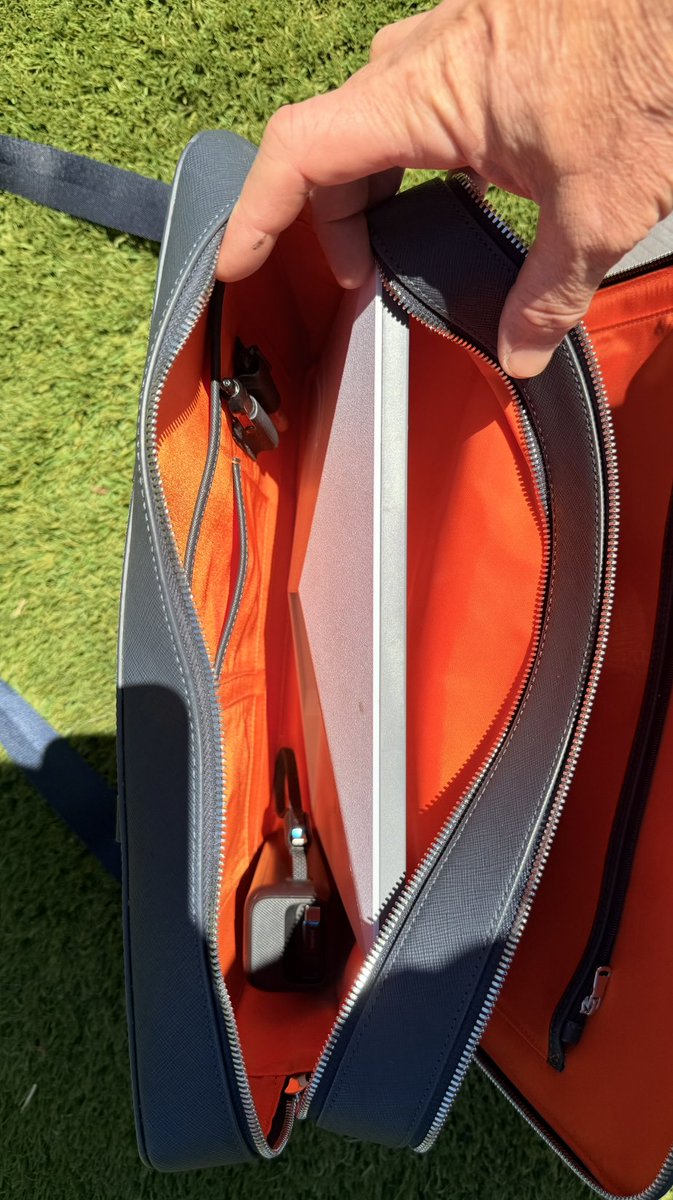
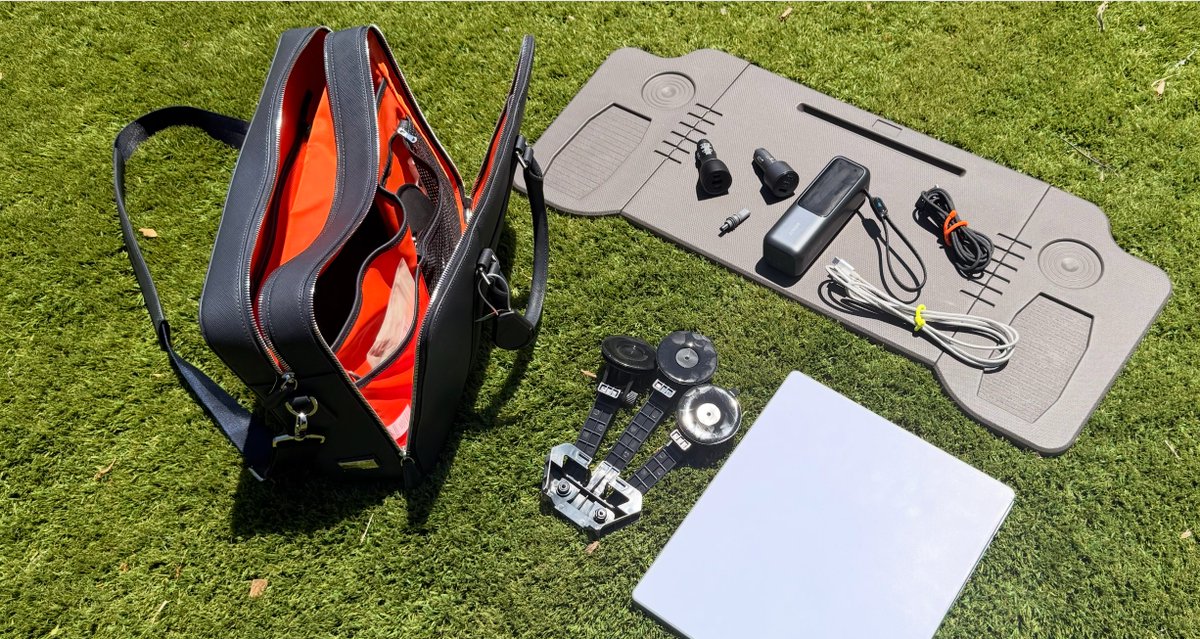
Starlink Mini is small enough to fit in a briefcase and be powered by your Tesla -- if you know how to set it up just right. Here's how I work from anywhere: drodio.com/satellite-in-a…
DROdio tweet mediaDROdio tweet mediaDROdio tweet media
English
1
0
1
134
SideDisplay
SideDisplay@SideDisplay·
@Petey_Money @Starlink @elonmusk This guide assumes USB tethering for internet. If you need to use Starlink, that won't work. Instead, you could plug a USB Wi-Fi adapter into your laptop so you have two Wi-Fi interfaces, one for Starlink and the other set up as a Mobile Hotspot for the Tesla.
English
0
0
0
29
PeteyMoney
PeteyMoney@Petey_Money·
My new @Starlink mini. Office with a view, building bots in the mobile office. Thank you at @elonmusk my life is better thanks to your magical creations.
English
1
0
2
66
SideDisplay
SideDisplay@SideDisplay·
@Petey_Money @Starlink @elonmusk Glad I found you too! I built SideDisplay, which wirelessly turns your Tesla screen into an extended monitor for your Mac or Windows laptop.
English
0
0
0
23
SideDisplay
SideDisplay@SideDisplay·
@RobbyMD3 @Tesla What do you think about using that big screen as an extended monitor for your laptop?
English
0
0
0
16
Robert Martin
Robert Martin@RobbyMD3·
People underestimate how good @Tesla is as a mobile office/breakroom. I eat my lunch here everyday and it feels like home!
Robert Martin tweet media
English
1
0
5
146
SideDisplay
SideDisplay@SideDisplay·
Work From Tesla is a real thing. This is exactly why I built SideDisplay — your Tesla screen becomes a wireless extended monitor for your laptop. No hardware, no cables.
Some UK Tesla Guy@SomeUKTeslaGuy

Every time I go out to the countryside to ‘WFT’ - that’s Work From Tesla, I really wish the in-car display was an airplay destination. This would be incredibly useful for personal or work iPads, MacBook / MacBook Pro, etc. Hey @Tesla / @Tesla_UK - could we make this happen, please?

English
0
0
0
46
Anthony
Anthony@AnthonyDo·
@romaindewolff i love working this way actually -- even at home! i wish we can use the @Tesla screen as second monitor.
English
2
0
2
51
Romain de Wolff
Romain de Wolff@romaindewolff·
What’s stops you from coding like this?
Romain de Wolff tweet media
English
11
0
13
839