@CleanShot Hello, I've noticed that since the latest update, I experience long wait times and loading delays whenever I use screen recording or scrolling screenshots. How can I resolve this issue?
CleanShot + Your Brand = 💙
One screenshot preset and every capture stays on-brand. 💎
1. Create a preset with your brand colors.
2. Set it as default preset.
3. Send perfectly branded screenshots to your clients. 🤝
#CleanShotTip
Has @CleanShot been buggy for others lately? It feels like the last couple of months I've been running in to hangs, thumbnails not properly dismissing and generally slow performance… I've been running all the Tahoe builds…
@CleanShot I just downloaded CleanShot again. However, it won't open. It briefly appears in the menu bar but closes again in less than a second. I tried reinstalling it, and there are no files in the library to clear.
@bedesqui@raycast Hi Igor! You can achieve this using our URL Scheme API: cleanshot.com/docs-api
Then, use Raycast to run a script that opens a URL like this: "cleanshot://record-screen?x=100&y=120&width=200&height=150"
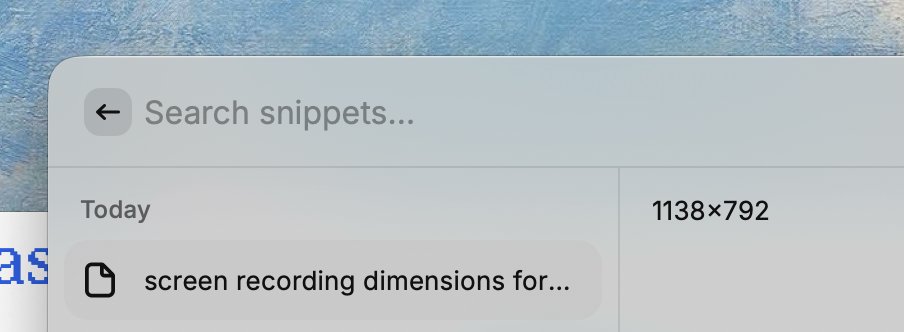
would be SO NICE if @CleanShot supported user defined preset resolutions...
would be even nicer if it let me start a recording at some resolution straight from @raycast
once can dream, right?
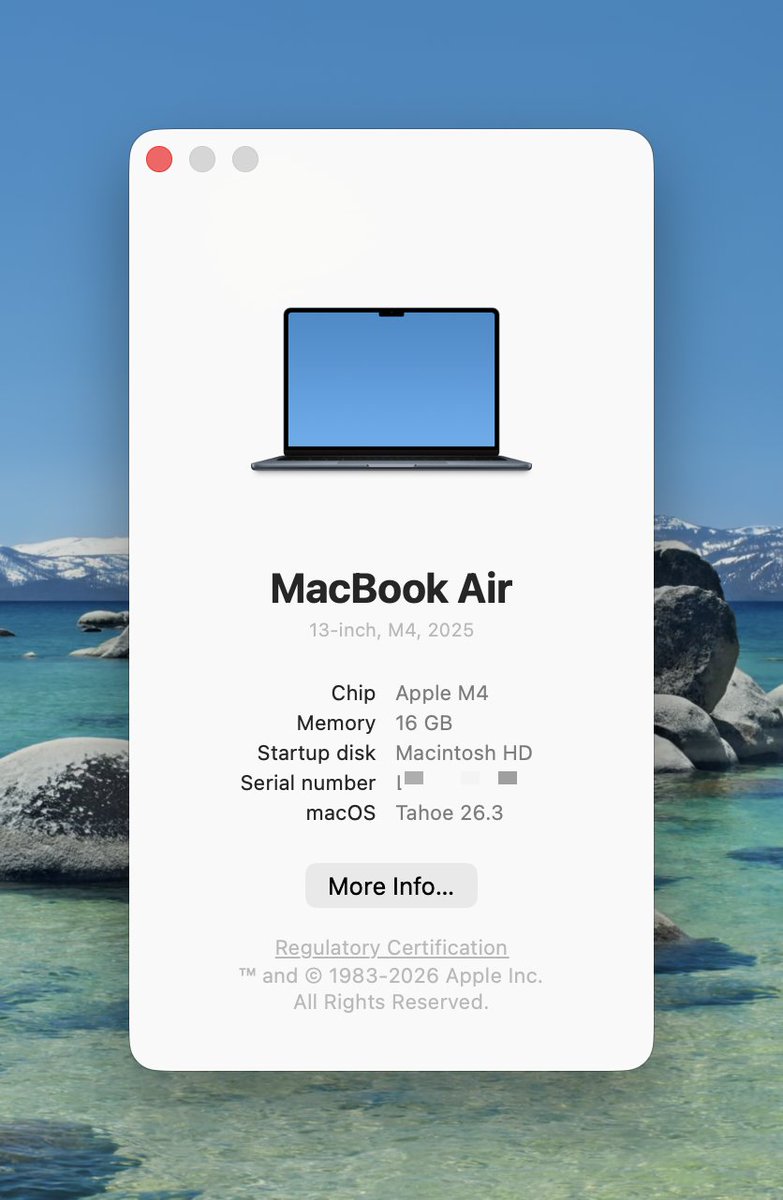
@andreylv You need to click on "Tahoe 26.3" to reveal the build number. Please check if it shows 25D125. If it doesn't, you're likely on a beta build and will need to update to the official release.
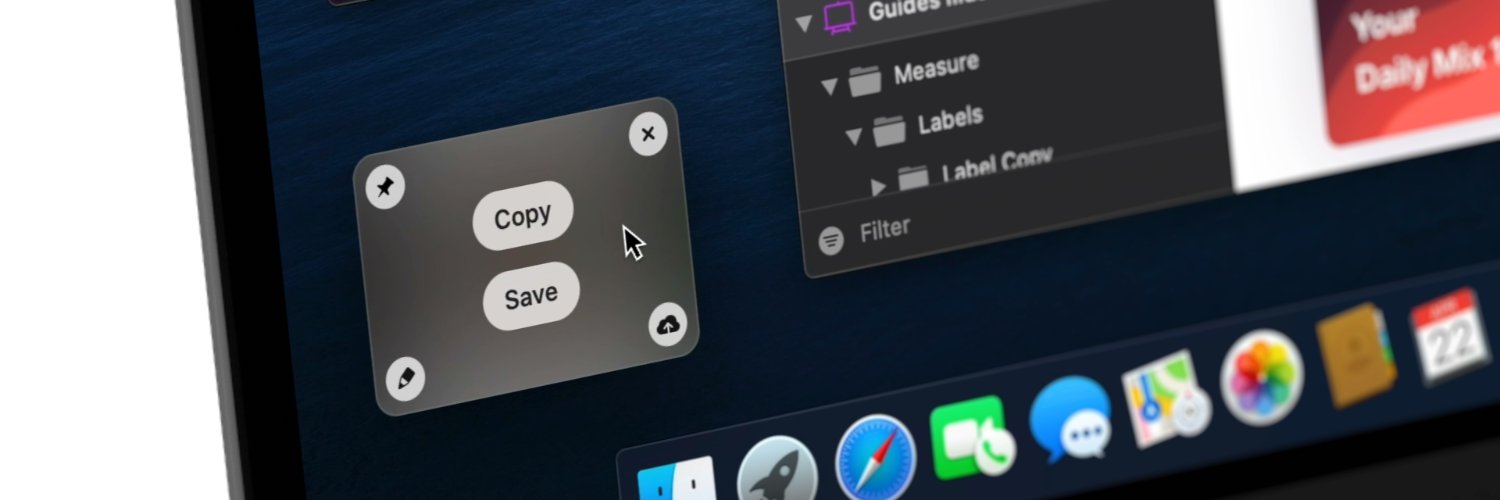
@CleanShot When taking a screenshot, a popup shows up in the bottom-left corner. It takes ±2 seconds before I can press COPY. Could you please make these things available immediately? I don't need that fancy loading transition. It's slowing me down.
Every time take a @cleanshot screen grab and appears in lower corner, it somehow freezes everything else on screen so you can move cursor but can't interact with anything. Haven't seem a bug like that with a mac app in a long time. Started quite recently on macOS beta.
Mac users - you already press Space to preview files.
But did you know the same works in CleanShot? 🤔
Here’s a #CleanShotTip you might’ve missed: hover over a captured media file and press Space to instantly see a preview 👀
@BrOrlandi Hi Bruno! Do you have enough free disk space? CleanShot can crash if there’s not enough space. Try removing some files and see if that helps.
@CleanShot I'm trying to record my screen, but the video consistently crashes at exactly 8 minutes and 20 seconds. I only realize this after saving the recording. The recording process appears to continue normally. For example, I recorded a 12-minute video, but after saving it, the file only contained 8 minutes and 20 seconds. This has already happened twice.
I'm using the latest version (4.8.7). Please fix this issue, as I currently cannot rely on this app for screen recordings. I now have to use another software to record the same content for a third time.
I hope this can be resolved soon.
@DonnyWalsem@davidnyuwin@TechRemarker Apple has released the update, fixing this issue. Please update your system to the latest version, 26.3 (25D125), and everything should work as expected. 🙂
@hackteck@deanfx Unfortunately the hotfix won't work if you have CleanShot installed from Setapp.
If you can't downgrade your system but urgently need to use CleanShot, please contact us at hello@cleanshot.com. We will provide a license for you to use until we release an official update.
@CleanShot FYI noticing an issue when using 26.3 RC where after a screenshot is taken, I can't edit it, it will open the editor but nothing is clickable. In the mini-window, I am able to click the 4 buttons without an issue. This just started occurring with the RC.
We’re aware of the bug and have identified that it’s related to the beta release of macOS 26.3 RC. We hope that Apple will address it before the public release.
In the meantime, here you can download a working version:
share.mtw.team/builds/CleanSh…
As an alternative workaround, you can close the Quick Access Overlay (the recently taken screenshot shown in the bottom-left corner). Once it’s closed, all applications should become interactive again.
We're truly sorry for all the trouble!
There’s a reason we have Clean in the name ✨
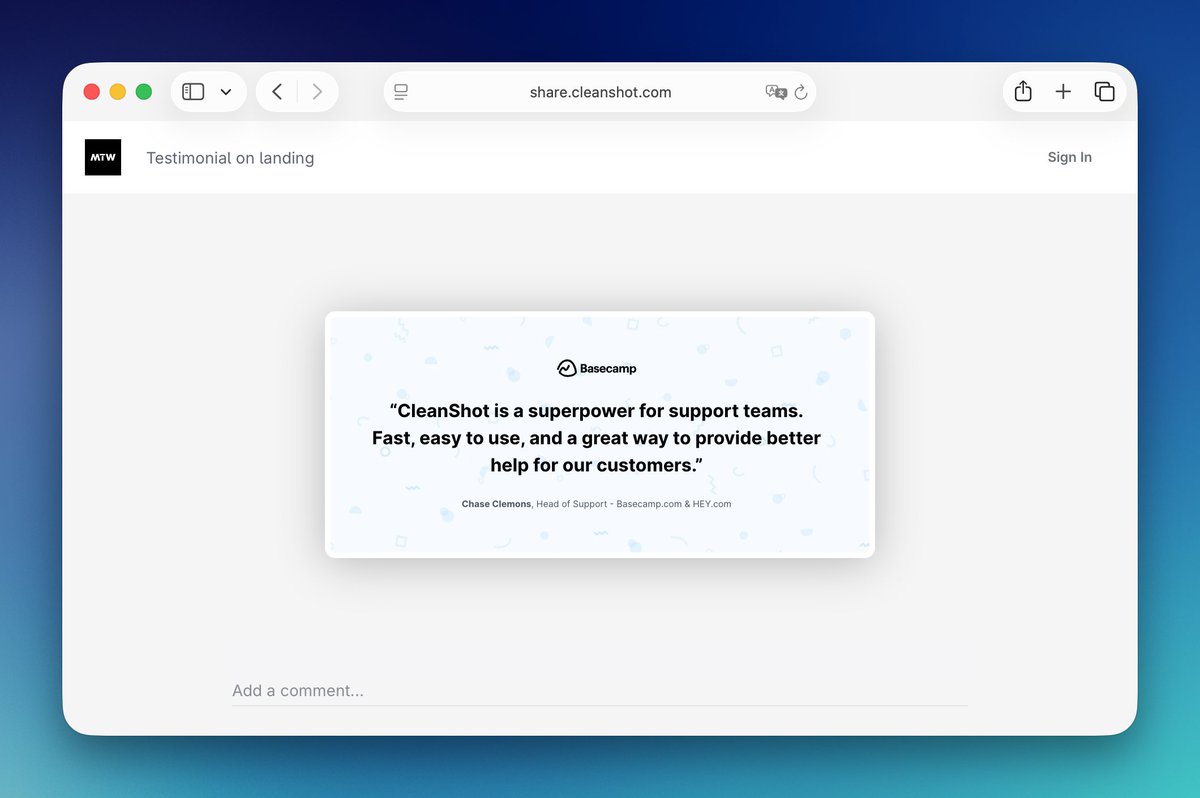
With CleanShot Cloud, you can customize everything and keep your shared media beautifully simple.
No clutter. No distractions. Just focus. 🧘