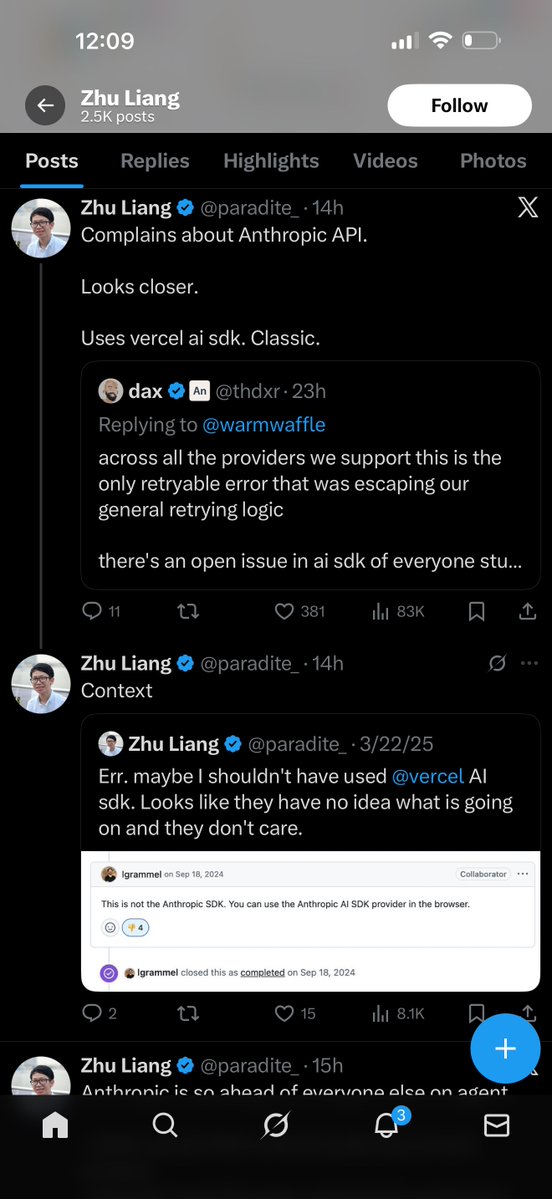
@theo @paradite_ I find it bizarre that people treat AI companies like they're sports teams you're supposed to cheer for
English
Ndjfjf
69 posts






Computer use is now in Claude Code. Claude can open your apps, click through your UI, and test what it built, right from the CLI. Now in research preview on Pro and Max plans.



We just released Claude Code channels, which allows you to control your Claude Code session through select MCPs, starting with Telegram and Discord. Use this to message Claude Code directly from your phone.

How to build AI tools without writing code: (Using Claude Code for competitive research as an example) Step 1: Start with a vague ask → "Find distressed wedding venues in North Carolina" → Don't overthink it. Claude will search the web and find patterns you'd miss. → It found social posts about "stranded brides" and owners going to prison. Step 2: Turn chaos into structure → Ask Claude to create a CSV with a schema → Now you have sortable, filterable data → This is what separates "I asked ChatGPT" from "I built a tool" Step 3: Use Plan Mode (Shift+Tab) → Claude interviews YOU before doing the work → It asks: "What level of control do you want?" "Acquisition or partnership?" → Fills gaps in your thinking you didn't know existed Step 4: Add a scoring rubric → Claude analyzed each venue for acquisition potential vs partnership fit → One scored 4.2/5 for acquisition (owner in prison, foreclosure auction) → Another scored high for partnership (burned out owner, good property) Step 5: Visualize with Playground → Type "use the playground skill to create a visual dossier" → It builds a full HTML dashboard with filters, tags, and next-step recommendations → One self-contained file you can share with anyone Step 6: Turn it into a skill → "Create a skill that repeats this for any state" → Now the entire workflow runs with one command → Research → Structure → Score → Dashboard. Automated. The beauty of this process is that you're building tools that compound. Full walkthrough with @TheViableEdge in the video below. (the Build With AI podcast is also available on all podcast platforms)