Kent Walker

2.4K posts

Kent Walker banner
Kent Walker

Kent Walker

@Kent_Walker

President, Global Affairs @Google and Alphabet

Katılım Mayıs 2018
624 Takip Edilen16.1K Takipçiler
Kent Walker
Kent Walker@Kent_Walker·
If you’re a founder using AI to build a more resilient energy future, we want to help you scale your impact. Apply now for the Google for Startups Accelerator ↓ blog.google/company-news/o…
English
0
2
1
221
Kent Walker retweetledi
Freedom 250
Freedom 250@Freedom250·
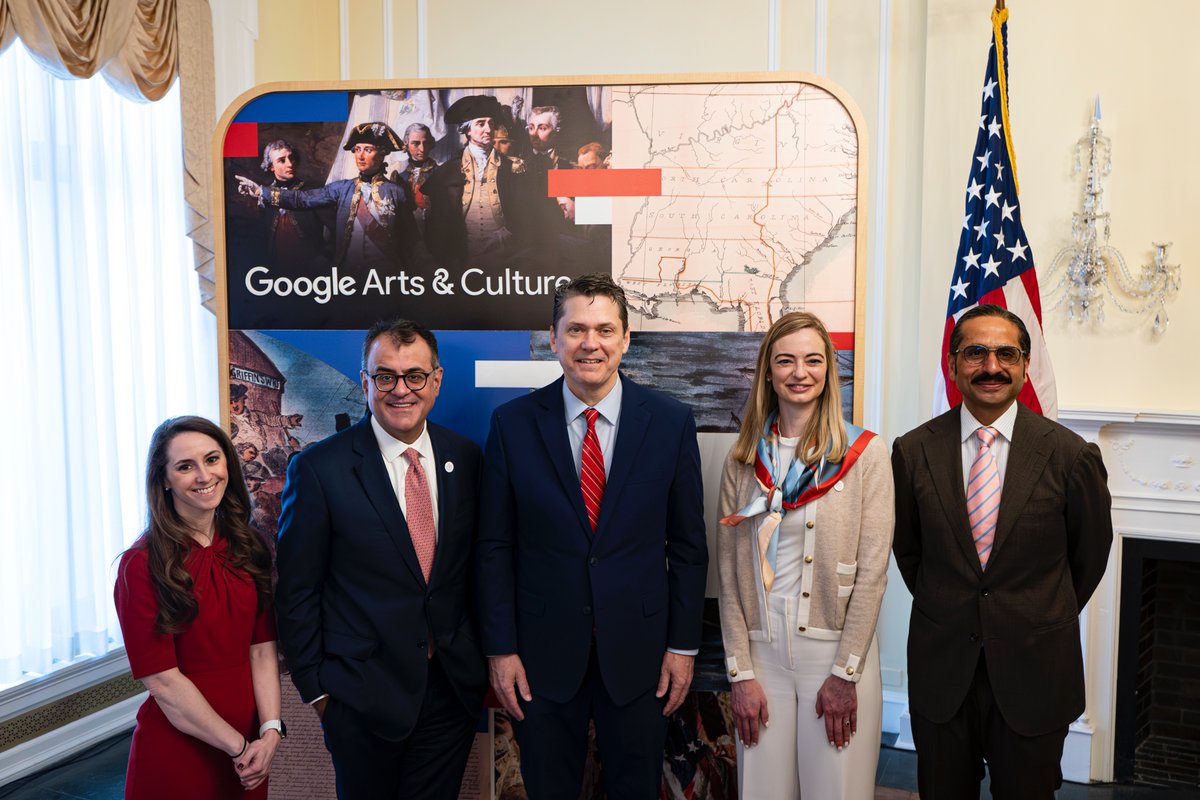
"Making of the Nation – America at 250 – is an extraordinary initiative combining technology and storytelling that invites every American, and every person on the planet, to explore the genius of the Declaration of Independence, the Constitution, the Bill of Rights, and other historic documents that have been the foundation of American Freedom for 250 years.” –White House Domestic Policy Council director and leader of the White House Task Force 250 Vince Haley
Freedom 250 tweet media
English
2
15
63
1.6K
Kent Walker retweetledi
Neal Mohan
Neal Mohan@nealmohan·
April was an absolutely massive month for live streaming on @youtube, from @NASA's Artemis II mission 🚀 (which accumulated over 79M viewers) to the iconic stages of @coachella 🎡 None of this scale would be possible without our infrastructure and engineering teams. For years, we've built technology to deliver a consistent, high-quality live stream experience to our viewers around the world, no matter what device they are on. To make the live streaming experience even better, last month, we launched Gifts on horizontal live streams (in addition to vertical) and in more global markets, dual-format streaming, and ad-holding during peak moments. YouTube has become the lens through which we experience the world’s biggest cultural moments (and beyond) in real-time.
English
136
11
87
19.8K
Kent Walker retweetledi
News from Google
News from Google@NewsFromGoogle·
“In 2016, [@SundarPichai] had declared Google would be an “AI-first company,” and began cultivating a series of projects—custom chips, Cloud, YouTube, and deep AI research—that seemed to have nothing to do with Google’s core search product. All of these bets have paid off, and then some.” — @TIME in their new #TIME100Companies cover story on Alphabet and AI → time.com/collection/tim… 📷: Daniel Dorsa
News from Google tweet media
English
102
288
2.5K
171.8K
Kent Walker retweetledi
Nick Fox
Nick Fox@thefox·
We’re expanding Preferred Sources to all Search languages worldwide! 🚀 You can select your go-to outlets to see them more often in your results. And for sites and pubs? People are 2X more likely to click to a site after marking it as a Preferred Source
Nick Fox tweet media
English
3
8
106
5.8K
Kent Walker retweetledi
Google.org
Google.org@Googleorg·
Last call for our PhD Fellowship Program! 🎓 We’re looking for exceptional students pushing the boundaries of computer science. Join a global community of scholars & get mentorship from Google researchers. ⏳ Deadline: Thursday, April 30. Apply now: goo.gle/phdfellowship
English
0
16
77
9K
Kent Walker retweetledi
Josh Woodward
Josh Woodward@joshwoodward·
New in Gemini: Generate files and export them Tell Gemini what you want to create and the format, and it now does the work for you. Now supporting: 📄 Google Docs, Word (.docx) & PDFs 📊 Google Sheets, Excel (.xlsx) & CSV 🖥️ Google Slides 🛠️ Markdown, LaTeX, TXT, RTF Available now on all surfaces globally!
English
151
275
3K
329.8K
Kent Walker retweetledi
Steven Johnson
Steven Johnson@stevenbjohnson·
Major new feature for @NotebookLM power users: in the tradition of Mind Maps, Notebook can now auto-label your sources, making it much easier to manage notebooks with many sources. I’ve been using it for weeks and it is amazingly versatile with big notebooks. Details below. Here’s how it works. If you have more than 5 sources in a Notebook, you’ll see a new “auto-label” button above the source list on the left side. Click on that and Notebook will review the content of all your sources and organize them into high-level categories. Each source can have multiple labels if there is overlap in the subject matter. Once the labels have been applied, you’ll see a new tidy view of your sources where you see only the top level categories, but you can easily expand to see all the sources associated with each label. Click the three dot menu next to each to rename or delete the label. (Sources won’t be deleted.) Or add emojis to visually differentiate between labels. You can click the three dot menu next to each source to assign different labels to the source. Having that organized label view in the source panel makes it much easier to find a specific source you’re looking for, but that’s just the beginning. You can also focus the AI on specific categories using the selection buttons on the right hand of the source panel. Select one category and all the responses in chat will be grounded exclusively in the sources assigned to that label. This can be helpful if you’re worried about the AI getting distracted by information in other categories, and it can speed up your chat response times because there are fewer sources to load into the context. Selecting by label is also super helpful for generating studio artifacts. If you want a podcast focused only the sources about the civil war in your American History notebook, just select that label and click the audio overview button in Studio. Label view also greatly enhances Fast and Deep Research in a notebook with many existing sources. In the past, if one of the research agents added a batch of sources (up to 40 or 50 with Deep Research) all the sources would be scattered through your source panel alphabetically with no way to tell which ones were the new additions. But now, if all your pre-existing sources are neatly filed away in the appropriate labels, when you pull down new research sources they all appear in alphabetical list below the label categories. That makes it easy to review those new sources to see which ones you really want to keep, and you can manually select them (and de-select all the labels) to explore the new information you’ve just added to your notebook. Let’s say you want to add new information specifically about the Battle Of Gettysburg to your American History notebook—run a Fast Research query, import ten new sources, select those new unlabelled sources and hit the Slide Deck button to do a focused review of the history of Gettysburg. Once you’ve explored those new sources, you can always hit the original auto-label button in the top left and choose “Reorganize unlabeled sources.” Notebook will automatically assign the appropriate labels to the new arrivals. If you want to switch back to the full alphabetical list of sources, just choose “Return to list view” to return to the traditional source panel layout. Notebook will remember your labels so it's easy to switch back and forth between the two views. The feature should be rolling out to all users over the next few days. Enjoy!
GIF
English
9
25
177
14.9K
Kent Walker
Kent Walker@Kent_Walker·
Happy birthday! ¡Feliz cumpleaños! Joyeux anniversaire! Wszystkiego najlepszego! 生日快乐 Google Translate turns 20 today and we’re taking a trip down Translate memory lane and looking back on an experiment that kickstarted our machine learning journey. blog.google/products-and-p…
English
0
0
5
310
Kent Walker retweetledi
News from Google
News from Google@NewsFromGoogle·
We're donating Agent Payments Protocol (AP2) to the @FIDOAlliance to help scale and support the future of secure, agentic payments.
English
1
13
102
7.1K
Kent Walker
Kent Walker@Kent_Walker·
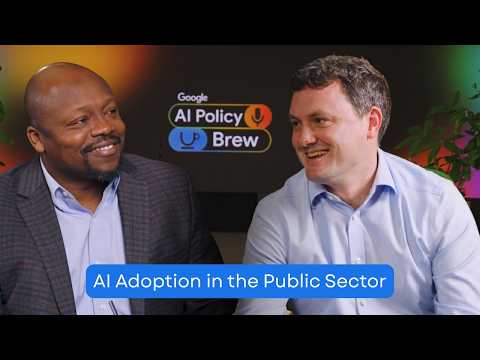
People are moving from “keywordese” to more complex, deeper questions, plus follow-ups. This discussion with Liz Reid, @TheStalwart & @tracyalloway is worth a listen if you want to learn more about how our teams are meeting people where they are in Search. youtube.com/watch?v=DP8qe2…
YouTube video
YouTube
Bloomberg@business

On this episode of the Odd Lots podcast, Google's Elizabeth Reid joins @TheStalwart and @tracyalloway to discuss search in the world of AI. As vice president of search, Reid tells us about how AI is changing user behavior and how Google is incorporating Gemini into search apple.co/4lTgFT6
English
0
0
1
733
Kent Walker retweetledi
Thomas Kurian
Thomas Kurian@ThomasOrTK·
Nearly 75% of Google Cloud customers now leverage our AI products to power their businesses. Over the past 12 months, 330 Google Cloud customers each processed over one trillion tokens, while 35 reached the 10-trillion-token milestone with our models. Here are a few we shared at #GoogleCloudNext
Thomas Kurian tweet media
English
7
31
197
13.9K
Kent Walker retweetledi
Google Public Policy
Google Public Policy@googlepubpolicy·
Google’s Cris Turner, Vice President of Public Policy, shares how city leaders from Buenos Aires to Tokyo are moving from curiosity to action, using AI to tackle everyday challenges for their citizens.
English
18
12
67
482.9K
Kent Walker retweetledi
Sundar Pichai
Sundar Pichai@sundarpichai·
TPU 8t, optimized for training and TPU 8i, optimized for inference. Looking good!
Sundar Pichai tweet media
English
450
940
15.2K
1.3M
Kent Walker retweetledi
Thomas Kurian
Thomas Kurian@ThomasOrTK·
Today at #GoogleCloudNext we shared new innovations across our integrated stack to to help transform your organization to an Agentic Enterprise →
English
19
68
672
136.9K
Kent Walker retweetledi
Neal Mohan
Neal Mohan@nealmohan·
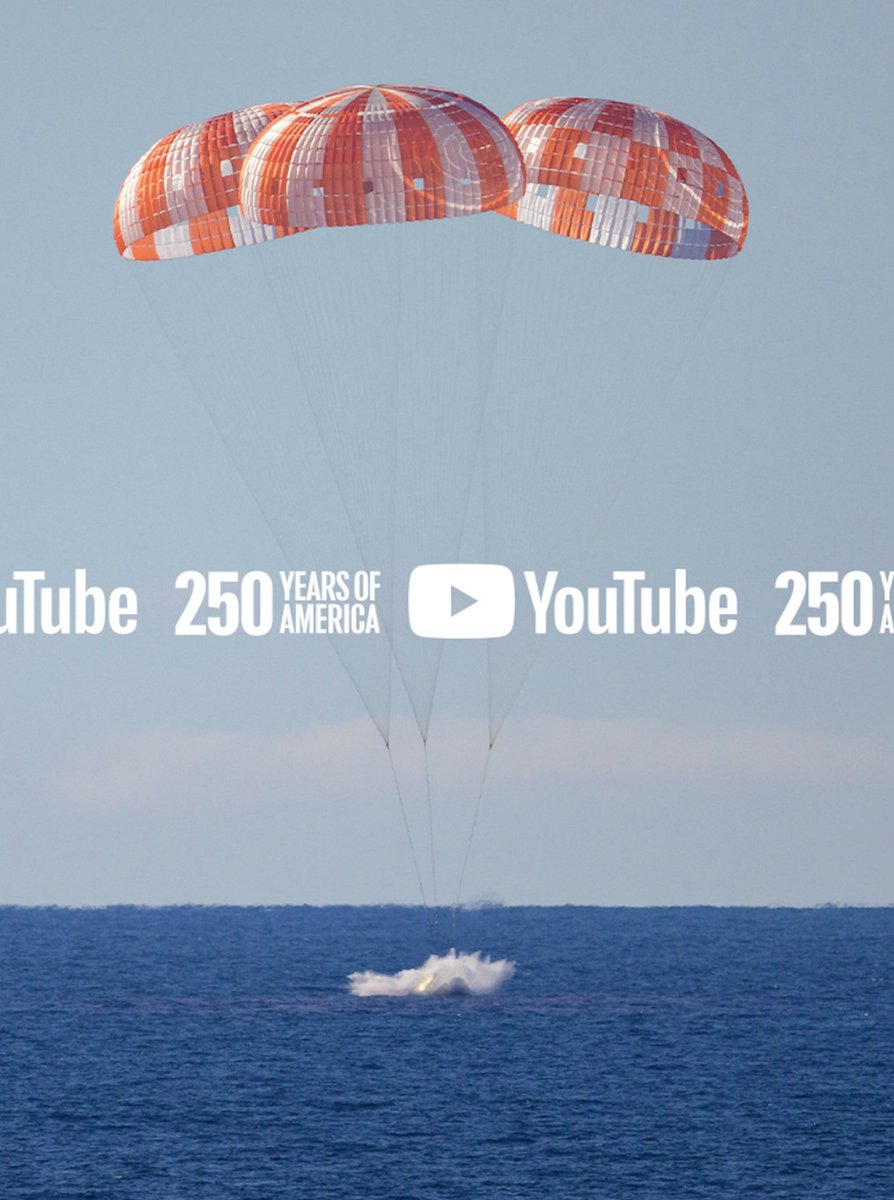
When @NASA's Artemis II crew splashed down in the Pacific, they not only completed a 10-day historic mission, but also captured the world’s imagination and united a global community on @YouTube. Over the course of their journey, NASA's official YouTube broadcast of the mission saw over 79M views globally. The comment section turned into a global water cooler, where people across generations shared their awe. To help our community experience history in the making, we rolled out a dedicated search shelf on YouTube that lets you travel back in time and re-experience iconic moments, like Neil Armstrong’s first step on the moon, while witnessing the Artemis II mission live. We also had 10 @YouTubeCreators, including @smartereveryday, @PBSSpaceTime, and @DJSnM, on the ground at the launch site in Florida. Streaming alongside the official feeds, the creators helped break down the science behind the mission in real-time, making the experience feel incredibly personal. What makes me the most proud is seeing how the live coverage of the mission has inspired the next generation of explorers. To help nurture this curiosity, we curated an educational space-themed playlist on YouTube Kids. Whether you’re a student, educator, or lifelong learner, check out our America 250 Hub on YouTube, where we will continue to celebrate the innovations that shape our world: @America250" target="_blank" rel="nofollow noopener">youtube.com/@America250. Congratulations to NASA, the Artemis II crew, and everyone who made this lunar flyby possible.
Neal Mohan tweet media
English
30
35
321
50.5K