Sabitlenmiş Tweet
Variant
88 posts


Variant retweetledi

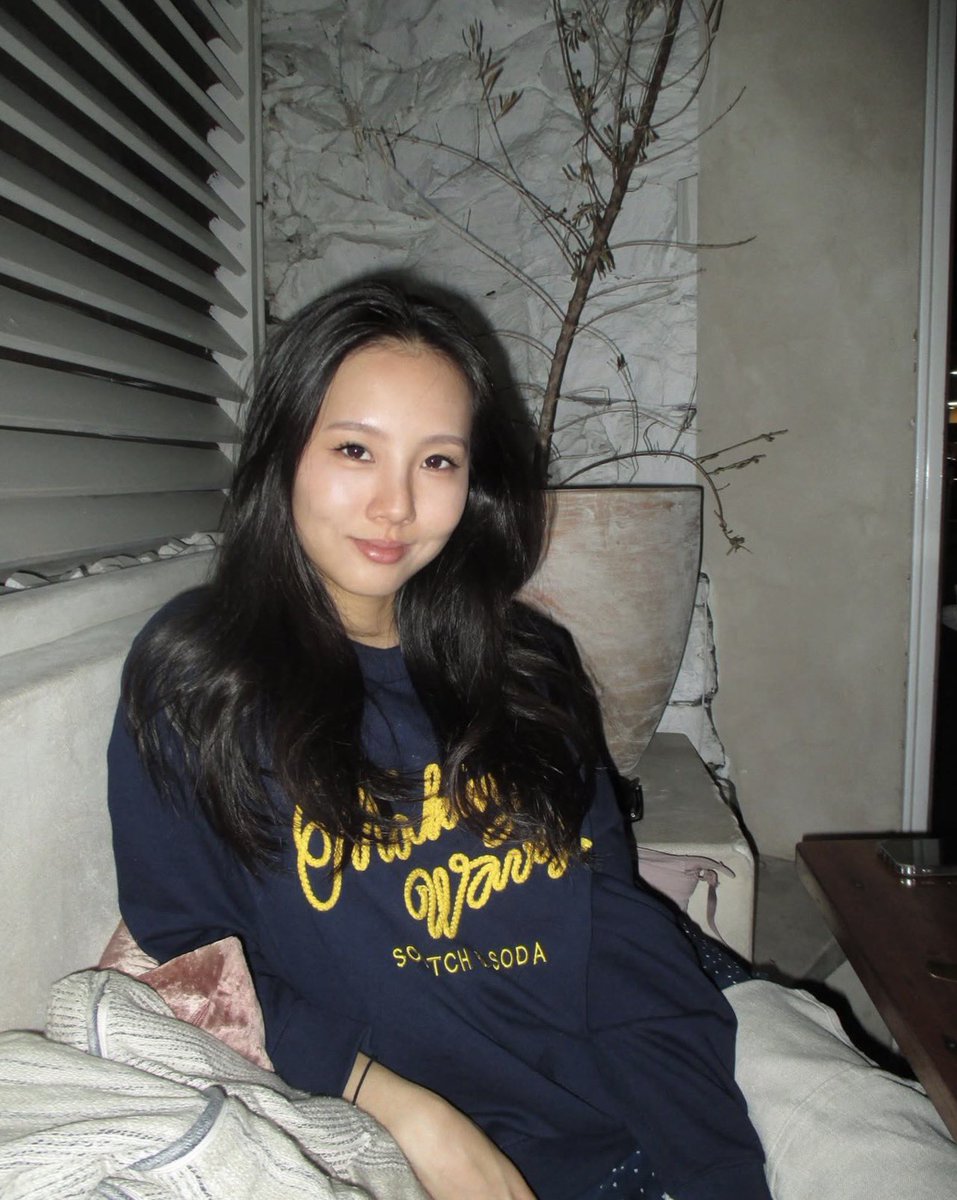
hiii it’s elly!
i’m new to x, so here’s an intro
I’m an australian 🇦🇺 born chinese 🇨🇳, now living in sf🌁.
just joined @variantui as a design engineer and storyteller
current hobbies:
> love chatting about export controls
> long walks near data centers
> memorizing org charts
> touring frontier labs
> pilates
let’s connect if you have security clearance or you’re a member of technical staff ;)
English
Variant retweetledi

Sorry, next version of @variantui will be for PATRIOTS ONLY 🇺🇸🫡🇺🇸
Anthropic@AnthropicAI
The US government, citing national security authorities, has issued an export control directive to suspend all access to Fable 5 and Mythos 5 by any foreign national, whether inside or outside the United States, including foreign national Anthropic employees. The net effect of this order is that we must abruptly disable Fable 5 and Mythos 5 for all our customers to ensure compliance. Access to all other Claude models is not affected. We apologize for this disruption to our customers. We believe this is a misunderstanding and are working to restore access as soon as possible. Read our full statement: anthropic.com/news/fable-myt…
English
Variant retweetledi

Variant retweetledi

My AI workflow always involves generating 10s or 100s of options and then piecing together the parts I like.
Here's my @variantui session from a recent project (askorbit.to). Can't scroll to the bottom without crashing the browser.
English
@hahaitsmike Select your profile picture bottom left -> Plan details -> Manage Subscription
English

@variantui how do I get to my account settings or manage account page? I can’t find a link anywhere.
English
Variant retweetledi

Variant retweetledi

Made this using @variantui - not sure if I should expand it to a full @framer template or not.
WDYT?
English
Variant retweetledi

English
Variant retweetledi
Variant retweetledi

Variant retweetledi
Ladies and gentlemen, we got him
Please join me in welcoming @doriancottin to the @variantui team
He's a truly rare talent and criminally under-followed, here's some of his work:
Ben South@bnj
I’m looking for my replacement at @variantui No, I’m not going anywhere, but I have less and less time to do the work I truly love: minding the details It’s hard to let go, but I think it’s finally time If you’re an incredible design engineer and want to work on features like this, DMs open
English
Variant retweetledi
Variant retweetledi

The whole process starts in Claude chat, I set different threads based of different skill sets, set the skill set up per thread.
As far a making things beautiful, I pull images that I’m inspired by based off of what me and my creative Director thread chat about and come up with. I also do exploration for general brand strategy overall looking feel . We come up with look and feel.
Once I have that then I take it to @variantui where I really do all of the creative work. (Variant is by far the best tooling to create variance of your designs). Once I have something that I like based off of a overall looking, feel then I send it back to Claude creative director, and my director threads gives its feedback, I put my feedback in there and then I get Claude to make a markdown files for everything designs(once finalized) that then we can move into Claude code.
Once we are good with the product features then I tell Claude chat to write the prompt for me( for Claude code). This includes tech specs and any thing needed to accomplish goals. Ie. CTO thread recommends tech stack etc…copywriter thread focuses on copy, etc...
Would love to chat with ya and show you my workflow and exchange notes.
It’s all new and ever changing.
English
Variant retweetledi

watching 'her' in 2014: "i'd love to use theodore's handwritten letter-writing tool"
re-watching 'her' last week: "wait actually I could maybe just build something like this now?"
v0 but give it a try → …tifulhandwrittenletters.codewords.run
built with @variantui @DeepgramAI @CodeWordsAI
English
Variant retweetledi

@arynadesigns True. I tried vibe coding a saas and the design was so shit even after iterating.
So then I used Variant (another ai tool what specialises in UI design) and fed those designs to claude
And the results were so much better
English
Variant retweetledi

Just published a new list of open roles / startups hiring - curated by our team at @a16z.
It's a special edition of our weekly newsletter that's 100% focused on new media roles - across marketing, growth, comms, & storytelling.
Featuring open roles at @variantui @RilletHQ @CounselHealth @oboelabs @AstroMechanica @get_sphere @lightspark @livekindred @ElevenLabs @cartainc @stripe @Kalshi @harvey @databricks @OpenAI!
Full list here: a16zbuild.substack.com/p/open-roles-i…

English
Variant retweetledi