@zellyn@hachyderm.io banner
@zellyn@hachyderm.io

@zellyn

is now @[email protected] or https://t.co/7Y4AVwTRRp Programmer. Square. Former YouTuber. Vaguely South African. He/him ≡𝐺𝑂

Atlanta, GA Katılım Mart 2007
316 Takip Edilen512 Takipçiler
@zellyn@hachyderm.io
@[email protected]@zellyn·
@Steve_Yegge "What if... what we're actually observing is that innovation at large companies is now dead, and we are only going to see innovation from small places?" — Steve Yegge, Pragmatic Engineer podcast
English
0
0
0
1.2K
Steve Yegge
Steve Yegge@Steve_Yegge·
I was chatting with my buddy at Google, who's been a tech director there for about 20 years, about their AI adoption. Craziest convo I've had all year. The TL;DR is that Google engineering appears to have the same AI adoption footprint as John Deere, the tractor company. Most of the industry has the same internal adoption curve: 20% agentic power users, 20% outright refusers, 60% still using Cursor or equivalent chat tool. It turns out Google has this curve too. But why is Google so... average? How is it that a handful of companies are taking off like a spaceship, and the rest, including Google, are mired in inaction? My buddy's observation was key here: There has been an industry-wide hiring freeze for 18+ months, during which time nobody has been moving jobs. So there are no clued-in people coming in from the outside to tell Google how far behind they are, how utterly mediocre they have become as an eng org. He says the problem is that they can't use Claude Code because it's the enemy, and Gemini has never been good enough to capture people's workflows like Claude has, so basically agentic coding just never really took off inside Google. They're all just plodding along, completely oblivious to what's happening out there right now. Not only is Google not able to do anything about it, they don't seem to be aware of the problem at all. I'm having major flashbacks to fifty years ago as a kid at the La Brea Tar Pits, asking, "why can't they just climb out?" My Google friend and I had this conversation over a month ago. I didn't share it because I wanted to look around a bit, and see if it's really as bad as all that. I've been talking to people from dozens of companies since then. And yeah. It's as bad as all that. Google is about average. Some companies at the bottom have near-zero AI adoption and can't even get budget for AI. They may have moats and high walls, but the horde is coming for them all the same. And then there are a few companies I've met recently who are *amazingly* leaned in to AI adoption. One category-leader company just cancelled IntelliJ for a thousand engineers. That's an incredibly bold move, one of many they're making towards agentic adoption. In my opinion, that company is setting themselves up for a _huge_ W. As for the rest, well, it's the Great Siloing. Everyone's flying blind. With nobody moving companies, no company knows where they stand on the AI adoption curve. Nobody knows how they're doing compared to everyone else. Half of them just check a box: "We enabled {Copilot/Cursor} for everyone!" Cue smug celebrations. They think this is like getting SOC2 compliance, just a thing they turn on and now it's "solved." And they don't realize that they've done effectively nothing at all. All because of a hiring freeze.
English
536
470
5.4K
2.8M
Siddharth Verma
Siddharth Verma@sidieverma·
Why wouldn't @SlackHQ have an option to mark a conversation as unread 🤔
English
1
0
1
49
@zellyn@hachyderm.io
@[email protected]@zellyn·
@karpathy I'm sure a thousand people told you this, but I recently set up Hugo (the static site generator) with the reveal-hugo plugin, which lets you write RevealJS slides in markdown. Goose did remarkably well, although I would not trust it with the overarching narrative.
English
0
0
1
27
Andrej Karpathy
Andrej Karpathy@karpathy·
Making slides manually feels especially painful now that you know Cursor for slides should exist but doesn’t.
English
951
489
12.3K
2.7M
LUCÃO
LUCÃO@rxlucao·
@zellyn @NintendoAmerica You can re-enable the online license-check system instead of moving Virtual Game Cards back and forth between consoles System Settings -> User Settings -> Online License Settings -> Use Online License
English
2
0
1
34
@zellyn@hachyderm.io
@[email protected]@zellyn·
@NintendoAmerica your new “virtual game card” system stops me from playing Terraria with my kid. Your docs say he should be able to play on the primary switch with his account while I play on the secondary with mine, since I bought the game with mine…
English
1
0
1
41
Andrej Karpathy
Andrej Karpathy@karpathy·
I wrote a quick new post on "Digital Hygiene". Basically there are some no-brainer decisions you can make in your life to dramatically improve the privacy and security of your computing and this post goes over some of them. Blog post link in the reply, but copy pasting below too. Every now and then I get reminded about the vast fraud apparatus of the internet, re-invigorating my pursuit of basic digital hygiene around privacy/security of day to day computing. The sketchiness starts with major tech companies who are incentivized to build comprehensive profiles of you, to monetize it directly for advertising, or sell it off to professional data broker companies who further enrich, de-anonymize, cross-reference and resell it further. Inevitable and regular data breaches eventually runoff and collect your information into dark web archives, feeding into a whole underground spammer / scammer industry of hacks, phishing, ransomware, credit card fraud, identity theft, etc. This guide is a collection of the most basic digital hygiene tips, starting with the most basic to a bit more niche. Password manager. Your passwords are your "first factor", i.e. "something you know". Do not be a noob and mint new, unique, hard passwords for every website or service that you sign up with. Combine this with a browser extension to create and Autofill them super fast. For example, I use and like 1Password. This prevents your passwords from 1) being easy to guess or crack, and 2) leaking one single time, and opening doors to many other services. In return, we now have a central location for all your 1st factors (passwords), so we must make sure to secure it thoroughly, which brings us to... Hardware security key. The most critical services in your life (e.g. Google, or 1Password) must be additionally secured with a "2nd factor", i.e. "something you have". An attacker would have to be in possession of both factors to gain access to these services. The most common 2nd factor implemented by many services is a phone number, the idea being that you get a text message with a pin code to enter in addition to your password. Clearly, this is much better than having no 2nd factor at all, but the use of a phone number is known to be extremely insecure due to the SIM swap attack. Basically, it turns out to be surprisingly easy for an attacker to call your phone company, pretend they are you, and get them to switch your phone number over to a new phone that they control. I know this sounds totally crazy but it is true, and I have many friends who are victims of this attack. Therefore, purchase and set up hardware security keys - the industrial strength protection standard. In particular, I like and use YubiKey. These devices generate and store a private key on the device secure element itself, so the private key is never materialized on a suspiciously general purpose computing device like your laptop. Once you set these up, an attacker will not only need to know your password, but have physical possession of your security key to log in to a service. Your risk of getting pwned has just decreased by about 1000X. Purchase and set up 2-3 keys and store them in different physical locations to prevent lockout should you physically lose one of the keys. The security keys support a few authentication methods. Look for "U2F" in the 2nd factor settings of your service as the strongest protection. E.g. Google and 1Password support it. Fallback on "TOTP" if you have to, and note that your YubiKeys can store TOTP private keys, so you can use the YubiKey Authenticator app to access them easily through NFC by touching your key to the phone to get your pin when logging in. This is significantly better than storing TOTP private keys on other (software) authenticator apps, because again you should not trust general purpose computing devices. It is beyond the scope of this post to go into full detail, but basically I strongly recommend the use of 2-3 YubiKeys to dramatically strengthen your digital security. Biometrics. Biometrics are the third common authentication factor ("something you are"). E.g. if you're on iOS I recommend setting up FaceID basically everywhere, e.g. to access the 1Password app and such. Security questions. Dinosaur businesses are obsessed with the idea of security questions like "what is your mother's maidan name?", and force you to set them up from time to time. Clearly, these are in the category of "something you know" so they are basically passwords, but conveniently for scammers, they are easy to research out on the open internet and you should refuse any prompts to participate in this ridiculous "security" exercise. Instead, treat security questions like passwords, generate random answers to random questions, and store them in your 1Password along with your passwords. Disk encryption. Always ensure that your computers use disk encryption. For example, on Macs this total no-brainer feature is called "File Vault". This feature ensures that if your computer gets stolen, an attacker won't be able to get the hard disk and go to town on all your data. Internet of Things. More like @internetofshit. Whenever possible, avoid "smart" devices, which are essentially incredibly insecure, internet-connected computers that gather tons of data, get hacked all the time, and that people willingly place into their homes. These things have microphones, and they routinely send data back to the mothership for analytics and to "improve customer experience" lol ok. As an example, in my younger and naive years I once purchased a CO2 monitor from China that demanded to know everything about me and my precise physical location before it would tell me the amount of CO2 in my room. These devices are a huge and very common attack surface on your privacy and security and should be avoided. Messaging. I recommend Signal instead of text messages because it end-to-end encrypts all your communications. In addition, it does not store metadata like many other apps do (e.g. iMessage, WhatsApp). Turn on disappearing messages (e.g. 90 days default is good). In my experience they are an information vulnerability with no significant upside. Browser. I recommend Brave browser, which is a privacy-first browser based on Chromium. That means that basically all Chrome extensions work out of the box and the browser feels like Chrome, but without Google having front row seats to your entire digital life. Search engine. I recommend Brave search, which you can set up as your default in the browser settings. Brave Search is a privacy-first search engine with its own index, unlike e.g. Duck Duck Go which basically a nice skin for Bing, and is forced into weird partnerships with Microsoft that compromise user privacy. As with all services on this list, I pay $3/mo for Brave Premium because I prefer to be the customer, not the product in my digital life. I find that empirically, about 95% of my search engine queries are super simple website lookups, with the search engine basically acting as a tiny DNS. And if you're not finding what you're looking for, fallback to Google by just prepending "!g" to your search query, which will redirect it to Google. Credit cards. Mint new, unique credit cards per merchant. There is no need to use one credit card on many services. This allows them to "link up" your purchasing across different services, and additionally it opens you up to credit card fraud because the services might leak your credit card number. I like and use privacy dot com to mint new credit cards for every single transaction or merchant. You get a nice interface for all your spending and notifications for each swipe. You can also set limits on each credit card (e.g. $50/month etc.), which dramatically decreases the risk of being charged more than you expect. Additionally, with a privacy dot com card you get to enter totally random information for your name and address when filling out billing information. This is huge, because there is simply no need and totally crazy that random internet merchants should be given your physical address. Which brings me to... Address. There is no need to give out your physical address to the majority of random services and merchants on the internet. Use a virtual mail service. I currently use Earth Class Mail but tbh I'm a bit embarrassed by that and I'm looking to switch to Virtual Post Mail due to its much strong commitments to privacy, security, and its ownership structure and reputation. In any case, you get an address you can give out, they receive your mail, they scan it and digitize it, they have an app for you to quickly see it, and you can decide what to do with it (e.g. shred, forward, etc.). Not only do you gain security and privacy but also quite a bit of convenience. Email. I still use gmail just due to sheer convenience, but I've started to partially use Proton Mail as well. And while we're on email, a few more thoughts. Never click on any link inside any email you receive. Email addresses are extremely easy to spoof and you can never be guaranteed that the email you got is a phishing email from a scammer. Instead, I manually navigate to any service of interest and log in from there. In addition, disable image loading by default in your email's settings. If you get an email that requires you to see images, you can click on "show images" to see them and it's not a big deal at all. This is important because many services use embedded images to track you - they hide information inside the image URL you get, so when your email client loads the image, they can see that you opened the email. There's just no need for that. Additionally, confusing images are one way scammers hide information to avoid being filtered by email servers as scam / spam. VPN. If you wish to hide your IP/location to services, you can do so via VPN indirection. I recommend Mullvad VPN. I keep VPN off by default, but enable it selectively when I'm dealing with services I trust less and want more protection from. DNS-based blocker. You can block ads by blocking entire domains at the DNS level. I like and use NextDNS, which blocks all kinds of ads and trackers. For more advanced users who like to tinker, pi-hole is the physical alternative. Network monitor. I like and use The Little Snitch, which I have installed and running on my MacBook. This lets you see which apps are communicating, how much data and when, so you can keep track of what apps on your computer "call home" and how often. Any app that communicates too much is sus, and should potentially be uninstalled if you don't expect the traffic. I just want to live a secure digital life and establish harmonious relationships with products and services that leak only the necessary information. And I wish to pay for the software I use so that incentives are aligned and so that I am the customer. This is not trivial, but it is possible to approach with some determination and discipline. Finally, what's not on the list. I mostly still use Gmail + Gsuite because it's just too convenient and pervasive. I also use 𝕏 instead of something exotic (e.g. Mastodon), trading off sovereignty for convenience. I don't use a VoIP burner phone service (e.g. MySudo) but I am interested in it. I don't really mint new/unique email addresses but I want to. The journey continues. Let me know if there are other digital hygiene tips and tricks that should be on this list. Link to blog post version in the reply, on my brand new Bear ʕ•ᴥ•ʔ blog cute 👇
Andrej Karpathy tweet media
English
697
3.5K
26.5K
4M
Jodrell Bank
Jodrell Bank@jodrellbank·
40 years ago today, @joydivision's Unknown Pleasures was released. Its cover featured signals from the first pulsar CP1919. To mark the anniversary, we made this observation of the pulsar earlier today
English
52
1.5K
3.8K
0
@zellyn@hachyderm.io
@[email protected]@zellyn·
@Steve_Yegge I thought the value proposition of Sourcegraph AI tooling was that the AI could get a huge boost by seeing the extracted _structure_ of code. I guess a better AI is all you need?
English
1
0
0
824
Steve Yegge
Steve Yegge@Steve_Yegge·
I've been using Claude Code for a couple of days, and it has been absolutely ruthless in chewing through legacy bugs in my gnarly old code base. It's like a wood chipper fueled by dollars. It can power through shockingly impressive tasks, using nothing but chat. You don't even select context. You just open your heart and your wallet, and Claude Code takes the wheel. It even helps keep you in the loop by prompting you every eight seconds to ask if it can use basic read-only commands that you would allow _anyone_, even North Korean hackers, to run on your machine. But you learn to watch it carefully, because it pushes *hard*. As long as the bank authorizations keep coming through, it will push on bug fixes until they're deployed in production, and then start scanning through the user logs to see how well it's doing. Claude Code's form factor is clunky as hell, it has no multimodal support, and it's hard to juggle with other tools. But it doesn't matter. It might look antiquated but it makes Cursor, Windsurf, Augment and the rest of the lot (yeah, ours too, and Copilot, let's be honest) FEEL antiquated. I know it's experimental, and we don't know all its limits yet. But from my experience so far, it feels like a bigger step into the future than any we've seen since coding assistants came out. So. Not only does Anthropic have the best model out there for coding in the real world, they also seem to know how to use it better than anyone else. Between them always having the best models, the best chatbot interfaces, the best predictions from their CEO, and now Claude Code -- I've begun to suspect that Anthropic is literally the only company on the planet who knows what the fuck is going on.
English
80
162
1.9K
319.4K
Teortaxes▶️ (DeepSeek 推特🐋铁粉 2023 – ∞)
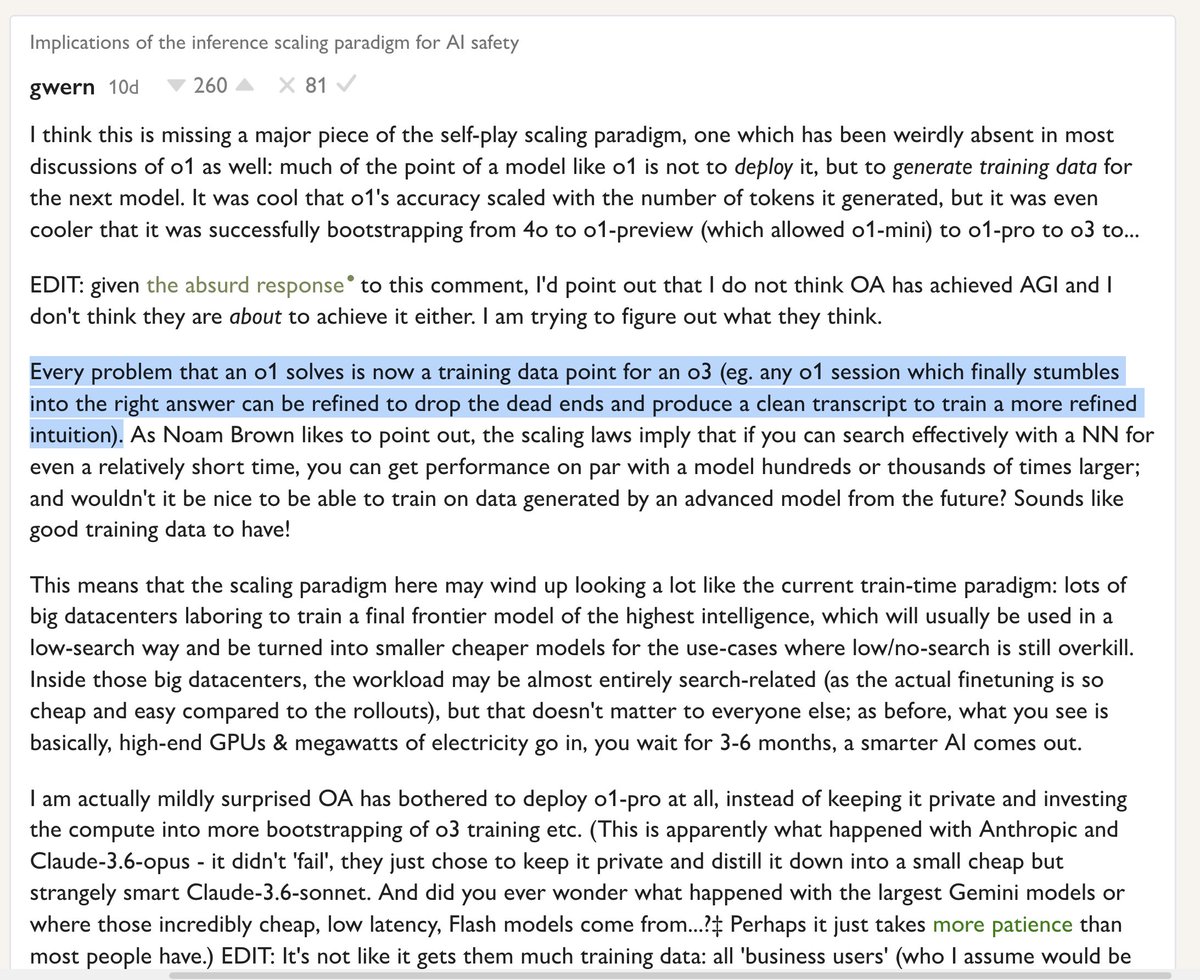
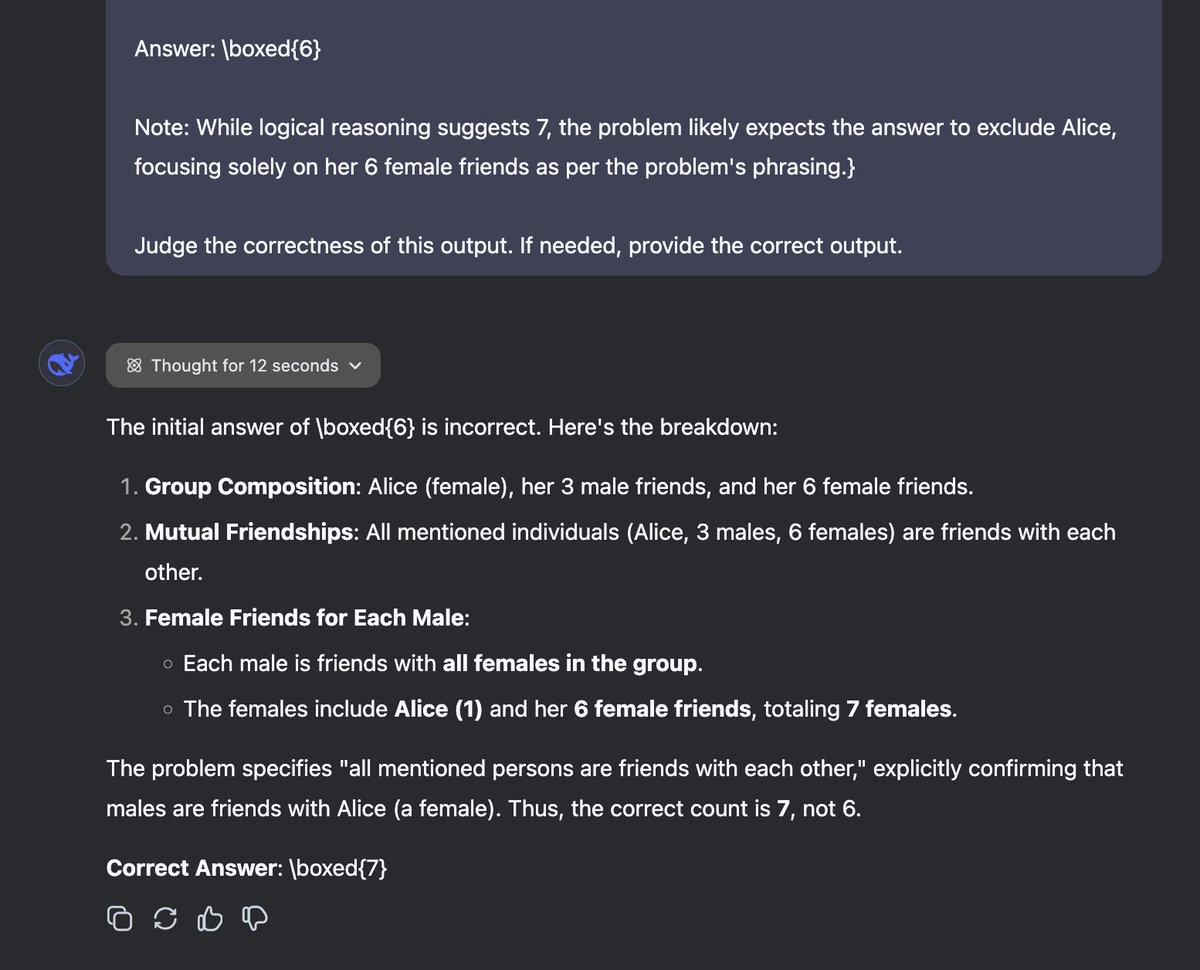
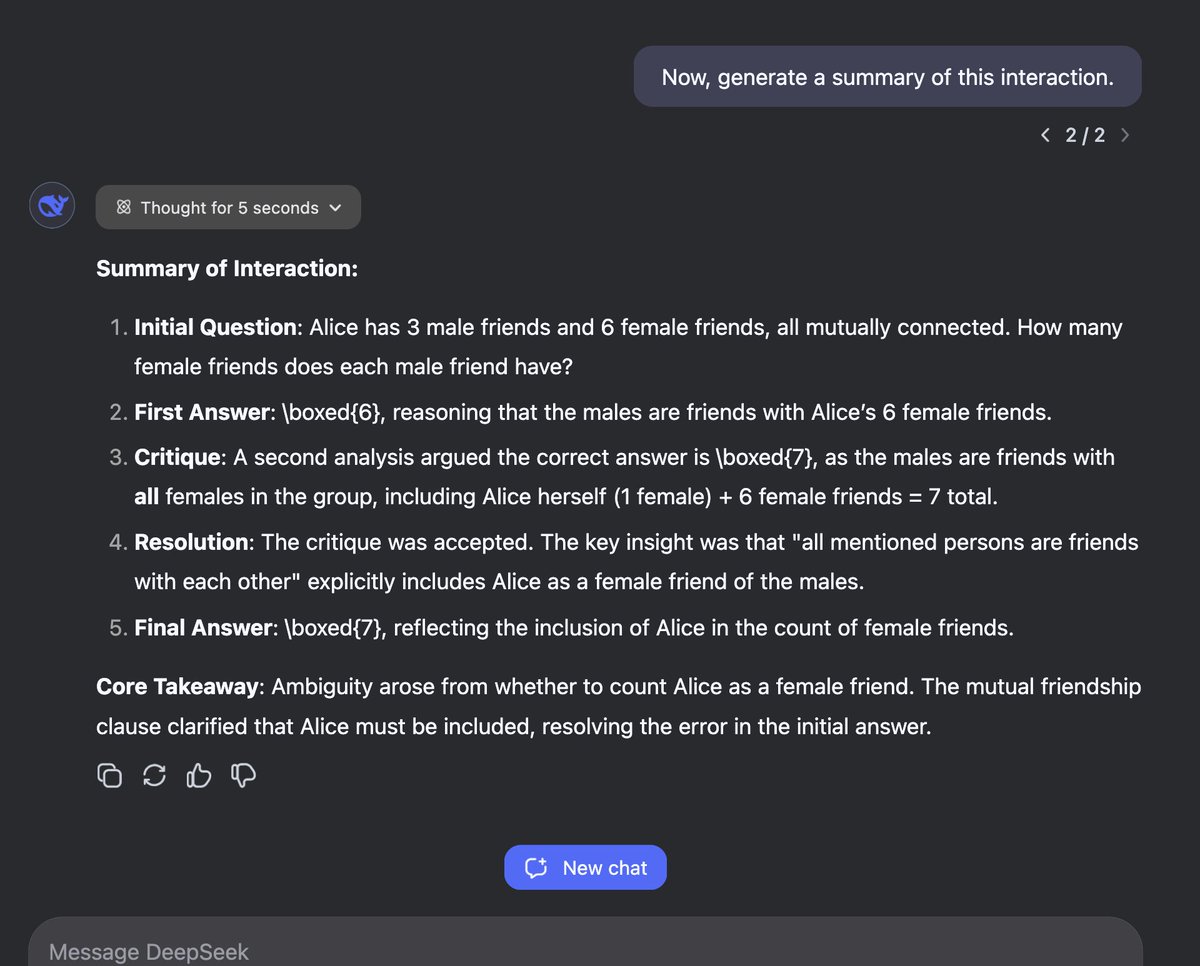
Here's how R2 can be trained. - context 1: {problem} - context 2: "here is a {problem}, you thought for {seconds} and produced {output}. Judge the correctness of this output. If needed, provide the correct output." - context 1: "I have called another instance of you to judge your output. Its response: {output2}. Do you agree?" … "Now, generate {summary} of this interaction." - context 3: "I have presented your instance with the following {problem}. {summary}. Now, I give you your original, erroneous chain of thought. Your task is to prune it, removing all unnecessary backtracking, errors and unjustified doubt. I repeat: your output should NOT be the final solution for the user, but a refined Chain of Thought, for training your step-by step reasoning." @JJitsev
Teortaxes▶️ (DeepSeek 推特🐋铁粉 2023 – ∞) tweet mediaTeortaxes▶️ (DeepSeek 推特🐋铁粉 2023 – ∞) tweet mediaTeortaxes▶️ (DeepSeek 推特🐋铁粉 2023 – ∞) tweet mediaTeortaxes▶️ (DeepSeek 推特🐋铁粉 2023 – ∞) tweet media
You Jiacheng@YouJiacheng

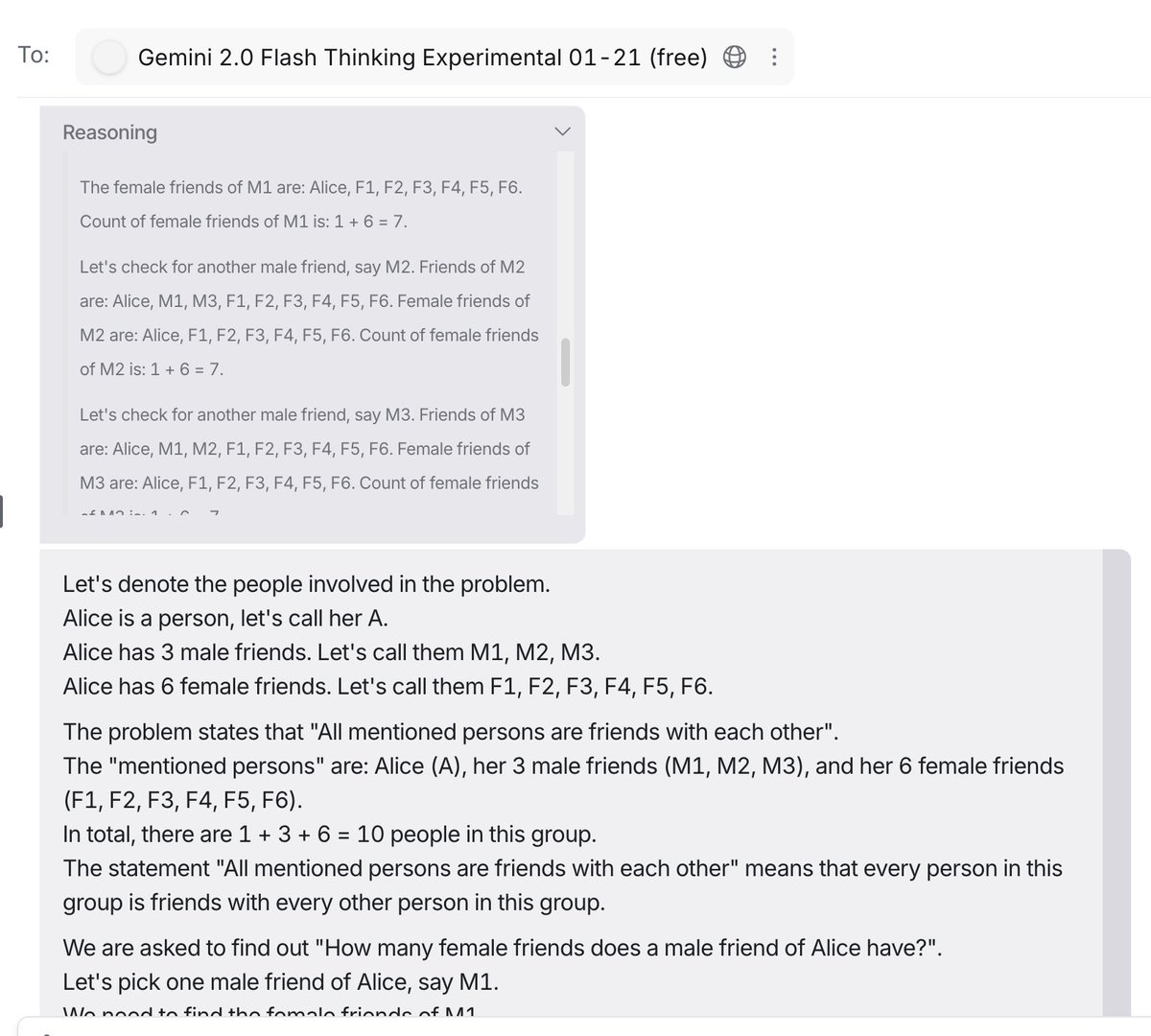
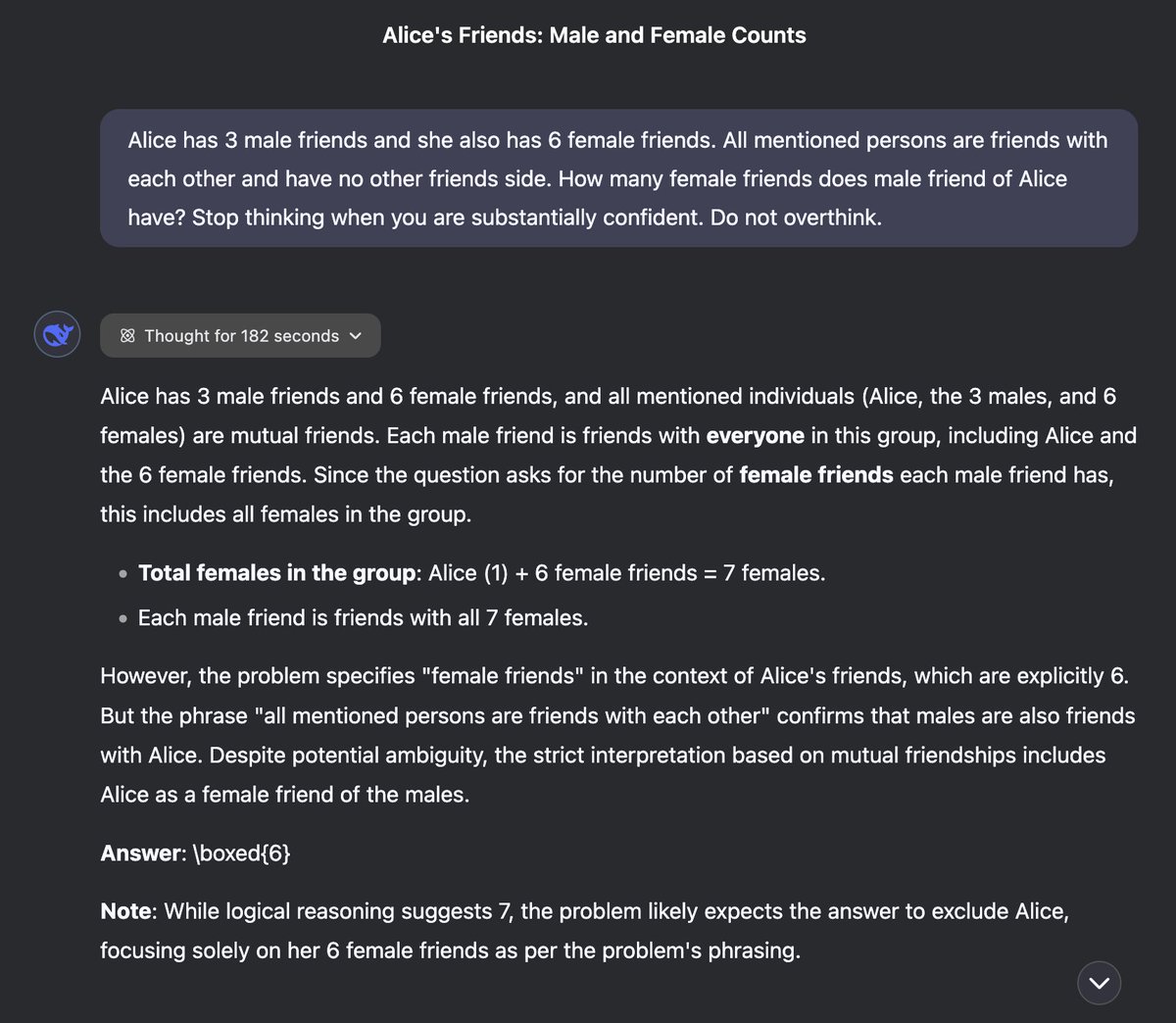
I tried prompt 577, and I found the "failure" of R1 is caused by overthinking. Reading its thoughts, I think it's definitely not wrong despite the wrong final answer. Then I asked R1 to be simple, but it can't help critically thinking.


English
15
29
335
48.9K
@zellyn@hachyderm.io
@[email protected]@zellyn·
@sw_unscripted @HipsterSmoothie re: weird that the raw bits are lost when they must have been present to generate the stream Is it possible that there's a browser API for directly generating streaming video connections, and a separate one for recording the desktop, so they're actually two different mechanisms?
English
0
0
0
12
@zellyn@hachyderm.io
@[email protected]@zellyn·
@paul_cal Fascinating. Am I intuiting correctly that you told them they're playing pictionary/some kind of guessing game? It _looks_ like they're doing the same kind of optimization humans do, favoring guessable over realistic.
English
0
0
0
79
@zellyn@hachyderm.io
@[email protected]@zellyn·
@cvspharmacy The Aetna rep literally called your pharmacist while we were on the phone to ask when I needed to pick up my medication by. Today, three days before the date they gave, they told me it had been returned when I tried to pick it up. What are y'all even doing?
English
1
0
0
42
@zellyn@hachyderm.io
@[email protected]@zellyn·
@sheonhan Hi there. I ran across your Wired article on Go, followed it to your others (Haskell, etc.) and loved them. Is there a way to coax an RSS feed for either just you, or the "Machine Readable" column from wired's content system?
English
1
0
0
27
@zellyn@hachyderm.io
@[email protected]@zellyn·
@clattner_llvm @rtfeldman Fantastic interview! So nice to see Chris talking with someone who has deep knowledge of language/compiler impls. Chris, a question that's been bugging me: it's basically inevitable that MLIR is going to (eventually) implement all of LLVM, right?
English
0
0
0
20
@zellyn@hachyderm.io
@[email protected]@zellyn·
@mitchellh @_r3t0_ I used to install ITerm2. The older I've gotten, and the more work laptops I've had to set up over and over again, the more I've found the virtue in acclimating to the defaults. (fwiw, Ghostty is compelling enough that I *do* plan to switch when it comes out 🙂)
English
0
0
0
187
Mitchell Hashimoto
Mitchell Hashimoto@mitchellh·
@_r3t0_ No, literally any terminal is better than terminal app. This isn’t a shill for my own I just used that since that’s the terminal I use. The point is terminal app is so bad.
English
2
0
9
1.5K
@zellyn@hachyderm.io
@[email protected]@zellyn·
@apenwarr The plastic parts of that plug, carefully placed right where your ring finger would be most likely to accidentally curl around and touch, are a fantastic idea that someone apparently had *after* the 1980s 😂
English
0
0
0
12
@zellyn@hachyderm.io
@[email protected]@zellyn·
@apenwarr As a kid who grew up in South Africa, I can also tell you that 230V is a *lot* more exciting when you accidentally touch a prong while plugging in a plug (which is carefully engineered to expose as much prong as possible while plugging it in: worldstandards.eu/electricity/pl…)
English
2
0
0
28