Sam Granieri, Jr -- @[email protected] 리트윗함

Marco Rubio wants to wish ALL OF YOU a Happy Pi Day!
He's dressed as Cherry Pie for the occasion.

English
Sam Granieri, Jr -- @[email protected]
3.8K posts


@samgranieri
Elixir and Ruby developer for @CityBaseInc, amateur photographer, college football fan, Xennial Chicagoan and father https://t.co/bWTCWUFHrQ






OMG THE CEO OF MCDONALD’S WAS CAUGHT ON CAMERA DOING IT 😱





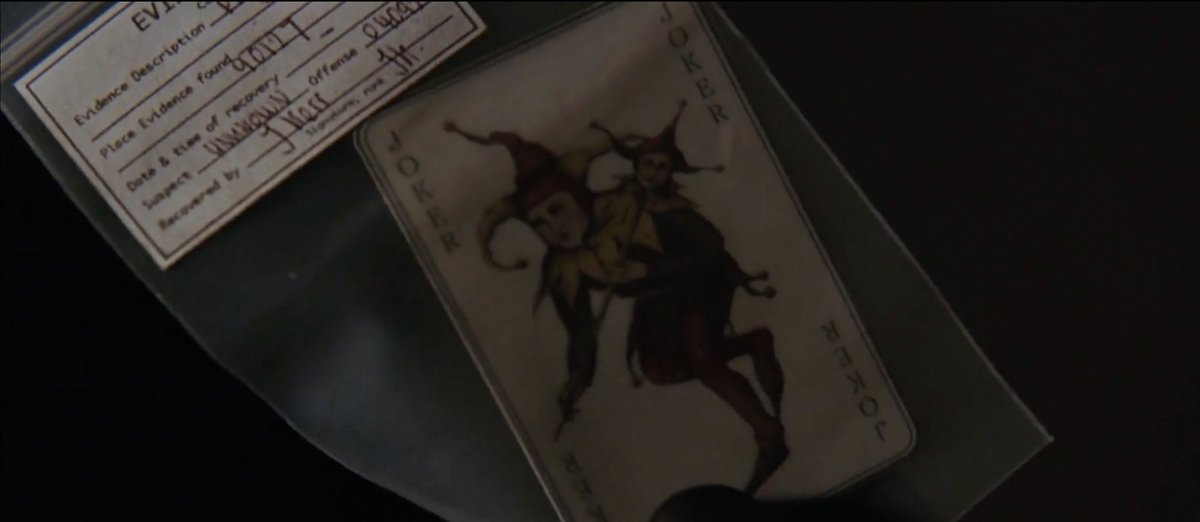
why aren't you watching batman begins on 35mm on a beautiful sunday afternoon


💩 nginx 🥲 localtunnel 🤩 Cloudflare tunnels ✅ free ✅ SSL ✅ no "warning page" ✅ your domain

>boot my old windows laptop >its been force-upgraded to windows11 >sign in with microslop account >immediately get blindingly bright pop up: “finish setting up your machine with Copilot” >no ty, click “setup later” >turn down Xbox gamepass offer >turn down Copilot 365 offer >unpin LinkedIn shortcut >open edge to redownload Brave >have to find it in Bing >disable OneDrive (it’s erroring out anyway asking for money, ransoming my files) >unpin copilot shortcut >disable Copilot Recall spyware >run windows update >click shutdown, but it restarts instead >blindingly bright pop-up “finish setting up your machine with Copilot” >copilot shortcut enabled again >try to use the start menu search bar >hangs then returns “search with Copilot” >click, it opens LinkedIn instead >want to close it but it’s frozen >open legendary programmer Dave W Plumber’s award winning software, Task Manager >238 processes called copilot.exe >mutter expletive >Cortana Copilot pops up, “I can help with that!” and freezes >Defender flagged it as malware >immediately get another pop-up >”OneDrive has run out of space! Your files are no longer accessible!” >about to lose it >I’ll just play a game, boot up CoD >pop-up asking to enable Copilot gaming assistant