
Sabitlenmiş Tweet
Carrd
2.8K posts


Carrd
@carrd
Simple, free, fully responsive one-page sites for pretty much anything.
Katılım Şubat 2020
2 Takip Edilen39.5K Takipçiler
Hey there. So sorry, we don't have any templates specifically for mobile app games. But most of the Carrd templates here under the "Landing" category can be adjusted to suit your needs - do give it a try:
#landing" target="_blank" rel="nofollow noopener">carrd.co/build#landing
You can also check out 3rd party Carrd template sellers - they might offer industry-specific templates
English

@carrd which template works best for showcasing two mobile app games? I want to recreate these two pages and then ditch squarespace hibbygames.com/tayas-alphabet
hibbygames.com/kelsi-davies-h…
English


@carrd nothing new, but i WILL be locking in and actually updating my carrds, since i havent in at least 2yrs
English
@cupidendra Hi, so sorry about that. Could you drop us a message here with your site and account details? We'll have a look:
carrd.co/contact
English
@i4knho Hi there! Try using some of the available templates inside Carrd dashboard - those are pretty good as a starting point
- carrd.co/dashboard/build
Or search "carrd templates" on Tumblr/Pinterest
There's also good tutorials made by the community on Youtube.
English


@rkxi_x Hi, sorry about that. Could you drop us a message here with your account details? We'll have a look:
carrd.co/dashboard/help
English

Carrd retweetledi

🌟 NEW free Carrd plugin: Video slider
Another one of those requested features I've heard people ask for: "Can the Slideshow element show videos too?"
Yes! Here it is. This is great for folks who want to showcase a portfolio or series of videos on their site.
Link below 👇
English

15 GTM tools I’d use to take a new product from $0 to $100K MRR
@unfairdotso = grow an audience and turn X conversations into customers
@sobedominik = find customer conversations on Reddit
@nikolak47 = scale LinkedIn outreach across accounts
@origamichat = find hard-to-reach buyers and launch outbound from one prompt
@smartlead_ai = scale cold email while protecting deliverability
@carrd = launch a polished landing page in hours
@domwhyte42 = capture and qualify leads with smart forms
@arcade_demo = turn your product into an interactive demo
@T_Zahil = launch your product to early adopters
@helloitsolly = collect and publish customer testimonials
@getRewardful = turn customers into an affiliate channel
@loops = activate and retain users with lifecycle email
@dubdotco = connect every click to revenue
@FeaturebaseHQ = collect feedback and announce what ships
@mfts0 = see how prospects engage with your deck
what did I miss?
English
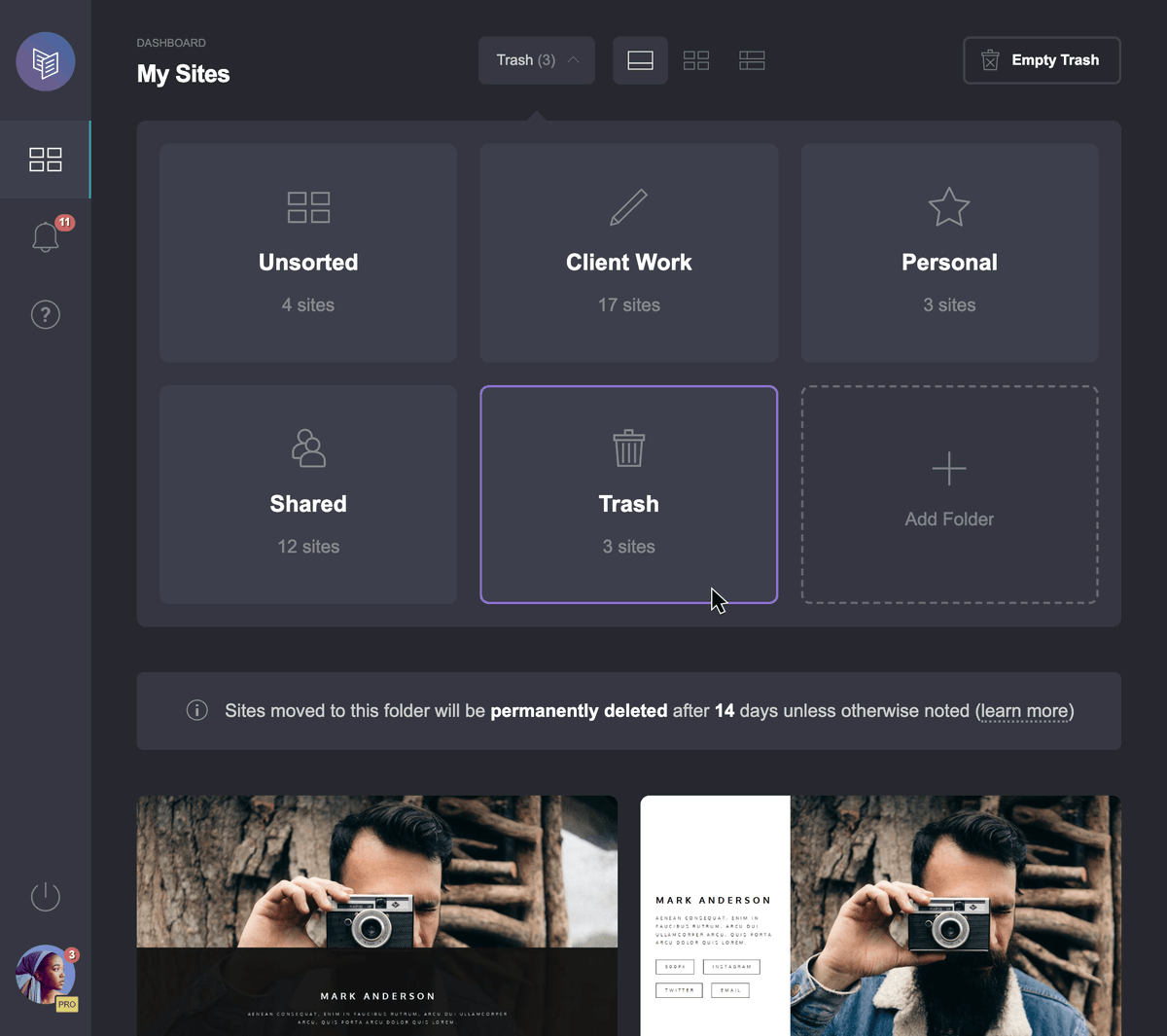
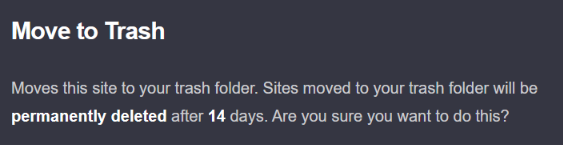
@CarrdTemplate Moving a site to the Trash folder takes it offline (reverting it to a draft) and makes it uneditable and inaccessible, but no longer counts towards your account's site slots. However, you will need to have site slots available to restore a previously trashed site.
English

@carrd Nice! Do sites in the Trash still count toward the site limit?
English
@flyingtomyroom Hi there! Try using some of the available templates inside Carrd dashboard - those are pretty good as a starting point
- carrd.co/dashboard/build
Or search "carrd templates" on Tumblr/Pinterest
There's also good tutorials made by the community on Youtube.
English

very tempted to make a strawpage or carrd smth of the sort but i have no clue how to do all that
English
@chanflorals Hi there, need any help?
We've got documentation pages here which might help -
carrd.co/docs/building
English

@oorchiu Hi, so sorry about that. Could you drop us a message here with your site and account details? We'll have a look:
carrd.co/dashboard/help
English

@nyaararii Let us know if you need any help!
The documentation pages are helpful too -
carrd.co/docs/building
English



Don't pay for Microsoft Office, use LibreOffice
Don't pay for Photoshop, use Photopea
Don't pay for Perplexity Pro, use Genspark
Don't pay for Coursera, use Class Central
Don't pay for SurveyMonkey, use Google Forms
Don't pay for Squarespace, use Carrd
Don't pay for Mailchimp, use MailerLite
Don't pay for Slack Pro, use Discord
Don't pay for Otter, use Whisper JAX
Don't pay for DocuSign, use PandaDoc
Don't pay for 1Password, use Bitwarden
Don't pay for Skillshare, use YouTube University
Don't pay for Shutterstock, use Pexels
(SAVE THIS before it disappears)
English
Carrd retweetledi

[ CARRD TIP ]
Carrd mimics pages by toggling the visibility of sections (Genius move). We can utilize the responsible classes to create our own section change animations!
.active + .inactive
Forcing display:block makes them always visible, then use position and transform!
English