

Jordi | ⚡Webflow Dev
2.2K posts

Jordi | ⚡Webflow Dev
@klaversdesign
⚡️ Buildin’ websites with @webflow
Available for Projects Katılım Aralık 2021
645 Takip Edilen490 Takipçiler

Jordi | ⚡Webflow Dev retweetledi



I’m giving away the system behind every big result in my coaching program.
For free.
This is the exact sequence I used to grow my own agency to $3M.
I proved it first. Now I share it freely.
Nobody handed me a roadmap. So I figured it out as I went. It worked, but it was slow.
I ran my agency for a decade. I hit $3M, working with an amazing team and world-class clients, eventually selling it—all while maintaining a reasonable work-life balance with time for family, marriage, friends, and travel.
That’s more than I ever hoped for. And more than many can say.
But so much of it was trial and error. Learning by stumbling around in the dark.
I didn’t know it was a system.
So what could have taken 2 years took me 6.
When I started coaching other agency owners, I saw the same pattern everywhere. Smart people. Good instincts. No sequence.
I finally sat down one day and tried to map it.
My prompt to myself: is there a framework for growing and scaling that I believe could work for every agency owner?
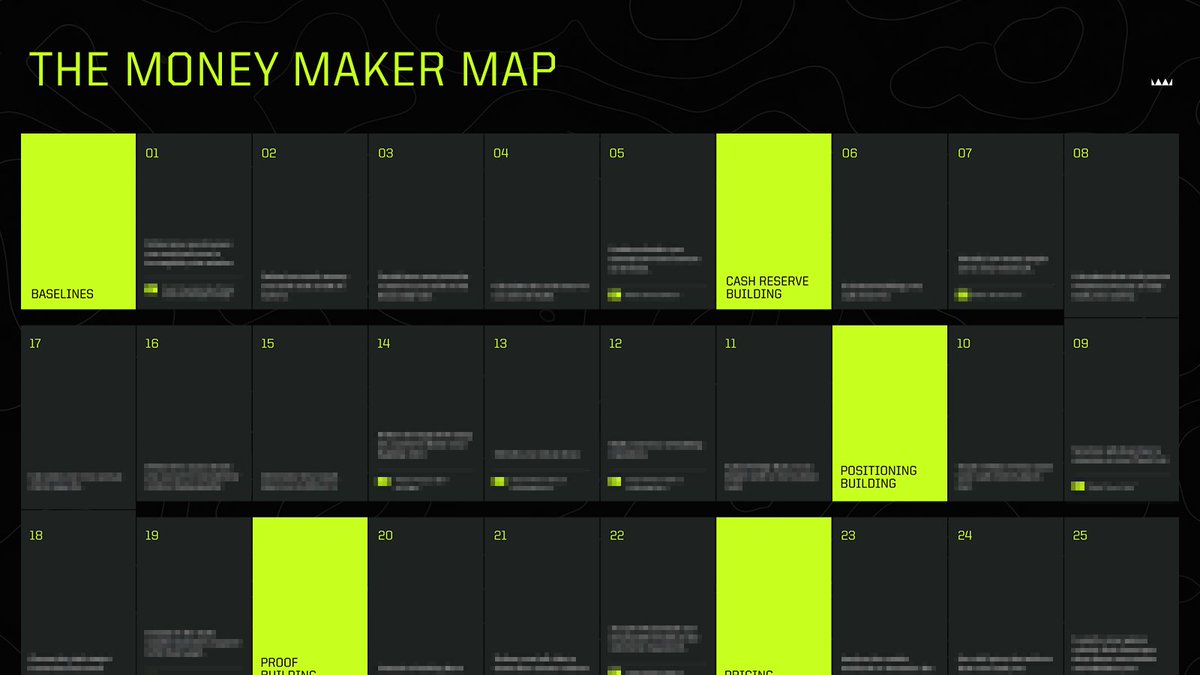
My answer is the Money Maker Map.
It’s 33 steps over 7 phases. Every step depends on the one before it.
It’s the backbone of my entire Make More Money coaching program.
It’s the reason my students go from $100K to $1M+.
It’s the most valuable piece of IP I’ve ever created.
Here’s what I‘ve found to be the 7 phases of scaling a services business:
1️⃣ Baselines — take inventory of where you actually are
2️⃣ Cash Reserve Building — build leverage so you can focus
3️⃣ Positioning — identify your ideal client and your best offers
4️⃣ Proof — establish your reputation as an expert
5️⃣ Pricing — deliver full price offers with confidence
6️⃣ Scale — systematize and hire
7️⃣ Expansion & Optionality — decide where to go next
Most agency owners jump straight to Phase 5 or 6.
They skip the steps they haven’t earned yet.
Then they wonder why everything feels like chaos.
The Money Maker Map won’t let you do that.
It answers one question better than anything else I’ve built:
“What should I be focused on right now?”
Three steps to using it:
→ Find your current step. Be honest.
→ Commit to finishing the current step before moving on.
→ Ignore everything past it.
That’s the discipline most agency owners are missing.
That’s what separates “busy” from “profitable.”
My slow learning can be your fast learning.
What took me 6 years could take you 1.
The Map is free. The discipline to follow it is the hard part.
I built this for agency owners doing $100K+ who want a clear path to $1M.
Comment “MAP” and make sure you’re following me. I’ll DM you the link.
English

Not a big course guy, but this is a no brainer MUST 😍
👀@ffmfedd
Launching something for me today: I’m working on a course. All I know about writing code in #webflow. From basic js, through animations to really advanced™ things. Live with this temporary (tiny) landing today, made w/ #webgl, #gsap and @webflow → 👀 thecodeflow.co
English
@aydaoz Recently tried Clickup again after trying out Basecamp.
Have to say, love the new design!!
We’re still figuring out our internal project management structure.
If any people have some examples on how to manage marketing / web design & dev, hit me up ✌️
English

we are always hiring at Clickup if u are interested Justin my friend😆
Justin Bieber@justinbieber
If I hit this dictation button after sending a text and it beeps and stops my music one more time, I’m gonna find everyone at apple and put them in a rear naked choke hold Even if I turn off dictation I somehow hit the voice note thing The send button should not have multiple functions in the same spot
English
@digitalshane_ Me too, just don't know how... What are some things you always see?
English


I just trained a custom GPT on all 4 Russell Brunson books
to help you:
-craft offers so good people feel stupid saying no
-write ad copy that turns strangers into buyers
-understand your dream customer's psychology
-build sales pages that print money
-design products that print money while you sleep
-get frameworks used by 7-figure funnel builders
like, rt + reply with "SECRETS" and i'll send it straight to your DMs (must be following so i can dm)
English

I sold this ClickUp training for $5K to 40 agency owners last year.
Now you're getting the (condensed) version for free.
- How to manage 200+ employees
- Run $1B+ in client rev
- Never lose track of a single task
Like + COMMENT "CU" and I’ll DM it to you
(Must be following)
GIF
English
@digitalshane_ So annoying. Also get a lot of lag spikes
English

you’re missing out.
- guide to ebooks
- guide to offer creation
- guide to lead magnets
- guide to landing pages
- guide to organic traffic
- guide to email outreach
- guide to building funnels
- guide to product validation
just like and reply “SEND” and I'll DM them to you.

English
@BradfordHuber4 @webflow I’d love the hear more about that modal 👀
English

One of my biggest frustrations with @Webflow right now is this:
There is no way good way to share components from one workspace to another.
Example:
We've built this really nice modal component, which basically supports anything you'd ever want in a modal - can trigger on page load, button click, mouse exiting page, cookies, utms, accessibility, etc.
There's 20+ properties added to the component to make this all happen.
The problem is currently If I want to take this component and add to it to a site in one of my clients workspaces, there is literally no good way to do this quickly.
I've tried every possible workaround with the shared libraries feature. Tons of snags and drawbacks with everything I've tried.
The ONLY way to do this is to unlink the component and all the properties, copy it over and then RELINK everything. With all the properties and everything that needs to be configured, it's probably a good 15-30 minutes to get it all ported over and working perfectly.
At that point it's usually not even worth doing that instead of using an alternative solution.
This is super frustrating as it's a great component, but it really only gets used if the project you are working on get's cloned from starter project that has it in it. This really prevents us from being able to share it and allow the community to benefit from it.
There's a couple possible solutions I see here:
1. Make it possible to just copy and paste components into another site without them unlinking all the properties. (ideal but might be more difficult)
2. Update the Designer API to be able to create & edit component properties. This would allow us to be able to create an app that would automate the relinking process when unlinking and pasting a component.
3. Make shared libraries more accessible - Currently only paid workspaces can use shared libraries and only Agency/Enterprise workspaces can have more then 1 shared library. This pretty much kills the possibility of using shared libraries as a way to transfer and move components around.
What do you guys think? Have you found any other workarounds or ways to do this?

English

EVERY. WORD. MATTERS…
when you’re WRITING a video’s SCRIPT.
most people think editing is what makes a short go viral…
guess what?
THEY’RE WRONG.
I’m a mid editor
but my scripting is IMMACULATE…
AND THATS WHY I GO VIRAL.
- diction
- rehooks
- pacing
- intended audience
- visual alignment
- retention hacks
- tone
all have to be accounted for.
I’ve spent hours curating a short form scripting guide for my community...
and i’ll give the pdf version to you for free.
like, retweet, bookmark…
and comment ‘script’ and i’ll send it to you
(must be following to get a dm)

English
most people can get traffic or reach their ideal audience, but because their offer is weak, the sales never come.
so I broke down the exact framework for building offers that make people say yes without hesitation:
- how to turn any product into a “no-brainer” offer
- how to make your promise feel fast, easy, and risk-free
- how to stack bonuses that remove hesitation completely
- how to write your entire offer in one clear, confident line
i turned it all into a step-by-step playbook you can steal.
like, rt + reply “OFFER” and i’ll send it to you. (must follow so i can dm.)
English


I just wrote 30 posts in 30 minutes.
All optimized for my industry and LinkedIn's algorithm.
Most people spend hours creating content.
Staring at blank screens. Fighting writer's block. Trying to figure out what the algorithm wants.
I got tired of it.
So I built an AI tool that does it all:
• Generates 30+ posts in under 30 minutes
• Automatically optimized for your specific industry
• Built-in LinkedIn algorithm best practices
• Creates hooks, stories, and CTAs that convert
• No more writer's block or wasted time
This isn't generic AI output.
It's trained to understand your niche and what actually performs on LinkedIn.
Want access to the tool?
1. Connect with me
2. Comment "TOOL" below
I'll send you the link to get going!

English

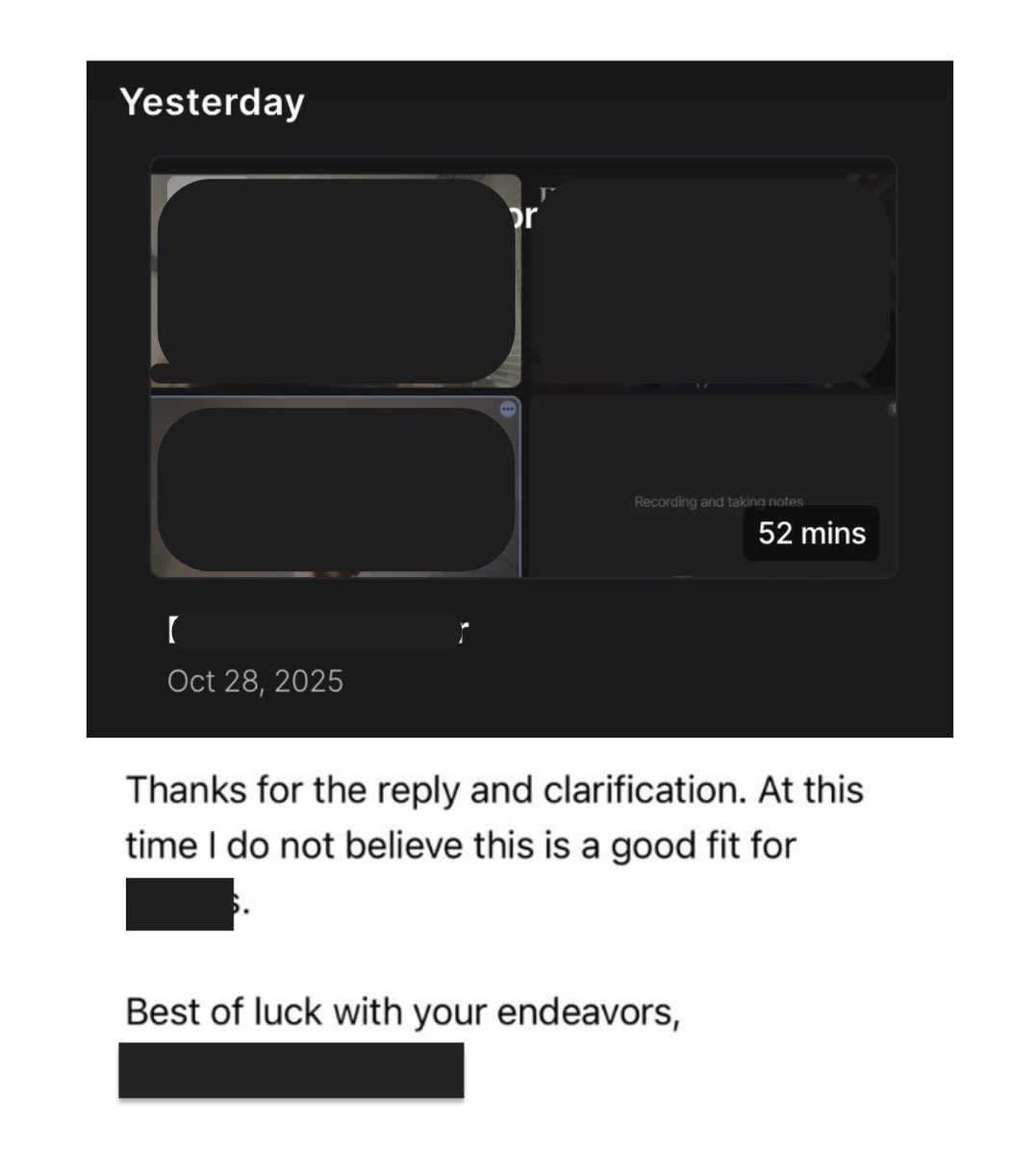
52 min masterclass on how to scope, pitch and close b2b deals in a secret way no one else knows about:
1. Check mate prospects and walk them down.
2. Get them to admit they have a process that converts.
3. How to get a 2nd attempt when they pass.
4. Unique Anchor no one else knows about.
Like + Comment "52" and I'll send you the masterclass document.
This is full of in-field wisdom GPT can never give you.
English
We just put together our full guide on how to get started with AEO in @webflow!
We’ve bundled everything we learned into cloneable google sheet with checklists, schema templates, and page-by-page tests to help you get your site AI-ready.
Want a copy? Comment "aeo" if you want it and i'll send it your way :)
English
@LucasHogie Bro is bij Eva
Waar kan ik dit kijken
Nederlands

You need to be talkshowmaxxing.
Be everywhere. Get seen always.
Promote your B2B offer on TV.
Sell the masses on your VSLs.
You need to be in the public’s mind, anon.
Sell them high ticket coaching.
Few.

English

I MIGHT GET SUED FOR THIS, BUT YOLO:
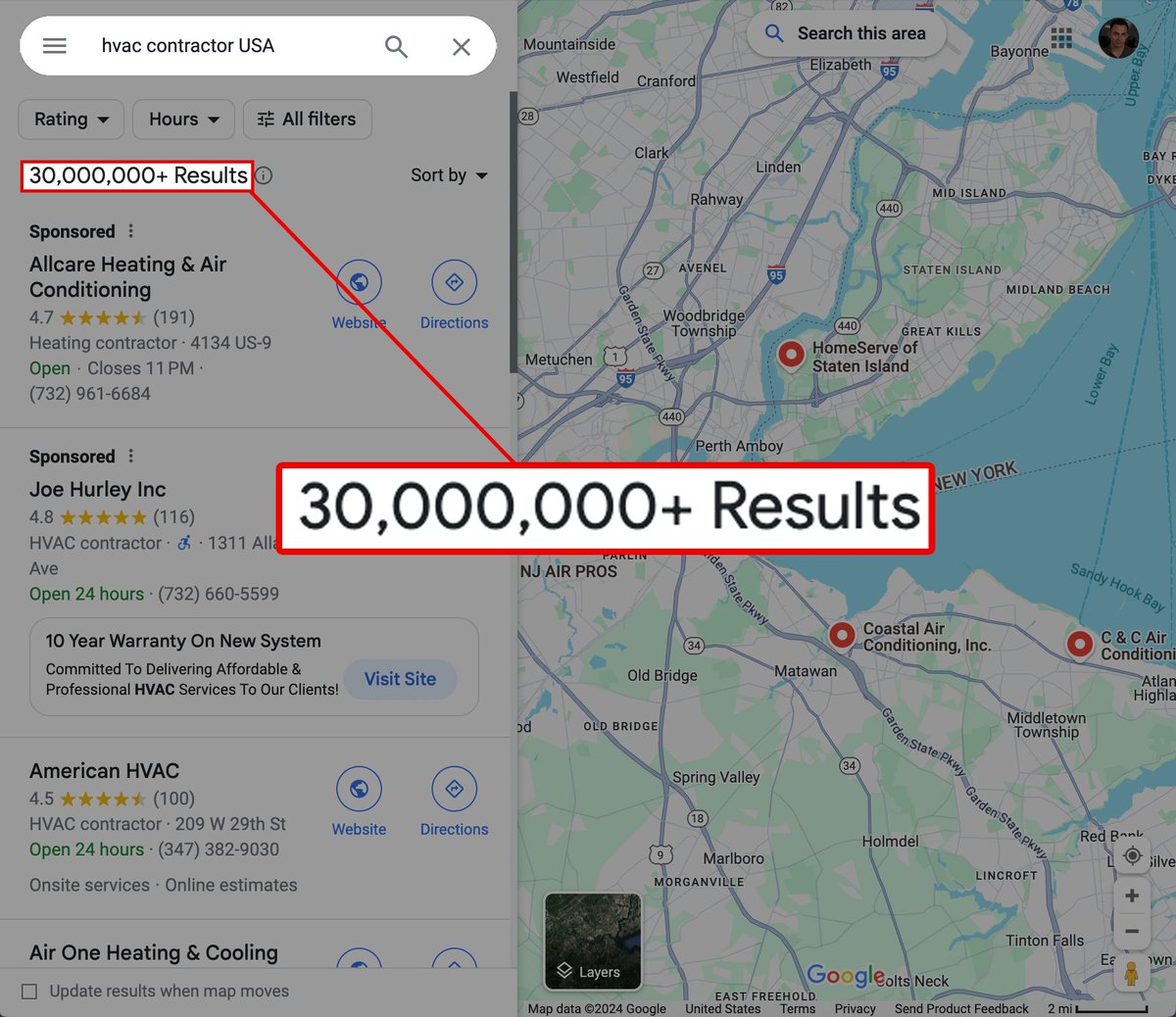
I just found a way to scrape over 200 million local businesses..
You can use this for cold email, cold calling or even door knocking..
And craziest part — IT'S COMPLETELY FREE.
Comment "G" and I'll send it to you. (24h only)
(DONT SHARE)
English