Ajay Sabs
252 posts

Ajay Sabs
@ajaysabs
I make stuff and sometimes write. Building @gather_do.
Toronto, Canada Katılım Ağustos 2010
388 Takip Edilen451 Takipçiler



Ajay Sabs retweetledi

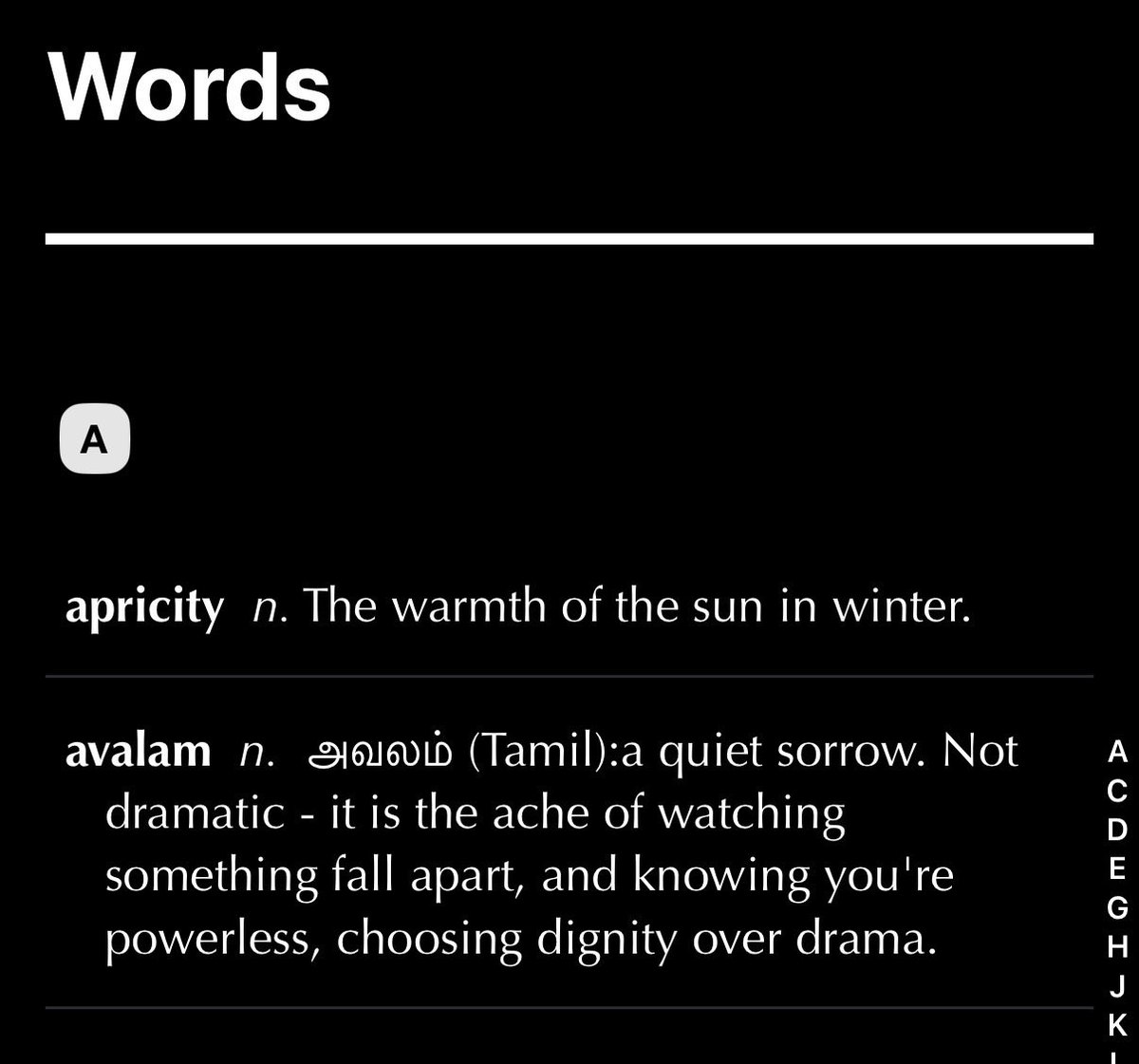
app store link for anyone who’s curious: apps.apple.com/us/app/words-c…
English





@getthinkable @gather_do @steven_yuen Amazing work @getthinkable! Love your video. Just threw in a lil pledge :)
English

On Saturday I asked my soulmate to spend the rest of her life with me. She said yes.
Sherry@SchrodingrsBrat
We’re getting married!!!!!!!!!!!!
English
Doc, I have these recurring nightmares where I wake up drenched in sweat because I imagine Apple has announced the EOL for AppKit/UIKit.
Thomas Ricouard@Dimillian
Here is a little nostalgia trip with Tim and his UIKit dimillian.medium.com/079f59e835d4?s…
English

@jacob_OS1 Reading this gave me the tingles. Gonna go listen to What a Wonderful World now.
English

We Need More Solar Punks
Conversations with friends and colleagues over the last few months invariably lead to AI doomerism. Podcasts and Internet forums proliferate the same sentiment.
There is a general anxiety about what the future might look like in the near and distant term. No one knows how bad the consequences of AI will be, or how good they could be. The descriptions are fuzzy.
My perception of the doomerism take is that we cannot imagine our future with a clear enough lens. Like being overwhelmed and unable to step back to think in steps.
It’s been more and more obvious to me that our limiting factor as humans has always been, and increasingly is, creativity. Humans have the unique predisposition to imagine, then built.
Jules Verne imagined inventions like submarines and space travel long before they became reality. Marshall McLuhan foresaw concepts like the "global village," predicting our connected digital world.
Where did our creativity go? We’ve lost it. Few possess the free thinking to clearly articulate a beautiful future.
But that is the antidote to the current doomerism: Define the future that you want to see. Make it vivid.
Imagining the future is how we’ve built our current reality. I don’t see why it would be different now (at least in the short term, pre-singularity).
Imagining a beautiful future also has a knock-on effect: Creating more content about an ideal future makes for good training data. Model training, at least part of it, incorporates human data. Generating more idyllic content embeds future models with ideas of what we (as humans) want our future to look like. This, in turn, contributes to AI safety guardrails if there is a consensus around the vision.
Of course, there are caveats. We're talking pre-singularity here —- before AI potentially surpasses human control in ways we can't yet fathom. And in the short term, there will inevitably be a lot of displacement. I get it. These challenges are real and shouldn't be dismissed. But acknowledging them doesn't mean they should suck the oxygen out of the room. It means channeling our energy into creative visions that address them head-on.
This is why we need more Solar Punk thinking. A movement that reimagines our future. Rather than a dystopian nightmare, think a harmonious blend of technology, nature, and community. It's a deliberate counter to cyberpunk's gritty fatalism. It emphasizes hope, DIY innovation, and balance.
This is a reminder -- the future isn't predetermined. It's shaped by the stories humans tell and the worlds we dare to dream. It's not ignoring the shadows; it's lighting them up with imaginative light.
Break free from the doom loop. Vividly imagine a beautiful future with endless possibilities.

English
made a little sketchbook for the sky. here's the story behind it and my thoughts on invisible AI
English


@ajaysabs It's been awesome following your journey building this product. It's a real pleasure being able to support such things!
English
Sorry for the delayed release on this one. Usually we like to push out a release every week or two, but 1.7 was a notable exception; it took us 3 months to ship. Some details for anyone who’s curious.
Sometimes big underlying architecture changes need to be made in order to introduce new features and improvements.
For example, with this 1.7 release and the introduction of our Bloom Engine, we overhauled our media item processing pipeline in order to allow for features like text recognition.
If there’s no existing user data, making and pushing out changes can be done more easily. But if there’s user data, then extra thought needs to be put in to figure out how to roll out these changes gracefully. Therefore each new big change that carries promise comes with a significant time/energy tax (sometimes 200% / 2x the amount of time it takes to implement the major changes!). As a result, we’re naturally disincentivized from pushing out such major changes frequently. This is not good, so we wanted to spend some time figuring out how to remove this friction.
Migrating data on an app that uses a centralized database (eg. a web app, which is the world we come from) would more predictable because we can run a migration script on a central server. But Gather is local-first, and user data is privately stored in their own iCloud accounts (we have no access/visibility to user data), so migrations need to run decentralized-ly, piecemeal, one device at a time. There are unique scenarios that we have to contemplate when a migration script runs this way:
- The device turns off, or the network cuts out, or the battery dies during migration
- User upgrades Gather on multiple devices simultaneously, or a long stretch of time apart (each of which causes their own issues)
- User skips upgrading a version of the app on one or all devices
So over the course of a couple months, we built a reusable migration harness. This harness takes care of some of these above details in a recyclable way, while the specifics of the migration are isolated to a less-complex script. Our migration harness, as of right now performs the following steps:
1. Initialize, checks if migration is needed
2. If the migration is major, then we block access to the main app UI until the migration is completed. This is rare though (1.7 being our first exception), and most of the time, the migration can run in the background while the user is using the app.
3. Ensure network connection is available
4. Check if migration was run on this device previously but was interrupted, creates a resume state if so
5. Check if an active migration is running on one of the users’ other devices, and if so waits for that to finish
6. Wait for current iCloud/CloudKit import/export operations to finish
7. Device turns on a “migration lock”, so that other devices don’t try to migrate while this device has the migration lock
8. Run the version-specific migration script. (eg. in 1.7 we update the media item data schema and perform text recognition retroactively on existing media items). Migration scripts emit their progress (and errors) to the migration harness.
9. Wait for iCloud/CloudKit export operations to complete
10. Turn off migration lock, set the migration status for this device to “complete”
11. If necessary, unblock access to the main app UI
We also created a bunch of mock migration scripts that allowed us to build and test this harness extensively, which is what you see in this lil video below.
So far, this work seems to be working fairly well. When @steven_yuen ran the prod version of 1.7 on his Mac, the app crashed once mid-migration, but c’mon, the man has thousands of media items. Still, when he restarted the app, the migration picked up where it left off, and the migration completed gracefully. No doubt there are improvements that can be made (eg. would love to eliminate our dependence on a network connection for migrations given Gather is local-first), but for now, this drastically reduces the “big change tax” that we previously felt.
Tldr; How fast we can push out major changes/features is limited by how easily we can perform data migrations. So we spent a bunch of time creating a migration framework that allows us to hopefully make and push out big changes faster and more reliably.
Gather@gather_do
Gather 1.7 is now available This release introduces what we’re calling Gather’s Bloom Engine. The Bloom Engine is Gather’s brain - it’s designed to make your content more useful, more organized, and more powerful. We think of what you’ve added to Gather as seeds that grow over time - that become something bigger and more meaningful. Over time, the Bloom Engine will learn and understand your context, create connections, make suggestions, and enrich everything you’ve saved and created in Gather. It works invisibly in the background, offline, locally, and privately on your device. Much more to come in future releases. Bloom Engine: Text Recognition The first feature of the Bloom Engine that we are releasing is automatic text recognition on your Library media items. All existing photos in your Library will be automatically scanned for text and indexed so that you can search for photos based on the detected text. Task Improvements We’ve added a few small features to make working with tasks easier. You can now postpone tasks through the right-click (macOS) or long tap (iOS) menu. You can also edit tasks easily and inline by simply clicking/tapping on the task text. Finally, if you’re using macOS, you’re now able to select multiple tasks (using the Option key) and deleting or postponing the selected tasks in one go. General fixes and improvements: - You can now convert a task to a thought (and vice versa) through the right-click (macOS) or long tap (iOS) menu in the Journal - Search now prioritizes note title matches higher than body searches - Text entered into Create text field is now automatically backed up and restored in case of accidental dismissal - You can now search for text within the current note body using Cmd+F (macOS) - Reliability improvements to the Tag field in the Share Extension - Fixed: Media Library built-in web browser can now follow links that would ordinarily open a new tab/window - Fixed: Web browser in Media Library would sometimes crash when opening a link or browsing
English

Just putting it out there.
Heres who I wanna grab a coffee with over the next few months and take their portrait.
@preshdkumar
@robjama
@robably__
@gentlycarved
@fahdananta
@adamislucky
@GajanBalan
@bierlingm
@AnjanKatta
@HamayalC
@novikoff
@dariusdan
@stanley_human
@mrkrishsatya
@mandiramidha
@_one334
@paulsyng
@ajaysabs
May need to do just host a party instead.
English